 ProMapRanker
Top Alternatives to Time Doctor in 2026


Remote teams with payroll needs · Pricing starts at: $4.99 per user per month
Key takeaways
- Hubstaff and Clockify suit teams that need payroll and accountability, while Toggl Track suits teams that want simple timers people actually use.
- Monitoring features vary a lot, from simple timers to screenshots and activity tracking, so agree the level of monitoring with your team first.
- Free plans from Toggl Track, Clockify and ActivTrak cover small teams, but paid plans add reporting, payroll and integrations.
- Check local law before you deploy monitoring, and tell staff what is tracked, why, and how long data is kept.
Quick comparison
| Pick | Great for | Pricing starts at | Free tier | |
|---|---|---|---|---|
| Hubstaff | Remote teams with payroll needs | $4.99 per user per month | Free trial | Visit |
 Toggl Track | Simple timers teams adopt | $9 per user per month | Yes | Visit |
 Clockify | Free tracking for unlimited users | Free | Yes | Visit |
 ActivTrak | Workforce analytics | $10 per user per month | Yes | Visit |
 Insightful | Privacy aware workforce analytics | $8 per user per month | Free trial | Visit |
 Harvest | Time to invoices for agencies | $11 per seat per month | Yes | Visit |
 DeskTime | Automatic tracking without timers | $6.42 per user per month | Free trial | Visit |
 Everhour | Tracking inside project tools | $8.50 per seat per month | Yes | Visit |
 Apploye | Low cost monitoring for small teams | $4.50 per user per month | Free trial | Visit |
The best alternatives to time doctor
We compared official pricing pages, feature documentation and public reviews for tools that track time, activity or productivity for remote and office teams. Our pick for most teams is Hubstaff, because it combines time tracking, screenshots, GPS for field teams and payroll in one place at a clear starting price.
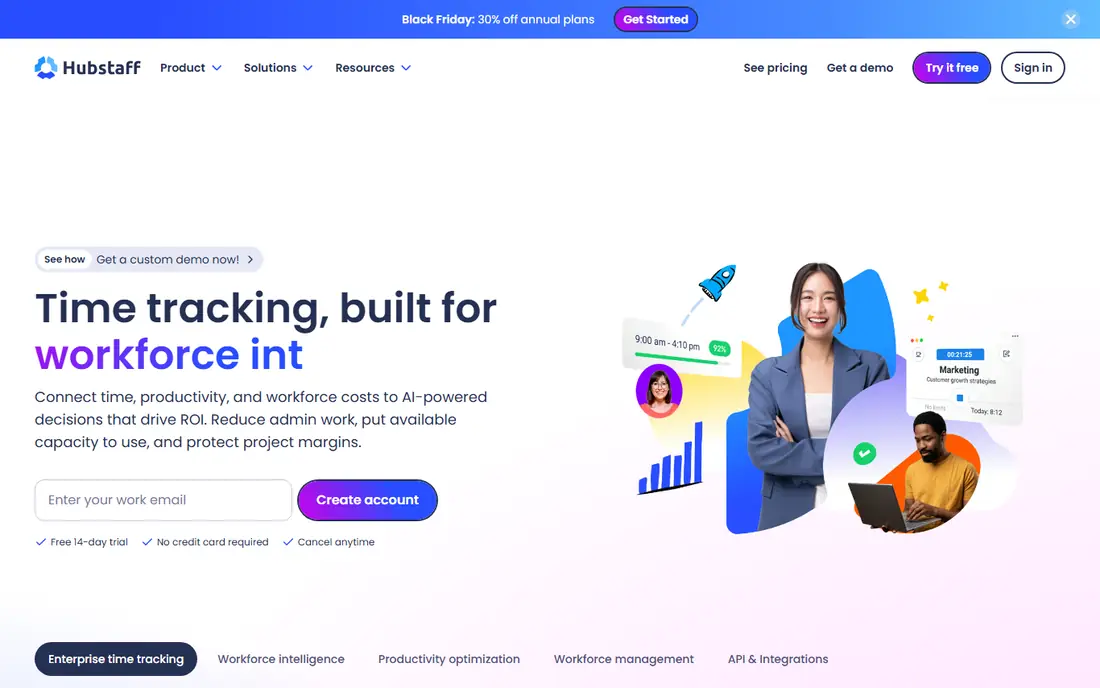
Hubstaff records time through desktop and mobile apps, with optional screenshots, app and URL tracking, and activity levels based on keyboard and mouse use. Managers get timesheets, project budgets and productivity reports, and can run payroll from tracked hours. Field teams also get GPS tracking and geofenced job sites.
The catch is trust. Screenshot and activity tracking can damage morale if it is introduced without a clear policy, so use the lightest monitoring level that meets your need and tell staff exactly what is collected. For agencies and remote teams that bill by the hour and pay staff from tracked time, Hubstaff is a practical all-in-one choice.
- Time tracking plus screenshots and activity levels
- GPS tracking for field teams
- Payroll and invoicing built in
- Monitoring level can feel heavy for some teams
- Some features are add ons on lower plans
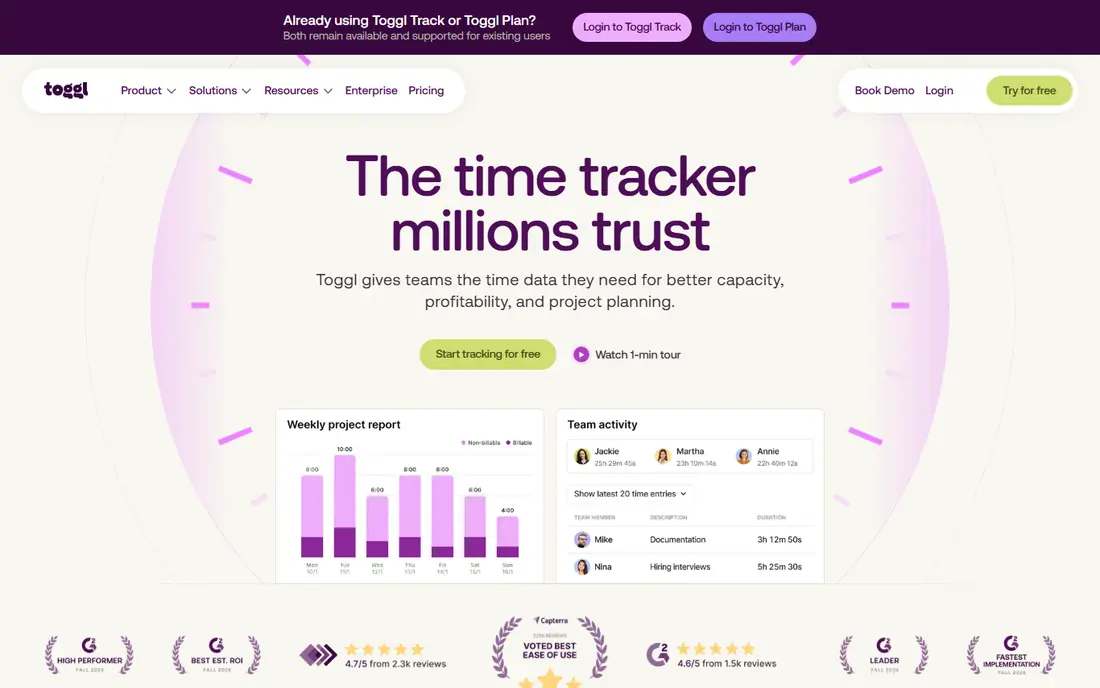
Toggl Track is the simplest tool in this list, and that is its strength. Staff start a timer, pick a project, and stop it, or add time manually later. Reports show where hours went by project, client or team member, and integrations cover common project and calendar tools. Adoption tends to be higher because the tool stays out of the way.
It does not monitor screens or activity, so it will not prove that someone was working at a given minute. That is a plus for trust based teams and a gap for teams that need proof of work. If your main need is accurate timesheets and client billing, Toggl Track is an excellent, low friction pick.
- Very easy timer and manual entry
- Clean reports
- Wide integrations
- No screenshots or deep monitoring
- Paid plans needed for advanced reporting
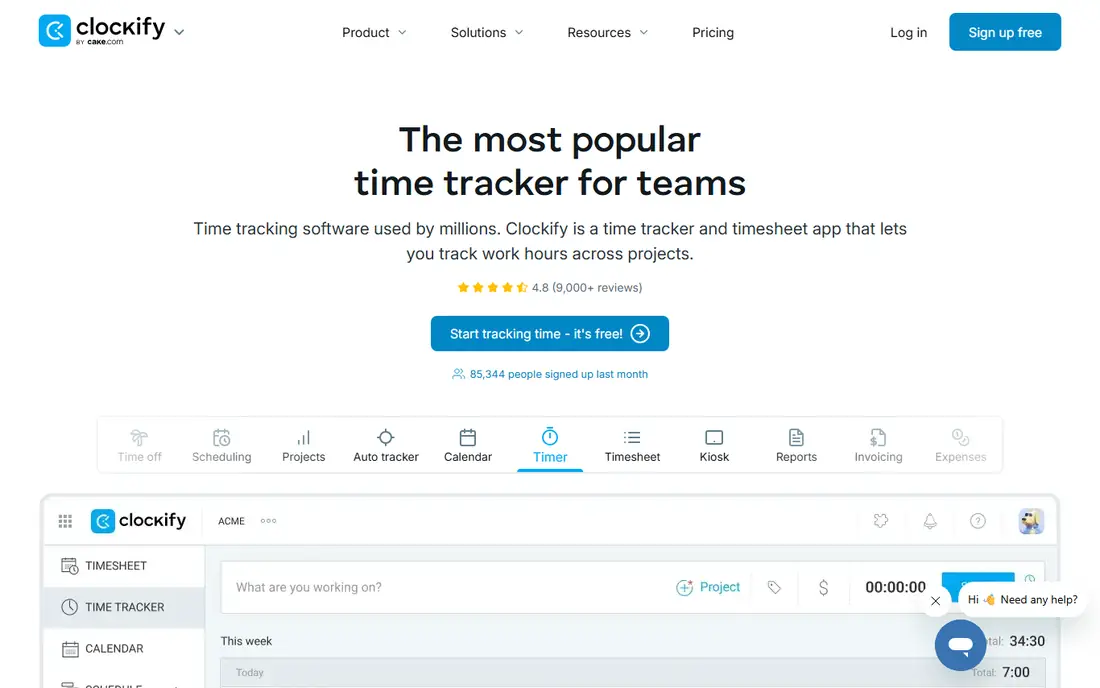
Clockify offers a free plan with unlimited users, projects and tracking, which makes it the cheapest way to get a whole team on timesheets. Paid plans add screenshots, scheduling, expenses, invoicing and approvals, so you can start free and upgrade only when you need those controls.
The interface is functional rather than polished, and some reports need a paid plan for full depth. For startups, nonprofits and small teams that need solid tracking without a monthly bill, Clockify is hard to beat. Larger teams should test reporting and approvals on a paid trial before rolling it out widely.
- Free plan covers unlimited users
- Timesheets, projects and reports
- Optional screenshots on paid plans
- Interface can feel plain
- Advanced features need paid plans
ActivTrak focuses on how work happens, not only how many hours were logged. It analyses app and website use, focus time, meeting load and collaboration patterns, and flags risks such as burnout or overloaded teams. Managers get team level trends rather than only individual timesheets.
That depth suits HR and operations teams in mid sized companies, but it can be more than a small team needs. The free plan covers up to 3 users, which is useful for a trial, while paid plans add deeper analytics. If you want insight into team workload and habits, ActivTrak is a strong choice, provided you use team level data with care.
- Workforce analytics beyond simple timers
- Burnout and focus time insights
- Free plan for up to 3 users
- Analytics depth can overwhelm small teams
- Higher plans needed for full features
Insightful, formerly Workpuls, combines employee monitoring with workforce analytics and a stated focus on privacy controls. You can choose monitoring levels, set rules for what is tracked, and view productivity trends, attendance and project time. Reports help managers spot bottlenecks without relying on constant screenshots.
There is no permanent free plan, only a free trial, and some extras such as screen recording cost more. For mid sized companies that need monitoring but want clear privacy settings and employee visibility, Insightful is a balanced option between simple timers and heavy surveillance tools.
- Workforce analytics with privacy controls
- Time tracking and screenshots options
- Clear reporting
- No free plan, only a trial
- Some features are add ons
Harvest is built for agencies, consultancies and freelancers who bill clients for time. Staff track time against projects and tasks, add expenses, and managers turn approved hours into invoices with a few clicks. Project budgets show when a job is heading over budget, which helps before the invoice goes out.
Harvest does not monitor screens or activity, so it will not suit teams that need proof of work. The free plan covers one user and two projects, which suits a solo freelancer, while paid plans cover teams. If your main goal is turning tracked time into accurate client invoices, Harvest is one of the cleanest tools available.
- Time tracking that flows into invoices
- Expenses and project budgets
- Clean interface
- No screenshots or activity monitoring
- Per seat pricing adds up for large teams
DeskTime records time automatically by tracking active apps, documents and websites, then categorises them as productive, unproductive or neutral. Staff do not need to remember to start a timer, which improves accuracy for teams that switch tasks often. Managers get daily timelines, absence calendars and project costs.
Automatic tracking is not perfect. A research task can look like browsing, and a useful tool can be marked unproductive until you adjust the rules. Spend time tuning categories in the first weeks. For teams that forget timers and want a hands off record of the day, DeskTime is a strong pick.
- Automatic time and app tracking
- Productivity categorisation
- Project and absence tracking
- Automatic tracking can miscategorise work
- No free plan
Everhour adds time tracking directly inside project management tools, so staff log time against the task they are already working on, without switching apps. It adds budgets, estimates, invoicing and reports on top of that workflow, which suits agencies and product teams that live in Asana, ClickUp or Jira.
If your team does not use a supported project tool, Everhour loses much of its advantage, and the paid plan has a minimum seat count. For teams already organised in those tools, Everhour feels natural and adoption is usually high, because tracking happens where the work already lives.
- Time tracking inside Asana, ClickUp, Trello, Jira and more
- Budgets and invoicing
- Clean reports
- Works best if you already use a supported project tool
- Minimum seat count on paid plans
Apploye offers time tracking, screenshots, app and URL tracking, payroll and invoicing at a lower starting price than many rivals. Remote, field and office teams can use desktop, mobile and web apps, and managers get reports on hours, activity and project costs. For small teams on a tight budget, the feature list is generous.
The ecosystem is smaller than Hubstaff or Toggl Track, with fewer native integrations, and the interface is functional rather than refined. If price is the main driver and you need monitoring plus payroll in one tool, Apploye is worth a trial. If you need deep integrations, compare Hubstaff first.
- Low starting price
- Screenshots, activity and payroll features
- Field team GPS tracking
- Smaller ecosystem than Hubstaff
- Interface less polished
How we picked these
We compared official pricing pages, feature documentation and public reviews for tools that track time or workforce activity and are live in October 2026. We kept tools with a clear time tracking or analytics focus, a current pricing page, and a trial or free plan where available. Where published prices differed by billing period, we used the annual billing figure and noted it in the field lines where space allowed.
What to check before you buy
Decide the monitoring level before you shortlist tools. A simple timer, automatic tracking, screenshots and activity monitoring are very different choices, with different legal and trust effects. Check employment law in your state or country, get advice if you monitor staff in Europe, and write a policy that states what is tracked, who sees it, and how long it is kept.
Trial with a small team for at least two weeks, and compare tracked hours with payroll or invoices to check accuracy. Test mobile apps for field staff, offline tracking, and how the tool handles leave and public holidays. Finally, ask staff for feedback on the trial, because a tool they resist will produce worse data than a simpler tool they actually use.
Frequently asked questions
What are time doctor alternatives for remote teams?
Hubstaff, Clockify, Toggl Track and Apploye are strong time doctor alternatives for remote teams, each with a different monitoring level. Hubstaff and Apploye add screenshots and payroll, Clockify adds free tracking for large teams, and Toggl Track keeps tracking simple and trust based.
Which alternative is best for agencies?
Harvest suits agencies that bill clients by the hour, because time flows cleanly into invoices and project budgets. Hubstaff suits agencies that also need payroll and accountability, while Everhour suits agencies already working in Asana, ClickUp or Jira.
Is there a free time doctor alternative?
Yes. Clockify and Toggl Track offer free plans, and ActivTrak offers a free plan for up to 3 users. Free plans cover basic tracking and reporting, while screenshots, payroll, approvals and advanced analytics usually need a paid plan.
Do these tools track screenshots?
Some do and some do not. Hubstaff, Apploye and Insightful offer screenshots as an option, while Toggl Track, Harvest and Everhour do not monitor screens. Choose the lightest option that meets your need, and tell staff in advance if screenshots are enabled.
How do I switch from Time Doctor without losing data?
Export timesheets, projects, clients and payroll records from Time Doctor before you cancel, and check what formats the new tool can import. Run both tools in parallel for a short overlap if you can, so you can compare totals, then move one team at a time rather than the whole company at once.
Sources
See where you really rank - block by block
ProMapRanker scans Google Maps across a grid of your service area. Simple monthly plans from $19, white-label on every plan.
Start freeKeep reading
 zscaler alternatives
Best Zscaler Alternatives in 2026
Looking for zscaler alternatives? We compare 9 SASE and zero trust platforms on architecture, data protection, pricing, and fit for your network and team.
Read → zapier alternatives free
Best Zapier Alternatives Free in 2026
Nine automation tools for zapier alternatives free in 2026, all with genuinely free tiers, plus free plan limits, starting prices and upgrade paths explained.
Read → which platform is best for online reputation
Which Platform Is Best for Online Reputation in 2026
Wondering which platform is best for online reputation? We compare 8 review, listing, and response tools for small and multi-location businesses and agencies.
Read →