 ProMapRanker
7 Best AI Powered Presentation Software Reviews for 2026


Sales and startup teams that track deck views · Pricing starts at: €10/month (billed yearly)
Direct answer
Our first pick is Pitch, best for sales and startup teams that track deck views. Alternatives: Plus AI for AI inside PowerPoint and Google Slides, and Google Slides with Gemini for Google Workspace teams. The other 4 tools in the list cover narrower or pricier cases.
Key takeaways
- Top of the list is Pitch, which targets sales and startup teams that track deck views.
- Pitch, Gamma, Canva: these are the 3 tools out of 7 that offer a free plan.
- The lowest published monthly entry price here is $10 per user/month, from Plus AI.
- Canva is the one to check for marketing teams that require decks plus other designs.
- Check the limits for Beautiful.ai before you commit: no permanent free plan.
Quick comparison
| Pick | Great for | Pricing starts at | Free tier | |
|---|---|---|---|---|
| Pitch | Sales and startup teams that track deck views | €10/month (billed yearly) | Yes | Visit |
 Plus AI | AI inside PowerPoint and Google Slides | $10 per user/month (billed annually) | Free trial (7 days) | Visit |
 Google Slides with Gemini | Google Workspace teams | $14 per user/month (Business Standard, annual) | Free trial (14 days) | Visit |
 Beautiful.ai | Brand-consistent decks for small teams | $14.50/month (billed annually) | Free trial (14 days) | Visit |
 Gamma | Quick first drafts from a prompt or document | See website | Yes | Visit |
 Microsoft 365 Copilot (in PowerPoint) | Firms standardized on PowerPoint | $21 per user/month add-on (billed yearly) | No | Visit |
 Canva | Marketing teams that require decks plus other designs | See website | Yes | Visit |
Tool-by-tool breakdown
Short on time? The summary and table above give the quick view of 7 AI powered presentation software reviews, and the profiles that follow give the detail behind each entry.

Pitch is a good fit for sales and startup teams that track deck views. Pitch is made for teams whose decks go out to prospects and investors. In daily use, US buyers should check the dollar price at checkout.
Worth adding: the free plan supports up to 5 members and unlimited presentations, with 100 AI credits that do not renew once used. Credit allowances are modest (500 a month on Plus and Team, 750 on Business), with additional credits sold at $0.004 each. Pitch's help center confirms annual billing is 17% less expensive and that every member is billed except commenters. In daily use, premium levels displayed for us at €10 a month for Plus (one member), €15 per seat for Team (up to 25 members) and €20 per seat for Business (up to 200), all on annual billing. What you pay to start with Pitch: €10/month. Pitch offers a free plan.
Points against: Prices displayed in euros for us.
- Google Analytics and Loom
- Link analytics and shared pitch rooms on Team and Business
- Free AI credits (100) do not renew
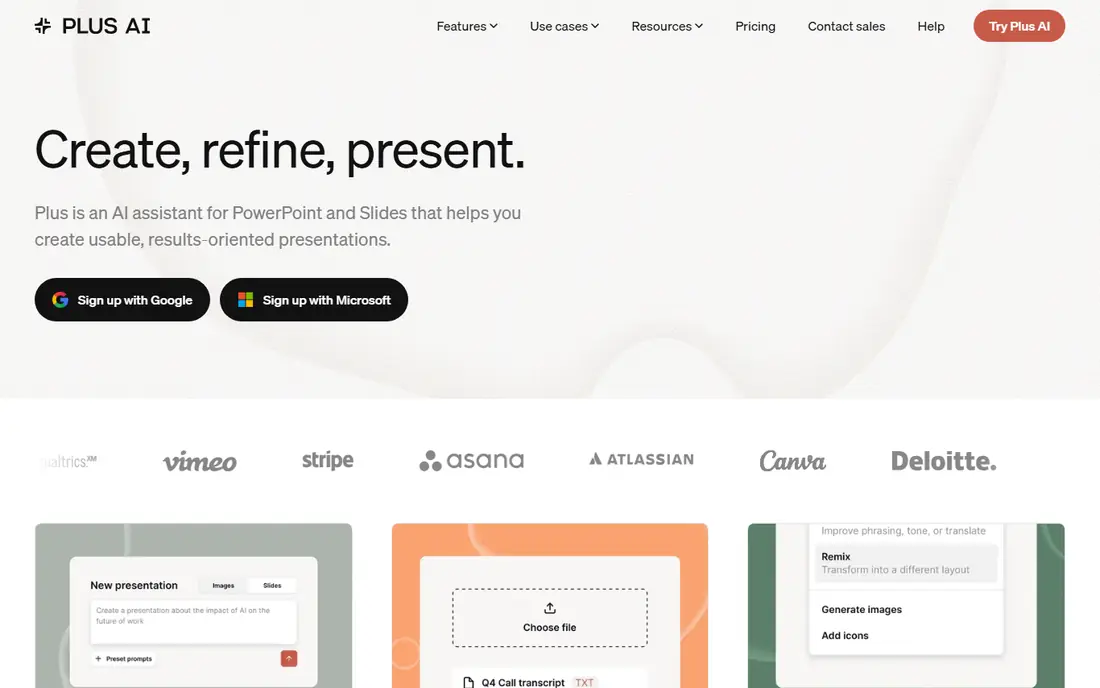
Plus AI works best for AI inside PowerPoint and Google Slides. Rather than asking you to move into a new editor, it installs as an add-in for Google Slides and PowerPoint. More specifically, you get speed and convenience, not the polished, opinionated design system of Beautiful.ai.
Points against: No permanent free plan.
The honest limitation is that your output can only look as decent as the slide app underneath it. Also, Plus AI notes that an usual task uses between 40 and 170 credits based on complexity, so Basic handles a moderate amount of work. For everyday use, every premium plan starts with a 7-day trial that contains 1,000 credits. The Basic plan is $10 per user a month on annual billing, or $15 month to month, with 1,500 AI credits per month. Entry price for Plus AI: $10 per user/month. Trial and free access: Free trial (7 days).
- Lowest premium entry price on this list
- Works inside the apps your team already uses
- Credit-metered, with tasks using roughly 40 to 170 credits each

Google Slides with Gemini targets Google Workspace teams. Google's plan page lists Business Starter at $7 per user a month on annual terms, but that level only contains Gemini in Gmail and the standalone Gemini chat. The downside is that Gemini is a helper, not a designer.
It accelerates writing and image creation, but you still choose layouts and fix spacing yourself. Google was also running an introductory discount on the first three months when we checked. Google Slides with Gemini cost at the entry level: $14 per user/month. On free options: Free trial (14 days).
Where it falls short: Gemini in Docs and the other apps opens at Business Standard, not Starter.
- No additional vendor for Workspace customers
- Adaptable monthly plan available
- Slide design help is lighter than specialist tools
Beautiful.ai is designed for brand-consistent decks for small teams. Pro costs $14.50 a month on annual billing for one person. Also, the weakness is adaptability.
Designers who want pixel control commonly find it restrictive. Beyond that, beautiful.ai suits the operations lead or marketing manager who is tired of fixing other people's alignment. Its Smart Slides adjust spacing and layout as you type. So a deck built by a salesperson still looks like it came from the design team. For everyday use, team spans 2 to 20 seats at $40 per user a month billed yearly, or $50 month to month. Starting cost for Beautiful.ai: $14.50/month. Trial and free access: Free trial (14 days).
Where it is weaker: No permanent free plan.
- Smart Slide layouts reformat automatically as you add content
- PowerPoint import and export included
- Team plan jumps to $40 per user a month
Think of Gamma for quick first drafts from a prompt or document. Gamma is the tool most people mean when they say "AI presentation maker." You type a prompt or paste notes, and it returns a styled, multi-section deck. Premium levels raise the per-prompt limit to 100 slides, remove the Gamma branding, and add custom branding, analytics and custom domains on Pro.
The main drawbacks: Card-based layouts can need cleanup after export to PowerPoint.
Where it shines: web pages and social graphics.
Also, decks that look excellent in the browser at times need layout fixes once exported to PowerPoint. The company states it is SOC 2 Type II compliant, which helps if procurement asks. From a buyer's view, Gamma's pricing page lists up to 10 slides per prompt, PDF and PPTX imports, and exports to PDF, PPTX, PNG and Google Slides. Gamma shows no starting price here, so confirm the cost on the vendor site. Gamma includes a free tier.
- PNG and Google Slides
- Imports existing PDF and PPTX files
- Free plan layers on Gamma branding and caps each prompt at 10 slides
Microsoft 365 Copilot (in PowerPoint)
Great for: Firms standardized on PowerPoint
In short, Microsoft 365 Copilot (in PowerPoint) is for firms standardized on PowerPoint. For a company that lives in Outlook, Teams and SharePoint, Copilot is the path of least resistance. Slides Copilot produces tend to look like standard PowerPoint themes.
As for the details, the trade-off is cost per seat and design quality. On top of that, Microsoft's pricing page lists the Copilot Business add-on at $21 per user a month on annual billing (a lower promotional price was showing when we checked) and $25.20 on monthly billing. Microsoft 365 Copilot (in PowerPoint) starts at: $21 per user/month add-on. Microsoft 365 Copilot (in PowerPoint) has no free plan.
What to check first: Design output is plainer than dedicated tools.
- One license also includes Word, Excel
- Outlook and Teams
- Annual subscription that auto-renews
Where Canva fits: marketing teams that require decks plus other designs. Canva makes sense when presentations are only part of the job. From a buyer's view, Canva Business is listed at $20 per person a month with no seat minimum, based on Canva's own announcement, and it bundles data connector apps for Google Analytics, Salesforce and HubSpot.
Upsides: Presentations sit alongside social posts.
Downsides: Heavy template use can make decks look familiar.
In practice, a marketing coordinator can build a webinar deck, the matching social graphics and a one-pager in the same workspace, with the same brand colors and fonts. Its AI tools can draft a presentation from a prompt and rewrite or resize content afterward. Canva shows no starting price here, so confirm the cost on the vendor site. Canva includes a free tier.
- Generous free plan
- Canva Business has no seat minimum
- Premium AI and brand features sit behind higher levels
Selection criteria
ProMapRanker looked at what each vendor publishes: pricing, plan limits, feature coverage for AI powered presentation software reviews and stated drawbacks. No hands-on testing is claimed. Figures are shown as the vendors publish them. Billing terms, seat minimums and add-ons can change the real cost. Position on the page reflects fit for a typical buyer first, with price clarity and free access breaking ties. Treat it as a guide, not a ruling.
What to check before you buy
- Ask Gamma and Canva for a written quote, since no starting price is shown.
- Check what the free option really includes: Pitch, Gamma and Canva offer a free plan, and usage caps differ.
- Use real work to test the free trial from Plus AI, Google Slides with Gemini and Beautiful.ai, rather than a demo project.
- Read the limits listed for Pitch first: free AI credits (100) do not renew.
- Total up the real monthly cost of Canva, including add-ons, extra users and usage-based fees.
- Check whether the features you need in Pitch sit on the entry plan or only on higher tiers.
Frequently asked questions
How are the AI powered presentation software reviews ordered?
The order follows typical fit for AI powered presentation software reviews, with Pitch first and Canva last, then price clarity and free access. It is editorial judgement, not a score, so another team could rank the tools differently.
How do AI credits work in presentation software?
Credits measure how much AI work you can do each month. Plans differ widely, so compare monthly allowances and the price of additional credits, not just the subscription fee.
Is Pitch the right pick for everyone comparing AI powered presentation software reviews?
No single tool suits every team. Pitch comes first because it fits sales and startup teams that track deck views, while Plus AI suits AI inside PowerPoint and Google Slides and Google Slides with Gemini suits Google Workspace teams. Match the tool to your own size, budget and workflow before deciding.
Can I try these tools before paying?
Often, yes. Pitch, Gamma and Canva have a free plan and Plus AI, Google Slides with Gemini and Beautiful.ai offer a free trial. Use your own data and a real task during the test, and check what the free tier or trial limits before you rely on it.
What is the best AI-powered presentation software for a small business?
Start with Pitch if you need sales and startup teams that track deck views. Plus AI is the better match for AI inside PowerPoint and Google Slides, and Google Slides with Gemini for Google Workspace teams. The best choice depends on budget, team size and workflow.
Which AI powered presentation software reviews have a free plan?
On this list, Pitch, Gamma and Canva include a free plan. Caps on seats, usage or features are common, so test the free plan against your real workload. Several others offer a trial instead.
Sources
See where you really rank - block by block
ProMapRanker scans Google Maps across a grid of your service area. Simple monthly plans from $19, white-label on every plan.
Start freeKeep reading
 zscaler alternatives
Best Zscaler Alternatives in 2026
Looking for zscaler alternatives? We compare 9 SASE and zero trust platforms on architecture, data protection, pricing, and fit for your network and team.
Read → zapier alternatives free
Best Zapier Alternatives Free in 2026
Nine automation tools for zapier alternatives free in 2026, all with genuinely free tiers, plus free plan limits, starting prices and upgrade paths explained.
Read → which platform is best for online reputation
Which Platform Is Best for Online Reputation in 2026
Wondering which platform is best for online reputation? We compare 8 review, listing, and response tools for small and multi-location businesses and agencies.
Read →