 ProMapRanker
2026 Guide to the Best AI-Powered Mind Mapping Software

AI-assisted diagrams and process mapping · Pricing starts at: See website
Direct answer
Lucidchart is the first pick on this list for AI-assisted diagrams and process mapping. Listed starting prices: XMind from $4.92 a month, Miro from $8 per member a month and ClickUp from $9 per user a month. Look at XMind for structured brainstorming with AI and templates, and at Miro for visual collaboration beyond mind maps. All 6 tools are compared below on price, free plan and limits.
Choosing AI-Powered mind mapping software usually comes down to price, fit and limits. This ProMapRanker guide sets 6 tools side by side on those three points, with the facts kept short and checkable.
Key takeaways
- Lucidchart sits first on this list: AI-assisted diagrams and process mapping.
- Before buying Miro, weigh this: mind mapping is one feature among numerous.
- The lowest published monthly entry price here is $4.92 per month, from XMind.
- 4 of 6 tools offer a free plan: XMind, Miro, MindMeister, ClickUp.
- Coggle fits straightforward, collaborative mind maps.
Quick comparison
| Pick | Great for | Pricing starts at | Free tier | |
|---|---|---|---|---|
| Lucidchart | AI-assisted diagrams and process mapping | See website | Not stated | Visit |
 XMind | Structured brainstorming with AI and templates | $4.92 a month | Yes | Visit |
 Miro | Visual collaboration beyond mind maps | $8 per member a month | Yes | Visit |
 MindMeister | Quick AI-assisted online mind maps | See website | Yes | Visit |
 ClickUp | Mind maps inside an all-in-one productivity app | $9 per user a month | Yes | Visit |
 Coggle | Straightforward, collaborative mind maps | See website | Free trial | Visit |
6 options for AI-Powered mind mapping software in detail
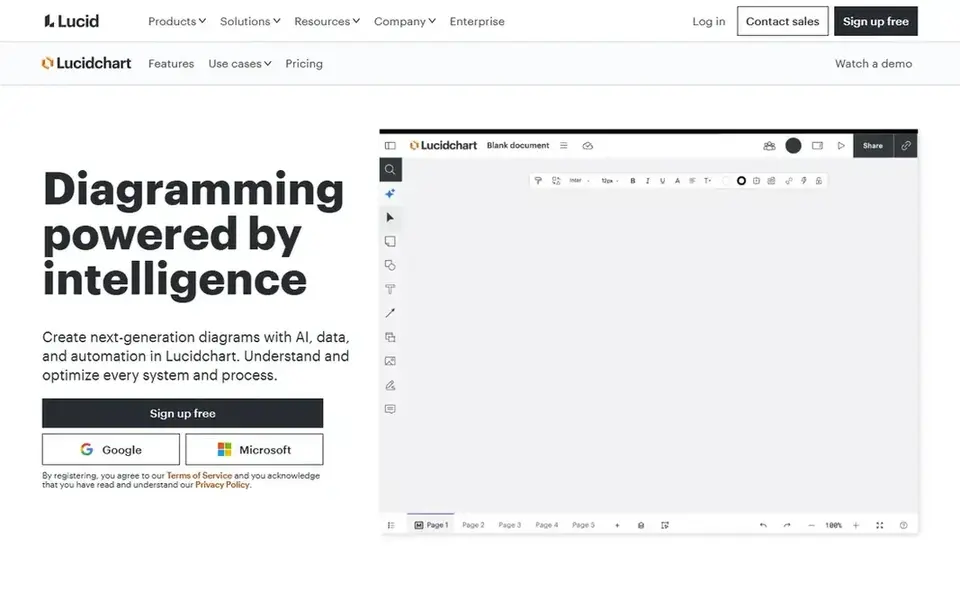
Lucidchart is aimed squarely at AI-assisted diagrams and process mapping. It helps users understand and optimize systems and processes. In practice, Lucidchart is built around diagramming instead of mind mapping first, so pure brainstorming sessions may feel less direct.
Watch-outs: May be more than needed for straightforward maps.
From a buyer's view, for mind mapping, it suits teams that want maps connected to broader process and system diagrams, particularly in technical or operational contexts where visualization supports analysis. Choose Lucidchart when mind maps are part of a bigger effort to document and improve systems. Users wanting a straightforward map maker might find it complicated. This comparison lists no price for Lucidchart; ask the vendor. Free access: Not stated.
Best features of Lucidchart: Solid for system and process visualization.
- AI, data
- Integrates diagramming with optimization
- Mind mapping is secondary to diagramming
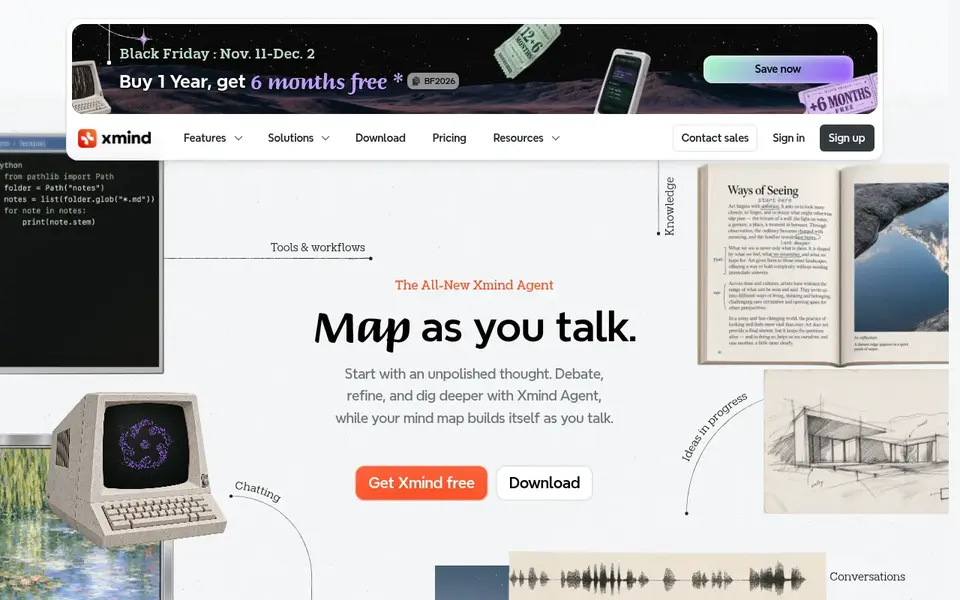
XMind makes the most sense for structured brainstorming with AI and templates. It supports AI-assisted brainstorming, templates, and various visual structures to help plan projects and organize thoughts.
From a buyer's view, choose Xmind when structured thinking and brainstorming variety are the priority. Worth adding: teams that require live collaborative whiteboarding across numerous diagram types might prefer a broader workspace. The starting price for XMind: $4.92 per month. Free access exists with XMind.
Downsides: Interface can feel dense for beginners.
- Works online and on desktop
- Templates and several visual structures
- Some features may be restricted outside premium levels

Miro is aimed squarely at visual collaboration beyond mind maps. Miro is an AI innovation workspace built to accelerate product development from ideation to launch.
Its breadth can also mean more setup and navigation. The starting price for Miro: $8 per member per month. You can start on Miro without paying.
Drawbacks to consider: Can be overwhelming for straightforward mapping needs.
- Supports team alignment and ideation
- AI-powered visual workspace
- Mind mapping is one feature among numerous
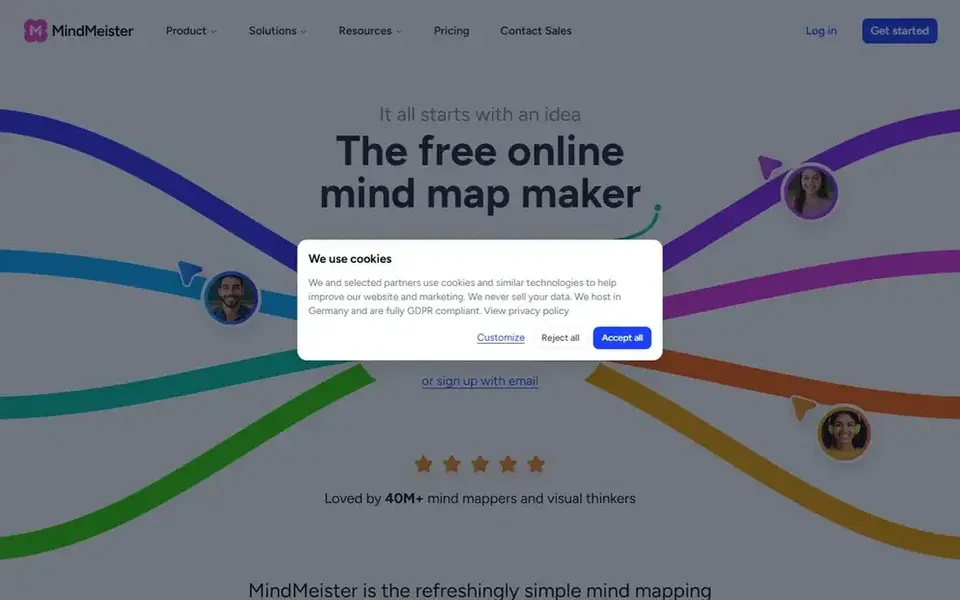
MindMeister was built for quick AI-assisted online mind maps. MindMeister is an online mind mapping tool that lets you build, share, and produce AI mind maps rapidly in the browser. Its sharing choices support collaborative planning and brainstorming sessions.
Where it is weaker: Less suited to complicated diagramming beyond maps.
More specifically, the tool is centered on mind maps, so teams needing integrated diagramming or project management may have to look elsewhere. Its AI features are centred on map generation instead of deep analysis. MindMeister does not show a starting price in this comparison, so check the vendor site for current pricing. MindMeister has a free plan.
- Simple sharing and collaboration
- AI mind map generation in seconds
- Advanced features may need a premium plan
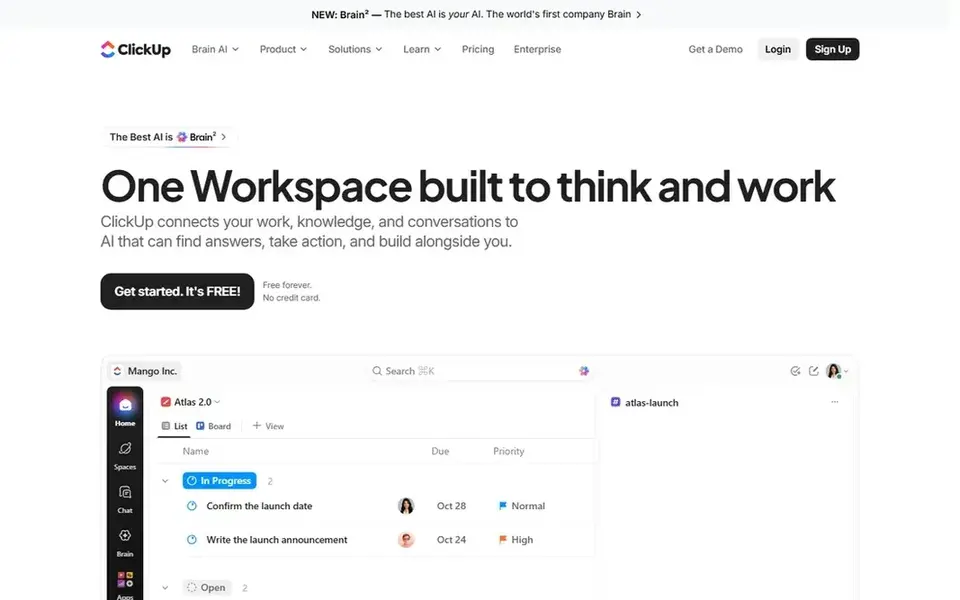
ClickUp works best for mind maps inside an all-in-one productivity app. ClickUp is an everything app for work that brings together tasks, docs, goals, and chat with AI features.
ClickUp is not a dedicated mind mapping tool, so users focused purely on mapping may find it overbuilt. Mind mapping can sit within a broader productivity setup, making it a fit for teams that want ideas connected to execution. The starting price for ClickUp: $9 per user per month. A free plan is available with ClickUp.
What to check first: Mind mapping is one of numerous features.
- AI features across the platform
- Mind mapping alongside work management
- Can be complicated to configure
For straightforward, collaborative mind maps, Coggle is a natural candidate. Coggle is a collaborative mind-mapping tool that helps make sense of complicated information.
It emphasizes simplicity and speed, letting users build unlimited mind maps and share them with friends and colleagues. On top of that, Coggle is concentrated on mind mapping and may lack the advanced AI or integrated workspace features some teams expect. Check the vendor site for Coggle pricing; none is listed in this comparison. Free access: Free trial.
Honest limits: Fewer advanced AI features.
- Straightforward and quick to use
- Collaborative sharing
- Restricted beyond mind mapping
Our selection method
We compared the tools on published pricing, free plan or trial availability, feature coverage for AI-Powered mind mapping software, and the limits each vendor documents. Treat prices as a snapshot: vendors change plans often, so check the vendor site for the figure that applies today. Position on the page reflects fit for a typical buyer first, with price clarity and free access breaking ties. Treat it as a guide, not a ruling.
Questions to settle before buying
- Get a written quote from Lucidchart, MindMeister and Coggle; the list shows no starting price for them.
- Read the fine print on the free plans from XMind, Miro, MindMeister and ClickUp; seat, project and feature caps differ.
- Take the trial from Coggle and push a live task through it before you pay.
- Read the limits listed for Lucidchart first: mind mapping is secondary to diagramming.
- Ask whether Coggle integrates with your current software, and whether that comes standard or as an add-on.
- Map your must-have features to a specific ClickUp plan before you compare prices.
Frequently asked questions
Is Lucidchart the right pick for everyone comparing AI-Powered mind mapping software?
No single tool suits every team. Lucidchart comes first because it fits AI-assisted diagrams and process mapping, while XMind suits structured brainstorming with AI and templates and Miro suits visual collaboration beyond mind maps. Match the tool to your own size, budget and workflow before deciding.
Which options for AI-Powered mind mapping software have a free plan?
On this list, XMind, Miro, MindMeister and ClickUp include a free plan. Caps on seats, usage or features are common, so test the free plan against your real workload. One other tool offers a trial instead.
What is the cheapest option for AI-Powered mind mapping software in this list?
On published monthly entry prices, XMind is the lowest here at $4.92 per month. Entry price is only part of the cost, because seats, add-ons and billing terms can change the total.
Do these tools publish their prices?
Not all of them. Lucidchart, MindMeister and Coggle publish no starting price, so expect a quote request for those. The rest, XMind included, show a starting price, though seats and billing terms still change the final cost.
What makes a mind mapping tool AI-powered?
AI-powered mind mapping tools use automation to help create maps, suggest ideas, or organize content. Features vary by vendor, so check how AI is described on each product page.
Sources
See where you really rank - block by block
ProMapRanker scans Google Maps across a grid of your service area. Simple monthly plans from $19, white-label on every plan.
Start freeBrowse all guides
← Best Vibe Coding Platforms for UI Generation in 2026Best AI App Builder for Non-Technical Founders in 2026 →
 best generative ai optimization tools
2026 Guide to the Best Generative AI Optimization Tools
5 products for the best generative AI optimization tools, ranked by fit, with starting costs and free tiers. Verdicts stay brief and factual. See the full list.
Read → best artificial intelligence coding tools
Artificial Intelligence Coding Tools in 2026: Top 5 Compared
5 products for the best artificial intelligence coding tools, ranked by fit, with starting costs and free tiers. Each pick lists its main limit. See which fits.
Read → best ai source code management software
Best AI Source Code Management Software (2026)
Best AI source code management software, compared. 5 tools with published prices, free plans and limits. Cost notes and weak points included. Pick by budget.
Read → best ai code completion tools
Best AI Code Completion Tools (2026)
6 best AI code completion tools, with entry costs, free tiers and the buyer each one serves. Verdicts stay brief and factual. Built for quick decisions.
Read → best pickleball paddle companies
Best Pickleball Paddle Companies in 2026
We compared eight pickleball paddle companies on range, construction, control, power and value to guide buyers choosing the best pickleball paddle companies.
Read → best ai code editors cursor alternatives
7 Tools That Compete With AI Code Editors Cursor in 2026
7 products for the best ai code editors cursor alternatives, ranked by fit, with starting costs and free tiers. Concise write-ups of every option. Plain facts.
Read →More in Developer Tools · All guides A to Z by date · Latest guides