 ProMapRanker
Best AI Code Completion Tools (2026)


Teams that want agent features without Cursor pricing · Pricing starts at: See website
Key takeaways
- Top of the list is Windsurf, which targets teams that want agent features without Cursor pricing.
- The main caution on Cursor: Pro plan costs twice the Copilot seat.
- A free plan is available from 5 of the 6 tools: Windsurf, Cursor, Amazon Q Developer, GitHub Copilot, Supermaven.
- GitHub Copilot has the lowest monthly starting price in this list: $10 per user/month.
- For individual developers who want a quick free assistant, Supermaven is worth a look.
Direct answer
For teams that want agent features without Cursor pricing, Windsurf is where this list starts. Cursor is the stronger choice for developers who want an AI-native editor with agent workflows, while Augment Code suits large engineering organizations running agent workflows. The other 3 tools in the list cover narrower or pricier cases.
Quick comparison
| Pick | Great for | Pricing starts at | Free tier | |
|---|---|---|---|---|
| Windsurf | Teams that want agent features without Cursor pricing | See website | Yes | Visit |
 Cursor | Developers who want an AI-native editor with agent workflows | $20 per user/month | Yes | Visit |
 Augment Code | Large engineering organizations running agent workflows | $20 per user/month | Free trial | Visit |
 Amazon Q Developer | Teams building on AWS | $19 per user/month | Yes | Visit |
 GitHub Copilot | Developers who want solid completions in the editor they already use | $10 per user/month | Yes | Visit |
 Supermaven | Individual developers who want a quick free assistant | $10 per month | Yes | Visit |
6 AI code completion tools in detail
If you are comparing AI code completion tools, this page covers 6 tools in one place: what each is best for, what it costs to start, whether it has a free plan, and the main limit to know about.
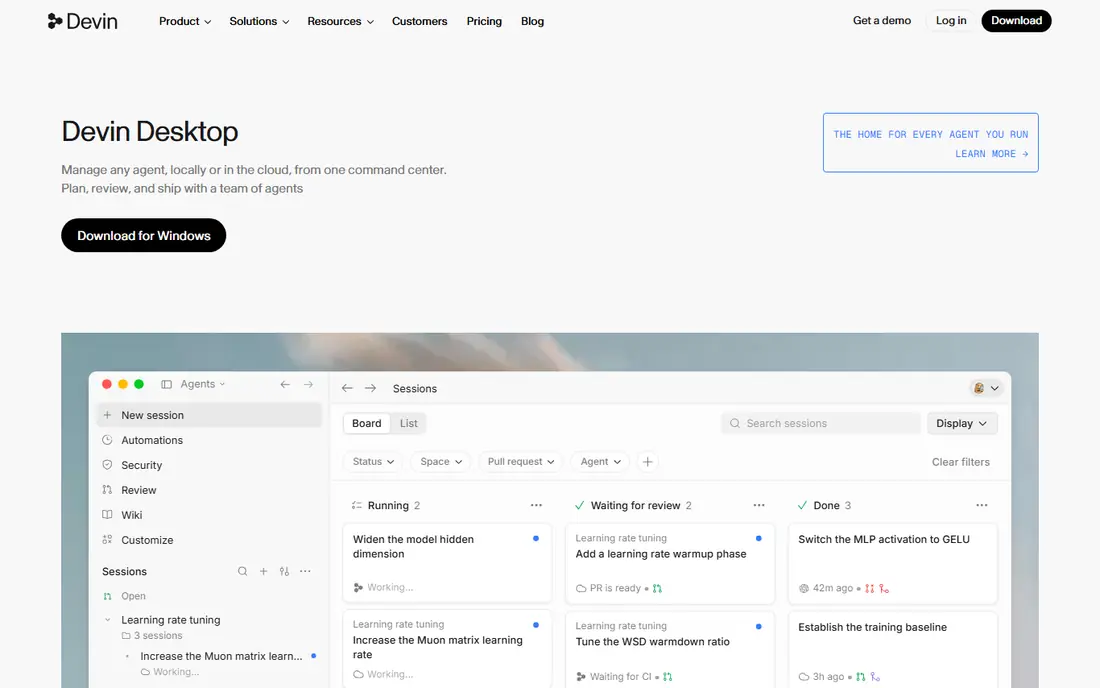
For teams that want agent features without Cursor pricing, Windsurf is a natural candidate. You get agent workflows and session memory at a lower entry price than some rivals, and the free level makes it cheap to try.
As for the details, check the current Devin Desktop pricing page before buying, and confirm that the editor experience you want is still the one on offer. Windsurf shows no starting price here, so confirm the cost on the vendor site. A free plan is available with Windsurf.
- Ample free level historically
- Cascade agent deals with multi-file tasks
- The product was acquired by Cognition and rebranded as Devin Desktop in 2026, so the roadmap is in flux
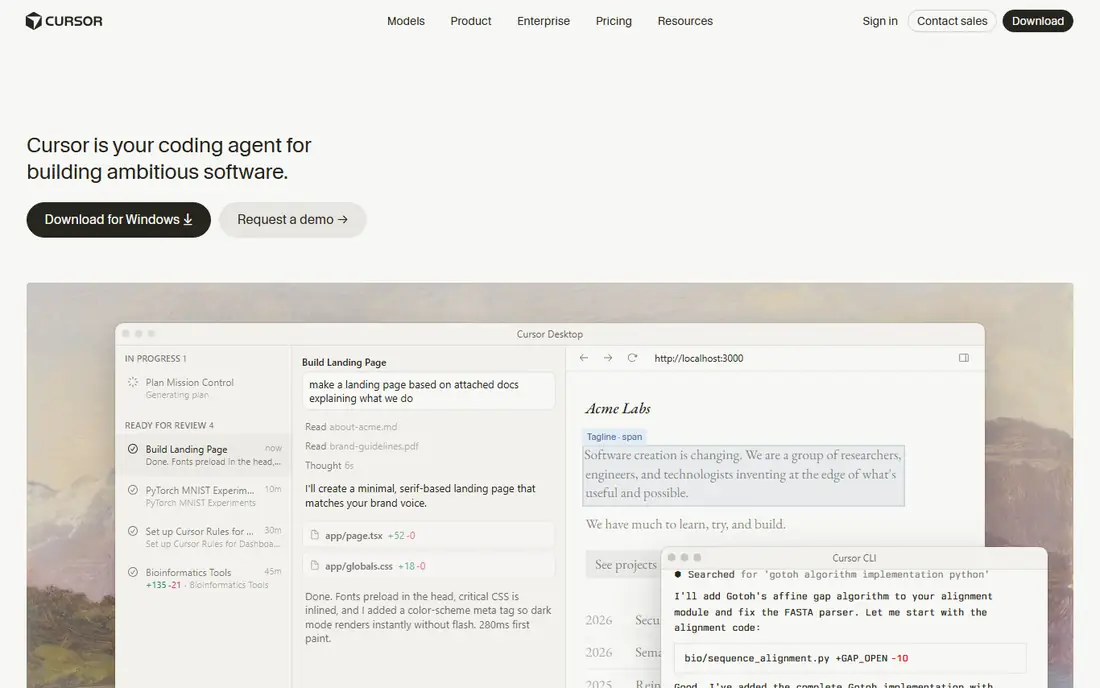
Cursor targets developers who want an AI-native editor with agent workflows. Cursor is a fork of VS Code rebuilt around AI assistance, and that presents in how it takes care of bigger jobs.
The trade-off is price and commitment. From a buyer's view, if your team already lives in VS Code and wants to keep its setup, that switch deserves a trial first. On cost, Cursor starts like this: $20 per user/month. A free plan is available with Cursor.
What to check first: The free Hobby plan limits agent and tab usage.
- Agent mode that runs tasks in parallel
- Model choice across OpenAI, Anthropic, Gemini, others
- Pro plan costs twice the Copilot seat
Augment Code
Great for: Large engineering organizations running agent workflows
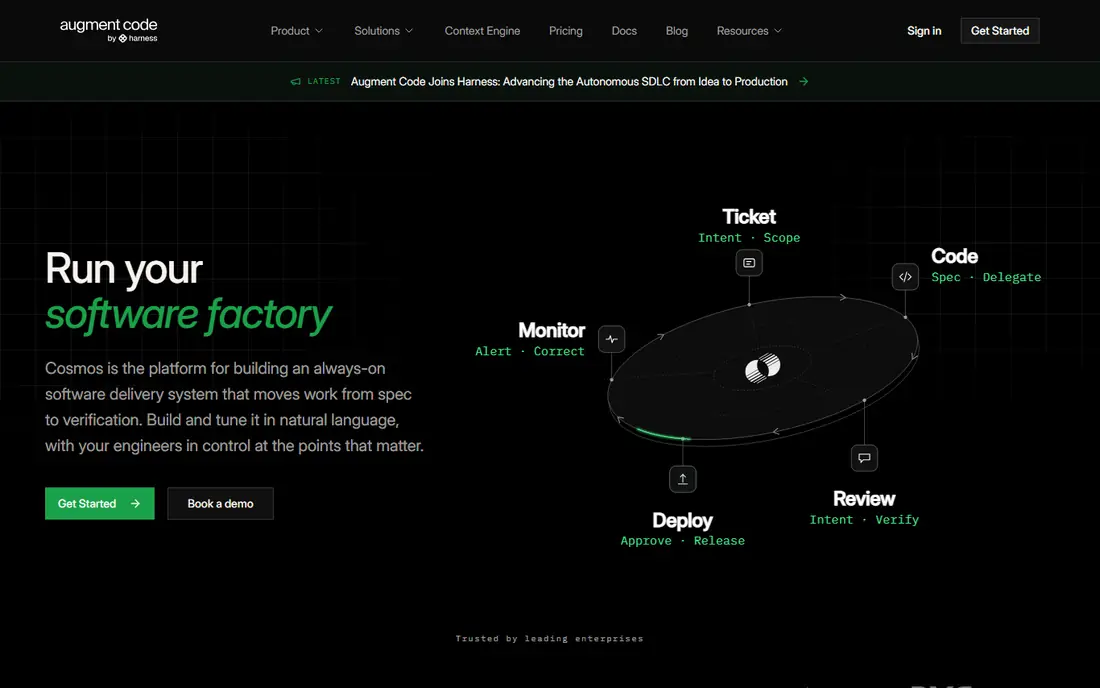
Augment Code is designed for large engineering organizations running agent workflows. Augment Code targets firms, not individuals. Its pitch is a software factory: agents manage the repetitive middle of development, from ticket to pull request, whereas engineers hold the quality gates.
Watch-outs: Priced and packaged for teams, not solo developers.
Worth adding: for large teams with review bottlenecks, though, the loop-based approach is a real differentiator. For everyday use, the homepage now leads with Cosmos, its agent orchestration product, so buyers should confirm whether they are buying the coding assistant, the product, or both. On cost, Augment Code starts like this: $20 per user/month. Free options: Free trial.
- Aimed at organizational scale with shared context
- Agent loops include review, tickets, remediation
- The homepage now leads with its Cosmos orchestration product
For teams building on AWS, Amazon Q Developer is a natural candidate. Amazon Q Developer is the natural pick when your stack runs on AWS. It answers questions about your resources, reviews your bill, recommends architecture patterns, and creates code with AWS services in mind.
Its security scanning and Java upgrade agents handle chores that generic assistants manage poorly. Also, the main limit is the end-of-support notice on its own product page. That does not make Q Developer useless today, but it does change the buying math. Entry price for Amazon Q Developer: $19 per user/month. Amazon Q Developer has a free plan.
- Deep AWS knowledge for architecture and cost questions
- Solid security scanning
- AWS announced that IDE plugin support ends April 30, 2027, with Kiro as the suggested path
GitHub Copilot
Great for: Developers who want solid completions in the editor they already use
GitHub Copilot is built with developers who want solid completions in the editor they already use in mind. It lives inside the editors most developers already open every day. Its inline suggestions handle the widest set of languages since it draws on public repository data at large scale.
Also, the premium Pro plan at $10 per user a month layers on unlimited completions and a monthly allowance of AI credits for chat and agent work. That credit model is the primary thing to watch. For everyday use, teams that require license management, policy controls, and IP indemnity should look at the Business level rather than buying individual seats. From a buyer's view, straightforward completions do not consume credits, but long agent sessions on frontier models do, so heavy agent users should track usage in the billing dashboard. GitHub Copilot starts at: $10 per user/month. GitHub Copilot has a free plan.
The main drawbacks: Agent and chat usage draws on a monthly AI credit allowance.
Upsides: Model choice contains GPT, Claude.
- Gemini choices
- Free level with 2,000 completions a month
- Enterprise controls sit on higher levels
For individual developers who want a quick free assistant, Supermaven is a natural candidate. Supermaven pitches itself on speed, and its homepage backs that claim with latency figures that beat bigger rivals. Beyond that, Pro at $10 a month brings a 1 million token context window, the largest model, and $5 a month in chat credits.
That context window matters for professional-size codebases where the assistant needs to see plenty of code at once. More specifically, for an individual developer, the free level is genuinely handy: quick suggestions, large codebase support, and a 7-day data retention limit. It is one of the few free plans that does not feel like a demo. Starting cost for Supermaven: $10 per month. Supermaven includes a free tier.
Where it falls short: Smaller company than GitHub or JetBrains.
- Pro brings a 1 million token context window
- Works in VS Code, JetBrains, Neovim
- Chat credits on Pro are capped at $5 a month
How we compared the tools
Each tool was reviewed on what its vendor publishes: price, plan limits, core features and stated drawbacks. We did not run hands-on tests. Plan names, prices and limits change often. Treat the figures here as a starting point and verify them with the vendor. Tools are placed by general fit for AI code completion tools, with price clarity and free access as tie-breakers. A different team can reasonably rank them differently.
A buyer's checklist
- Get a written quote from Windsurf; the list shows no starting price for them.
- Check what the free option really includes: Windsurf, Cursor, Amazon Q Developer and others offer a free plan, and usage caps differ.
- Run a trial of Augment Code with real work before paying for a year; your own workflow is the best test.
- Before choosing Windsurf, weigh its main limit: the product was acquired by Cognition and rebranded as Devin Desktop in 2026, so the roadmap is in flux.
- Map your must-have features to a specific Supermaven plan before you compare prices.
- Let daily users try GitHub Copilot on real work; their feedback beats any feature checklist.
Frequently asked questions
Do AI code completion tools work with all programming languages?
Languages with less public code get weaker suggestions, so results vary by language and by how much training data exists for it.
What is the cheapest option for AI code completion tools in this list?
On published monthly entry prices, GitHub Copilot is the lowest here at $10 per user/month. Entry price is only part of the cost, because seats, add-ons and billing terms can change the total.
Will AI code completion replace developers?
No. These tools suggest code and automate routine tasks, but developers still review, test, and own the result. The most solid results come from pairing suggestions with code review and automatic tests.
Is Windsurf the right pick for everyone comparing AI code completion tools?
No single tool suits every team. Windsurf comes first because it fits teams that want agent features without Cursor pricing, while Cursor suits developers who want an AI-native editor with agent workflows and Augment Code suits large engineering organizations running agent workflows. Match the tool to your own size, budget and workflow before deciding.
Is there a decent free AI code completion tool?
Yes. Supermaven has a full free level, Copilot supplies 2,000 completions a month free, and Cursor has a restricted Hobby plan. Free levels cap agent usage first, so expect limits on multi-file agent work.
Can I try these options before paying?
Often, yes. Windsurf, Cursor, Amazon Q Developer and others have a free plan and Augment Code offers a free trial. Use your own data and a real task during the test, and check what the free tier or trial limits before you rely on it.
Sources
See where you really rank - block by block
ProMapRanker scans Google Maps across a grid of your service area. Simple monthly plans from $19, white-label on every plan.
Start freeKeep reading
 zoho inventory alternatives
6 Alternatives to Zoho Inventory, Compared on Price and Fit
Zoho Inventory alternatives: 6 tools compared on price, free plans and fit. Katana leads the list for manufacturers. Fit and flaws are laid out for each entry.
Read → zoho crm alternatives
Best Zoho CRM Alternatives (2026)
Need Zoho CRM alternatives? We compare 7 tools on cost, free access and who each suits. Every pick gets a straight assessment. Built for quick decisions.
Read → zelle alternatives
Best Zelle Alternatives in 2026
Compare the best Zelle alternatives for sending money to friends, paying sellers and moving funds abroad, with honest notes on fees, speed and safety in 2026.
Read →