 ProMapRanker
Top 10 Software Testing Tools in 2026

Key takeaways
- Web test automation splits into open source frameworks, low-code platforms and specialist layers for visual, API and device testing.
- Playwright is the modern default for new web projects, while Selenium remains the enterprise standard with the largest ecosystem.
- Low-code tools reduce maintenance for QA teams without deep coding, but they cost more and can limit flexibility.
- The best stack usually pairs one framework with one specialist tool, such as a device cloud or an API tester, rather than one tool for everything.
Quick comparison
| Pick | Great for | Pricing starts at | Free tier | |
|---|---|---|---|---|
 Playwright | Modern web test automation | Free | Yes | Visit |
 Selenium | Enterprise web automation | Free | Yes | Visit |
 Cypress | JavaScript frontend testing | Free | Yes | Visit |
 Appium | Native mobile automation | Free | Yes | Visit |
 Katalon | Low-code web, mobile and API testing | Free | Yes | Visit |
 BrowserStack | Real device and browser cloud | See website | Free trial | Visit |
 Postman | API testing and automation | Free | Yes | Visit |
 Apache JMeter | Load and performance testing | Free | Yes | Visit |
 Robot Framework | Keyword-driven acceptance testing | Free | Yes | Visit |
 TestComplete | Low-code desktop and web testing | See website | Free trial | Visit |
The top 10 software testing tools
We compared tools that cover web, mobile, API, desktop and performance testing, with attention to coding needs, maintenance and cost. The list mixes free frameworks that developers run in code with commercial platforms that help QA teams test without heavy scripting.
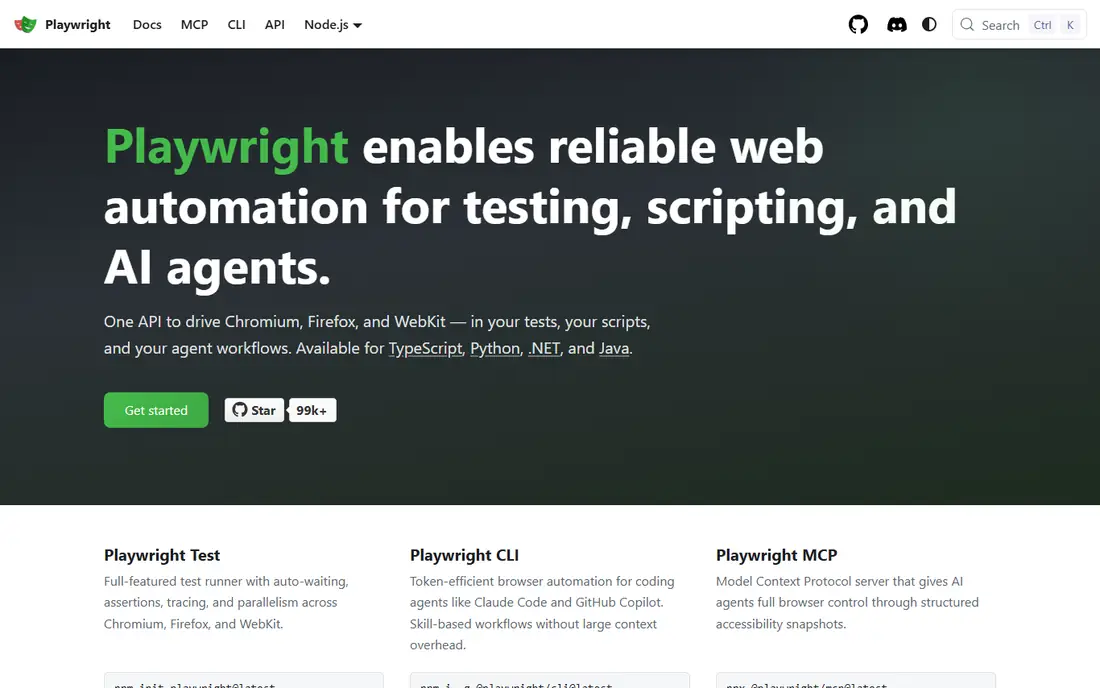
Playwright, from Microsoft, is the modern default for new web test automation projects. It supports Chromium, Firefox and WebKit from one API, with auto-waiting that reduces flaky tests and built-in tracing, video and screenshots for debugging. Tests can be written in JavaScript, TypeScript, Python, Java and C#, which suits most engineering teams.
The main requirement is coding skill. QA teams without developers will need help to set up and maintain a Playwright suite, and the ecosystem, while growing fast, is still younger than Selenium. For a team that can code, Playwright gives speed and reliability that older tools struggle to match.
- Cross-browser testing for Chromium, Firefox and WebKit
- Auto-waiting
- Fast and reliable runs
- Needs coding skill
- Ecosystem is newer than Selenium
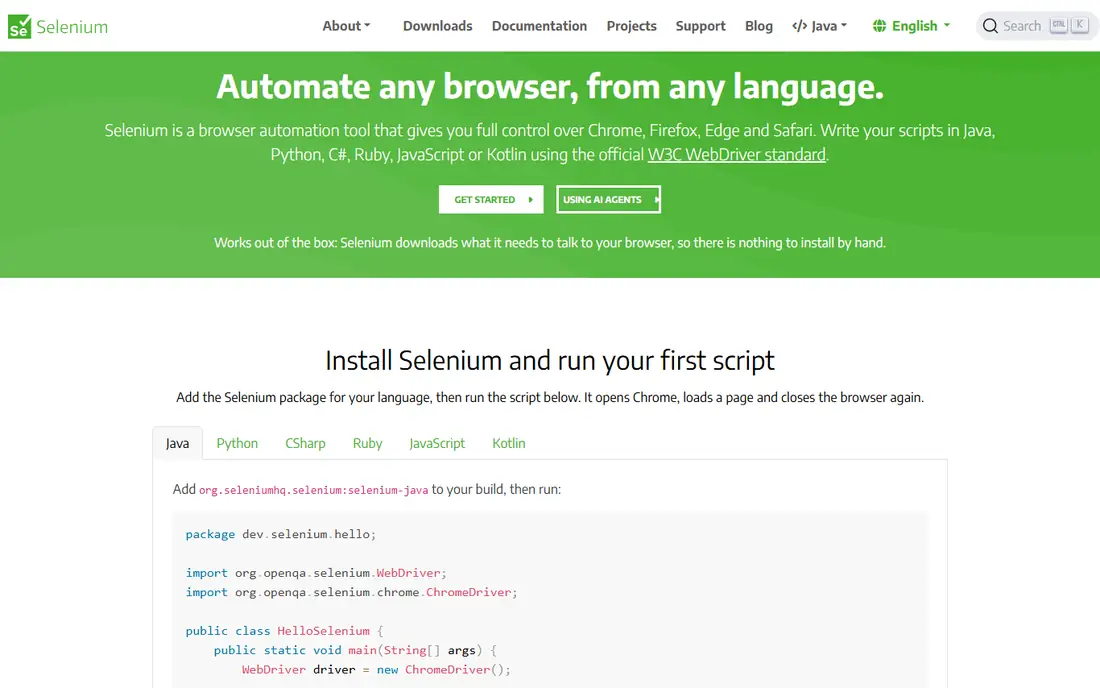
Selenium remains the enterprise standard for browser automation, with support for many languages, browsers and operating systems, plus a large ecosystem of drivers, grids and integrations. Teams with legacy browser needs, existing Selenium suites or strict multi-language requirements will find it the safest choice. Its WebDriver standard is widely supported across the industry.
The drawback is maintenance. Tests need careful waiting and locator strategies to stay stable, and setup takes more code than Playwright or Cypress. New projects often start with Playwright, but Selenium remains the right pick where legacy support and ecosystem depth matter most.
- Multi-language and multi-browser support
- Largest ecosystem
- Long track record
- Tests can be flaky without careful waits
- Setup takes more code than newer tools
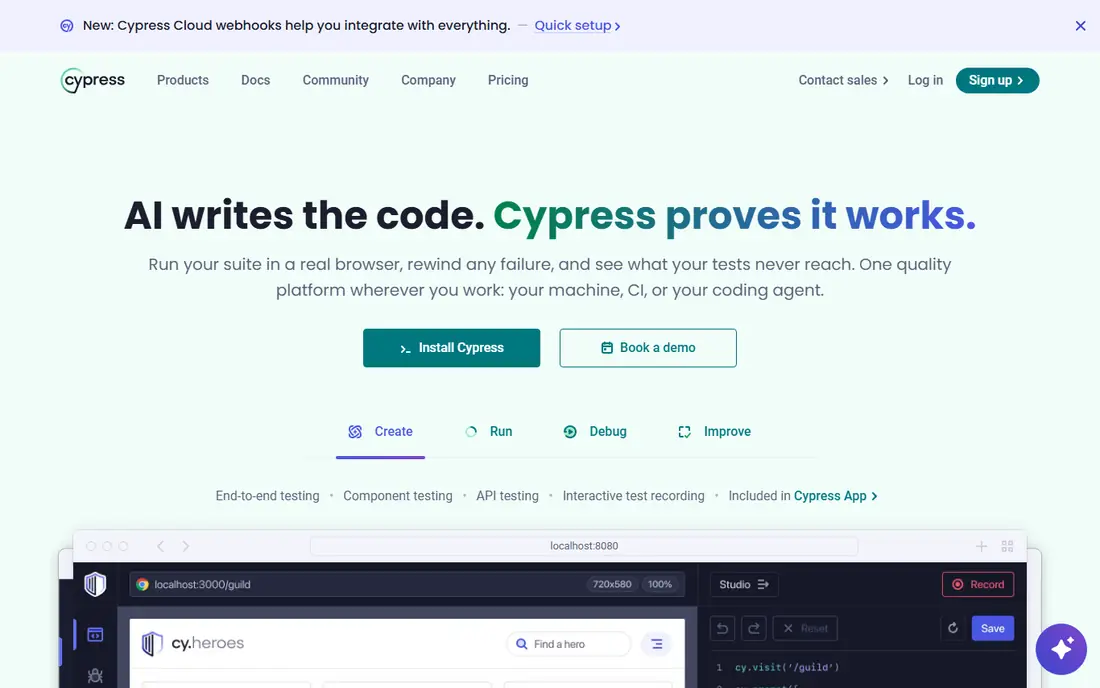
Cypress is popular with frontend teams because it runs in the browser, gives real-time feedback and makes debugging easy. A developer can watch a test run, inspect the application state and fix a failing step without leaving the tool. Setup is simple for a JavaScript project, and component testing helps teams test parts of an interface in isolation.
The limits are language and browser scope. Cypress works with JavaScript and TypeScript only, and it does not cover every multi-tab or multi-browser case that Playwright handles. Paid Cypress Cloud adds parallel runs and reporting, while the core framework itself is free and open source.
- Fast in-browser testing
- Real-time debugging
- Simple setup for frontend teams
- JavaScript and TypeScript only
- Limited multi-tab and multi-browser coverage
Appium is the open source standard for native, hybrid and mobile web apps on Android and iOS. It lets teams write one automation approach for both platforms, using Java, Python, C#, JavaScript and other languages, and it integrates with device clouds for real device coverage. That cross-platform reach is why many mobile teams start with Appium.
Setup is the hurdle. Configuring devices, emulators, drivers and servers takes time, and mobile test runs are often slower than web runs. Teams should budget for device management and maintenance, or pair Appium with a cloud service such as BrowserStack for device access.
- Cross-platform Android and iOS testing
- Multi-language support
- Open source
- Setup can be slow and complex
- Test runs can be slower than web tests
Katalon Studio gives mixed-skill QA teams a single IDE for web, mobile, API and desktop testing, with record-and-playback, scripting and low-code options. That breadth helps a QA team that tests several surfaces without learning a separate tool for each one. A free plan lets teams start and learn the tool before paying.
Paid plans are priced per seat, so costs grow with team size, and heavy customisation may still need scripting. Teams that want full code control may prefer Playwright or Selenium. For a QA-led team that needs coverage across surfaces quickly, Katalon is a practical all-in-one choice.
- Low-code and coded testing in one IDE
- Web, mobile, API and desktop coverage
- Free plan
- Paid plans are priced per seat and can rise
- Less flexible than pure code frameworks
BrowserStack solves a different problem from the frameworks above, which is where tests run. It provides real devices and browsers in the cloud, so teams can test on combinations they do not own, using Playwright, Selenium, Appium or Cypress. Parallel runs shorten feedback time for large suites, which matters as a test suite grows.
It is not a test authoring tool by itself, so teams still need a framework to write tests. Cloud costs also rise with parallel tests and device time, so teams should plan which combinations matter most. For cross-browser and device coverage, BrowserStack is the most widely used cloud in this list.
- Thousands of real devices and browsers
- Works with common frameworks
- Parallel testing
- Paid cloud cost grows with parallel tests
- Not a test authoring tool alone
Postman is the standard starting point for API testing, because it lets developers explore an API, save requests in collections, write tests in JavaScript and run them in CI with Newman. That workflow suits microservices teams that need to check endpoints, auth and error handling before a release. The free tier covers core API work for individuals and small teams.
The limits appear at scale. Complex edge cases can need verbose scripting, and advanced reporting, analytics and governance sit on paid plans. Postman also does not replace UI testing, so it works best beside a web framework such as Playwright or Cypress.
- Easy API exploration and test scripting
- Collections and runners
- CI integration
- GUI-based workflow can feel verbose for edge cases
- Advanced analytics need paid plans
Apache JMeter is the free standard for load and performance testing, letting teams simulate many users against a web app or API and measure response times, errors and throughput. It supports HTTP, databases, message queues and other protocols, with plugins for reporting and distributed testing. For a team that needs to know how an app behaves under load, JMeter is a proven and free option.
The interface is functional rather than modern, and building realistic test plans takes learning. Reporting also needs configuration to be useful for non-technical readers. Teams that need a modern, code-based load tool may look at k6, but JMeter remains the most widely known free choice.
- Free and open source
- Load, stress and API performance testing
- Large plugin ecosystem
- Interface feels dated
- Scripting and reporting need learning
Robot Framework uses a keyword-driven style that reads almost like plain language, which helps QA, product and business teams share acceptance tests. Libraries extend it to web, API, database and desktop testing, so one framework can cover several layers. That readability is its main advantage over pure code frameworks for acceptance testing.
Setup still needs technical skill, because libraries, drivers and CI integration must be configured correctly. Complex UI logic may also be easier in a code framework such as Playwright. For teams that want business-readable tests with open source cost, Robot Framework is a strong and flexible choice.
- Readable keyword syntax
- Web, API and database testing through libraries
- Open source
- Needs technical setup for libraries and drivers
- Less suited to complex UI logic
TestComplete, from SmartBear, suits enterprise teams that test desktop, web and mobile apps with a mix of scriptless and scripted tests. Record-and-playback, AI-based object recognition and support for many scripting languages help QA teams build suites without deep coding. That breadth is useful for Windows desktop apps, where web-only frameworks do not fit.
The cost is the main drawback, with commercial licences priced well above free frameworks, and the tool is resource-heavy and Windows-focused. Teams with a desktop-heavy portfolio will find that trade-off acceptable, while web-only teams will get more value from Playwright, Cypress or Katalon.
- Scriptless and scripted testing
- Desktop, web and mobile coverage
- AI object recognition
- Commercial pricing is high
- Windows-focused and resource-heavy
How we picked these
We compared official feature and pricing pages and recent test tool comparisons, and we favoured tools live in October 2026 that cover a distinct testing layer. We checked free plans, trial availability and whether a tool needs coding, low-code or no-code skills. We did not claim hands-on testing, and we used See website where commercial pricing is licence-based or varies by team size.
What to check before you buy
Start with the layer you must test. Web teams need Playwright, Selenium or Cypress, mobile teams need Appium, API teams need Postman, and performance teams need JMeter. Buying an all-in-one platform before knowing the layer wastes money and adds complexity.
Next, test maintenance, not only creation. Record a test, change a button label or an API field, and see how many tests break and how long fixes take. Maintenance is the largest cost in test automation, and low-code tools that look fast at first can still need careful upkeep.
Finally, check CI and device needs. Confirm that tests run in your pipeline, that reports are readable, and that device or browser coverage matches your users. A framework that cannot run in CI, or a cloud plan that cannot cover your top devices, will not help at release time.
Frequently asked questions
What are the top 10 software testing tools in 2026?
The top 10 in this guide are Playwright, Selenium, Cypress, Appium, Katalon, BrowserStack, Postman, Apache JMeter, Robot Framework and TestComplete. They cover web, mobile, API, desktop and performance testing, with free options for most layers. The best choice depends on the layer and the team's coding skill.
Which testing tool is best for beginners?
Katalon and Postman are the easiest starts, because Katalon offers low-code testing across surfaces and Postman gives a visual way to test APIs. Cypress is also beginner-friendly for JavaScript frontend teams. Beginners should start with one layer, such as API or web, before adding more tools.
Is Playwright better than Selenium?
Playwright is usually better for new web projects, because it is faster, more reliable and covers Chromium, Firefox and WebKit from one API. Selenium is better where legacy browser support, multi-language needs or an existing Selenium ecosystem matter. Both are free and open source, so the choice follows the project, not the price.
Are there free software testing tools?
Yes. Playwright, Selenium, Cypress, Appium, Postman, Apache JMeter and Robot Framework all offer free, open source or free-tier options. Katalon also has a free plan, while BrowserStack and TestComplete offer trials. Free tools cover most testing layers for small and mid-sized teams.
What is the best tool for mobile app testing?
Appium is the best free, cross-platform choice for native Android and iOS apps, especially when paired with a device cloud such as BrowserStack. Katalon also covers mobile testing in a low-code IDE, which suits QA-led teams. The choice depends on coding skill and device coverage needs.
Sources
See where you really rank - block by block
ProMapRanker scans Google Maps across a grid of your service area. Simple monthly plans from $19, white-label on every plan.
Start freeKeep reading
 zscaler alternatives
Best Zscaler Alternatives in 2026
Looking for zscaler alternatives? We compare 9 SASE and zero trust platforms on architecture, data protection, pricing, and fit for your network and team.
Read → zapier alternatives free
Best Zapier Alternatives Free in 2026
Nine automation tools for zapier alternatives free in 2026, all with genuinely free tiers, plus free plan limits, starting prices and upgrade paths explained.
Read → which platform is best for online reputation
Which Platform Is Best for Online Reputation in 2026
Wondering which platform is best for online reputation? We compare 8 review, listing, and response tools for small and multi-location businesses and agencies.
Read →