 ProMapRanker
Best tmux Alternatives in 2026

Key takeaways
- GNU Screen remains the safest fallback on old or locked-down servers, because it is already installed in many places where newer tools are not.
- Zellij is the friendliest true replacement for most desktop and laptop users, thanks to on-screen hints and a gentler learning curve.
- Byobu is not a standalone multiplexer: it wraps Screen or tmux with simpler keys and a status bar, so it suits people who like tmux but hate configuring it.
- tmate is the pick when the goal is sharing a terminal session live, rather than just keeping your own session alive.
- dtach, abduco, and mtm suit minimal setups where session persistence matters more than panes, plugins, or a fancy interface.
Quick comparison
| Pick | Great for | Pricing starts at | Free tier | |
|---|---|---|---|---|
 GNU Screen | Legacy servers and universal availability | Free | Yes | Visit |
 Zellij | Modern, friendly multiplexing | Free | Yes | Visit |
 Byobu | Preconfigured tmux or Screen sessions | Free | Yes | Visit |
 tmate | Instant terminal sharing | Free | Yes | Visit |
 dtach | Minimal session persistence | Free | Yes | Visit |
 abduco | Light session management | Free | Yes | Visit |
 WezTerm | Terminal plus built-in multiplexing | Free | Yes | Visit |
 dvtm | Console tiling with a small footprint | Free | Yes | Visit |
 mtm | Tiny terminal multiplexing | Free | Yes | Visit |
The best tmux alternatives
Terminal multiplexers are not all the same kind of tool, so we grouped these picks by what they actually replace: full multiplexing, session persistence only, or a terminal emulator with multiplexing built in.
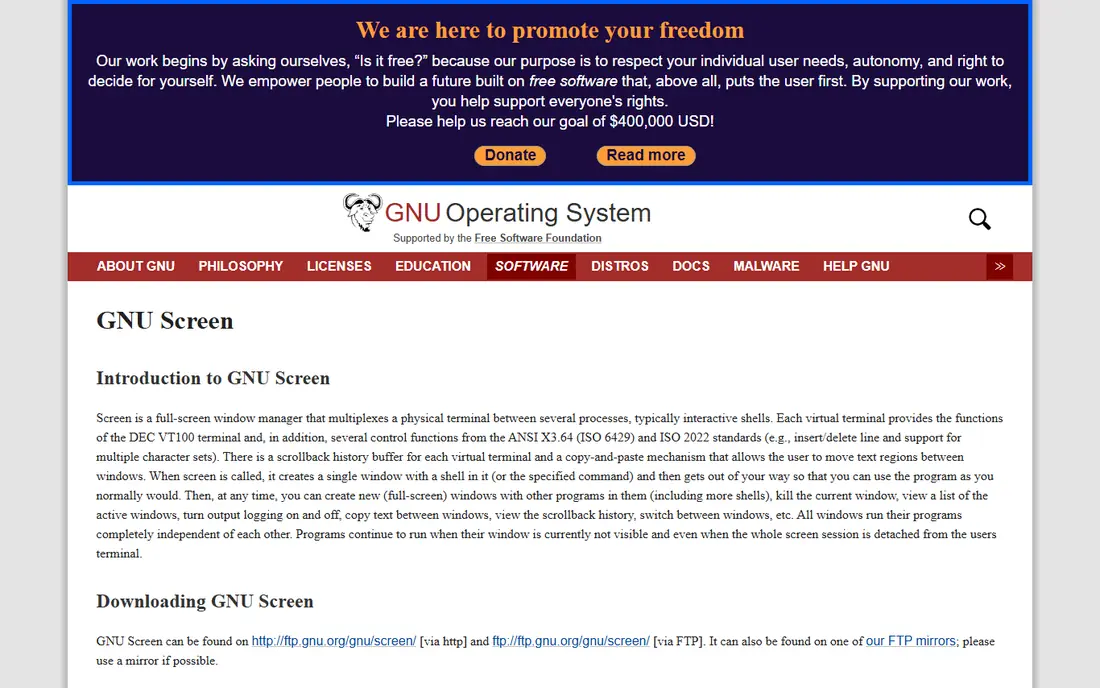
GNU Screen is the original terminal multiplexer, first released in 1987, and that age is both its strength and its limit. On a legacy server or a locked-down machine, Screen is often already installed, which means you can start a persistent session without asking anyone to install new software. Detach and reattach work as expected, and decades of documentation cover almost every edge case.
The interface feels dated next to Zellij, and splitting the screen into panes is less smooth than in modern tools. There is also no plugin system to extend it in the way newer multiplexers allow. Choose Screen when availability and stability matter most, such as on servers you do not control, and choose a newer tool for daily local development.
- Available on a huge range of systems
- Stable and well documented
- Session detach and reattach
- Older interface
- Pane support is more limited than modern tools
- No plugin ecosystem like newer rivals
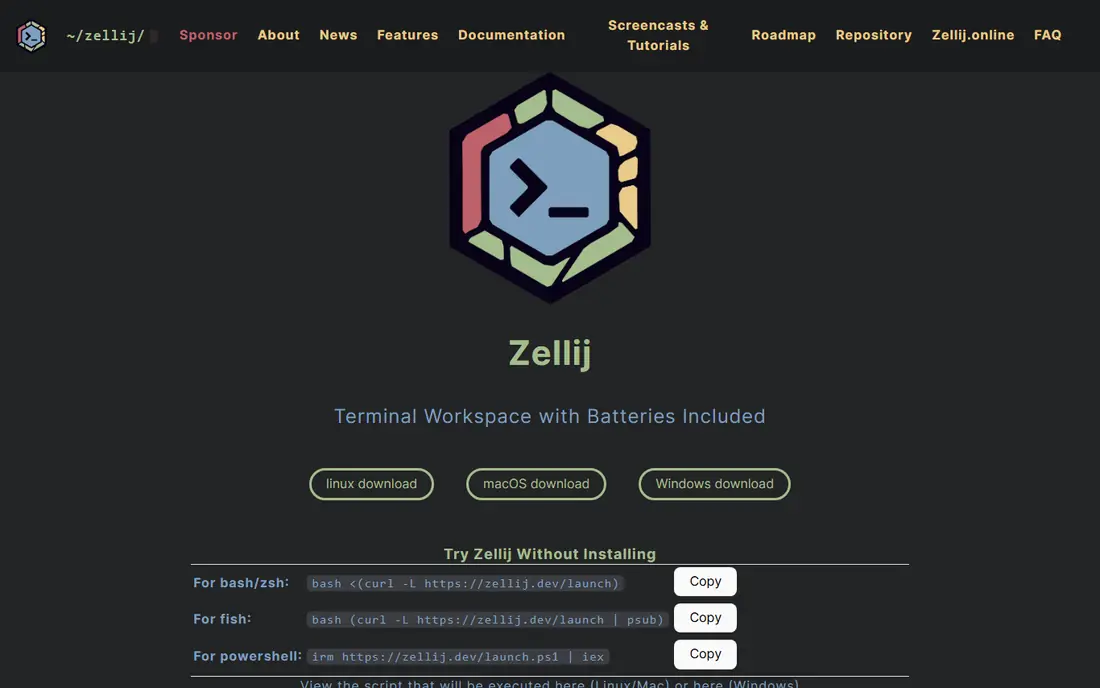
Zellij is the most approachable full replacement for tmux in this list. It shows key hints on screen, so new users do not need to memorize a prefix key before they can split a pane or switch tabs. Floating panes, layouts, and a plugin system give it a modern feel, and its Rust codebase has drawn a growing community since its first releases.
The trade-offs are maturity and ubiquity. Zellij is not preinstalled on servers, so remote work still needs an install step, and its session sharing story is less developed than tmux. For local development and for teams starting fresh, those limits rarely matter. For mission-critical remote servers, tmux or Screen may still be the safer default.
- On-screen key hints
- Floating panes and layouts
- Plugin support
- Not preinstalled anywhere
- Session sharing is less mature than tmux
- Smaller community than tmux

Byobu deserves a careful note: it is a configuration and status layer on top of tmux or GNU Screen, not a separate multiplexer engine. That distinction matters if your goal is to stop using tmux entirely, since Byobu on its default backend still runs tmux underneath. What it adds is real value for many users: function-key shortcuts, a useful status bar, and sensible defaults with almost no configuration.
Ubuntu server users get the smoothest experience, since Byobu is a first-class package there, but it also runs on macOS and other Linux systems. Pick Byobu when you like tmux or Screen but want a friendlier front end. Pick Zellij when you want to leave tmux behind completely.
- Function-key shortcuts
- Built-in status bar
- Easy backend switching
- It wraps tmux or Screen rather than replacing them
- Adds a layer to learn and debug
tmate is a fork of tmux built for one job: sharing a terminal session instantly. You start a session and get a link or SSH command to share, which makes remote pairing, interviews, and support sessions much simpler than walking someone through SSH setup. Because it builds on tmux, the session controls will feel familiar to tmux users.
It is not the best choice as a plain daily multiplexer, since its main strength is the sharing relay rather than local layout features. Teams that pair often, or support staff who need to see a user's terminal quickly, will use it often. Everyone else should treat it as a companion tool beside Zellij or Screen, not as a full replacement.
- Share a terminal session with a link
- Based on tmux
- Good for pairing and support
- Sharing depends on a relay service
- Not a general daily multiplexer for everyone
dtach strips the idea down to one feature: keep a program running after you detach, then reattach later. It has no pane splitting, no window management, and no status bar, which sounds like a drawback until you need exactly that simplicity on a tiny system. The codebase is small, the commands are short, and there is almost nothing to configure or break.
That minimalism sets a clear boundary. If you want to split a terminal into panes, dtach cannot do it, and you should pair it with another tool or choose Zellij instead. If you only need a long job to survive a dropped SSH connection, dtach is hard to beat for lightness.
- Tiny footprint
- Simple detach and reattach
- No configuration needed
- No panes, windows, or status bar
- No multiplexing features at all
abduco plays the same role as dtach, with session attach and detach as its core job, but it is actively maintained and pairs neatly with dvtm for tiling. Used together, abduco handles persistence while dvtm handles window layout, giving you a small two-piece system instead of one large multiplexer. The commands are short, and the learning curve is gentle.
On its own, abduco does not split panes or manage windows, so a user who installs only abduco may wonder where the multiplexing went. Treat it as half of a pair: abduco plus dvtm for a minimal tiling setup, or abduco alone when you only need to keep a command alive. That honesty about scope is part of its appeal.
- Actively maintained
- Simple session commands
- Pairs well with dvtm for tiling
- No built-in multiplexing
- Needs a companion tool for panes
WezTerm changes the category slightly: it is a terminal emulator with multiplexing built in, rather than a program that runs inside another terminal. That gives it tabs, panes, and SSH multiplexing in one place, with GPU acceleration for smooth rendering. Local developers who want one tool for both terminal and session management often like that combination.
The limit is important. WezTerm needs a graphical environment, so it cannot replace tmux on a headless server, and many developers end up using both: WezTerm locally and tmux or Screen on remote machines. If your work is mostly local, WezTerm can replace tmux for daily use. If your work is mostly over SSH to servers, keep a server-side multiplexer as well.
- GPU-accelerated terminal
- Built-in multiplexing and tabs
- Lua configuration
- Needs a graphical environment
- Cannot run on a headless server like tmux
dvtm brings dynamic tiling window management to the console, in the style of tiling window managers for graphical desktops. It is small, fast, and well suited to users who like keyboard-driven layouts without a heavy multiplexer. Paired with abduco, it covers both tiling and session persistence in a lightweight way.
Alone, dvtm does not keep sessions alive after you disconnect, so it needs abduco or a similar tool for that job. Its interface also expects more learning than Zellij, which shows hints on screen. Pick dvtm when you want a minimal tiling console and enjoy configuring your tools. Pick Zellij when you want tiling with guidance built in.
- Dynamic tiling inside the console
- Small and fast
- Pairs with abduco
- No session persistence on its own
- Steeper learning curve than Zellij
mtm bills itself as perhaps the smallest useful terminal multiplexer, and that description is fair. It provides basic multiplexing with a tiny footprint, which suits minimal systems, embedded setups, and users who enjoy small tools. Resource use is low, and the scope stays narrow on purpose.
The cost of that small size is a thinner feature set and a smaller community than Screen, Zellij, or WezTerm. Documentation and troubleshooting help are harder to find, and there is no plugin system to close gaps. Choose mtm for a minimal setup where size matters. Choose Screen or Zellij when you need broad support and a wider feature set.
- Very small codebase
- Simple terminal multiplexing
- Low resource use
- Limited features
- Small community
- Minimal documentation compared with Screen
How we picked these
We compared official project pages, documentation, and community listings for terminal multiplexers that work in October 2026. We kept tools with a real, maintained codebase and a clear role, and we noted honestly where a tool is a wrapper, a session-only helper, or a terminal emulator rather than a pure multiplexer. All nine tools here are free and open source, so price was not the deciding factor; fit for the job was.
What to check before you switch
First, decide which job you actually need: session persistence over SSH, pane tiling, live sharing, or all three. A session-only tool will disappoint if you expect panes, and a graphical terminal will disappoint on a headless server. Next, check what is already installed on the servers you use most, since that often decides the practical choice. Finally, test key bindings for a full workday before you commit, because a multiplexer you fight with will slow you down more than a simpler one would.
A practical way to test a replacement
Run the new tool beside tmux for a week instead of switching cold. Use it for local work first, then for one remote session, and note where you reach for a tmux habit that has no equivalent. Keep your tmux configuration backed up during the trial, and export any session scripts you rely on. That parallel run shows real friction before it costs you a workday.
Frequently asked questions
What are the best tmux alternatives?
The best tmux alternatives for most users are Zellij for a modern, friendly experience and GNU Screen for universal server availability. Byobu suits users who want tmux with simpler defaults, while WezTerm suits local developers who want a terminal with multiplexing built in. The right pick depends on whether you work locally, over SSH, or both.
What are alternatives to tmux for beginners?
Zellij is the friendliest starting point because it shows key hints on screen and needs little configuration. Byobu is another gentle option, since its function keys are easier to remember than raw tmux or Screen commands. Start with one of those two, and move to a more configurable tool only if you hit a limit.
Can I use Byobu without tmux?
Byobu runs on top of tmux or GNU Screen, so it does not fully remove either tool from your system. You can switch its backend to Screen, but you cannot run Byobu as a standalone multiplexer engine. If leaving tmux behind is the goal, Zellij is the cleaner break.
Is GNU Screen still a good tmux alternative in 2026?
Yes, especially on older servers and systems you do not control, where Screen is often already installed and stable. It lacks the modern panes and plugins of Zellij, but for detach and reattach reliability it remains a solid choice. Many experienced users know both Screen basics and a modern tool.
Which tmux alternative is best for sharing a terminal?
tmate is the best pick for sharing, because it creates a shareable session link built on tmux. It is designed for pairing and remote support, which is a different job from daily personal multiplexing. Use tmate when someone else needs to see or join your terminal.
Is WezTerm a full tmux replacement?
WezTerm can replace tmux for local work, since it offers tabs, panes, and multiplexing inside the terminal emulator. It cannot replace tmux on a headless server, because it needs a graphical environment. Many developers use WezTerm locally and keep tmux or Screen for remote servers.
Sources
See where you really rank - block by block
ProMapRanker scans Google Maps across a grid of your service area. Simple monthly plans from $19, white-label on every plan.
Start freeKeep reading
 zscaler alternatives
Best Zscaler Alternatives in 2026
Looking for zscaler alternatives? We compare 9 SASE and zero trust platforms on architecture, data protection, pricing, and fit for your network and team.
Read → zapier alternatives free
Best Zapier Alternatives Free in 2026
Nine automation tools for zapier alternatives free in 2026, all with genuinely free tiers, plus free plan limits, starting prices and upgrade paths explained.
Read → which platform is best for online reputation
Which Platform Is Best for Online Reputation in 2026
Wondering which platform is best for online reputation? We compare 8 review, listing, and response tools for small and multi-location businesses and agencies.
Read →