 ProMapRanker
Best Tiptap Alternatives in 2026

Key takeaways
- CKEditor and Froala are the fastest routes when you want a finished editor with a toolbar, rather than building the interface yourself.
- ProseMirror, Slate, and Lexical give the most control, but they ask for more developer time and a clear plan for the interface.
- Quill and Editor.js suit simpler needs, while Plate suits React teams that want Slate power with ready-made plugins.
- Check licensing, collaboration needs, and output format before you choose, because changing editors later is costly.
Quick comparison
| Pick | Great for | Pricing starts at | Free tier | |
|---|---|---|---|---|
 CKEditor 5 | Ready-made enterprise editor | See website | Free trial | Visit |
 Froala | Fast polished editor | See website | Free trial | Visit |
 TinyMCE | Familiar full-featured editor | See website | Yes | Visit |
 Quill | Simple embeddable editor | Free | Yes | Visit |
 ProseMirror | Maximum custom control | Free | Yes | Visit |
 Slate | Custom React editing | Free | Yes | Visit |
 Plate | React editor with plugins | Free | Yes | Visit |
 Lexical | Modern extensible editor | Free | Yes | Visit |
 Editor.js | Block-style clean editing | Free | Yes | Visit |
The best tiptap alternatives
Tiptap is a headless editor framework built on ProseMirror, which means developers get the editing engine and build the toolbar and menus themselves. The tools below split into two camps: ready-made editors that ship a finished interface, and frameworks that give you control at the cost of more building work. We compared official docs, pricing pages, and public reviews, without claiming hands-on testing we did not do. Free here means the open-source core is free to use under its licence, not that every hosted or enterprise feature is free.
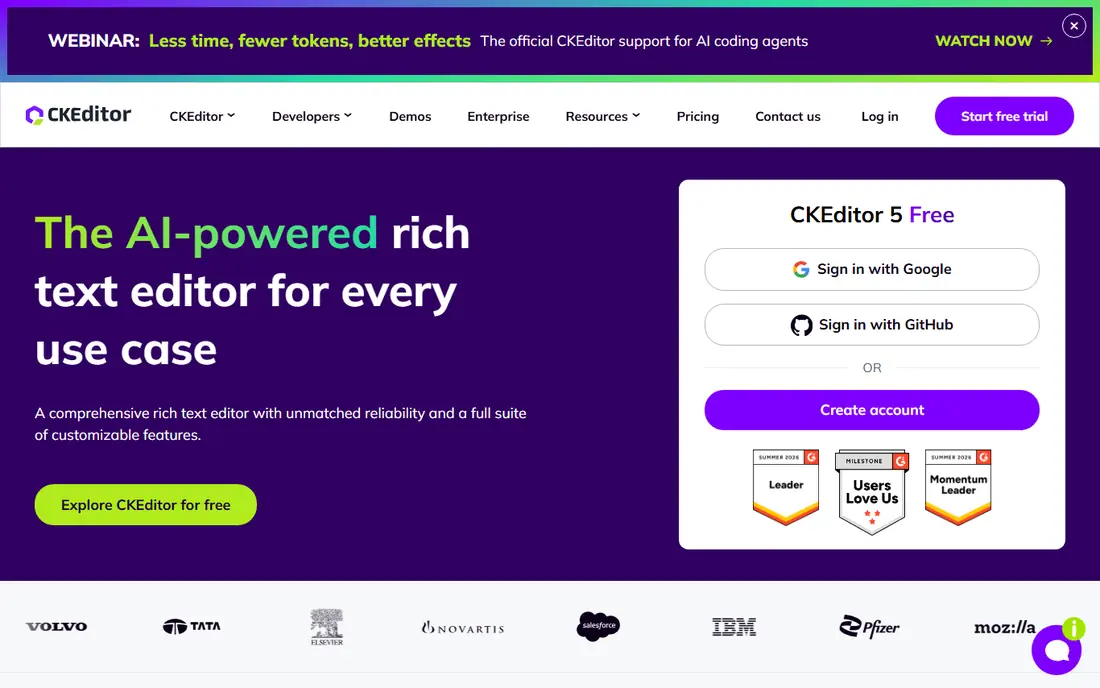
CKEditor 5 is the most direct answer when a team wants to stop building editor chrome and start shipping. It arrives with a toolbar, dialogs, image handling, and formatting that users already understand, plus official integrations for common frameworks. Collaboration features, document export, and revision tools are available as part of the wider platform, which suits products where several people edit the same content.
The trade is cost and weight. CKEditor is a full product, not a light library, and enterprise features are priced accordingly, so small side projects may find it more than they need. For a SaaS product where content editing is central and support matters, the time saved on interface work often justifies the price.
- Polished editor out of the box
- Collaboration, export, and AI options
- Framework integrations
- Paid plans can be costly for small projects
- Full feature set needs plan and licence care
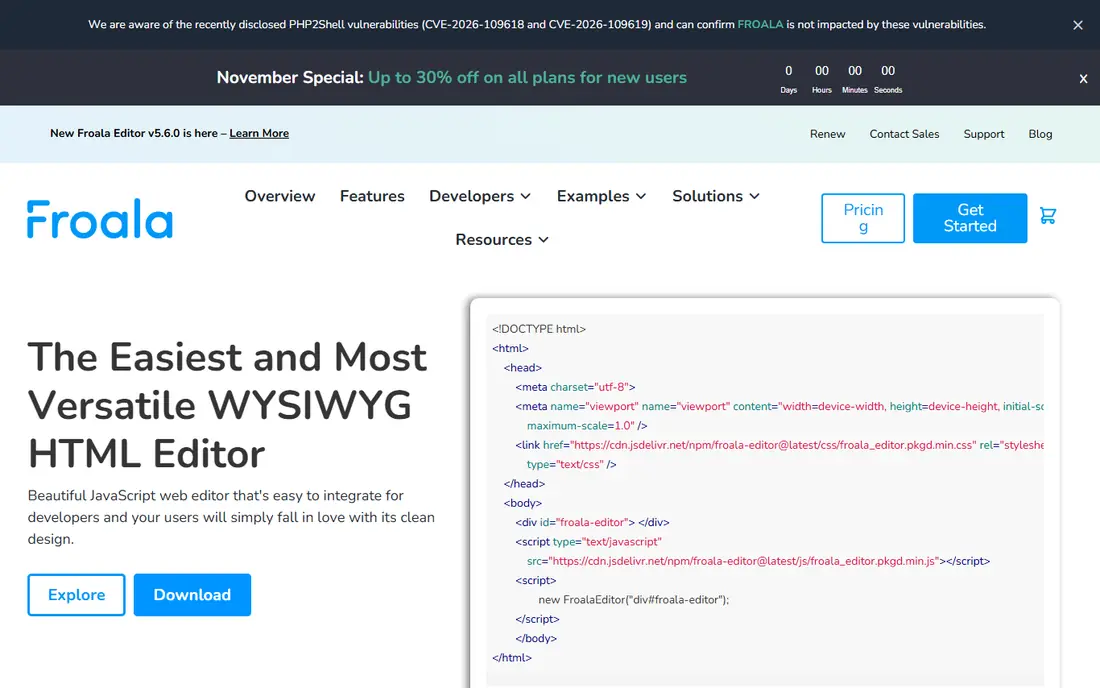
Froala suits teams that want a good-looking editor in days, not weeks. The default toolbar, themes, and responsive behaviour are well finished, and customisation through options and CSS is straightforward for common changes. Its AI tools are aimed at the person writing content, which helps for blogs, CMS fields, and internal tools where users need drafting help.
Froala is less of a collaboration platform than CKEditor, so teams that need real-time co-editing, comments, and version history as core features should test those paths carefully. For a content-heavy app that mainly needs one person editing at a time, Froala is fast, pleasant, and cost-effective to deploy.
- Ready-made toolbar and themes
- Fast setup
- AI writing tools for end users
- Advanced collaboration features are less central than CKEditor
- Licence terms need checking for your use
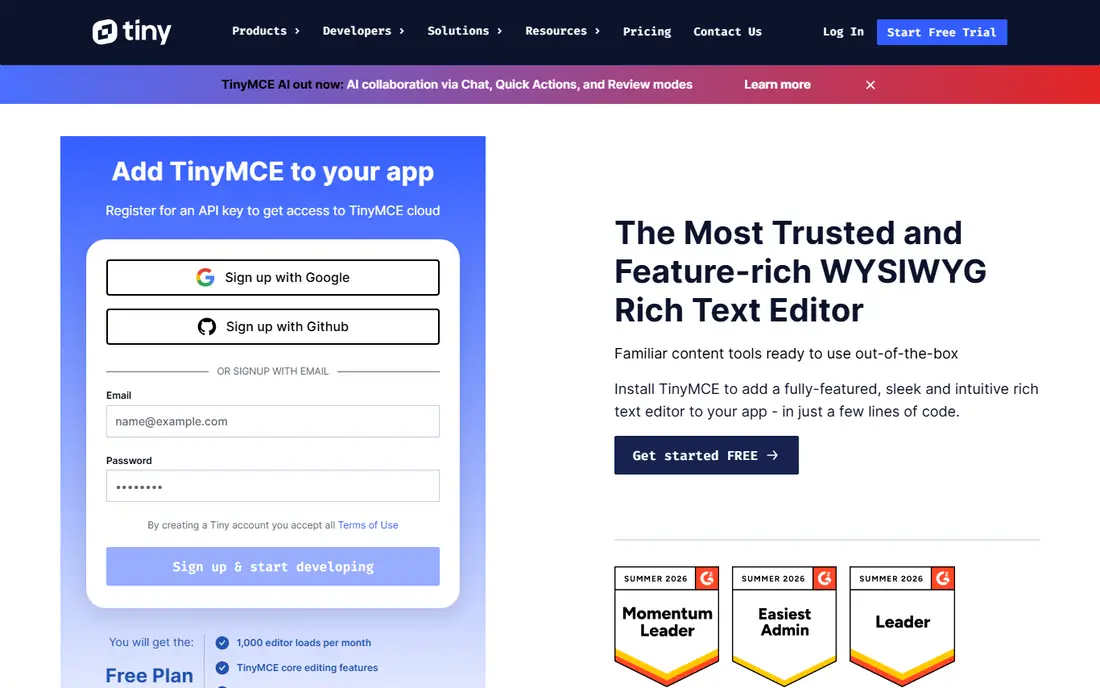
TinyMCE has been around long enough that many content editors already know how it works, which reduces training. It offers a wide plugin set for tables, media, links, code views, and accessibility checks, and it can run from the cloud or be self-hosted. That familiarity is a real advantage for CMS products, admin panels, and internal tools.
The default appearance can feel older than Froala or CKEditor unless you style it, and the features that make it shine often sit in paid plugins. If your users value a familiar editor and your team wants a proven, supported option, TinyMCE remains a solid, low-risk choice.
- Long-established editor many users recognise
- Many plugins
- Cloud and self-hosted options
- Premium plugins add cost
- Default look needs styling to match a modern product
Quill is the tool to pick when the editing need is simple and speed matters more than total control. A developer can add it to a page quickly, get a toolbar and formatted output, and move on to the rest of the product. For comments, blog posts, and basic rich text fields, that simplicity is exactly right.
Complex cases expose its limits. Deeply nested structures, custom block types, and advanced collaboration are harder here than in ProseMirror or Slate, and teams that outgrow Quill may face a rewrite. Use Quill when the document model is simple and likely to stay that way.
- Very easy to add to a page
- Clean API
- Good for blogs and simple CMS fields
- Less flexible for complex structured documents
- Custom document models need extra work
ProseMirror is the toolkit underneath Tiptap, so choosing it directly means taking full control and full responsibility. Its document model, transaction system, and plugin architecture support complex editing, structured content, and collaborative features when paired with the right libraries. Teams building a Notion-style product or a specialised writing tool often start here for good reason.
The cost is developer time. There is no ready toolbar, no default theme, and the concepts take study before the first useful editor appears. ProseMirror suits teams with experienced front-end developers and a document model that off-the-shelf editors cannot express.
- Precise document model and transactions
- Strong foundation for collaboration
- Used by major editors
- Low-level API with a steep learning curve
- You build the entire interface
Slate is built for React teams that need an editor shaped around their own content model. Its plugin system and schema approach let developers define exactly what a document can contain, which helps for tools that mix text with embeds, forms, or custom blocks. If your product is React-based and the editor is a core differentiator, Slate gives you room to build something distinct.
That freedom requires plumbing. Slate does not hand you a finished editor, and the team must write the toolbar, rendering, and many behaviours that ready-made editors include. It is a strong choice for ambitious products, and a poor choice for a team that just needs a quick rich text field.
- React-first design
- Flexible schema for custom content
- Good for complex, non-text editors
- Steep learning curve
- You must build plugins and interface pieces yourself
Plate aims to make Slate practical without losing its flexibility. It packages many plugins for common needs, offers unstyled and styled components, and uses TypeScript throughout, so a React team can assemble a capable editor faster than starting from raw Slate. The plugin approach also means you can add only the behaviours your product needs.
Plate still expects developer effort. Choosing among plugins, styling components, and managing updates takes judgement, and the result is only as coherent as the team's design. For React teams that want Slate power with less groundwork, Plate is a sensible middle ground between a framework and a finished editor.
- Built on Slate with many ready plugins
- Styled components available
- TypeScript support
- Plugin breadth adds bundle and learning load
- Still a framework, not a finished product
Lexical is a modern, extensible editor framework that appeals to teams building a custom editing experience on current web stacks. It is designed to be reliable and performant, with a plugin model for features such as tables, lists, and rich text, and it works well in React projects. Newer plug-and-play editors built on Lexical show how quickly a team can get a working editor from it.
The trade is maturity of the ready-made layer. Compared with CKEditor, Lexical gives you more building work and fewer finished pieces, so it suits teams that want a modern foundation and are comfortable assembling the interface. For a team that values a current architecture over a finished toolbar, Lexical is worth a close look.
- Modern architecture from Meta
- Extensible and framework-friendly
- Good performance focus
- Smaller ready-made interface than CKEditor or Froala
- Ecosystem still maturing for some needs
Editor.js takes a block approach: each paragraph, heading, image, or list is a separate block, and the output is clean JSON that is easy to store, render, and move between platforms. That makes it a good fit for blogs, CMS content, and publishing tools where structured output matters more than Word-style formatting. Writers often like the calm, focused interface.
It is not a drop-in replacement for a traditional editor. Features such as tracked changes, real-time collaboration, and deep inline formatting require extra building or third-party tools. Choose Editor.js when block output and a clean authoring feel matter most, and choose a full editor when users expect classic document editing.
- Clean block-based output as JSON
- Easy to extend with block tools
- Pleasant writing feel
- Not a traditional rich text editor
- Collaboration and complex formatting need extra work
How we picked these
We compared official documentation, pricing and licence pages, and public reviews, and we grouped tools by how much interface they ship versus how much control they give developers. We left out plain code editors and note-taking apps, since they do not embed as rich text editors in a web product, and we left out tools we could not confirm as live and maintained in October 2026. Where a vendor gates paid features behind a quote or a plan page, we wrote See website rather than guessing a price.
What to check before you choose a rich text editor
Start with the output format, because it shapes everything that follows. Ask whether you need HTML, JSON, or a custom document model, and whether that output must render on mobile apps, emails, or exported documents as well as the web. An editor that produces clean, stable output will save far more time than a prettier toolbar that produces messy markup.
Next, test collaboration and pasting early. Paste content from Word, Google Docs, and a web page into a trial build, and check how tables, images, and links survive. If several people must edit together, test comments, history, and conflict handling with two browsers open, since those features are hard to add later.
Finally, check licensing and bundle size for your real product. Open-source cores are free under their licences, but hosted collaboration, AI, and enterprise support are usually paid, and a large editor bundle can slow a page that must load fast. A small prototype with your actual content types will reveal these costs before you commit.
Frequently asked questions
Is Tiptap free?
The core Tiptap editor is open source and free to use, while advanced platform features such as collaboration, comments, history, and AI tools are paid. Check the current platform pricing before assuming a feature is included in the free core.
Which Tiptap alternative is easiest for a small team?
CKEditor 5 and Froala are the easiest in this list because they ship a finished toolbar and interface. A small team can integrate them quickly, while ProseMirror and Slate need considerably more developer time.
Can these editors handle real-time collaboration?
CKEditor offers collaboration as part of its platform, and ProseMirror, Slate, and Lexical can support it with additional libraries and infrastructure. Quill and Editor.js need extra work for full collaborative editing, so test that path before you choose.
What output format should I pick?
Use JSON for structured, app-rendered content and HTML for classic web publishing and CMS fields. JSON is easier to validate and transform, while HTML is easier to display directly and to export to other systems.
Do I need a headless editor?
You need a headless or framework editor only when the default interface does not fit your product, such as a custom block system or a specialised writing tool. For most CMS fields and admin panels, a ready-made editor saves time and support work.
Sources
See where you really rank - block by block
ProMapRanker scans Google Maps across a grid of your service area. Simple monthly plans from $19, white-label on every plan.
Start freeKeep reading
 zoro.to alternatives
Best Zoro.to Alternatives in 2026
We compare the best zoro.to alternatives in 2026, listing only legal licensed anime streaming services, from Crunchyroll to free options for fans today.
Read → zip alternatives
Best Zip Alternatives in 2026
We compare the best zip alternatives for buy now, pay later in 2026, covering pay-in-4 plans, fees, spending limits, and credit reporting options today.
Read → yesware alternatives
Best Yesware Alternatives in 2026
Compare the best yesware alternatives for sales email tracking, templates, and sequences, with current pricing and honest tradeoffs for small sales teams.
Read →