 ProMapRanker
Best TheTVApp.to Alternatives in 2026

Key takeaways
- This list includes only legal, licensed streaming services. We do not list piracy sites, and we do not list TheTVApp itself.
- Pluto TV is our pick for free channel surfing, with hundreds of live channels and no account needed.
- Tubi is the better free pick for on-demand movies and shows, with a large licensed library.
- YouTube TV and Hulu + Live TV are the closest paid replacements for a full cable-style lineup.
- Free services are ad-supported, so expect ads in exchange for no monthly bill.
Quick comparison
| Pick | Great for | Pricing starts at | Free tier | |
|---|---|---|---|---|
 Pluto TV | Free live channels | Free | Yes | Visit |
 Tubi | Free on-demand movies | Free | Yes | Visit |
 The Roku Channel | Free live and on-demand | Free | Yes | Visit |
 Plex | Free channels plus personal media | Free | Yes | Visit |
 Xumo Play | Free no-signup channels | Free | Yes | Visit |
 Samsung TV Plus | Free channels on Samsung | Free | Yes | Visit |
 Sling Freestream | Free Sling channels | Free | Yes | Visit |
 YouTube TV | Full cable replacement | $82.99 per month | Free trial | Visit |
 Hulu + Live TV | Live TV plus streaming library | See website | Free trial | Visit |
The best thetvapp.to alternatives
TheTVApp drew viewers because it was free, needed no account, and worked in a browser. The problem was licensing: it did not hold licenses for the channels it showed, which is why it kept disappearing. The services below keep the free or low-cost appeal, but every stream is licensed. Channel lineups vary by region, so check your local availability.
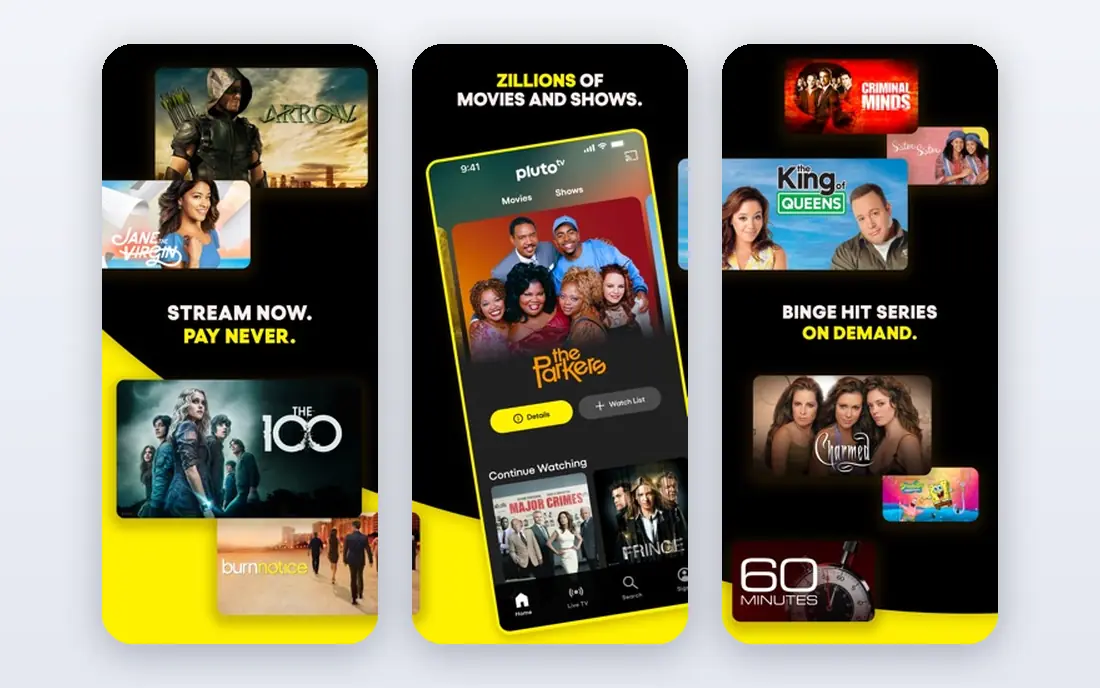
Pluto TV is the closest free match to channel surfing. It offers a cable-style guide with news, movies, classic shows, and some sports channels, all free with ads. You can open it on a phone, TV, or browser without creating an account, which matches the low-friction appeal that drew people to unofficial sites.
The trade is ads and lineup limits. Pluto does not carry every cable network, and live sports are highlights and niche channels rather than full ESPN coverage. For background viewing, news, and classic TV, it is hard to beat at no cost.
- Hundreds of live channels
- No account needed
- Owned by Paramount
- Ads interrupt viewing
- Sports coverage is limited
- Channel lineup varies by region
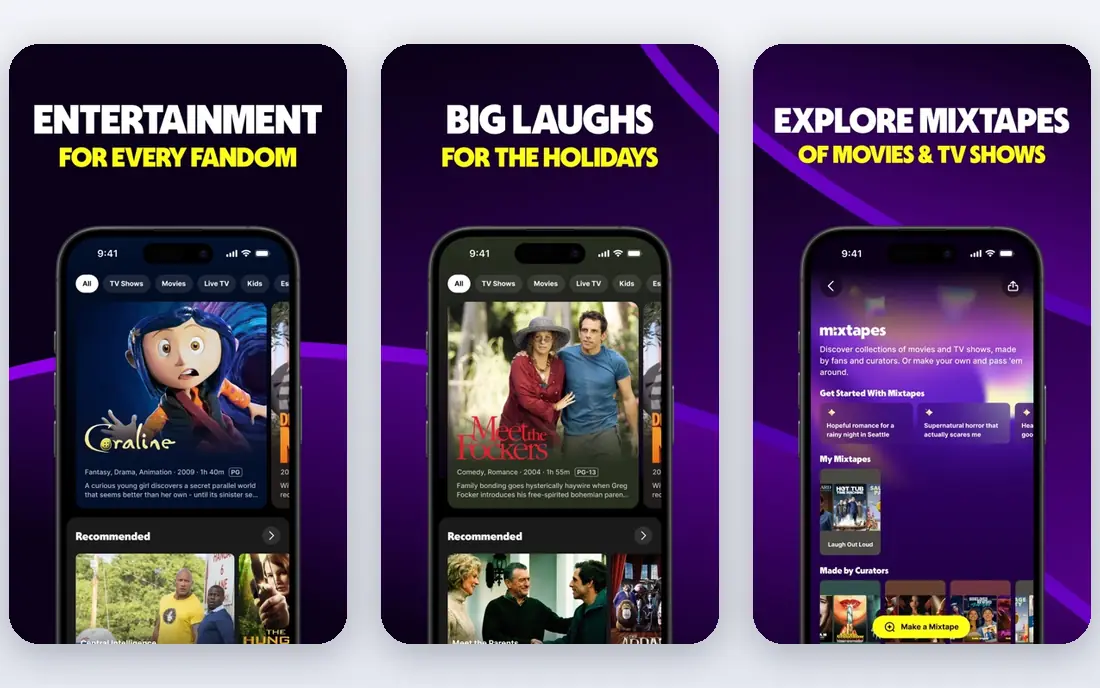
Tubi focuses on on-demand viewing rather than a live guide. Its library runs to tens of thousands of licensed movies and shows from major studios, plus live news and local channels in many markets. Browsing needs no account, though a free account lets you keep a watchlist.
If you mainly want to pick a movie and watch it, Tubi beats Pluto. If you mainly want to flip live channels, Pluto fits better. Many viewers use both, since both are free and legal.
- Large licensed movie and show library
- Live news and sports channels
- Owned by Fox
- Ads during playback
- Newer releases are limited
- No full cable lineup
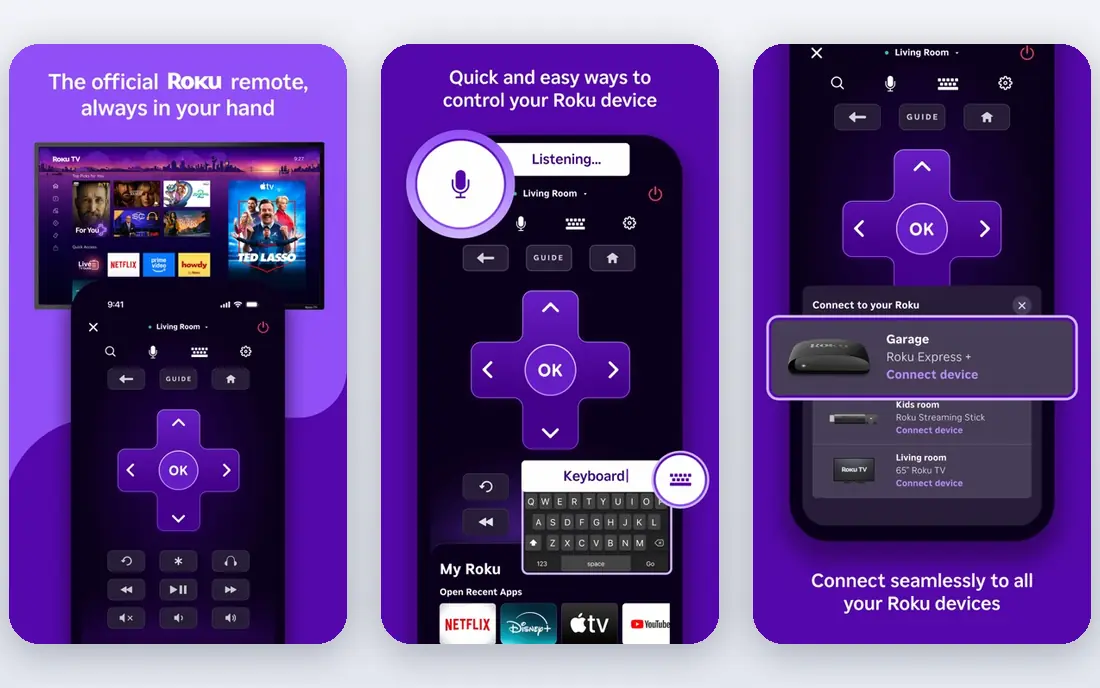
The Roku Channel works on the web and on phones, not only on Roku devices. It combines live channels with on-demand movies and shows, all free with ads. That mix makes it a good single free app for households that want both live and on-demand options.
Premium add-ons inside the app can confuse first-time users, since some titles need a paid subscription. Stick to the free sections if you want zero cost. For a broad free lineup in one app, The Roku Channel is a strong pick.
- Hundreds of live channels
- Works without a Roku device
- Free movies and shows
- Some premium content needs a subscription
- Lineup varies
- Account needed for some features
Plex does two jobs in one app. Its free tier offers live TV channels and on-demand movies, and its media server feature organizes your own movies, music, and photos for streaming at home. That combination suits viewers who already keep a personal media library.
The free tier asks for an account, unlike Pluto, and setting up a personal server takes more effort than just opening an app. If you only want free live TV, Pluto is simpler. If you want live TV plus your own library in one place, Plex earns its spot.
- Hundreds of free live channels
- Organizes your own media
- Wide device support
- Free tier needs an account
- Personal media setup takes time
- Ads on free channels
Xumo Play is the closest legal match to instant, no-account viewing. It offers hundreds of free live channels with news, sports highlights, and entertainment, without asking for registration or payment details. The interface feels like cable, which helps viewers who miss channel surfing.
On-demand depth is thinner than Tubi, and live sports are limited. For quick, free channel hopping, Xumo is excellent. Pair it with Tubi if you also want a deep movie library.
- No sign-up needed
- Hundreds of channels
- Owned by Comcast and Charter
- Ads during viewing
- On-demand library is smaller
- Sports are highlights, not full games
Samsung TV Plus comes built into Samsung TVs and Galaxy phones, with a web version for other devices. It offers free live channels covering news, sports highlights, movies, and entertainment. If you already own a Samsung TV, it is already there, with no install and no bill.
On non-Samsung devices, the web version still works, but the experience is smoother on Samsung hardware. Channel counts vary by region. For Samsung households, it is the easiest free option to start with.
- Built into Samsung TVs and phones
- Free live news and entertainment
- Also on the web
- Best on Samsung devices
- Channel lineup varies
- Ads on free channels
Sling Freestream is Sling TV's free tier. It carries hundreds of free channels without requiring a paid Sling subscription, which makes it a useful bridge for viewers who may later want paid sports or entertainment add-ons. The free tier alone covers news, movies, and lifestyle channels well.
Full live sports and major cable networks sit behind paid Sling plans, so Freestream alone will not replace cable for sports fans. As a free starting point with a clear upgrade path, it is a practical choice.
- Hundreds of free channels
- No Sling subscription needed
- Easy upgrade path to paid Sling
- Ads on free channels
- Full sports need paid Sling
- Some channels need an account
YouTube TV is the most complete paid replacement in this list. The base plan costs $82.99 per month and includes over 100 channels, unlimited cloud DVR, and three simultaneous streams. Smaller genre bundles start lower, with an Entertainment plan around $54.99 per month in 2026, for households that do not need every channel.
The price is the main drawback, and it has risen from $35 at launch. For households that watch a lot of live sports and cable news, the lineup and DVR justify it. For lighter viewers, a mix of free services may cover most needs at no cost.
- Over 100 channels
- Unlimited cloud DVR
- Three streams at once
- High monthly price
- Price has risen several times
- Local channels vary by market
Hulu + Live TV pairs live channels with the Hulu on-demand library, plus Disney bundle options for households that want more. That combination suits viewers who want both live TV and a deep streaming catalog in one subscription, rather than paying for two separate services.
Pricing depends on the bundle and whether you choose ads or no ads, so check the current plan page before signing up. Local channel availability also varies. If you already watch Hulu, adding live TV is a natural step.
- Live channels plus Hulu library
- Disney bundle options
- Cloud DVR included
- Price varies by bundle
- Ads on some plans
- Channel lineup varies by market
How we picked these
We compared official service pages and public guides, and we included only services with licensed content and a clear owner. We excluded unofficial streaming sites, mirror domains, and any site that streams channels without licenses. We did not claim hands-on testing; the ranking rests on published channel counts, pricing, and device support.
What to check before you switch
List the channels you actually watch, then check each free service for those channels. No free service carries every cable network, so a mix of two free apps often covers more than one paid plan for casual viewers. For sports, check whether your team or league is on a free highlights channel or needs a paid plan.
Test playback on your TV, phone, and streaming stick before canceling anything. Free services are ad-supported, so expect breaks. If ads bother you, a paid plan with fewer ads or a DVR may be worth the cost. Always download apps from official app stores, not from links on unofficial sites.
Frequently asked questions
Are these alternatives legal?
Yes. Every service listed here streams licensed content and is owned by a known media company or platform. We deliberately excluded unofficial sites that stream channels without licenses.
Which free service is closest to TheTVApp?
Pluto TV is closest for live channel surfing, since it needs no account and offers a cable-style guide. Xumo Play is also close, with no sign-up needed. For movies on demand, Tubi is the better free pick.
Can I watch live sports for free?
You can watch sports highlights, some live events, and news coverage on free services, but full live games from major leagues usually need a paid plan like YouTube TV, Hulu + Live TV, or Sling TV. Check the league and channel before you rely on a free service for a specific game.
Do free streaming services need an account?
Pluto TV and Xumo Play work without an account for most viewing. Tubi lets you browse without one, and Plex and The Roku Channel ask for a free account for some features. None of the free services here require payment details for their free tiers.
Why did TheTVApp keep disappearing?
Unofficial streaming sites face domain seizures, legal pressure, and copycat domains, which makes them unstable. Licensed services stay online, keep consistent apps, and do not rely on pop-up ads or redirect links.
Sources
See where you really rank - block by block
ProMapRanker scans Google Maps across a grid of your service area. Simple monthly plans from $19, white-label on every plan.
Start freeKeep reading
 zoro.to alternatives
Best Zoro.to Alternatives in 2026
We compare the best zoro.to alternatives in 2026, listing only legal licensed anime streaming services, from Crunchyroll to free options for fans today.
Read → zip alternatives
Best Zip Alternatives in 2026
We compare the best zip alternatives for buy now, pay later in 2026, covering pay-in-4 plans, fees, spending limits, and credit reporting options today.
Read → yesware alternatives
Best Yesware Alternatives in 2026
Compare the best yesware alternatives for sales email tracking, templates, and sequences, with current pricing and honest tradeoffs for small sales teams.
Read →