 ProMapRanker
The Best All in One AI App in 2026

Key takeaways
- ChatGPT is the most complete single app for most people, covering chat, images, voice, and code in one place.
- Gemini fits Google users best, while Copilot fits people who live in Word, Excel, and Outlook.
- Poe and You.com are the picks for comparing models, since they let you switch models inside one app.
- Perplexity leads for research with sources, and Claude leads for long documents and careful writing.
- Free tiers are useful for daily tasks, but paid plans raise limits and add the newest models and features.
Quick comparison
| Pick | Great for | Pricing starts at | Free tier | |
|---|---|---|---|---|
 ChatGPT | Everyday all-round AI help | Free | Yes | Visit |
 Gemini | Google Workspace and Android users | Free | Yes | Visit |
 Claude | Long documents and careful writing | Free | Yes | Visit |
 Microsoft Copilot | Office and Windows users | Free | Yes | Visit |
 Perplexity | Research with cited sources | Free | Yes | Visit |
 Poe | Comparing many models in one app | Free | Yes | Visit |
 You.com | Search plus model choice | Free | Yes | Visit |
 Meta AI | Casual chat inside social apps | Free | Yes | Visit |
The best all in one AI apps
We compared official product and pricing pages for tools that are live in October 2026 and that combine several AI jobs in one app, such as chat, search, writing, coding, and image help. We left out tools that have closed, tools that are not yet live for consumers, and single-purpose tools that do only one job well. A note on images and video: only generate images or video of yourself or of material you have permission to use, and do not create images or video of real people without their consent.
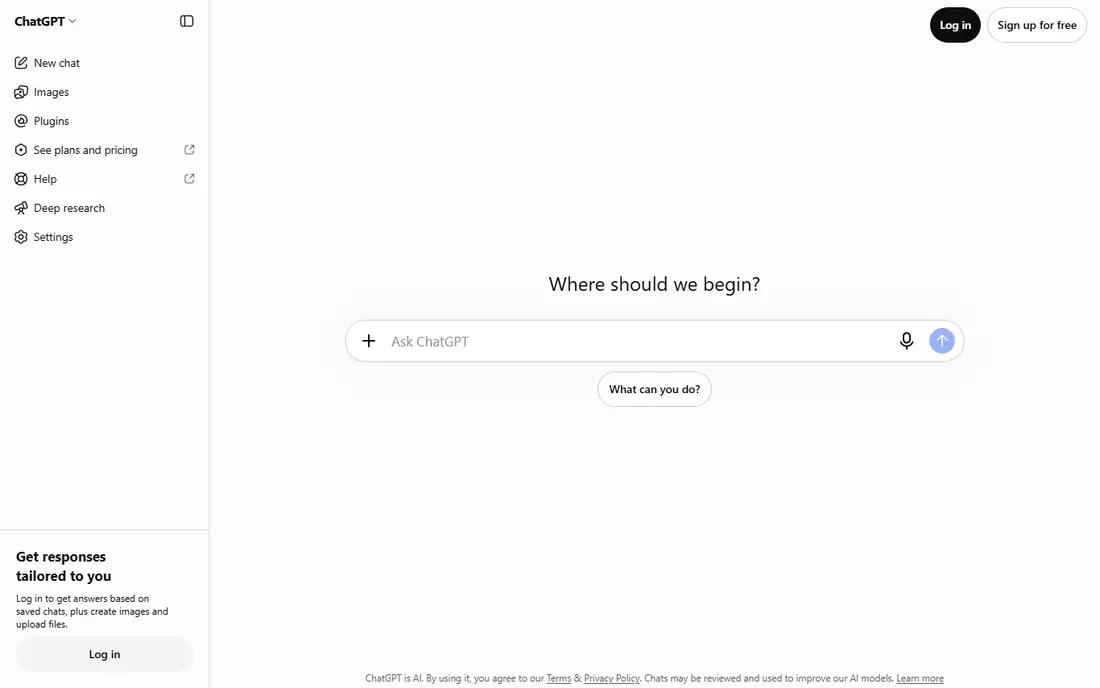
ChatGPT is the default all in one pick because it covers the most everyday jobs in one app. You can draft an email, summarise a document, brainstorm ideas, write code, and generate an image without switching tools. Voice mode helps when you are away from a keyboard, and the app works across web, phone, and desktop.
The limits matter. Free users face caps on advanced models and image generation, and paid plans raise those limits. ChatGPT can also sound confident about a wrong fact, so check dates, prices, and quotes against a primary source. For one app that does a bit of everything well, it is still the easiest recommendation.
- Broad chat, image, voice, and code help
- Large template and app range
- Simple to start
- Free tier has usage limits
- Answers need checking for facts and figures
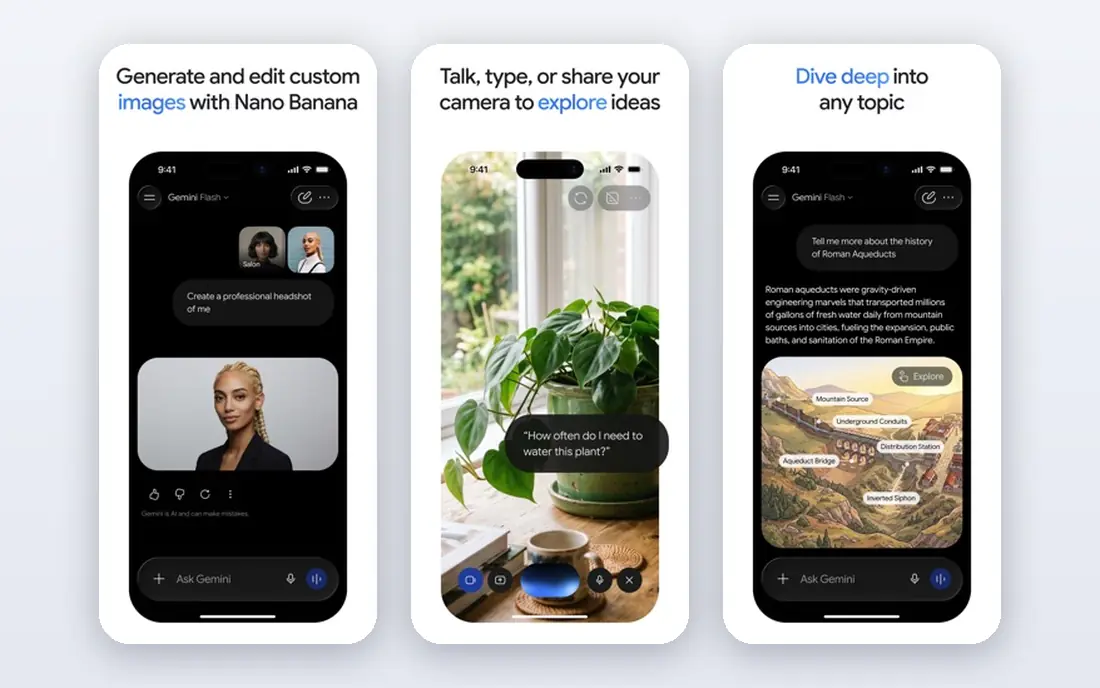
Gemini fits people who already live in Google products. It can summarise a Gmail thread, help draft in Docs, and work across Android and the web, which keeps your workflow in one account. Multimodal help, from images to documents, is a real strength, and the free tier covers a lot of daily use.
Paid Google AI plans add higher limits, more storage, and newer models, but the exact bundle has changed over time, so check the current plan page before you pay. Gemini is less strong as a standalone writing tool than Claude for some long documents, yet for Google users it is the most natural all in one choice.
- Deep Gmail, Docs, and Drive links
- Strong multimodal help
- Generous free tier
- Paid features vary by Google plan
- Some features depend on your region and account type
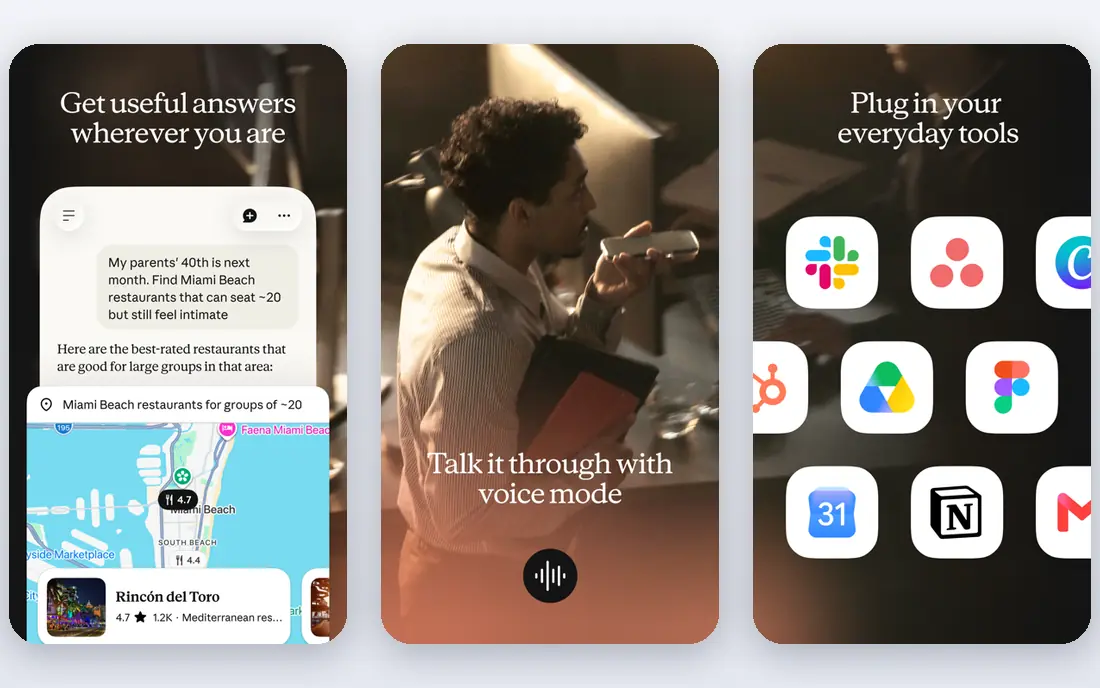
Claude is the pick for readers and writers who work with long material. It handles large documents, keeps context across a long conversation, and writes in a clear, measured style that needs less editing. Coding help is also strong, especially for explaining and refactoring existing code.
The gap is images. Claude does not generate images in the same way as ChatGPT or Gemini, so image-led users need a second tool. Free usage is limited, and paid plans raise those limits. If your day is documents, research notes, and code, Claude may be the best all in one ai platform for you, even without image tools.
- Strong long-document handling
- Careful, clear writing
- Good coding help
- No built-in image generation
- Free tier limits are tighter during busy periods
Copilot is the all in one choice for Office users. The free web chat covers general questions, while paid Microsoft 365 plans bring AI help inside Word, Excel, PowerPoint, and Outlook, where it can draft, summarise, and analyse your own files. That link to your documents is the point, since it saves copying text between apps.
Pricing has shifted, with standalone Pro retired and bundle plans taking its place, so check the current Microsoft 365 page for what your plan includes. If you rarely use Office, ChatGPT or Gemini will feel simpler. If Office is your workday, Copilot is the most direct fit.
- Built into Word, Excel, PowerPoint, and Outlook on paid plans
- Windows integration
- Web chat free
- Best features need a Microsoft 365 plan
- Standalone Copilot Pro has been retired in favour of bundle plans
Perplexity is the research-first all in one tool. Ask a question and you get an answer with links to sources, which makes it far easier to check than a bare chatbot reply. That matters for news, product comparisons, and any topic where a wrong fact costs time. Paid plans add more Pro searches and let you switch between models.
It is less of a creative studio than ChatGPT, and long-form writing or image work is not its main strength. Use Perplexity when the first job is to find and verify information, then move to another tool if you need heavy drafting or image help. For research-led users, it earns its place.
- Answers include sources you can open
- Live web search
- Model choice on paid plans
- Less suited to long creative writing
- Free Pro searches are limited each day
Poe suits curious users who want to compare models without paying for four separate subscriptions. You can ask the same question to different models, try specialist bots, and switch when one model fits a task better. That comparison habit helps you learn which model writes, codes, or reasons best for your work.
Usage is points-based, so heavy use of the newest models can burn through points faster than a flat plan. Native apps from OpenAI, Anthropic, or Google may also offer deeper features for their own models. If model choice matters more than any single native feature, Poe is a smart all in one hub.
- Access to many models under one subscription
- Bots for different jobs
- Easy model switching
- Points-based usage can be confusing
- Native apps may offer deeper features for one model
You.com blends search and chat in a way that feels natural for people who start with a question and want to verify the answer. You can search the web, ask follow-up questions, and switch models, all from one interface. Privacy controls are a stated focus, which appeals to users who want more say over their data.
The ecosystem is smaller than ChatGPT, with fewer third-party apps and templates, and the most advanced models sit behind a paid plan. If your main habit is searching, checking, and then drafting from what you found, You.com is a strong, search-first all in one option.
- Search-led answers with sources
- Model switching
- Privacy controls
- Smaller app ecosystem than ChatGPT
- Some advanced features need a paid plan
Meta AI is the casual all in one pick, because it lives where many people already chat. You can ask questions, draft a message, brainstorm, and generate an image inside WhatsApp, Instagram, Facebook, or the standalone Meta AI app, without a new subscription. For quick everyday help, that convenience is real.
It is not built for long professional work in the same way as Claude or Copilot, and document handling is lighter. Privacy settings deserve a check, since social apps carry their own data rules. If you want free, always-available help for daily tasks, Meta AI is a useful addition, even if power users will still want a second tool.
- Free and built into WhatsApp, Instagram, and Facebook
- Simple chat and image help
- No new app needed for many users
- Less suited to long work documents
- Fewer professional tools than ChatGPT or Claude
How we picked these
We compared official product and pricing pages and kept only tools that are live for consumers in October 2026 and that cover several AI jobs in one app. We included single-provider apps and multi-model hubs, because the best all in one ai tool for one person may be a single strong model, while for another it may be a hub that switches models. We did not list products that are not live consumer products, and we did not claim hands-on testing.
How to choose an all in one AI app
Start with where your work already lives. Google users get the most from Gemini, Office users from Copilot, and social app users from Meta AI, since those links save time every day. If your work lives nowhere in particular, ChatGPT is the simplest all-round start, while Perplexity is the best start for research and Claude for long writing.
Then test the free tier on your real tasks, not on demo prompts. Draft a real email, summarise a real document, and check a real fact with sources, and note where the app helps and where it guesses. Paid plans mainly raise limits and add newer models, so pay only when you hit a free limit often enough to feel it. Keep a habit of checking important facts, and only use image or video features with your own material or material you have permission to use.
Frequently asked questions
What is the best all in one ai platform?
ChatGPT is the best all-round choice for most people, since it covers chat, images, voice, and code. Gemini is better for Google users, Copilot for Office users, and Poe for people who want to compare models. Your existing apps should weigh heavily in the choice.
Can one AI app really do everything?
One app can cover most daily jobs, from drafting to searching to coding help, but no single app is best at every job. Research-led users may pair Perplexity with a writing app, and image-led users may pair ChatGPT with a specialist image tool. An all in one app reduces switching, it does not remove every trade-off.
Are all in one AI tools free?
Most tools here offer a free tier that covers daily chat and basic help, with paid plans for higher limits and newer models. Free tiers vary in how much you can do each day, so test the tier on your normal workload before you assume it will be enough.
Which all in one AI tool is best for research?
Perplexity leads for research, since answers include sources you can open and check. ChatGPT and Gemini also search the web, and Claude is strong for summarising long documents you already have. For any important fact, open the source rather than trusting the summary alone.
Is it safe to share personal data with an AI app?
Treat AI apps as you would any online service: avoid sharing passwords, financial details, medical records, or other sensitive data unless you have checked the privacy policy and you need to. Use the privacy controls in the app, and do not paste material you do not have permission to share.
What should I avoid when generating images or video with AI?
Only generate images or video of yourself or of material you have permission to use, and do not create images or video of real people without their consent. This applies even when a tool makes it technically easy, and it matters most for images or video that could embarrass, mislead, or harm someone.
Sources
See where you really rank - block by block
ProMapRanker scans Google Maps across a grid of your service area. Simple monthly plans from $19, white-label on every plan.
Start freeKeep reading
 zscaler alternatives
Best Zscaler Alternatives in 2026
Looking for zscaler alternatives? We compare 9 SASE and zero trust platforms on architecture, data protection, pricing, and fit for your network and team.
Read → zapier alternatives free
Best Zapier Alternatives Free in 2026
Nine automation tools for zapier alternatives free in 2026, all with genuinely free tiers, plus free plan limits, starting prices and upgrade paths explained.
Read → which platform is best for online reputation
Which Platform Is Best for Online Reputation in 2026
Wondering which platform is best for online reputation? We compare 8 review, listing, and response tools for small and multi-location businesses and agencies.
Read →