 ProMapRanker
Best Tenable Alternatives in 2026

Key takeaways
- Qualys VMDR and Rapid7 InsightVM are the closest direct replacements for broad infrastructure scanning.
- Wiz and Orca Security fit cloud-first teams that want agentless coverage across cloud accounts.
- Microsoft Defender Vulnerability Management suits teams already on Microsoft Defender for Endpoint.
- Intruder and Snyk give smaller teams a clearer starting price and a faster setup path.
- Greenbone OpenVAS is the open source option, but it needs more setup and care than paid tools.
Quick comparison
| Pick | Great for | Pricing starts at | Free tier | |
|---|---|---|---|---|
 Qualys VMDR | Enterprise infrastructure scanning | See website | No | Visit |
 Rapid7 InsightVM | Risk-based remediation | See website | Free trial | Visit |
 Wiz | Cloud exposure management | See website | Free trial | Visit |
 Orca Security | Agentless cloud security | See website | Free trial | Visit |
 Microsoft Defender Vulnerability Management | Microsoft shops | See website | No | Visit |
 CrowdStrike Falcon Exposure Management | Endpoint-linked exposure | See website | Free trial | Visit |
 Intruder | Small team external scanning | See website | Yes | Visit |
 Greenbone OpenVAS | Open source scanning | Free | Yes | Visit |
 Snyk | Developer dependency scanning | Free | Yes | Visit |
The best tenable alternatives
Tenable covers a wide job, from network scanning to cloud exposure. No single replacement matches every part of it, so we grouped tools by the job they do best. We compared vendor pages, pricing pages, and public docs to sort them.
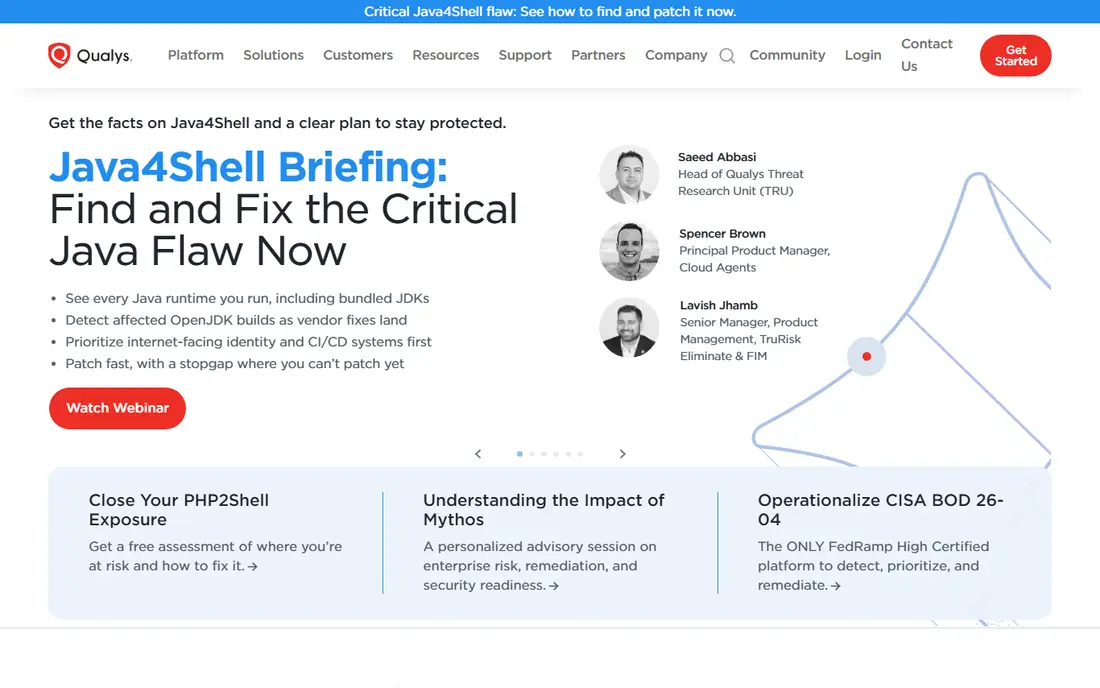
Qualys VMDR scans servers, endpoints, and cloud assets, then ranks findings by risk. It suits large teams that need one console for assets, vulnerabilities, and compliance checks. The platform has a long history in this space, which shows in its reporting templates and policy library.
The downside is access. Pricing is quote-based, and a full rollout needs planning around agents, scanners, and scan windows. If you want a quick self-serve start, a smaller tool may fit better. If you want a Tenable-like enterprise program, Qualys is a natural first call.
- Continuous asset discovery
- Broad compliance reporting
- Threat intelligence links
- Pricing needs a sales quote
- Setup can be heavy
- Smaller teams may find it broad
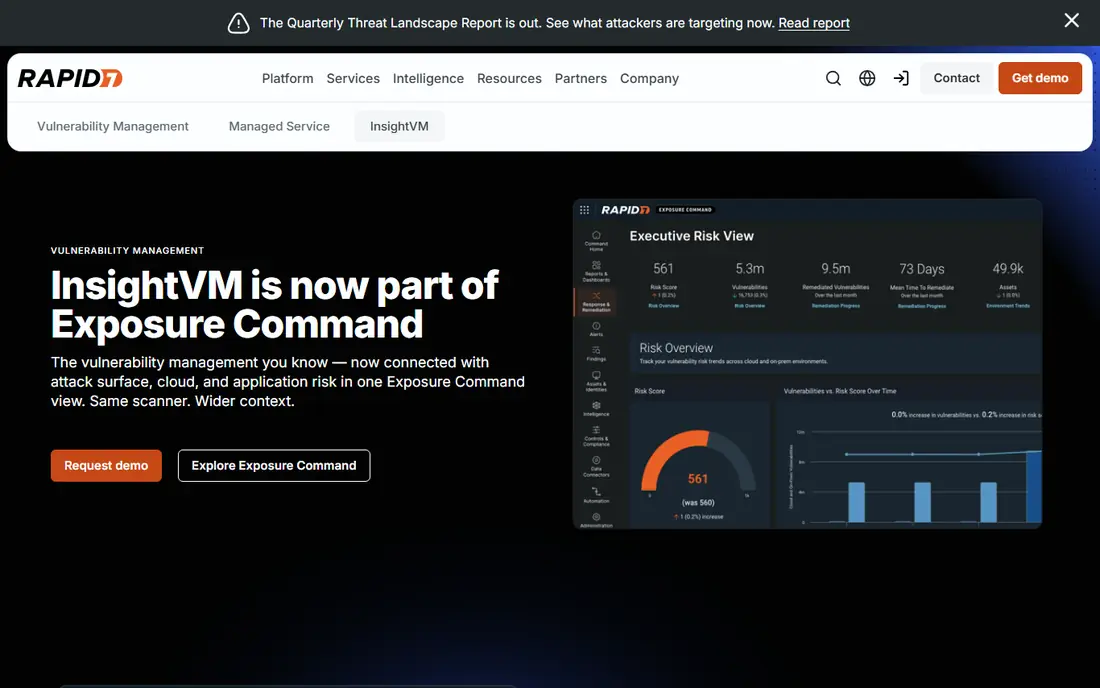
InsightVM, formerly Nexpose, pairs scanning with remediation tracking. Findings get a risk score that reflects exploit availability and asset value, so teams can fix the worst issues first. Remediation projects let owners track progress without juggling spreadsheets.
Asset-based pricing means costs rise with your estate, so get a quote for your real count. Web application scanning sits in a separate product, InsightAppSec, so check scope if you need both. For teams that value a clear fix queue, InsightVM is a strong pick.
- Risk scoring tied to exploit data
- Remediation projects
- Strong integrations
- Pricing varies by asset count
- Web app scanning is separate
- Reporting takes setup
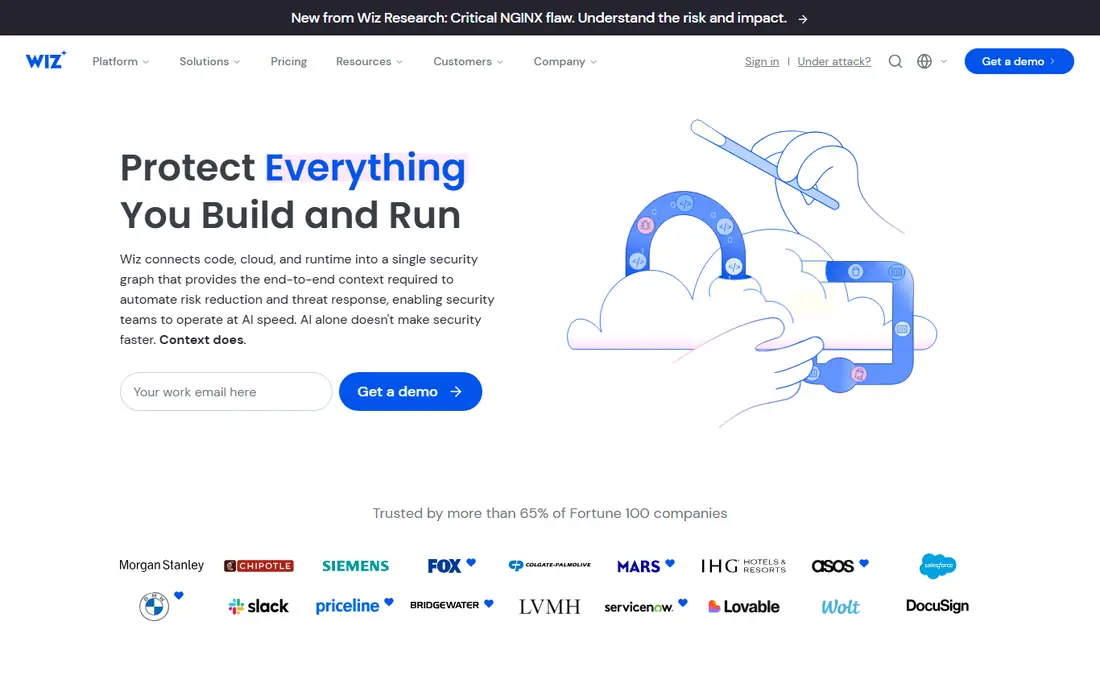
Wiz connects to cloud accounts and maps risks across compute, storage, identities, and vulnerabilities without agents on every host. Attack path views show how a chain of small issues could lead to a sensitive asset. That view helps cloud teams explain risk to non-technical leaders.
Wiz is less of a direct swap for on-prem network scanning. If most of your estate is in AWS, Azure, or Google Cloud, it fits well. If you still run large on-prem networks, pair it with an infrastructure scanner rather than expecting one tool to cover both.
- Agentless cloud coverage
- Clear attack path views
- Broad cloud integrations
- Cloud-first focus
- Enterprise pricing
- Less depth for on-prem networks
Orca also uses agentless scanning to cover cloud workloads, containers, and identities. Its pitch is speed: connect a cloud account and see risks without deploying agents across every workload. Side-by-side views help teams prioritize the exposures that matter most.
Like Wiz, Orca is built for cloud estates first. Teams with heavy on-prem footprints should confirm coverage before switching. For cloud-native companies, Orca is one of the two names that come up most often in this category.
- Agentless scanning
- Unified cloud and AI risk views
- Fast cloud onboarding
- Quote-based pricing
- Cloud focus
- On-prem coverage is limited
If your endpoints already run Defender for Endpoint, this add-on brings vulnerability data into the same console as endpoint alerts. Prioritization uses Microsoft threat intelligence and business context, which helps teams focus on devices that matter. The add-on is generally available for Defender for Endpoint Plan 2 customers.
The catch is licensing. Outside a Microsoft estate, the case is weaker, and full capability may need the add-on rather than the base plan. For Microsoft-heavy teams, though, the single console is a real advantage over juggling a separate scanner.
- Built into Defender for Endpoint
- Continuous prioritization
- Microsoft threat data
- Best value inside Microsoft licensing
- Add-on for full features
- Less standalone appeal
CrowdStrike Falcon Exposure Management, formerly Falcon Spotlight, links vulnerability data to endpoint telemetry. That link helps teams see which vulnerable hosts are actually exposed or already under attack. If you already run Falcon, the added context can shorten triage time.
As a standalone scanner, it is less compelling than a dedicated tool. The value comes from the Falcon platform as a whole. Teams already invested in CrowdStrike should test it before adding another vendor.
- Ties exposure to endpoint data
- Falcon platform integration
- Prioritized remediation
- Works best with Falcon
- Quote-based pricing
- Cloud depth differs from Wiz
Intruder targets small and mid-sized teams that want continuous external scanning without an enterprise sales cycle. You can sign up, add targets, and get ongoing checks with alerts when new exposures appear. Compliance-style reporting is included, which helps with audits.
Read the tiers carefully. Entry plans focus on your external attack surface, while internal network scanning sits on higher tiers. That split is fair, but it means a team that needs internal coverage should price the higher tier from the start. For external-first teams, Intruder is easy to start.
- Self-serve signup
- Continuous monitoring
- Clear published tiers
- Entry tiers cover external surface only
- Internal scanning sits on higher tiers
- Prices rise with targets
OpenVAS, now under Greenbone, is the best-known open source scanner in this list. It runs network vulnerability tests and reports findings without a license fee. Small teams and labs use it to learn scanning or to cover a modest estate on a tight budget.
The cost is your time. You install, update feeds, tune scans, and handle false positives yourself. Paid Greenbone products add support and enterprise features, but the free edition is a do-it-yourself tool. Choose it when budget matters more than hands-off operation.
- Free and open source
- Broad vulnerability tests
- Community edition available
- Setup and tuning take time
- Support is community-led on free edition
- Interface feels dated
Snyk scans open source dependencies, code, containers, and infrastructure-as-code, then suggests fixes in developer workflows. A free tier covers small projects, and a Team plan starts at $25 per month for up to ten developers on published pricing. That model suits teams whose main risk is the packages they ship.
Snyk does not replace an infrastructure scanner. It covers the application layer, while a tool like Qualys or InsightVM covers hosts and networks. Most teams use Snyk beside an infrastructure scanner, not instead of one.
- Free tier for developers
- Fix pull requests
- IDE and CI integration
- Does not scan hosts or networks
- Enterprise pricing is credit-based
- Cloud coverage is limited to higher tiers
How we picked these
We compared vendor pricing pages, product docs, and public comparisons, and we favored tools that are live in October 2026 with a clear scope. We excluded Tenable products themselves, including Nessus, since this is an alternatives list. We did not claim hands-on testing; we based the ranking on published features, pricing, and fit for common Tenable use cases.
What to check before you switch
Map your estate first: on-prem hosts, cloud accounts, endpoints, web apps, and code. No tool here covers all five equally, so pick the tool that covers your largest risk and pair it with a second tool for the rest. Ask for a quote based on your real asset count, not a demo count.
Run a trial scan on a small, known set of assets and compare findings with your current Tenable results. Check remediation workflow, reporting for audits, and how findings flow into tickets. A scanner that finds issues but never reaches the right owner will not reduce risk, no matter how good its detection looks.
Frequently asked questions
What is the closest direct replacement for Tenable?
Qualys VMDR and Rapid7 InsightVM are the closest for broad infrastructure scanning and remediation. Both cover hosts, networks, and compliance reporting in a way that maps well to Tenable programs.
Can I replace Tenable with a free tool?
Greenbone OpenVAS can cover basic network scanning for free, but you take on setup and tuning. Snyk also has a free tier, but it covers code and dependencies, not networks. A free tool can work for a small estate with a skilled owner.
Do I need both a cloud tool and an infrastructure scanner?
Many teams do. Wiz and Orca cover cloud well, while Qualys and InsightVM cover on-prem hosts better. If your estate is mostly cloud, one cloud tool may be enough. If it spans both, plan for two tools.
How is pricing usually set?
Enterprise tools like Qualys, Wiz, and Orca use quotes based on assets or cloud spend. Smaller tools like Intruder and Snyk publish tier pricing. Always confirm the price for your asset count before budgeting.
Does Snyk replace Tenable?
No. Snyk focuses on code, dependencies, and containers. It pairs well with Tenable or its alternatives, but it does not scan networks or hosts on its own.
Sources
See where you really rank - block by block
ProMapRanker scans Google Maps across a grid of your service area. Simple monthly plans from $19, white-label on every plan.
Start freeKeep reading
 zoro.to alternatives
Best Zoro.to Alternatives in 2026
We compare the best zoro.to alternatives in 2026, listing only legal licensed anime streaming services, from Crunchyroll to free options for fans today.
Read → zip alternatives
Best Zip Alternatives in 2026
We compare the best zip alternatives for buy now, pay later in 2026, covering pay-in-4 plans, fees, spending limits, and credit reporting options today.
Read → yesware alternatives
Best Yesware Alternatives in 2026
Compare the best yesware alternatives for sales email tracking, templates, and sequences, with current pricing and honest tradeoffs for small sales teams.
Read →