 ProMapRanker
Best Tavily Alternatives in 2026

Key takeaways
- Exa suits teams that want neural, semantic search built for machines rather than keyword matching alone.
- Brave Search API suits teams that want an independent index without depending on a single large search provider.
- Perplexity Sonar suits teams that want a finished, cited answer rather than raw results to process themselves.
- Serper and SerpAPI suit teams that want raw search engine results pages at very different price points.
- Firecrawl suits teams that need search plus full page extraction and crawling in one pipeline.
- Linkup, You.com and Parallel suit teams that want premium, multilingual or low-cost search with different depth options.
Quick comparison
| Pick | Great for | Pricing starts at | Free tier | |
|---|---|---|---|---|
 Exa | Neural search for AI agents | $7 per 1,000 searches | Yes | Visit |
 Brave Search API | Independent web index | $5 per 1,000 searches | Yes | Visit |
 Perplexity Sonar | Finished cited answers | $5 per 1,000 searches | No | Visit |
 SerpAPI | Full parsed search results | $25 per month | Free trial | Visit |
 Serper | Low-cost Google results | Free | Yes | Visit |
 Firecrawl | Search plus extraction and crawling | $16 per month | Yes | Visit |
 Linkup | Premium and multilingual search | See website | Yes | Visit |
 You.com API | Tunable AI search depth | See website | Yes | Visit |
 Parallel | Low-cost agent search | See website | Yes | Visit |
The best Tavily alternatives
Tavily gives AI agents structured web search results with cleaned snippets and optional extraction, priced by credits. The alternatives below split into AI-native search APIs, independent indexes, answer engines and raw SERP APIs. We compared official feature pages, pricing pages, documentation and public reviews. Prices are quoted per 1,000 searches where vendors publish that unit, because credit systems differ, and we note free allowances separately, since a credit in one API rarely equals a search in another.
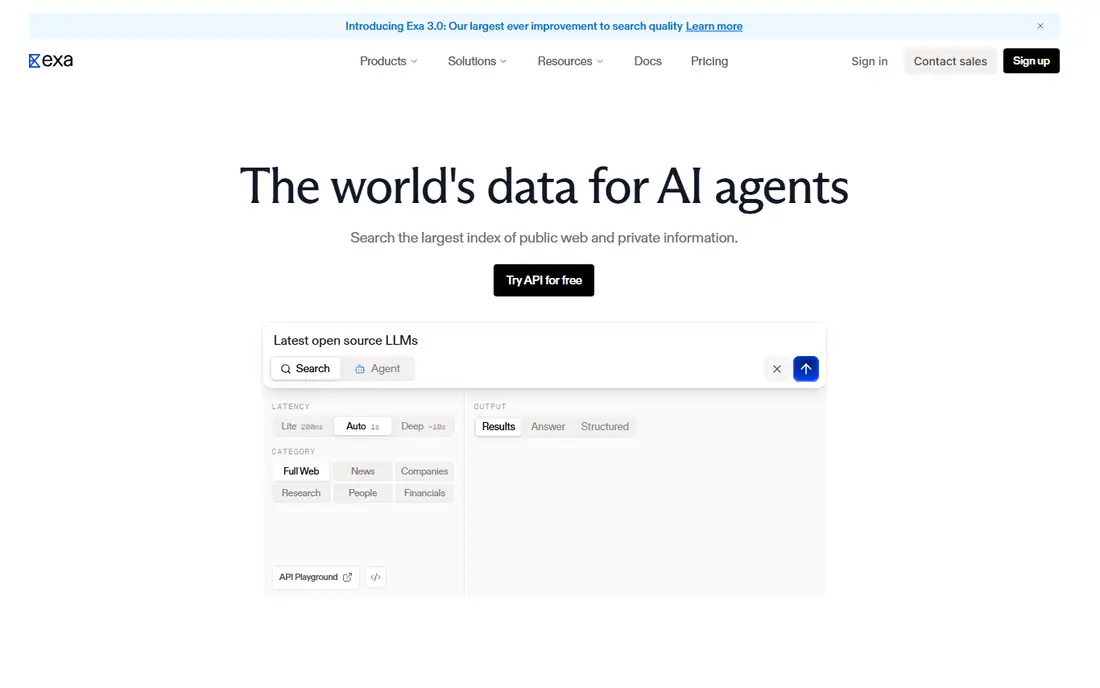
Exa is our pick for most agent teams that want a direct Tavily replacement. Its index is built for machine queries, so semantic search returns pages that match the intent of a question even when the wording differs. Fast and auto search modes cover quick lookups, while contents retrieval and summaries add full text when a pipeline needs it.
The pricing needs care. The base search price is competitive, but contents and summaries are billed separately, so a pipeline that fetches full text for every result will cost more than the headline rate. Teams should price the full pipeline, search plus contents, before comparing Exa with a bundled alternative.
- Neural search that understands meaning, not just keywords
- Contents and summaries as add-ons
- Official MCP server
- Content extraction costs extra per page
- Deep research searches cost more than fast searches
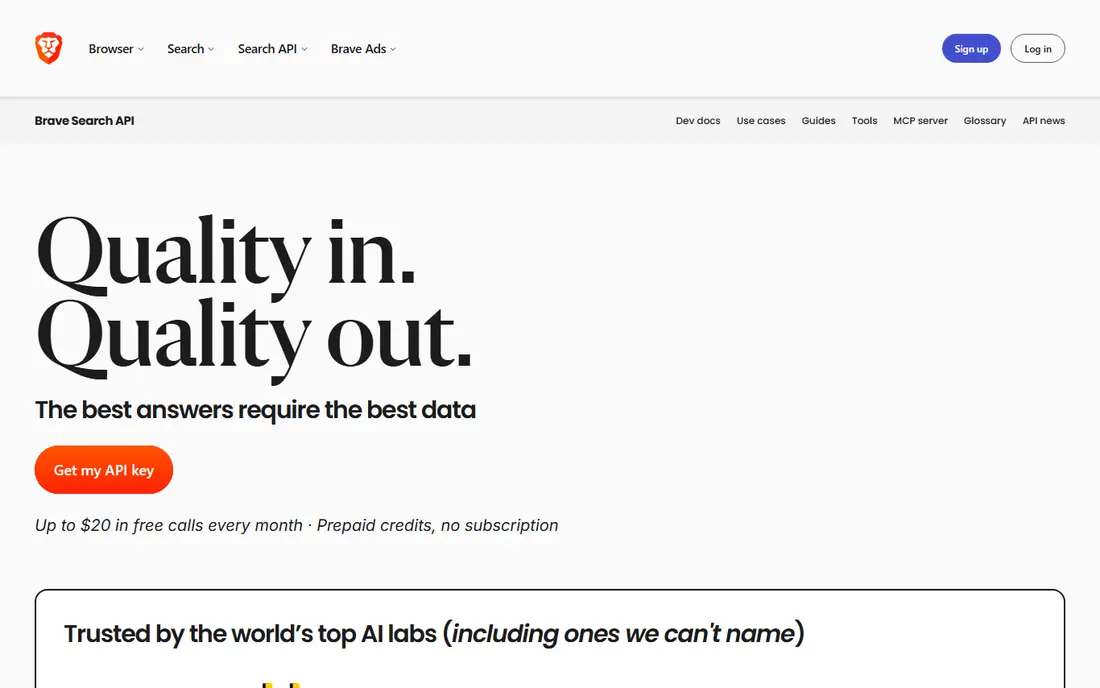
Brave Search API suits teams that want independence from the largest search providers. Its own index powers web results, with options for extra snippets and LLM-ready context that help agents use results without extra cleaning. A monthly free credit allowance makes prototyping cheap.
Coverage is the honest question. Brave's index is large, but for some niche or local queries it may return different results from a larger engine, so test it on your own query set. For general web search with a privacy-minded provider, it is a strong and fairly priced choice.
- Independent index not tied to a single large provider
- LLM context options
- Monthly free credits
- Answer features bill separately from search
- Index coverage differs from larger search engines in some niches
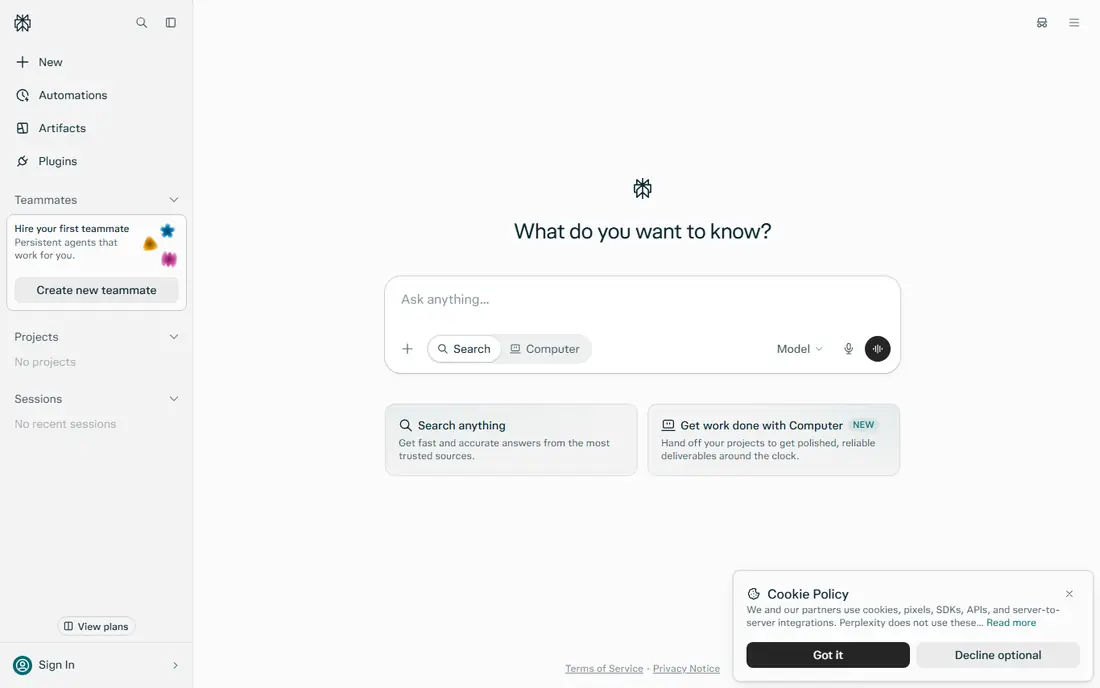
Perplexity Sonar suits a different job from Tavily: it returns a finished answer, grounded in live web data, with citations, rather than raw results for your own pipeline to process. That makes it ideal for user-facing features where an agent should show an answer directly. A raw search mode also returns result lists for teams that want more control.
Token costs are the catch. Answer generation bills for model output as well as search, so high-volume answer features cost more than raw search alone. Teams that need full control over ranking and extraction should pick a raw-results API instead.
- Returns a grounded answer with citations
- Raw search mode for result lists
- Fast for user-facing answers
- Answer generation adds token costs
- Less control over raw result processing than Tavily-style APIs
SerpAPI suits teams that need the full search results page, parsed and structured. It covers many engines and verticals, including places, shopping, news and images, with documentation that has grown over years of use. That breadth helps products that need more than ten blue links.
The price is higher than lean alternatives such as Serper, and results arrive as SERP data rather than cleaned agent content. Teams building AI pipelines will need their own extraction and ranking step on top, while teams building search features for people will value the full parsed page.
- Full parsed results from many search engines
- Structured data for places, shopping and news
- Long-running and well documented
- Higher cost per search than lean SERP APIs
- Results are human-oriented SERPs, not AI-cleaned content
Serper is the budget pick in this list. It returns Google search results at a fraction of the cost of most rivals, with fast responses and a free allowance for starting. For cost-sensitive pipelines that already handle cleaning, ranking and extraction themselves, that price gap is hard to ignore.
What you get is raw SERP data, not AI-cleaned content. Teams must build their own processing, and they should check the terms and reliability of a scraping-based service for production use. For prototypes, internal tools and high-volume simple lookups, Serper is a practical low-cost option.
- Very low cost per search
- Fast Google results
- Free queries for starting
- Raw Google results with no AI cleaning
- Scraping-based model needs care on terms and reliability
Firecrawl suits teams whose pipeline does not stop at search. After finding pages, it extracts clean, model-ready content and can crawl whole sites, which removes a separate scraping step. That bundled workflow appeals to RAG teams that need full page text, not just snippets.
Credit bundling is the trade. Plans cover search, extraction and crawling together, so a team that only needs search may pay for capacity it does not use. For teams that need search plus extraction in one call chain, the combined price often beats buying two tools.
- Search, extraction and crawling in one API
- Clean markdown output for models
- Official MCP server
- Credit plans bundle search with crawling, so search-only use may cost more
- Heavy crawling needs higher plans
Linkup suits teams that need higher-quality sources and multilingual coverage. Standard search covers everyday queries, while deep search runs a more thorough retrieval pass for research-heavy questions. That two-mode design lets teams pay for depth only when a query needs it.
Mode pricing needs attention. Deep searches cost several times a standard search, so a pipeline that defaults to deep mode will see bills rise fast. Use standard search for routine lookups and reserve deep mode for questions where recall matters most.
- Premium sources with multilingual coverage
- Standard and deep search modes
- Free queries for starting
- Deep search costs more than standard search
- Pricing varies by mode and volume
You.com API suits teams that want to tune how deep a search goes. Different modes and content options let a pipeline balance cost against thoroughness, and signup credits give room to test before paying. Contents retrieval is priced separately, similar to Exa, which keeps the base search price low for snippet-only use.
The main caution is change. Pricing pages and plan details for You.com have shifted over time, so confirm the current rates and free credits before budgeting. For teams that test on their own queries and lock in a mode that fits, it is a flexible option.
- Tunable search depth and content options
- Signup credits for starting
- Contents pricing separate from search
- Pricing and plan details change often, so check the current page
- Smaller developer community than Exa or Brave
Parallel suits cost-sensitive agent teams that want a low per-search price without a scraping-based SERP API. Its modes range from cheap, fast search to deeper retrieval, with extra results billed separately, which keeps simple lookups inexpensive. That pricing shape fits agents that search often but only need a few results each time.
It is a newer provider than Exa, Brave or SerpAPI, so its track record is shorter. Teams should test reliability, latency and result quality on their own queries during a trial, and confirm the current free allowance, because its pages state that allowance in more than one way.
- Low cost per search across modes
- Extra results priced separately
- Built for agent workloads
- Newer provider with a smaller track record
- Free allowance terms are stated in more than one way on its pages
How we picked these
We compared official feature pages, pricing pages, documentation and public reviews for each API. We kept only APIs that exist and work today, offer web search a developer can buy or trial, and cover a distinct need such as neural search, independent indexing, cited answers, raw SERP data, extraction or low-cost agent search. We left out model-native search tools that cannot be bought as a standalone API, and we note custom or changing pricing plainly where vendors do not publish a stable starting price.
What to check before you switch
Start with your query set, not with a benchmark. Run the same 100 real queries through each shortlisted API, check relevance, freshness and citation quality, and measure latency at your expected volume. A search API that wins on general queries can still fail on your niche, local or multilingual queries.
Check the full pipeline cost next. Add search, contents, summaries, extra results and answer tokens for a typical workflow, and compare that total rather than the headline search price. A cheap search API with expensive extraction can cost more than a bundled alternative, and a cited-answer API adds token costs that raw search does not.
Finally, check terms, rate limits and data handling. Confirm allowed use, retention, rate limits and support channels, and test error handling for failed searches during a trial. Search is a dependency your agent calls on every task, so reliability and clear limits matter as much as price.
Frequently asked questions
What is the best Tavily alternative for AI agents?
Exa is the best direct replacement for most agent teams, because its neural search is built for machine queries and its contents API adds full text when needed. Brave Search API is a strong second pick for teams that want an independent index, and Firecrawl suits teams that also need extraction and crawling.
Is there a free Tavily alternative?
Yes, several APIs offer free tiers. Exa offers monthly credits, Brave offers monthly credits, Serper offers free queries, Firecrawl offers free credits, and Linkup, You.com and Parallel offer free starting allowances. Free tiers suit prototypes, while production use usually needs a paid plan.
Which alternative is cheapest per search?
Serper is the cheapest per search in this list for raw Google results, and Parallel offers low per-search pricing for agent search. Exa, Brave and Perplexity cluster around $5 to $7 per 1,000 basic searches, while SerpAPI costs more for full parsed SERP data.
Which alternative gives cited answers?
Perplexity Sonar gives a finished answer with citations, which suits user-facing features. Brave Answers also gives summarised answers with citations, while Exa, Tavily-style APIs and SERP APIs return results and snippets for your own pipeline to cite.
Do these APIs support MCP servers?
Exa and Firecrawl offer official MCP servers, and several other APIs have community MCP servers. Check each vendor's documentation for the current MCP support, because community servers vary in maintenance and features.
Can I self-host a Tavily alternative?
Yes, for a different kind of tool. Open-source metasearch engines such as SearXNG can be self-hosted, but they need infrastructure, index access and ongoing maintenance. For most production agents, a managed API is more practical than running your own search stack.
Sources
See where you really rank - block by block
ProMapRanker scans Google Maps across a grid of your service area. Simple monthly plans from $19, white-label on every plan.
Start freeKeep reading
 zyte alternatives
Best Zyte Alternatives in 2026
These zyte alternatives cover managed scraping APIs, proxy networks and no code tools for lawful collection from your own or consented sources only in 2026.
Read → zerto alternatives
Best Zerto Alternatives in 2026
Compare the best zerto alternatives for disaster recovery and replication, with recovery targets, cloud options and honest trade-offs for teams in 2026.
Read → zerofox alternatives
Best ZeroFox Alternatives in 2026
We compared 9 zerofox alternatives for brand protection, phishing takedowns, dark web monitoring, and social impersonation, with clear coverage notes.
Read →