 ProMapRanker
Best Tailwind Alternatives in 2026

Key takeaways
- Bootstrap remains the safest pick when a team wants ready-made components and a huge community behind them.
- UnoCSS is the closest utility-style replacement, with an on-demand engine that stays fast and highly configurable.
- Bulma, Pico CSS, and Tachyons suit teams that want CSS-only or class-light styling without a heavy build step.
- Panda CSS and Chakra UI suit TypeScript and React teams that want typed, component-driven styling.
- Most CSS frameworks here are free and open source, so the real cost is learning time and long-term maintenance, not a license fee.
Quick comparison
| Pick | Great for | Pricing starts at | Free tier | |
|---|---|---|---|---|
 Bootstrap | Ready-made components | Free | Yes | Visit |
 UnoCSS | Tailwind-style utilities with control | Free | Yes | Visit |
 Bulma | CSS-only component styling | Free | Yes | Visit |
 Foundation | Responsive, enterprise-style sites | Free | Yes | Visit |
 Panda CSS | Typed build-time styling | Free | Yes | Visit |
 Chakra UI | Accessible React components | Free | Yes | Visit |
 MUI | Material design React components | Free | Yes | Visit |
 Pico CSS | Small semantic sites | Free | Yes | Visit |
 UIkit | Modular marketing sites | Free | Yes | Visit |
 Tachyons | Tiny functional CSS | Free | Yes | Visit |
The best Tailwind alternatives
Tailwind CSS is a utility-first framework, so its alternatives split into two groups: other utility engines, and component frameworks that trade utility classes for ready-made parts. We included both, and we note which group each tool belongs to.
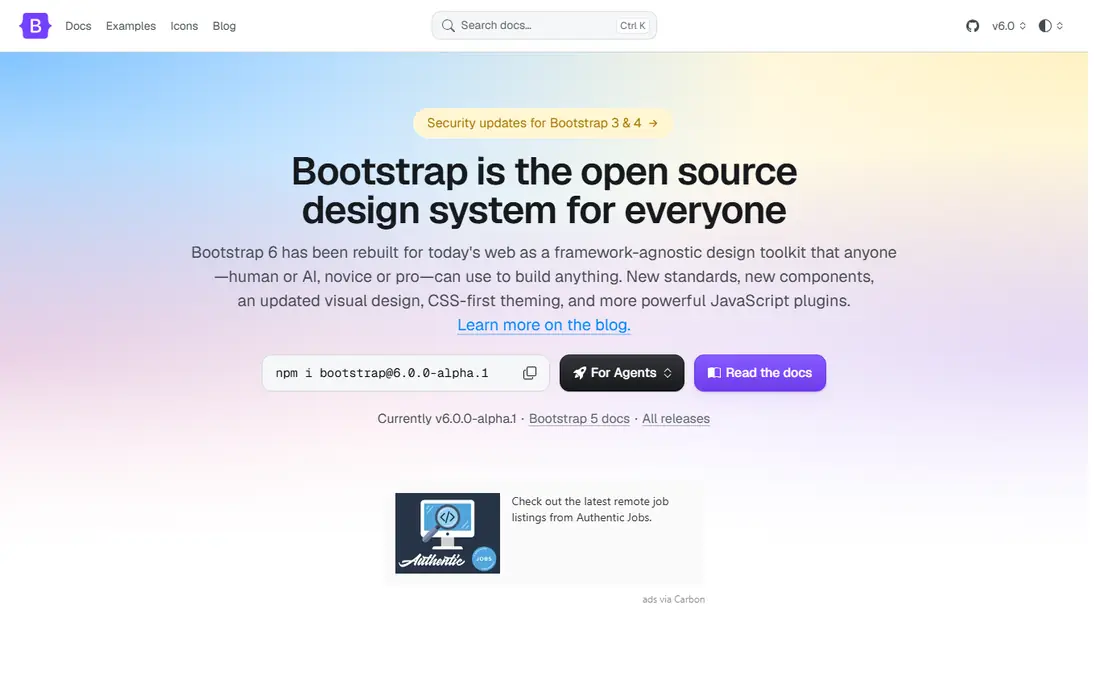
Bootstrap is still the most familiar CSS framework in web development, and that familiarity is a practical advantage. Buttons, cards, modals, navigation, and a responsive grid are ready to use, so a team can build an admin panel or a marketing page quickly without designing every element from scratch. Documentation and community answers are plentiful, which helps new developers get unstuck fast.
The familiar look is also the main complaint. A Bootstrap site can look generic unless a team customizes colors, spacing, and components, and the framework ships more CSS than a minimal utility setup would. Teams that need speed and components more than a fully custom visual identity will still find Bootstrap hard to beat.
- Large component library
- Huge community and docs
- Responsive grid included
- Default look is easy to recognize
- Heavier than a utility-only setup
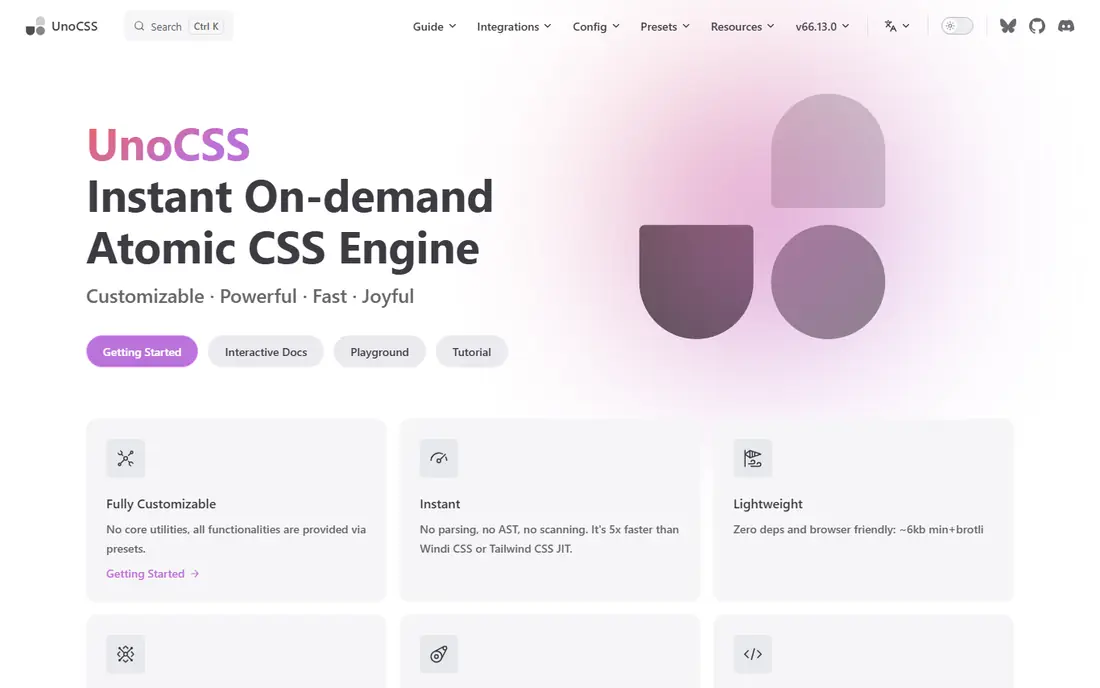
UnoCSS is the closest like-for-like replacement for developers who like utility classes but want more control. It generates CSS on demand, which keeps output small and builds fast, and presets can mimic Tailwind classes for teams that want a smoother move. Custom rules, shortcuts, and variants let a team shape the engine around its own design tokens.
That flexibility asks for decisions up front. Preset choices, configuration, and tooling setup take more thought than dropping in a component framework, and the ecosystem is smaller than Bootstrap or Tailwind. Developers who enjoy tuning their CSS pipeline will like that trade. Teams that want ready-made components should look at Bootstrap or MUI instead.
- On-demand atomic CSS engine
- Very fast
- Tailwind-compatible presets available
- More preset and configuration decisions
- Smaller ecosystem than Bootstrap
Bulma is a modern CSS framework built on Flexbox, with readable class names and a modular structure. It works well for teams that want component styling without a JavaScript dependency, since interactive behavior can be added separately or left simple. The syntax feels clean to read, which helps when several developers share a codebase.
The CSS-only approach is also its limit. Dropdowns, modals, and tabs need your own JavaScript or a small library, so a team that expects everything wired up out of the box may prefer Bootstrap. For content sites, landing pages, and internal tools with light interactivity, Bulma hits a pleasant balance.
- Clean, readable classes
- CSS only, no JavaScript required
- Responsive and modular
- You supply interactive behavior yourself
- Fewer ready-made JavaScript components
Foundation has long served responsive, enterprise-style sites, with a grid, components, and an email framework for HTML email templates. Its accessibility focus and mature patterns suit larger organizations that need consistent, well-tested layouts across many pages. Teams already using Foundation in older projects will find migration paths familiar.
Community size is the honest drawback. Fewer tutorials, themes, and community components exist than for Bootstrap, and release pace has been slower. New projects that want the largest hiring pool and the freshest component library may prefer Bootstrap. Teams that value Foundation's grid and email tools, or that already use it, have good reasons to stay.
- Mature responsive grid
- Email framework included
- Accessible components
- Smaller community than Bootstrap
- Slower release pace in recent years
Panda CSS is a build-time styling system with typed recipes and variants, which makes it a strong fit for TypeScript teams building a design system. Styles are generated at build time, so there is no styling runtime cost in the browser, and type safety catches misspelled tokens and invalid variants early. It also underpins newer component systems, which shows its design-system focus.
The workflow is the catch. Panda CSS expects a JavaScript and TypeScript build pipeline, so a plain HTML project gains little from it. Its community is also smaller than Bootstrap or Tailwind, which means fewer ready-made themes. Teams building a typed component library will find it compelling; teams building a simple static site should choose Pico CSS or Bulma.
- Type-safe recipes and variants
- Build-time output with no styling runtime
- Strong design-system support
- Tied to a JavaScript and TypeScript build workflow
- Newer, so community is smaller
Chakra UI gives React teams accessible, themeable components without starting from raw CSS. Accessibility is built into components rather than left as an afterthought, and theming lets a team define colors, spacing, and variants in one place. Developers who build React apps daily will find its API familiar and productive.
Its scope is React only, so it is not an option for Vue, Svelte, or plain HTML projects. Runtime styling also adds browser cost compared with build-time systems such as Panda CSS, though that cost rarely matters for typical admin and marketing apps. Pick Chakra UI when accessibility and React speed matter most.
- Accessible components by default
- Theming and variants
- Strong React integration
- React only
- Runtime styling adds browser cost compared with build-time tools
MUI, formerly Material-UI, offers one of the largest React component sets, built around Material design. Data grids, date pickers, and complex form components are available, which helps teams building data-heavy admin tools. Documentation is mature, and theming allows a team to move away from the default Material look with effort.
That default look is the main aesthetic hurdle. An uncustomized MUI app is easy to recognize, and hiding the Material style takes deliberate theming work. MUI is also React only, and some advanced templates and tools around it are paid, even though the core library is free. For React teams that need many components fast, it remains a top choice.
- Large Material component set
- Mature docs
- Theming and customization
- Material look needs work to hide
- React only
- Paid templates and tools exist beside the free core
Pico CSS takes the opposite approach from utility frameworks: write semantic HTML, and Pico styles it with minimal classes. That makes it ideal for documentation, blogs, prototypes, and small content sites where a developer wants a clean look without learning a large class system. The footprint is small, and the defaults look pleasant with little effort.
Scope is the limit. Pico does not provide the wide component range of Bootstrap or MUI, so a complex app interface will outgrow it quickly. Teams that need many interactive components should choose a component library instead. Teams that need a fast, clean look for content should find Pico hard to beat for simplicity.
- Styles plain HTML with few classes
- Tiny footprint
- Elegant defaults
- Limited visual range out of the box
- Not suited to complex component interfaces
UIkit is a modular front-end framework with CSS and JavaScript components, suited to marketing sites and content-led projects. Its modular structure lets a team include only the components it needs, and the default design looks clean without heavy customization. Interactive components such as sliders, lightboxes, and navigation are included.
Ecosystem size is the drawback. Fewer themes, plugins, and community answers exist than for Bootstrap, and fewer developers arrive already knowing UIkit. That matters less for a small team that controls its own stack, and more for a large team hiring quickly. For a modular marketing site, UIkit is a capable, tidy choice.
- Modular components
- Clean design
- JavaScript components included
- Smaller ecosystem than Bootstrap
- Less hiring familiarity
Tachyons is a functional CSS toolkit with small, single-purpose classes, similar in spirit to utility frameworks but with a much smaller scope. Developers who know CSS well often learn it quickly, since each class maps closely to one CSS property. Output stays tiny, which helps performance on simple sites.
The class-heavy markup is the trade-off, and there are no ready-made components to drop in. A team that wants buttons and cards without building them should choose Bootstrap or Bulma. A team that wants tiny, composable utilities and full control over markup will enjoy Tachyons, especially on performance-sensitive pages.
- Small, functional classes
- Fast to learn for CSS-savvy developers
- Tiny output
- Markup can get class-heavy
- No ready-made components
How we picked these
We compared official documentation, licensing, and community activity for CSS frameworks and styling tools that work in October 2026. We kept a mix of component frameworks, utility engines, and class-light options, and we left out tools that had moved into maintenance-only mode for new projects where a better-supported option existed. All ten tools here are free and open source, so we judged them on fit, learning curve, and ecosystem, not on price.
What to check before you switch
First, name what you dislike about Tailwind, because the answer points to the replacement. If the complaint is utility syntax, a component framework such as Bootstrap or Bulma fits better. If the complaint is build tooling or speed, UnoCSS fits better. Next, check your stack: React-only tools help no one on a Vue or plain HTML project. Finally, build one real page, not a demo card, with each shortlisted tool, and compare markup length, customization effort, and output size.
A note on DaisyUI and similar kits
Some popular kits build on top of Tailwind rather than replacing it, so they do not belong in a list of Tailwind replacements for teams that want to leave Tailwind behind. If you like Tailwind and only want ready-made components, a Tailwind-based kit may be the right answer, but it keeps the Tailwind dependency. The tools above are for teams that want a different styling approach.
Frequently asked questions
What are the best Tailwind alternatives?
Bootstrap is the best Tailwind alternative for ready-made components, UnoCSS is the best for utility-style styling with more control, and Bulma is the best CSS-only option. Panda CSS suits TypeScript design systems, while Pico CSS suits small content sites. The right pick depends on whether you want components, utilities, or minimal classes.
What are TailwindCSS alternatives for React?
Chakra UI and MUI are the strongest React-specific Tailwind alternatives, with accessible and Material components respectively. Panda CSS also works well for React teams that want typed, build-time styling. Choose Chakra UI for accessibility-first apps and MUI for data-heavy admin interfaces.
Is Bootstrap a good Tailwind alternative?
Yes, especially when a team wants ready-made components, a responsive grid, and a large community. Bootstrap trades Tailwind's utility freedom for speed and familiarity, so sites can look generic without customization. Teams that need custom visual design may prefer UnoCSS or Panda CSS instead.
Which Tailwind alternative is the lightest?
Pico CSS and Tachyons are among the lightest options here, with small footprints suited to content sites and performance-sensitive pages. UnoCSS also keeps output small by generating CSS on demand. The lightest choice depends on whether you need components, since Pico and Tachyons offer few of them.
Can I use UnoCSS with Tailwind classes?
UnoCSS offers presets that can mimic Tailwind classes, which can ease a move for teams that already know Tailwind syntax. That compatibility is not identical for every feature, so test your real classes and variants before a full migration. Treat it as a helpful bridge, not a guaranteed drop-in replacement.
Is Foundation still maintained in 2026?
Foundation remains available and usable, with a mature grid and component set, though its community and release pace are smaller than Bootstrap. Teams with existing Foundation projects can keep using it, while new projects that want the largest ecosystem usually choose Bootstrap. Check the official project page for the latest release before starting a new Foundation build.
Sources
See where you really rank - block by block
ProMapRanker scans Google Maps across a grid of your service area. Simple monthly plans from $19, white-label on every plan.
Start freeKeep reading
 zscaler alternatives
Best Zscaler Alternatives in 2026
Looking for zscaler alternatives? We compare 9 SASE and zero trust platforms on architecture, data protection, pricing, and fit for your network and team.
Read → zapier alternatives free
Best Zapier Alternatives Free in 2026
Nine automation tools for zapier alternatives free in 2026, all with genuinely free tiers, plus free plan limits, starting prices and upgrade paths explained.
Read → which platform is best for online reputation
Which Platform Is Best for Online Reputation in 2026
Wondering which platform is best for online reputation? We compare 8 review, listing, and response tools for small and multi-location businesses and agencies.
Read →