 ProMapRanker
Best Tactiq Alternatives in 2026


Live searchable transcripts · Pricing starts at: $8.33 per user per month
Key takeaways
- Fathom offers the most useful free plan for online meetings, with unlimited recording and transcription and a cap on advanced summaries.
- Otter.ai is best when you need a live transcript you can read and search during the call itself.
- Fireflies and Fellow suit teams that need a searchable library, CRM links, and follow-up tracking.
- Granola and Notta cover different needs: Granola for bot-free personal notes, Notta for multilingual meetings and file uploads.
- Tell participants you are recording, and check consent rules before you use any live transcript tool.
Quick comparison
| Pick | Great for | Pricing starts at | Free tier | |
|---|---|---|---|---|
| Otter.ai | Live searchable transcripts | $8.33 per user per month | Yes | Visit |
 Fireflies | Searchable call libraries | $10 per user per month | Yes | Visit |
 Fathom | Free online meeting notes | Free | Yes | Visit |
 Granola | Bot-free personal notes | Free | Yes | Visit |
 tl;dv | Clips and call libraries | $18 per user per month | Yes | Visit |
 Notta | Multilingual transcripts | $8.17 per user per month | Yes | Visit |
 Fellow | Agendas and action items | $7 per user per month | Yes | Visit |
 MeetGeek | Automated meeting workflows | See website | Yes | Visit |
The best tactiq alternatives
Tactiq is known for live transcripts in the browser, without a bot joining the call. The tools below cover the same core job in different ways: some join as a bot, some capture from your device, and some add a full meeting workflow around the transcript. All of them produce a record you can check and share openly.
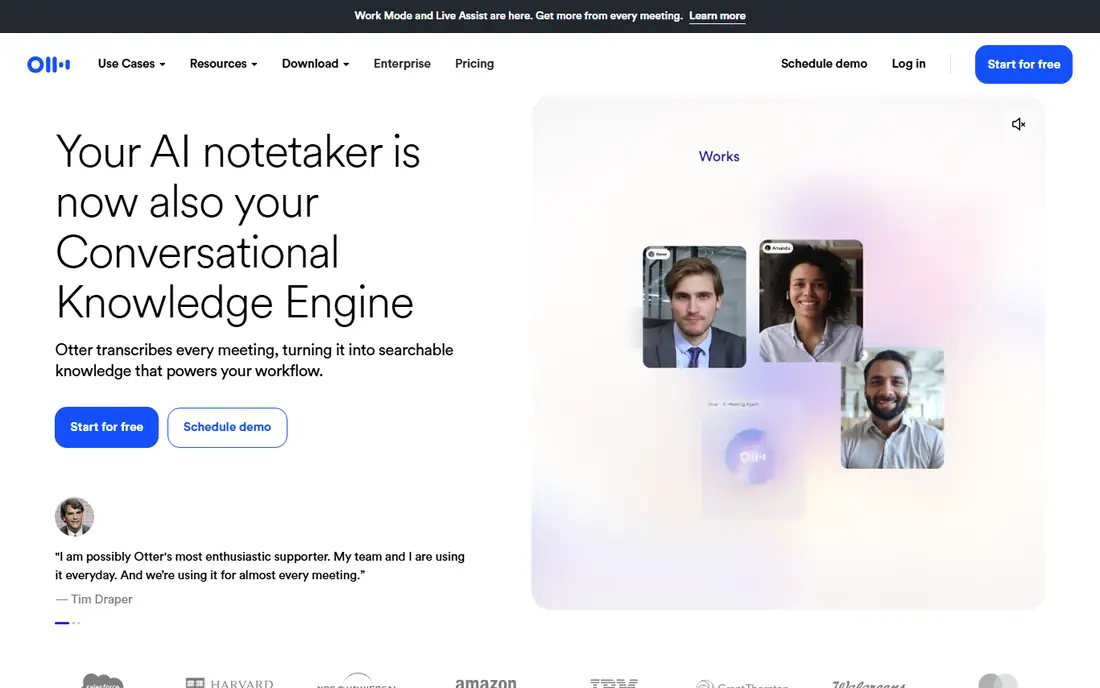
Otter.ai is the closest match if live reading matters most to you. You can follow the transcript as people speak, highlight key lines, and search the record later for a name, a figure, or a decision. That live view helps in fast meetings where waiting for a post-call summary would slow you down.
The free plan gives 300 minutes a month and caps each conversation at 30 minutes, so it fits short calls and trials rather than a full workday. Pro starts at $8.33 per user per month billed annually and raises the limits to 1,200 minutes a month and 90 minutes per conversation. As with any transcript tool, check the text for names and numbers before you quote it in a follow-up email.
- Real-time transcription and live captions
- Searchable history
- Works with Zoom, Google Meet, and Microsoft Teams
- Free plan caps minutes and meeting length
- Monthly billing is much higher than annual billing
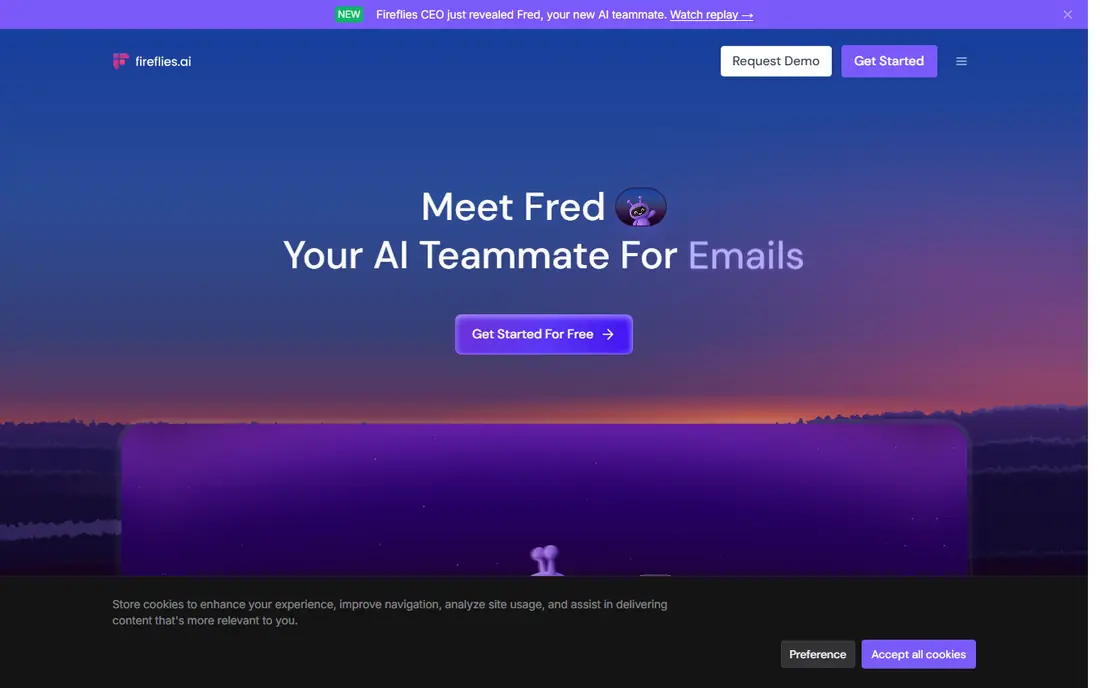
Fireflies is built for people who treat meetings as a database. Every call is transcribed, tagged, and stored so you can search for a topic across months of conversations. Sales teams get extra value from topic trackers and CRM sync, which push notes to HubSpot, Salesforce, and similar tools without manual copying.
Pro starts at $10 per user per month billed annually, but AI summaries and its assistant draw on credits, so the subscription price is not the whole cost for heavy users. Free storage is limited, and a busy team will need a paid plan soon. If you record only a few calls a week and search them often, Fireflies is a strong fit. If you record all day, budget for credits as well as seats.
- Search across meetings by keyword and speaker
- CRM integrations
- Topic tracking for sales teams
- AI credits are a separate limit
- Free storage is limited
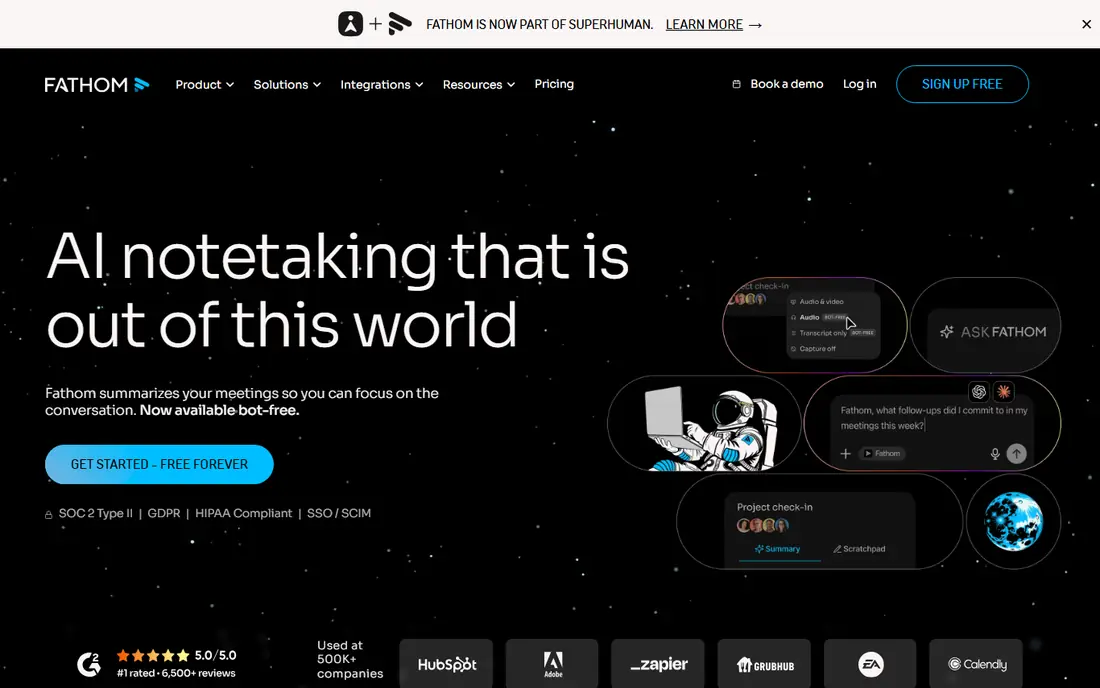
For a free replacement, Fathom is hard to beat. It records Zoom, Google Meet, and Microsoft Teams calls, transcribes them, and produces a summary you can open at the exact moment a point was made. Clips let you share a single decision without sending a whole recording, which is useful for clients and managers who have little time.
The free plan limits advanced AI summaries to five calls a month, so a heavy user will need Premium at $16 per user per month billed annually. Team and Business plans add shared search, folders, and CRM field sync. If your main need is a reliable free record of online meetings, start with Fathom and upgrade only when the summary cap starts to bite.
- Unlimited recording and transcription on the free plan
- Summaries linked to timestamps
- Clips and playlists
- Advanced summaries capped at five calls a month on the free plan
- CRM sync needs the Business plan
Granola is the best fit if you dislike a bot in your meetings. It captures audio from your own device and turns the rough notes you type into a structured summary, with your own wording shaping the result. That approach suits consultants, interviewers, and anyone who already takes notes and wants them sharpened rather than replaced.
The free Basic plan limits access to older notes, and Business at $14 per user per month adds unlimited history and integrations with tools such as Notion, HubSpot, and Slack. Granola does not keep audio or video in the same way as a recorder, so it is weaker for replaying a call. Even without a bot, tell participants that you are taking AI-assisted notes.
- No bot joins the call
- Your notes shape the summary
- Clean, readable output
- Free history is limited to recent notes
- No full audio replay in the same way as bot recorders
If you share moments from calls more than full transcripts, tl;dv deserves a close look. It records and transcribes calls across the main video platforms, and its clip tools make it easy to pull out a quote, a decision, or a customer objection. Language support covers more than 30 languages, which helps teams that meet across regions.
The free plan is generous on recording but tight on AI and retention. AI notes are capped, and recordings are kept for up to three months on the free plan. Pro starts at $18 per user per month billed annually and removes the AI note cap. Export clips and notes you need to keep, rather than treating the free plan as a permanent archive.
- Unlimited recording and transcription on the free plan
- Strong clip sharing
- More than 30 languages
- Free AI notes are limited
- Free recordings are kept for up to three months
Notta is the pick for meetings that cross languages. It transcribes in many languages, offers bilingual transcription for meetings that mix two languages, and lets you upload audio and video files you already have. Speaker identification helps in structured meetings where clear turn-taking matters.
The free plan is not a working plan for full meetings, since each recording is capped at three minutes and transcripts cannot be downloaded. Pro starts at $8.17 per user per month billed annually, with 1,800 transcription minutes a month and up to five hours per recording. For a team that works in Japanese, Chinese, Korean, or several European languages alongside English, Notta is worth the upgrade.
- Multilingual and bilingual transcription
- Audio and video file uploads
- Speaker identification
- Free recordings are capped at three minutes each
- Downloads need a paid plan
Fellow adds structure around the transcript. You build an agenda before the meeting, take notes during it, and track action items after it, with AI summaries inside that flow. It records through a bot or through a desktop app without a visible bot, and it covers Zoom, Google Meet, Microsoft Teams, and Slack huddles.
The free plan is a short trial, with five AI notes and five AI recordings per user for the lifetime of the account. Team starts at $7 per user per month billed annually, and Business at $15 adds CRM integrations. Fellow fits teams that run recurring meetings and struggle with follow-up, rather than solo users who only need a transcript.
- Agendas, notes, and action tracking in one place
- Bot and botless recording
- Strong security controls
- Free plan allows only five AI notes and five AI recordings in total
- CRM integrations need Business
MeetGeek aims to turn meetings into follow-up work without manual steps. It records and transcribes calls, generates summaries and action items, and connects to calendars, CRMs, and team chat tools. For a team that wants notes to flow into its existing workflow, that automation is the main draw.
We list its starting price as See website because MeetGeek pricing and plan limits have shifted in recent coverage, and the live pricing page is the safest source before you buy. A free plan exists for basic use, with paid plans adding more meetings and features. Test it on a real workflow, such as pushing action items to your task tool, before you move a whole team to it.
- Automated summaries and action items
- Integrations with calendars, CRMs, and chat tools
- Searchable meeting library
- Pricing and plan limits have changed often, so check the live pricing page
- Advanced features sit on higher plans
How we picked these
We compared official feature pages, pricing pages, app store listings, privacy policies, and public reviews. We kept tools that are still offered in October 2026 and that produce a live or post-call transcript you can check. We favored tools with clear consent handling, since a transcript tool should never hide recording from other participants.
We left out tools that are marketed to deceive interviewers or examiners, and we left out tools that no longer offer a working product. Prices are starting prices from vendor pages or recent pricing coverage of those pages. Where a vendor lists monthly and annual rates, we show the annual rate in the table and explain the difference in the text.
How to choose a live transcript tool
Start with how you meet. A browser-based tool suits Google Meet and web calls, while a bot recorder suits scheduled Zoom and Teams meetings. A device-based tool such as Granola suits in-person conversations and calls where a bot would be unwelcome. Match the capture method to your most common meeting type first.
Next, check the limits that will hit you first. Some tools cap minutes, some cap AI summaries, and some cap storage or retention. A tool with unlimited recording but ten AI summaries a month is a different product from one with 300 minutes and unlimited summaries. Count your weekly meetings and their length, then pick the plan that removes your first limit.
Finally, check what happens after the meeting. Can you search across calls, export a transcript, share a clip, and push action items to your task or CRM tool? A transcript you cannot find later is little better than no transcript. Run one real meeting end to end, from capture to follow-up, before you commit a team.
Frequently asked questions
Is Tactiq still available?
Tactiq lists a free plan with 10 transcripts and five AI credits a month, plus Pro, Team, and Business plans. The tools above are options if you want a different capture method, a larger free plan, or stronger team features. Check the live Tactiq pricing page if you are comparing it directly.
Which alternative is best for Google Meet?
Otter.ai, Fireflies, Fathom, and tl;dv all support Google Meet, and Fellow and MeetGeek cover it as part of a wider workflow. For a free Google Meet option, Fathom is the simplest starting point. For live captions in the browser, Otter.ai is worth testing first.
Do these tools work without a bot joining the call?
Granola captures from your own device without a bot, and Fellow offers a botless desktop option. Most other tools use a visible bot participant. Botless capture still needs consent, so tell participants at the start of the call even when no bot appears.
Can I upload old recordings for transcription?
Notta and Fireflies support file uploads, and Otter.ai supports imports on paid plans with limits. Fathom focuses on live online meetings and does not transcribe uploaded files in the same way. Check upload limits and file size caps before you buy for an archive project.
How accurate are AI transcripts?
Accuracy is best with clear audio, one speaker at a time, and a quiet room. Accents, overlapping speech, and poor microphones reduce accuracy. Always check names, dates, and numbers in the transcript before you share a summary or act on an action item.
Sources
See where you really rank - block by block
ProMapRanker scans Google Maps across a grid of your service area. Simple monthly plans from $19, white-label on every plan.
Start freeKeep reading
 zyte alternatives
Best Zyte Alternatives in 2026
These zyte alternatives cover managed scraping APIs, proxy networks and no code tools for lawful collection from your own or consented sources only in 2026.
Read → zerto alternatives
Best Zerto Alternatives in 2026
Compare the best zerto alternatives for disaster recovery and replication, with recovery targets, cloud options and honest trade-offs for teams in 2026.
Read → zerofox alternatives
Best ZeroFox Alternatives in 2026
We compared 9 zerofox alternatives for brand protection, phishing takedowns, dark web monitoring, and social impersonation, with clear coverage notes.
Read →