 ProMapRanker
Best Syncro Alternatives (2026)

Direct answer
Pulseway is the first pick on this list for mobile-first technicians. N-able N-central fits bigger, compliance-heavy MSPs; Action1 fits patching on a tight budget. The full list of 8 tools follows, with prices and free plan facts.
Key takeaways
- Pulseway is the opening pick, best for mobile-first technicians.
- Before buying Action1, weigh this: not a full PSA.
- SuperOps is the one to check for newer MSPs that want a modern interface.
- For the cheapest start, look at NinjaOne: $1.50 per device per month.
Quick comparison
| Pick | Great for | Pricing starts at | Free tier | |
|---|---|---|---|---|
 Pulseway | Mobile-first technicians | See website | Free trial | Visit |
 N-able N-central | Bigger, compliance-heavy MSPs | See website | Free trial | Visit |
 Action1 | Patching on a tight budget | Free | Yes | Visit |
 Datto RMM | MSPs already using Datto backup | See website | Free trial | Visit |
 ManageEngine Endpoint Central | Internal IT and patch-led teams | See website | Free trial | Visit |
 NinjaOne | High endpoint counts and automation | $1.50 per device per month | No | Visit |
 Atera | Lean teams with unlimited endpoints | $129 per technician a month | Free trial | Visit |
 SuperOps | Newer MSPs that want a modern interface | See website | Free trial | Visit |
Syncro compared in detail
Choosing Syncro usually comes down to price, fit and limits. This ProMapRanker guide sets 8 tools side by side on those three points, with the facts kept short and checkable.
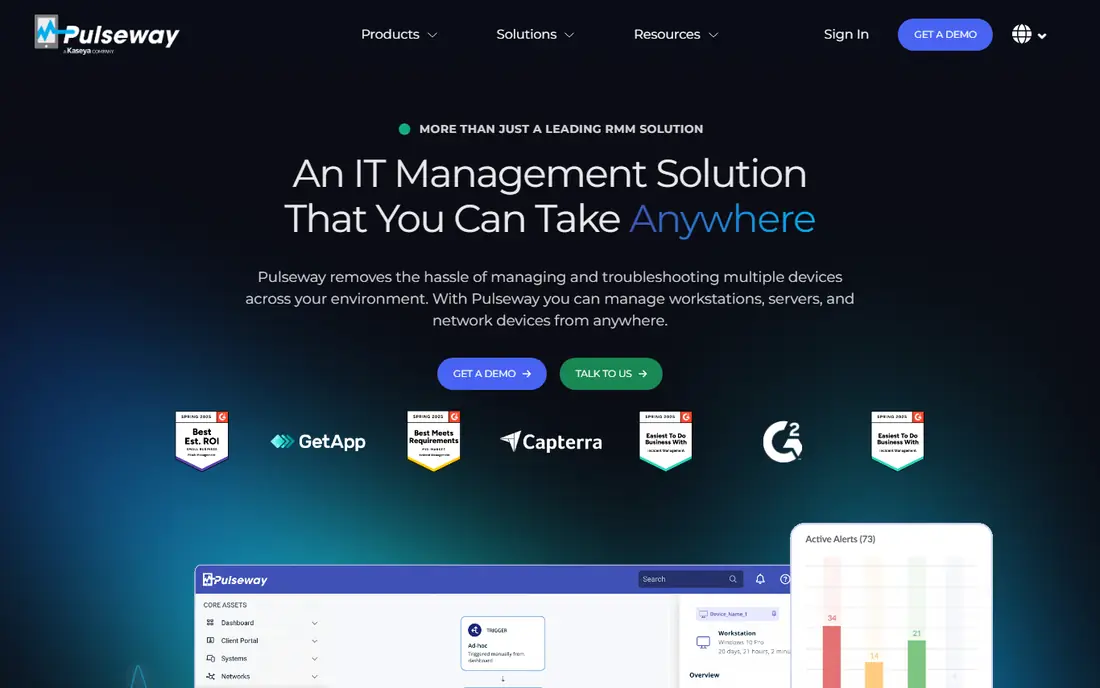
Pulseway is built with mobile-first technicians in mind. Pulseway gives you entry-level PSA-style integrations, but it is not a full ticketing and billing product in the way Syncro is. For everyday use, monitoring, patching, and remote control handle the core RMM job well.
Limits to weigh: Quote-only pricing.
As for the details, the mobile app lets you see alerts, run remote actions, and respond to problems without sitting at a desk, which helps small teams that include clients after hours. The limit is PSA depth. On top of that, Pulseway stands out for technicians who work from a phone. Check the vendor site for Pulseway pricing; none is listed in this comparison. As for free access: Free trial.
- Strong mobile app for alerts and remote actions
- Endpoint monitoring
- PSA features are lighter than full PSA systems
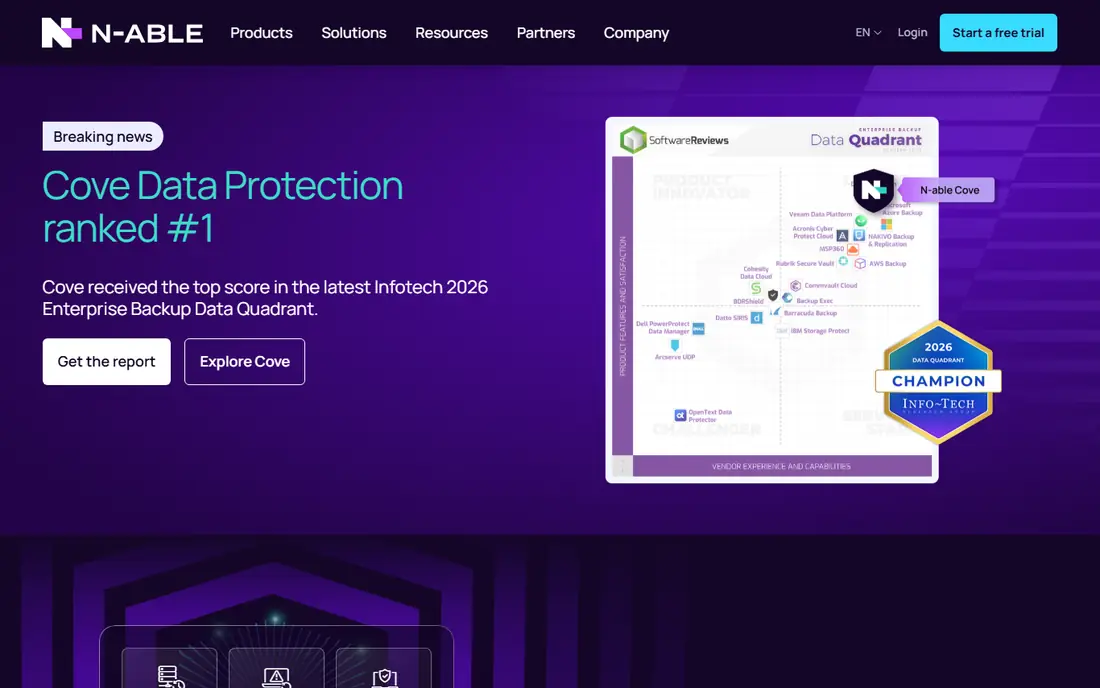
Where N-able N-central fits: bigger, compliance-heavy MSPs. It supplies deep automation, policy-based management, and reporting that holds up in audits, and it connects with a broad set of security and backup tools. If your clients ask for in-depth evidence of patching and device health, N-central hands you more to display than a small-team tool.
Beyond that, pricing is quote-only, and setup takes longer than a tool designed for a three-person shop. Beyond that, I would only shortlist N-central when you have the team size to run it properly and the client base that needs its reporting depth. Check the vendor site for N-able N-central pricing; none is listed in this comparison. On free options: Free trial.
Honest limits: Heavier setup than small-team tools.
- Solid reporting
- Wide integrations
- Quote-only pricing
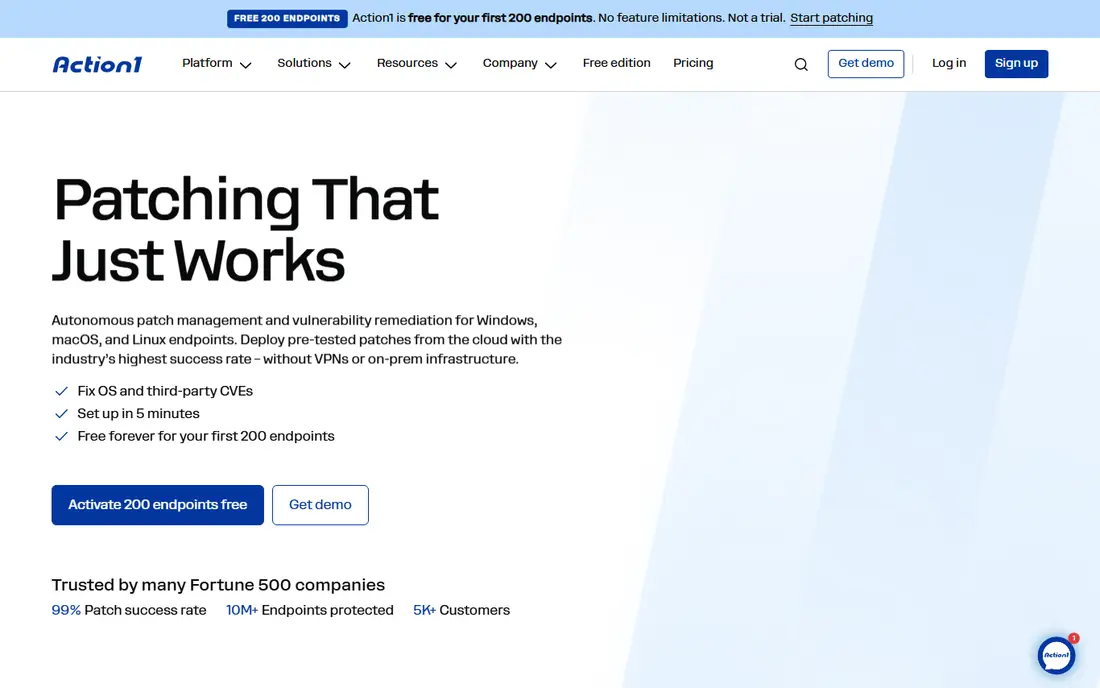
Action1 is built with patching on a tight budget in mind. For a small internal IT team or a new MSP, that free level removes the cost barrier to proper patching.
What you pay to start with Action1: Free. Action1 offers a free plan.
Watch-outs: premium pricing above 200 endpoints is quote-only.
- Cloud-native patching
- Free for the first 200 endpoints
- Not a full PSA
Datto RMM was built for MSPs already using Datto backup. Datto RMM is a natural pick for MSPs that already run Datto backup and continuity products.
Confirm the combined price before you compare Datto with an all-in-one rival. The gap is the same as with NinjaOne. This comparison lists no price for Datto RMM; ask the vendor. As for free access: Free trial.
Drawbacks to consider: Quote-only pricing.
- Ransomware detection features
- Pairs well with Datto backup products
- Ticketing typically comes through a separate Autotask product
Pick ManageEngine Endpoint Central if this describes you: internal IT and patch-led teams. It includes patching, software deployment, and device management across Windows, Mac, and Linux, and it gives you both cloud and on-premises deployment.
Where it is weaker: No native PSA.
That adaptability helps teams with strict data or network requirements. This comparison lists no price for ManageEngine Endpoint Central; ask the vendor. Free options: Free trial.
- Strong patch management
- Broad device support
- Pricing is banded by endpoint count and technician count
NinjaOne was built for high endpoint counts and automation. Patching, scripting, and endpoint management are the strengths, and the interface is designed for teams that handle plenty of devices.
More specifically, the gap is ticketing. NinjaOne cost at the entry level: $1.50 per device per month. NinjaOne does not include a free plan.
Where it is weaker: No native PSA in the classic sense.
- Volume-tiered per-device pricing
- Wide device coverage
- Price rises at low endpoint counts
Atera serves lean teams with unlimited endpoints. Atera is the closest pricing match to Syncro for a lean team. Plans are per technician with unlimited endpoints, starting around $129 per technician a month on annual billing, and ticketing is built in.
Where it is weaker: Some advanced features sit on higher levels.
That model keeps the bill predictable when each tech spans plenty of devices. The product contains remote access, patching, and scripting in one place. Beyond that, Atera also reserves some features for higher levels, so check the level comparison carefully against the automations you actually use each week. Starting cost for Atera: $129 per technician per month. Free options: Free trial.
- AI-assisted workflows
- Per-technician pricing with unlimited endpoints
- Per-technician cost can rise quick as headcount grows
SuperOps makes the most sense for newer MSPs that want a modern interface. It handles monitoring, patching, ticketing, and client management without forcing a separate PSA purchase, which is the central reason teams consider it as a Syncro replacement. The caution is pricing history.
Beyond that, the interface is often praised for being simpler to learn than older MSP products. SuperOps has offered both per-technician and per-endpoint models, with reported per-endpoint prices around $1.20 to $3.00. So you must confirm the current model and minimums before you budget. Check the vendor site for SuperOps pricing; none is listed in this comparison. Free plan details: Free trial.
- Per-endpoint and per-technician choices over time
- Modern interface
- Pricing model has changed over time, so confirm the current model in writing
Picking the right Syncro
Count your endpoints and your technicians, then model two scenarios: your current estate and your estate in eighteen months. In daily use, patching, scripting, remote access, ticketing, billing, and reporting are not equal in value, and a tool that is solid on patching but weak on billing may still be the right pick if you already bill elsewhere. Import a small set of live devices, test patching and scripting, open and close tickets, and create an invoice or a client report.
How we compared the tools
Selection started from tools commonly considered for Syncro, then narrowed to 8 that have clear pricing information or a clear quote process. Prices and plan limits come from vendor pages and can change, so confirm them on the vendor site before you buy. The ranking is editorial: typical fit first, then clear pricing, then free access. If your needs are unusual, read the profiles rather than relying on position.
What to check before you buy
- Confirm the entry price on the vendor page. For Pulseway, N-able N-central, Datto RMM and others that means a quote rather than a fixed price.
- Look at the free plan from Action1 closely: its caps decide whether it is usable for real work.
- Take the trial from Pulseway, N-able N-central, Datto RMM and others and push a live task through it before you pay.
- Read the limits listed for Pulseway first: quote-only pricing.
- Confirm that Action1 connects to the apps your team already uses, on the plan you would actually buy.
- Look at the help docs and support options for SuperOps before you commit.
Frequently asked questions
How are the tools for Syncro ordered?
The order follows typical fit for Syncro, with Pulseway first and SuperOps last, then price clarity and free access. It is editorial judgement, not a score, so another team could rank the tools differently.
Can I migrate from Syncro without losing ticket history?
Migration relies on the tool and on how your data is stored. Ask each vendor about ticket, asset, and client import before you sign, and export your Syncro data first.
Does Atera contain a PSA?
Yes, Atera contains ticketing and PSA-style functions alongside its RMM features, which is why it is commonly compared straight with Syncro. Check the level details, since some advanced PSA and automation features sit on higher plans.
What is the cheapest option for Syncro in this list?
On published monthly entry prices, NinjaOne is the lowest here at $1.50 per device per month. Entry price is only part of the cost, because seats, add-ons and billing terms can change the total.
What is the best Syncro alternative for a small MSP?
Pulseway is the pick this page puts first, mainly for mobile-first technicians. If your situation differs, N-able N-central suits bigger, compliance-heavy MSPs, and Action1 suits patching on a tight budget. Compare price and limits before you decide.
Is Pulseway the right pick for everyone comparing Syncro?
No single tool suits every team. Pulseway comes first because it fits mobile-first technicians, while N-able N-central suits larger, compliance-heavy MSPs and Action1 suits patching on a tight budget. Match the tool to your own size, budget and workflow before deciding.
Sources
See where you really rank - block by block
ProMapRanker scans Google Maps across a grid of your service area. Simple monthly plans from $19, white-label on every plan.
Start freeKeep reading
 zoho inventory alternatives
6 Alternatives to Zoho Inventory, Compared on Price and Fit
Zoho Inventory alternatives: 6 tools compared on price, free plans and fit. Katana leads the list for manufacturers. Fit and flaws are laid out for each entry.
Read → zoho crm alternatives
Best Zoho CRM Alternatives (2026)
Need Zoho CRM alternatives? We compare 7 tools on cost, free access and who each suits. Every pick gets a straight assessment. Built for quick decisions.
Read → zelle alternatives
Best Zelle Alternatives in 2026
Compare the best Zelle alternatives for sending money to friends, paying sellers and moving funds abroad, with honest notes on fees, speed and safety in 2026.
Read →