 ProMapRanker
Best SureMDM Alternatives in 2026


Mixed fleets on a budget · Pricing starts at: $2.20 per device per month
Key takeaways
- SureMDM buyers usually want cross-platform device control, and every tool here manages at least Android and Apple devices, with most covering Windows too.
- Hexnode and Scalefusion give the clearest published per-device prices for mixed fleets on a budget.
- Apple-only teams get deeper macOS and iOS controls from Jamf Pro, Mosyle, and Kandji than from a general tool.
- Miradore and ManageEngine both offer a genuine free tier for small fleets, so a tiny team can start without a paid plan.
- Count devices, not users, before you compare prices, since most of these tools bill per device.
Quick comparison
| Pick | Great for | Pricing starts at | Free tier | |
|---|---|---|---|---|
| Hexnode UEM | Mixed fleets on a budget | $2.20 per device per month | Free trial | Visit |
 Jamf Pro | Apple-first organisations | See website | Free trial | Visit |
 Microsoft Intune | Microsoft 365 organisations | $8 per user per month | Free trial | Visit |
 Scalefusion | Kiosks and shared devices | $2 per device per month | Free trial | Visit |
 Mosyle | Small Apple teams and schools | See website | Yes | Visit |
 Kandji | Automated Apple management | See website | Free trial | Visit |
 ManageEngine Mobile Device Manager Plus | Small teams starting free | See website | Yes | Visit |
 Miradore | Very small fleets | Free | Yes | Visit |
 Omnissa Workspace ONE | Large complex enterprises | $5.25 per device per month | Free trial | Visit |
The best SureMDM alternatives
SureMDM, from 42Gears, is a device management platform for Android, Apple, Windows, and other devices, with kiosk lockdown and remote support among its core uses. A buyer leaving it usually wants similar cross-platform coverage, a clearer price, or deeper controls on one platform. We compared official feature pages, pricing pages, and public documentation, and we kept only tools that are still sold and supported in October 2026.
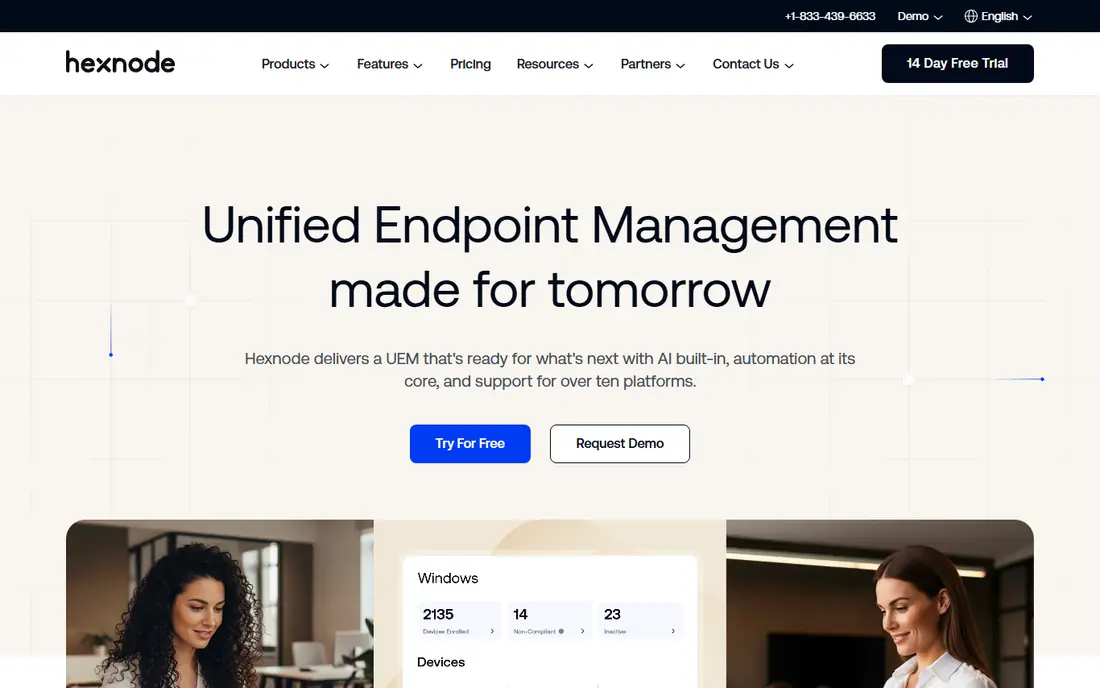
Hexnode is the easiest first shortlist pick for a mixed fleet, because its pricing is published and its coverage is broad. It manages Windows, macOS, iOS, Android, and other platforms from one console, with app deployment, policy controls, kiosk lockdown, and remote view or control depending on the tier. A small IT team can therefore replace several single-platform tools without a large budget jump.
The catch is tiering. The lowest price does not include every feature, so a team that needs remote control, advanced reporting, or desktop management must check the higher tiers. Minimum license counts also matter for a very small fleet. Still, for a team that wants one console and a clear starting price, Hexnode is a strong default.
- Published per-device pricing
- Broad platform coverage
- Kiosk and remote control features
- Advanced features sit on higher tiers
- Minimum device counts apply on some plans

Jamf Pro is the specialist choice when most of your fleet is Mac, iPhone, or iPad. Its Apple depth shows in policy options, app deployment, and automation for macOS and iOS, and it works well with Apple Business Manager and Automated Device Enrollment. Schools and design-led companies often pick it for that depth alone.
That depth comes with a narrow scope. Jamf Pro does not manage Android or Windows fleets in the same way, so a mixed fleet would still need another tool. Quoted pricing also makes quick comparison harder. If your fleet is mostly Apple, those limits matter little, and Jamf Pro is the benchmark to beat.
- Deep Apple management
- Automated Device Enrollment support
- Large Apple admin community
- Apple only
- Pricing is quoted, not published
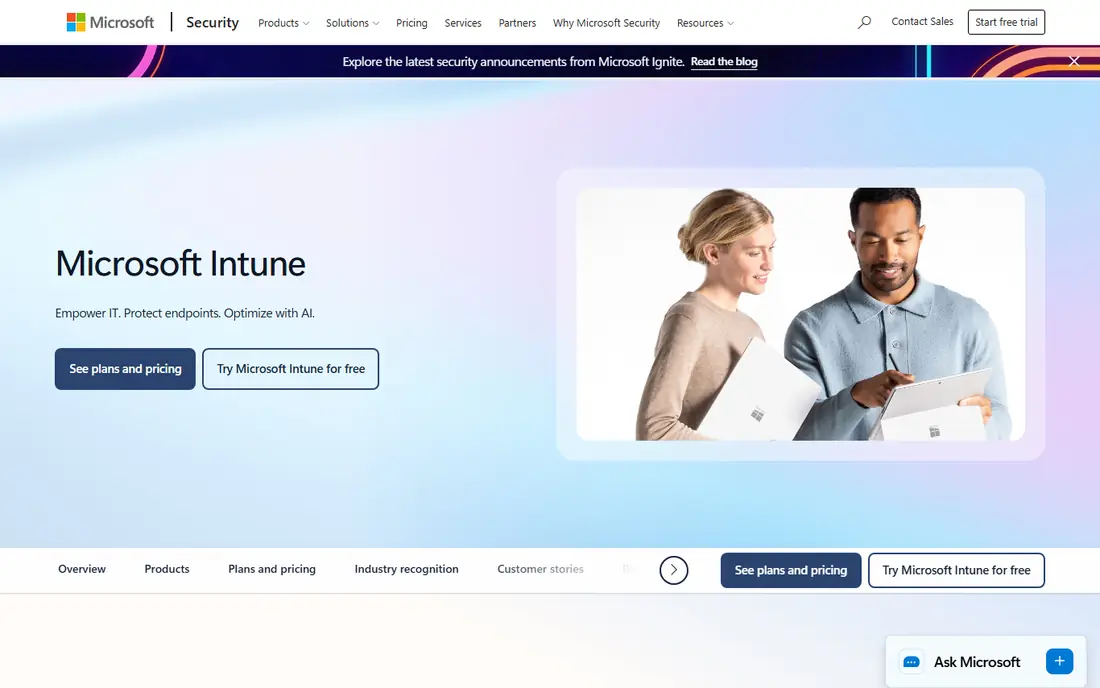
Intune fits naturally where Microsoft 365 already runs the business. Plan 1 costs $8 per user per month standalone, and it is included in Microsoft 365 E3, E5, and Business Premium, which can make the marginal cost zero for some organisations. It pairs with Windows Autopilot for zero-touch setup of new Windows machines and ties device compliance to Entra ID access.
The weakness is complexity and uneven depth. Small teams often find the initial configuration heavy, and mobile controls are not as deep as the Windows controls. A team outside the Microsoft world gets less value here. Inside that world, though, Intune is hard to argue against on price and integration.
- Included in many Microsoft 365 plans
- Autopilot provisioning
- Entra ID integration
- Setup can feel complex
- Apple and Android controls are less deep than on Windows
Scalefusion earns its place for retail, logistics, field work, and education, where devices are shared or locked to one job. Its kiosk mode, geofencing, and app controls suit tablets on a shop floor or in a delivery van better than a general office tool. It also covers Windows, macOS, Android, iOS, Linux, and ChromeOS, so a mixed estate stays in one console.
New admins should expect a learning curve when they move past basic policies. The entry price is clear, but a 10-device minimum applies on the entry tiers in published comparisons, so a tiny fleet should confirm the current minimum. For kiosk-heavy work, that effort is usually repaid quickly.
- Strong kiosk controls
- Broad platform coverage
- Clear entry price
- Learning curve for advanced policies
- Minimum device count on paid plans
Mosyle is designed for Apple devices, and its clean setup appeals to small businesses and schools that do not have a large IT team. It handles enrollment, app deployment, and policy management for Mac, iPhone, and iPad, with education workflows that fit classroom device fleets. A free tier for small Apple fleets makes it easy to trial on real devices.
Its scope is the limit. Mosyle does not replace a cross-platform tool for Android or Windows devices, so a mixed fleet would split management again. Pricing beyond the free tier is also less prominent than Hexnode or Scalefusion. For an Apple-only team, especially a small one, Mosyle is a friendly and capable pick.
- Apple-focused design
- Free tier for small Apple fleets
- School-friendly workflows
- Apple only
- Larger or mixed fleets need another tool
Kandji focuses on automating Apple device setup and ongoing compliance, with templates that help a team keep Macs and iPhones in a known good state. That automation suits security-focused teams that want drift corrected without constant manual checks. Its identity integrations also help larger Apple fleets tie device state to user access.
The trade-off is scope and price transparency. Kandji is Apple-led, so Android-heavy fleets still need another console, and pricing is quoted. A team that values automation over breadth will accept that. A team that needs one tool for every platform should shortlist Hexnode or Scalefusion instead.
- Strong Apple automation
- Compliance templates
- Good for security-focused teams
- Apple-led scope
- Quoted pricing
- Less suited to Android-heavy fleets
ManageEngine Mobile Device Manager Plus is a practical pick for a small team that wants to start free. Its free tier covers up to 25 devices with full features in published comparisons, which is enough for a small office to prove the workflow. It offers both cloud and on-premises deployment, plus remote view and control, app management, and container options for personal devices.
The interface is less polished than newer rivals, and paid pricing is less transparent at a glance. Those points matter less when the free tier covers your fleet. For a cost-sensitive team that wants a full-featured start without a trial deadline, this is one of the best options here.
- Free tier for up to 25 devices
- On-premises and cloud options
- Remote view and control
- Interface feels dated to some admins
- Paid pricing needs a quote check
Miradore suits the smallest fleets, since its free plan covers basic management without a trial clock. It manages Windows, macOS, Android, and iOS devices, with policy, app, and remote lock and wipe basics. A tiny business can enroll its phones and laptops, set password and encryption basics, and stop there.
Advanced needs will push a team to paid tiers. The free plan is deliberately basic, so kiosk depth, advanced reporting, and richer automation sit higher up. That is a fair trade for a free start. If your fleet stays small and your needs stay basic, Miradore may be all you ever need.
- Genuine free plan
- Simple setup
- Covers major mobile and desktop platforms
- Free plan has basic policies
- Advanced features need paid tiers
Omnissa Workspace ONE, formerly VMware Workspace ONE, is the enterprise pick in this list. It manages Windows, macOS, iOS, Android, Linux, and ChromeOS, and it ties device management to app delivery and access controls. Large organisations with complex identity, compliance, and app needs get a single platform that can scale across regions and business units.
That scale brings cost and complexity. The entry price of $5.25 per device per month is higher than the budget tools here, and setup rewards a larger IT team. A small business will likely find it heavy. For a large enterprise replacing SureMDM at scale, Workspace ONE is the most complete alternative.
- Very broad platform and identity coverage
- Strong for large enterprises
- App and access management
- Higher entry price
- Complexity suits larger IT teams
How we picked these
We compared official feature pages, pricing pages, and public documentation for device management tools still sold in October 2026. We required cross-platform or clear specialist coverage, enrollment and policy controls, and remote lock or wipe basics. We left out tools that only track lost devices or only manage one narrow device type, since neither replaces a full device management platform.
What to check before you switch
Start by listing every device type and operating system in your fleet, including shared and kiosk devices. A tool that looks cheap per user can become expensive per device, and a tool that looks complete can miss one platform you rely on. Test enrollment on each device type, not just on one phone, before you commit.
Next, check the features you will actually use daily. Kiosk lockdown, remote control, app deployment, and compliance reporting often sit on different tiers, so confirm the tier that includes your must-haves. Finally, plan migration in stages. Move a small pilot group first, confirm policies and apps land correctly, then move the rest, since a rushed fleet-wide switch can lock users out of devices they need.
Frequently asked questions
What is the best free SureMDM alternative?
Miradore and ManageEngine Mobile Device Manager Plus both offer genuine free tiers for small fleets. Miradore suits very basic needs, while ManageEngine covers up to 25 devices with fuller features. Pick based on how many devices you have and whether you need remote control.
Which alternative is best for Apple devices only?
Jamf Pro offers the deepest Apple management, followed closely by Kandji for automation and Mosyle for smaller teams and schools. All three are Apple-led, so a mixed fleet should pair them with another tool or choose a cross-platform option instead.
Which alternative is best for a mixed Android, Apple, and Windows fleet?
Hexnode UEM and Scalefusion are the strongest mixed-fleet picks here, with published per-device prices and broad platform coverage. Microsoft Intune also fits well if your organisation already uses Microsoft 365. Test enrollment on each platform before you decide.
Do I need a paid plan to manage a handful of devices?
Not always. Miradore and ManageEngine offer free tiers, and most paid tools offer a free trial. A free tier works when your policy needs are basic, but kiosk controls, remote control, and advanced reporting usually need a paid tier.
How does per-device pricing differ from per-user pricing?
Per-device pricing charges for each managed phone, tablet, or computer, while per-user pricing charges for each person, however many devices they use. Intune uses per-user pricing, while most tools here use per-device pricing. Count both before you compare totals.
Can I manage personal devices as well as company devices?
Yes, most of these tools support personal devices with separate work profiles or app-level controls, so company data stays managed without taking over the whole phone. Check the privacy and container options for your platform, and tell staff clearly what is managed and what is not.
Sources
- https://www.siit.io/blog/best-mdm-software
- https://blog.scalefusion.com/best-jamf-pro-alternatives-and-competitors/
- https://www.deel.com/blog/best-mdm-simple-enrollment/
- https://cirasync.com/blog-articles/mobile-device-management-software/
- https://www.spotsaas.com/blog/best-free-mdm-software
- https://www.venn.com/learn/microsoft-intune/microsoft-intune-pricing/
See where you really rank - block by block
ProMapRanker scans Google Maps across a grid of your service area. Simple monthly plans from $19, white-label on every plan.
Start freeKeep reading
 zyte alternatives
Best Zyte Alternatives in 2026
These zyte alternatives cover managed scraping APIs, proxy networks and no code tools for lawful collection from your own or consented sources only in 2026.
Read → zerto alternatives
Best Zerto Alternatives in 2026
Compare the best zerto alternatives for disaster recovery and replication, with recovery targets, cloud options and honest trade-offs for teams in 2026.
Read → zerofox alternatives
Best ZeroFox Alternatives in 2026
We compared 9 zerofox alternatives for brand protection, phishing takedowns, dark web monitoring, and social impersonation, with clear coverage notes.
Read →