 ProMapRanker
Stremio Alternatives in 2026

Key takeaways
- Plex, Jellyfin, Emby, and Kodi are best for organizing and playing media you already own, with apps for TVs, phones, and computers.
- Channels DVR suits live TV and recording from an antenna or tuner, while Tubi, Pluto TV, and Roku Channel suit free licensed streaming.
- Universal Media Server is the simplest free option for sending files to a TV over your home network without a full server setup.
- This list includes only legal, licensed services and personal media tools. It does not include piracy add-ons or unlicensed sources.
- Check which devices each service supports before you commit, because TV app coverage differs more than the feature lists suggest.
Quick comparison
| Pick | Great for | Pricing starts at | Free tier | |
|---|---|---|---|---|
 Plex | Polished personal media plus licensed streaming | Free | Yes | Visit |
 Jellyfin | Free open source personal media server | Free | Yes | Visit |
 Emby | Personal media server with premium options | Free | Yes | Visit |
 Kodi | Free local media center on many devices | Free | Yes | Visit |
 Channels DVR | Live TV and DVR recording | See website | No | Visit |
 Tubi | Free licensed films and shows with ads | Free | Yes | Visit |
 Pluto TV | Free licensed live channels and on-demand shows | Free | Yes | Visit |
 Roku Channel | Free licensed streaming on Roku and web | Free | Yes | Visit |
 Universal Media Server | Simple DLNA streaming at home | Free | Yes | Visit |
The best Stremio alternatives
We focused on legal ways to watch licensed content and to organize media you own: personal media servers, local media centers, live TV DVR tools, and free ad-supported streaming services. We did not list piracy add-ons, unlicensed sources, or tools whose main purpose is accessing pirated streams.
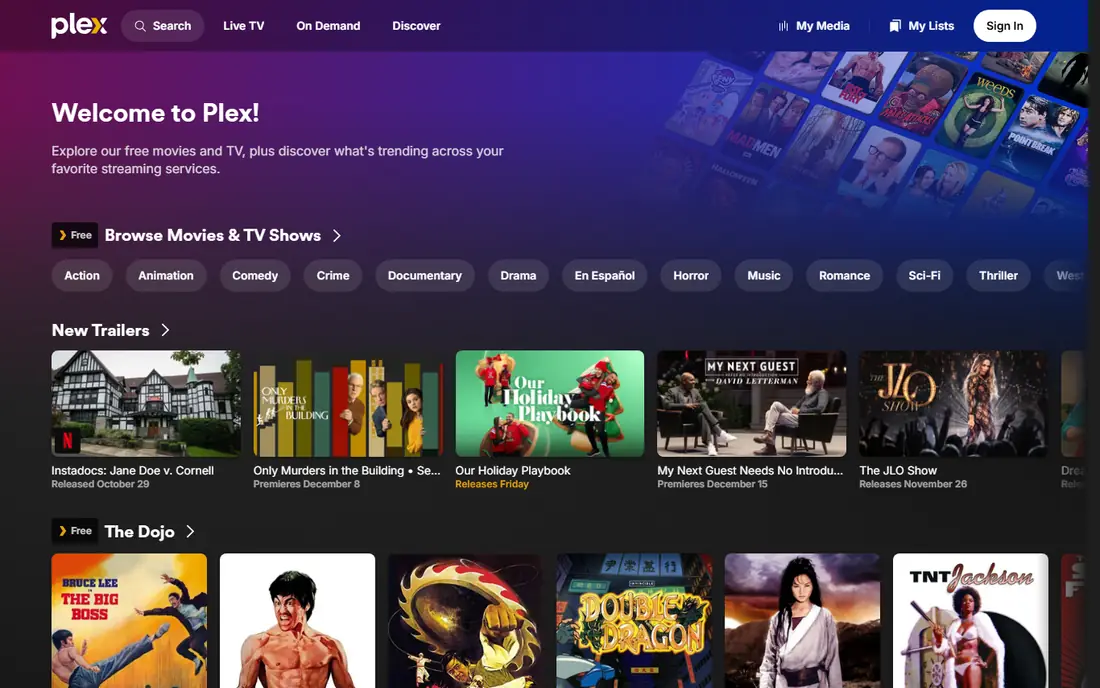
Plex is the most polished alternative for people who want one app for a personal library and licensed streaming. You can point it at movies, shows, music, and photos you own, and it organizes them with posters, cast details, and watch progress across TVs, phones, and computers. The app also offers licensed free movies, shows, and live TV channels, so you are not limited to your own files.
The main change to note is remote access. Watching your server outside your home now needs a paid Pass or a remote watch option, depending on the setup, and the lifetime Pass price rose sharply in 2026. For home use and licensed streaming, the free tier still covers a lot. For family sharing across homes, price the Pass before you build a large library.
- Wide device support
- Automatic posters and metadata
- Licensed free movies, shows, and live TV in the app
- Remote streaming and some premium features need a paid Pass
- Lifetime Pass price is high
Jellyfin is the best free alternative for readers who want full control and no subscription. It is open source, with no premium tier locking features away, and it covers movies, shows, music, photos, and live TV with DVR. Hardware transcoding, remote access, and user accounts are included, which makes it a strong choice for households that already run a home server or NAS.
Setup is the trade-off. You must install the server, manage libraries, and handle remote access yourself, and TV app coverage, while improving, is narrower than Plex. If you enjoy self-hosting or want to avoid recurring fees, Jellyfin gives you the most complete free media server here.
- Fully free with no premium tier
- Hardware transcoding included
- Live TV and DVR support
- Setup takes more work than Plex
- TV app coverage is still growing
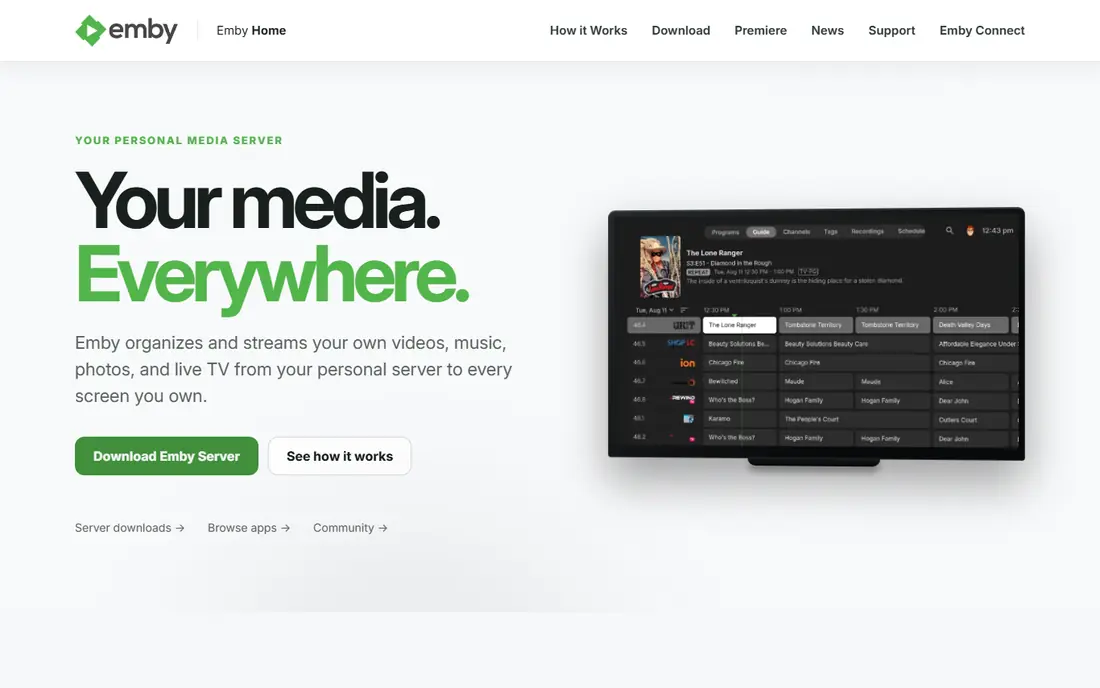
Emby sits between Plex and Jellyfin: more polished than a bare server, but with a paid Premiere tier for its most useful extras. The free core organizes movies, shows, music, and photos, supports live TV, and offers user profiles and parental controls. Apps cover many TVs, phones, and streaming devices, which helps families with mixed hardware.
Premiere adds hardware transcoding, DVR, offline sync, and other premium features, so readers who need those should price it before migrating a large library. Emby is a good choice if you like the Plex style of apps but want a different pricing and feature balance, and you are comfortable running a server.
- Polished server and apps
- Live TV and DVR
- Parental controls and user profiles
- Hardware transcoding and some premium features need Emby Premiere
- Setup is more involved than a streaming app
Kodi is a local media center, not a server, and that distinction matters. It plays files stored on the device or on your home network, with a customizable interface, library views, and support for live TV through tuners and legal add-ons. Users who want a TV-first experience on a computer, Android box, or Raspberry Pi often prefer Kodi to a browser-based server.
Kodi does not sync watch state across devices on its own, though it can connect to a Jellyfin or Emby server as a front end. Library setup, scraping, and add-on choices also take care. For a single TV or a dedicated media box, Kodi remains one of the most flexible free options, provided you use it with media you own or licensed sources.
- Free and open source
- Deep customization with skins and add-ons
- Plays local files on many devices
- Not a central server by itself
- Setup and library care take time
Channels DVR is the best alternative if your main goal is live TV, not a movie library. It pairs with an antenna tuner for over-the-air channels, offers a clear guide, records shows, and skips commercials on many recordings. Apps for TVs, phones, and tablets make it easy to watch live or recorded TV around the house.
Channels DVR is a paid service, and it does not provide licensed on-demand movies on its own. You also need a compatible tuner or supported TV source, which adds hardware cost. For cord-cutters who want a clean DVR for antenna TV, it is the most focused tool in this list.
- Strong live TV guide and DVR
- Commercial skipping
- Works with antenna tuners and TV Everywhere sources where supported
- Paid subscription
- Needs a tuner or supported source for live channels
Tubi is a straightforward licensed streaming service: free films and shows, supported by ads, with no subscription. Its catalog covers older films, series, documentaries, and kids content, and apps are available on most smart TVs, streaming sticks, and phones. For viewers who want to watch without managing a server, Tubi is the easiest free starting point here.
Ads are the trade-off, and titles rotate in and out of the catalog, so a film you plan to watch may leave. Tubi also does not organize your own media or record live TV. If you want legal, no-cost streaming with minimal setup, Tubi belongs on your home screen.
- Large licensed catalog with no subscription
- Apps on most TVs and phones
- No account needed for much viewing
- Ad-supported
- Catalog changes over time
- No live TV DVR features
Pluto TV recreates the channel-surfing experience with licensed live channels and an on-demand section, all free with ads. News, sports highlights, movies, series, and themed channels run on a schedule, which suits viewers who like to browse rather than choose a title in advance. Device support is broad, from smart TVs to phones and web browsers.
The schedule is also the limit. You cannot record Pluto TV channels like a DVR, and on-demand depth does not match a paid subscription service. For free background viewing and casual discovery, Pluto TV is a strong legal alternative that needs no account or server.
- Free live channels plus on-demand titles
- No subscription
- Broad device support
- Ad-supported
- Live channels follow a schedule
- On-demand catalog is smaller than paid services
Roku Channel offers free licensed movies, shows, and live channels, with a simple interface that suits casual viewing. It works best on Roku devices and TVs, but web access also lets non-Roku users watch many titles. For households that already use Roku, it is a natural free addition to the home screen.
Catalog and channel availability vary by region, and ads support the free model. Roku Channel does not manage a personal media library or record live TV. If you want free licensed streaming with the least setup, and you already use Roku, it is an easy win.
- Free licensed movies, shows, and live channels
- Works on Roku devices and the web
- Simple interface
- Best experience is on Roku hardware
- Catalog varies by region
- Ad-supported
Universal Media Server is the simplest tool here for sending your own files to a TV. It shares folders over DLNA, so a smart TV, console, or media player on your home network can browse and play them without a full server install or user accounts. Setup is fast, and there is no subscription.
The experience is plainer than Plex or Jellyfin. There are no polished library apps, no watch-state sync, and playback quality depends on what the receiving device supports. For a household that just wants files from a computer to appear on the TV, Universal Media Server does that job with the least friction.
- Free and open source
- Simple DLNA sharing to TVs and consoles
- No account or complex library setup
- No polished library apps or watch sync
- Playback depends on the receiving device
How we picked these
We compared official product pages, pricing pages, and app listings for media tools that were current in October 2026 and that rely on licensed content or media you own. We excluded piracy add-ons and unlicensed sources, even when they are commonly mentioned alongside Stremio, because this list is for legal viewing only. Where pricing was tiered or changed during 2026, we wrote See website rather than repeating a single unverified price.
How to choose a legal Stremio alternative
Start with where your content comes from. If you own movies and shows, pick a personal media server or center such as Plex, Jellyfin, Emby, or Kodi. If you want free streaming with no library, pick Tubi, Pluto TV, or Roku Channel. If you want live TV and recording, pick Channels DVR with an antenna tuner.
Check device support before you build a library
A media server is only useful if your TV, phone, and tablet all have good apps for it. Plex covers the widest device range, Jellyfin coverage is growing but narrower on some TVs, and Kodi works best on devices you control directly. Test the app on your main TV first, with a small library, before you organize thousands of files.
Keep your media and your sources legal
Use these tools with files you own, licensed streaming catalogs, and legal live TV sources. Avoid add-ons or sources that promise paid channels or new releases for free, because those often carry malware, broken streams, and legal risk. If a source cannot show a license or a clear right to distribute a title, do not use it.
Plan storage and network for a home server
A personal media server needs storage for your files, a computer or NAS that stays on, and enough home network speed for the TVs you serve at once. Transcoding helps when a device cannot play a file directly, but it needs CPU or GPU capacity. Start with one TV and one library, then expand once playback is smooth.
Frequently asked questions
What are the best Stremio alternatives?
Plex, Jellyfin, and Emby are the best alternatives for a personal media library, while Kodi suits a local TV media center. Channels DVR is best for live TV recording, and Tubi, Pluto TV, and Roku Channel are best for free licensed streaming. The right pick depends on whether you own media, want live TV, or want free on-demand viewing.
Are there legal alternatives to Stremio?
Yes. This list includes only legal options: personal media tools for files you own, plus licensed free services such as Tubi, Pluto TV, and Roku Channel. Avoid add-ons or sources that offer paid channels or unreleased titles for free, because those are unlicensed and can expose you to malware and legal risk.
Which Stremio alternative is free?
Jellyfin, Kodi, and Universal Media Server are fully free for personal media, while Plex and Emby offer free cores with paid premium tiers. Tubi, Pluto TV, and Roku Channel are free ad-supported streaming services. Channels DVR is the paid exception here, because live TV recording and guide data require a subscription.
Can I watch live TV with a Stremio alternative?
Yes, with the right tool. Channels DVR records live TV from an antenna tuner and supported sources, while Pluto TV and Roku Channel offer free licensed live channels. Plex, Jellyfin, and Emby also support live TV with a tuner, though setup and DVR features vary by platform and by whether you pay for a premium tier.
Do I need a server for a Stremio alternative?
Not always. Tubi, Pluto TV, and Roku Channel need no server at all, and Kodi can play files directly on a TV box or computer. Plex, Jellyfin, and Emby need a server or NAS for a shared library, while Universal Media Server needs a computer on your home network. Pick a no-server service first if you do not want to run hardware at home.
Sources
See where you really rank - block by block
ProMapRanker scans Google Maps across a grid of your service area. Simple monthly plans from $19, white-label on every plan.
Start freeKeep reading
 zscaler alternatives
Best Zscaler Alternatives in 2026
Looking for zscaler alternatives? We compare 9 SASE and zero trust platforms on architecture, data protection, pricing, and fit for your network and team.
Read → zapier alternatives free
Best Zapier Alternatives Free in 2026
Nine automation tools for zapier alternatives free in 2026, all with genuinely free tiers, plus free plan limits, starting prices and upgrade paths explained.
Read → which platform is best for online reputation
Which Platform Is Best for Online Reputation in 2026
Wondering which platform is best for online reputation? We compare 8 review, listing, and response tools for small and multi-location businesses and agencies.
Read →