 ProMapRanker
Best Streak Alternatives in 2026

Key takeaways
- Copper and NetHunt are the closest Gmail-native replacements, with pipelines that live inside the inbox.
- HubSpot and Zoho CRM suit teams that want a free starting tier and room to grow beyond Gmail.
- Pipedrive and Pipeline CRM suit sales-led teams that value a strong pipeline view over inbox immersion.
- Folk, Salesflare, and Capsule cover relationship, automated logging, and simple small-team needs respectively.
Quick comparison
| Pick | Great for | Pricing starts at | Free tier | |
|---|---|---|---|---|
 Copper | Google Workspace teams | $23 per user per month | No | Visit |
 NetHunt CRM | Pipeline inside Gmail | $24 per user per month | No | Visit |
 HubSpot CRM | Free start, broad growth | Free | Yes | Visit |
 Pipedrive | Sales pipeline focus | $14 per user per month | Free trial | Visit |
 Zoho CRM | Low cost at scale | $14 per user per month | Yes | Visit |
 folk | Relationship-led selling | $24 per user per month | Free trial | Visit |
 Salesflare | Automated contact logging | $29 per user per month | Free trial | Visit |
 Pipeline CRM | Pipeline viewed from inbox | $25 per user per month | Free trial | Visit |
 Capsule | Simple small-team CRM | $18 per user per month | Yes | Visit |
The best Streak alternatives
We compared Gmail CRMs on whether the pipeline truly lives in Gmail, on pipeline customisation, automation, email tracking, and price. A Gmail-native CRM puts deals and contacts beside your messages. A Gmail-integrated CRM keeps its main app separate and syncs mail into it. That distinction matters more than any feature list.
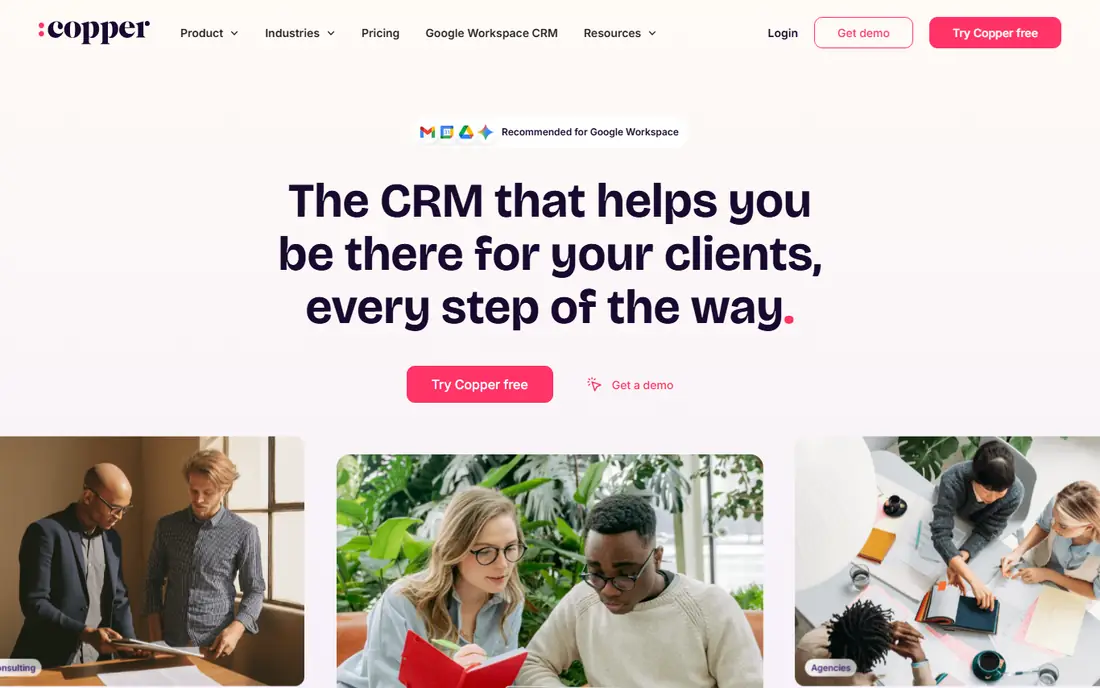
Copper feels closest to Streak for teams that live in Google Workspace. Contacts, deals, and activities surface in Gmail and Calendar, and data flows into Sheets and Drive without constant manual entry. That Google-first design reduces the tab switching that pushes teams back to spreadsheets.
The cost is the main watch point. Copper starts above some rivals, and the plan that includes fuller automation costs more. For a Google Workspace team that wants a CRM that behaves like part of Google, the fit is still strong.
- Sidebar and Gmail integration built for Google Workspace
- Automatic contact and activity capture
- Clean pipeline views
- No free plan
- Pricing rises with automation and reporting needs
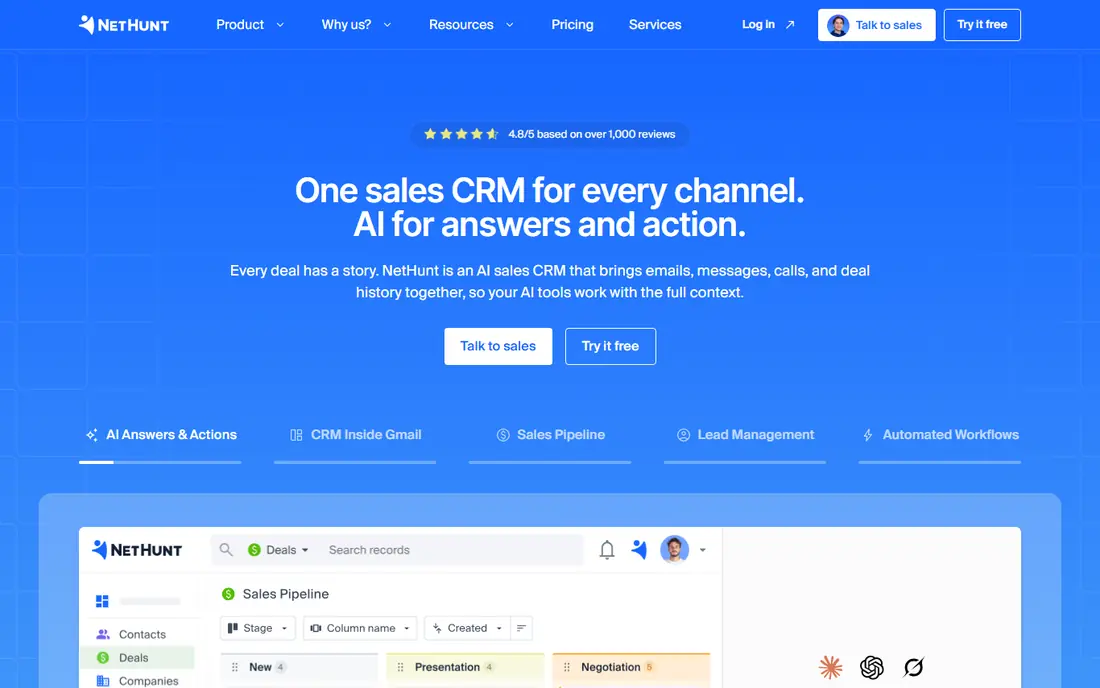
NetHunt puts the whole pipeline inside Gmail, not just a sidebar summary. Users can move deals, log calls, and run email sequences without leaving the inbox. That depth is why many Streak users shortlist it first when they want to stay inbox centred.
Automation is a second strength. LinkedIn, WhatsApp, and other channels can feed the same records, which helps small sales teams work from one place. Teams that prefer a separate, calmer CRM app may find the Gmail-heavy view busy, but inbox-first sellers will like it.
- Full pipeline inside the Gmail interface
- Email campaigns and automation built in
- Direct import path from Streak-style data
- No free plan
- Interface can feel dense when many custom fields are added
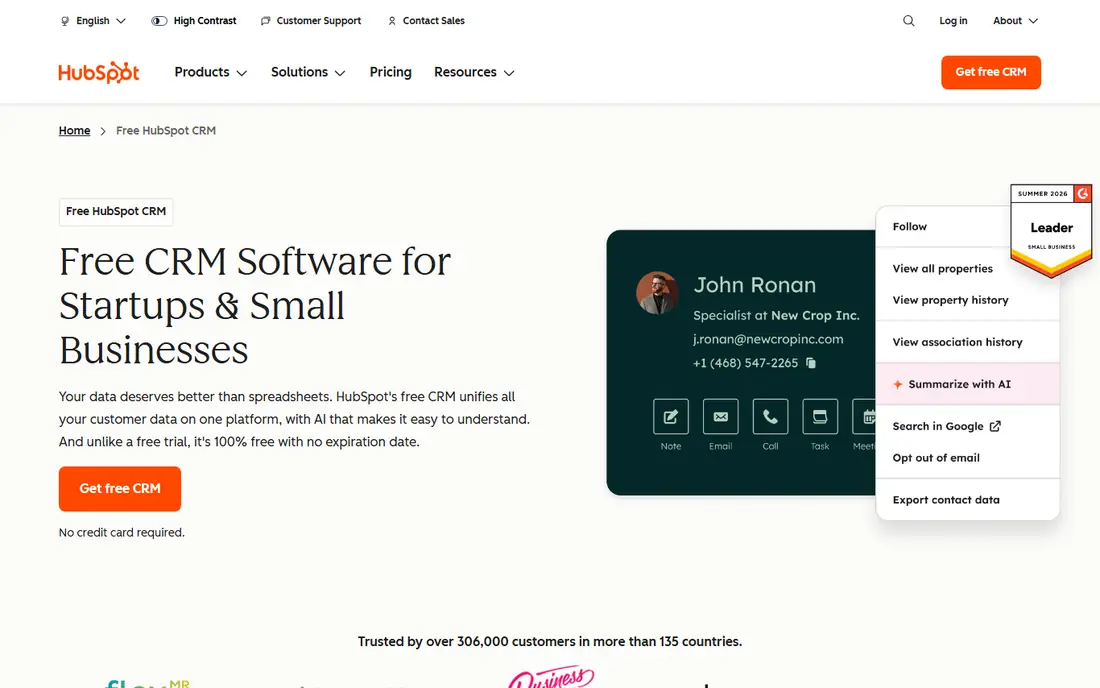
HubSpot is the safe starting point for teams unsure about budget or scale. The free tier covers core CRM work, and paid sales tools can be added without migrating data. Its Gmail extension logs mail and surfaces contact details, though the main pipeline lives in HubSpot itself.
That separation is the trade-off. If you want the CRM to be Gmail, Copper or NetHunt fit better. If you want a free start and a platform that can grow into marketing and service, HubSpot is hard to beat.
- Free CRM tier with contacts, deals, and Gmail sync
- Huge integration library
- Marketing and service tools can be added later
- Paid tiers rise quickly as contacts and features grow
- Gmail experience is an extension, not a full inbox CRM
Pipedrive wins on pipeline clarity. Deals move across stages with drag and drop, overdue activities stand out, and managers can see where deals stall. Sales teams that found Streak too inbox-bound often prefer this cleaner, deal-centred view.
Gmail users should test the add-on first. Mail sync works, but the experience is not the same as a pipeline built into Gmail. For pipeline-first teams, that is a fair trade. For inbox-first teams, it may feel like a step back.
- Clear visual pipeline that sales teams learn fast
- Strong activity reminders and deal tracking
- Gmail add-on for mail sync
- Gmail view is an add-on, not a native inbox pipeline
- Reporting depth needs higher plans
Zoho CRM is the budget pick for larger teams. The free tier helps very small teams start, and paid plans stay competitive as headcount grows. Custom modules, workflows, and reports give growing businesses room to shape the CRM around their process.
The learning curve is real. Zoho offers many options, and a team that rushes setup can end up with cluttered records. With a careful setup, though, Zoho gives strong value for teams that outgrow a simple inbox pipeline.
- Free tier for up to three users
- Deep customisation and automation
- Broad Zoho app ecosystem
- Gmail integration is sync based, not inbox native
- Setup can take time to get right
folk suits teams that sell through relationships and networks rather than pure cold pipelines. Contacts can be enriched, grouped into shared lists, and tracked across Gmail, LinkedIn, and other channels. That view helps partnerships, fundraising, and agency teams as much as direct sales teams.
Pure pipeline managers may want deeper forecasting and reporting than folk emphasises. For teams whose asset is a network of contacts and warm introductions, folk frames that work better than a deal-only CRM.
- Contact enrichment and multichannel views
- Shared lists for team prospecting
- Custom pipelines for relationship work
- Less suited to heavy enterprise sales reporting
- Some advanced sequences sit in higher plans
Salesflare targets the admin burden that kills CRM adoption. It pulls contact details from email signatures and social profiles, logs meetings and calls, and builds timelines without constant manual entry. Salespeople who hate data entry tend to keep using it.
The price reflects that automation. Teams on a tight budget may prefer a cheaper manual CRM and accept more entry work. Teams that lose deals to poor follow-up may find the automatic logging pays for itself in saved admin time.
- Automatically logs emails, meetings, and contacts
- Gmail sidebar keeps context close
- Timeline view shows full customer history
- Higher starting price than some rivals
- Customisation is less deep than Zoho or HubSpot
Pipeline CRM takes a middle path. The pipeline itself is a serious sales tool, while a Gmail panel keeps inbox context visible. That balance suits teams that found Streak too light for reporting but do not want to abandon Gmail entirely.
Buyers should check integrations for their email marketing, calling, and accounting tools. The core pipeline is solid, but a missing connector can force extra manual work. For pipeline-led teams with standard tools, it is a credible choice.
- Real pipeline with an inbox panel view
- Clear deal and activity tracking
- Good fit for teams that want pipeline depth plus Gmail context
- Less widely known than HubSpot or Pipedrive
- Integration library is narrower
Capsule is for teams that want a CRM without a project to implement it. Contacts, deals, tasks, and history are easy to find, and the Gmail integration keeps mail linked to records. Small agencies, consultancies, and owner-led sales teams often find it enough.
Growth is the limit. Larger teams with complex reporting, territories, or heavy automation will outgrow Capsule sooner than HubSpot or Zoho. As a first real CRM after spreadsheets or Streak, its simplicity is a feature, not a flaw.
- Simple, fast CRM that small teams adopt quickly
- Free tier for up to two users
- Gmail integration and task tracking included
- Free tier contact limit is low
- Advanced automation needs higher plans or integrations
How we picked these
We compared official feature pages, pricing pages, and Gmail integration descriptions for CRMs live in October 2026. We favoured tools with a genuine Gmail connection, whether native or sync based, and we stated which type each tool offers. We did not claim hands-on testing, and we used vendor pricing pages as the source for starting prices.
How to choose a Gmail CRM
Decide first how much of your day should happen in Gmail. If the answer is most of it, shortlist only native options such as Copper and NetHunt. If the answer is half, a sync-based CRM with a strong pipeline may serve you better, even if it means one more tab.
Next, test migration with real data. Export a Streak pipeline as a CSV, import a sample into each shortlisted tool, and check that stages, custom fields, and contact links survive. A clean import test avoids a painful cutover week.
Finally, check email tracking and automation rules. Some teams rely on open tracking and mail merge. Others need sequences, reminders, and task automation. Confirm which features sit in the starting plan, since headline prices often exclude the automation that made Streak useful.
Frequently asked questions
What is the closest Streak alternative?
Copper and NetHunt are the closest, because both put CRM work inside Gmail. Copper leans on Google Workspace integration, while NetHunt leans on a full pipeline inside the inbox. Your Google Workspace setup and automation needs should decide between them.
Can I migrate from Streak to these CRMs?
Yes, most accept CSV imports from Streak pipelines. Export pipelines, contacts, and stages first, then map fields in the new tool and test with a small sample. NetHunt publishes a guided Streak import, which helps, but a test import is wise for any tool.
Do these alternatives work without Gmail?
Most work as standalone CRMs, though Gmail-native tools lose their main advantage outside Gmail. HubSpot, Pipedrive, Zoho, and Capsule work well with other mail systems too. If your team uses Outlook, prioritise those over inbox-native picks.
Which Streak alternative is free?
HubSpot CRM and Zoho CRM both offer free tiers, with limits on users and features. Capsule also offers a free tier for up to two users. Free tiers suit solo users and tiny teams, but growing teams should budget for a paid plan.
Is email tracking included in these tools?
Many include tracking, mail merge, or sequences, but the plan level varies. Check whether tracking, templates, and automation are in the starting price or a higher tier. Trial the exact workflow you use daily before you switch.
Sources
See where you really rank - block by block
ProMapRanker scans Google Maps across a grid of your service area. Simple monthly plans from $19, white-label on every plan.
Start freeKeep reading
 zyte alternatives
Best Zyte Alternatives in 2026
These zyte alternatives cover managed scraping APIs, proxy networks and no code tools for lawful collection from your own or consented sources only in 2026.
Read → zerto alternatives
Best Zerto Alternatives in 2026
Compare the best zerto alternatives for disaster recovery and replication, with recovery targets, cloud options and honest trade-offs for teams in 2026.
Read → zerofox alternatives
Best ZeroFox Alternatives in 2026
We compared 9 zerofox alternatives for brand protection, phishing takedowns, dark web monitoring, and social impersonation, with clear coverage notes.
Read →