 ProMapRanker
Best Storyblocks Alternatives in 2026


All in one creative assets · Pricing starts at: See website
Key takeaways
- Envato Elements is the closest all in one replacement, with stock video, images, music, templates, and graphics under one subscription.
- Artgrid and Artlist suit creators who prioritise cinematic footage and music quality over sheer library size.
- Motion Array is best for editors who need templates, presets, and plugins alongside stock footage.
- Pexels and Videvo offer strong free starting points, but their free licences and library depth differ from paid services.
- Always check the licence for your use case, especially for broadcast, client work, and paid advertising.
Quick comparison
| Pick | Great for | Pricing starts at | Free tier | |
|---|---|---|---|---|
| Envato Elements | All in one creative assets | See website | No | Visit |
 Artgrid | Cinematic stock footage | See website | No | Visit |
 Motion Array | Templates and presets | See website | No | Visit |
 Artlist | Music and footage bundles | See website | No | Visit |
 Videvo | Free and paid stock clips | Free | Yes | Visit |
 Pond5 | Pay per clip marketplace | See website | No | Visit |
 Adobe Stock | Creative Cloud workflows | See website | Free trial | Visit |
 Shutterstock | Large stock library | See website | Free trial | Visit |
 Pexels | Free photos and video | Free | Yes | Visit |
The best storyblocks alternatives
Storyblocks offers unlimited downloads of stock video, audio, and images on a subscription. The alternatives below take different approaches: unlimited subscriptions, curated libraries, pay per clip marketplaces, and free libraries. We compared library focus, licensing style, and starting model for each.
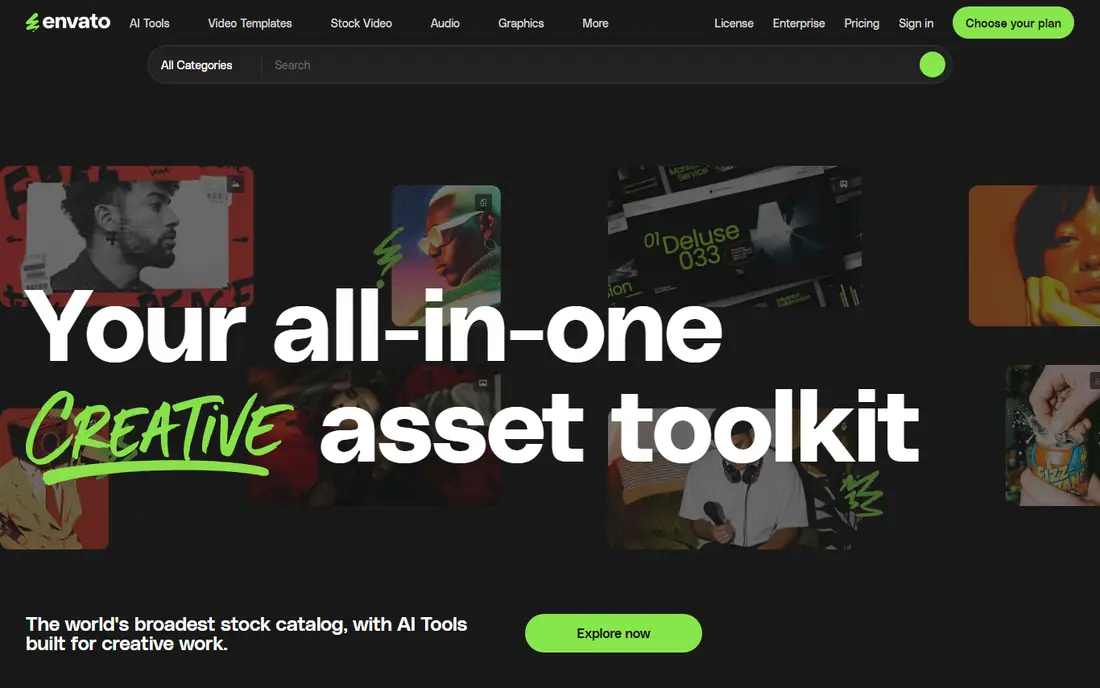
Envato Elements is our pick for creators who want one subscription to cover most project needs. It bundles stock footage, photos, music, sound effects, video templates, graphics, and fonts, so a YouTube editor, a social media designer, and a presentation maker can all use the same account type. Unlimited downloads on a subscription also make budgeting simple.
The trade off is curation. A very large library means more average material alongside the best clips, so searching well matters. Licence terms also need attention: check whether your planned use, such as broadcast or client resale, is covered before you publish. For broad, everyday creative work, Envato Elements is the most practical Storyblocks replacement.
- Stock video, images, music, templates, and graphics in one plan
- Unlimited downloads on subscription
- Wide template range for editors and designers
- Licence terms vary by asset type
- Library quality varies more than curated services
Artgrid, from the Artlist company, focuses on cinematic stock footage shot by filmmakers. Its collections are organised by story and style, which helps editors building narrative, documentary, or brand films rather than quick social clips. If footage quality is your main criterion, Artgrid is a step up from broad libraries.
The limits are scope and price structure. Artgrid does not include music, templates, or images, so you will need a second service for those assets. Higher resolution access also sits on higher tiers. Pair Artgrid with Artlist music if you want the full Artlist ecosystem, or with a free music library if budget is tight.
- Curated, filmmaker shot footage
- High resolution options on higher tiers
- Story driven collections that suit narrative projects
- Footage only, no music or templates
- Higher tiers needed for the highest resolutions
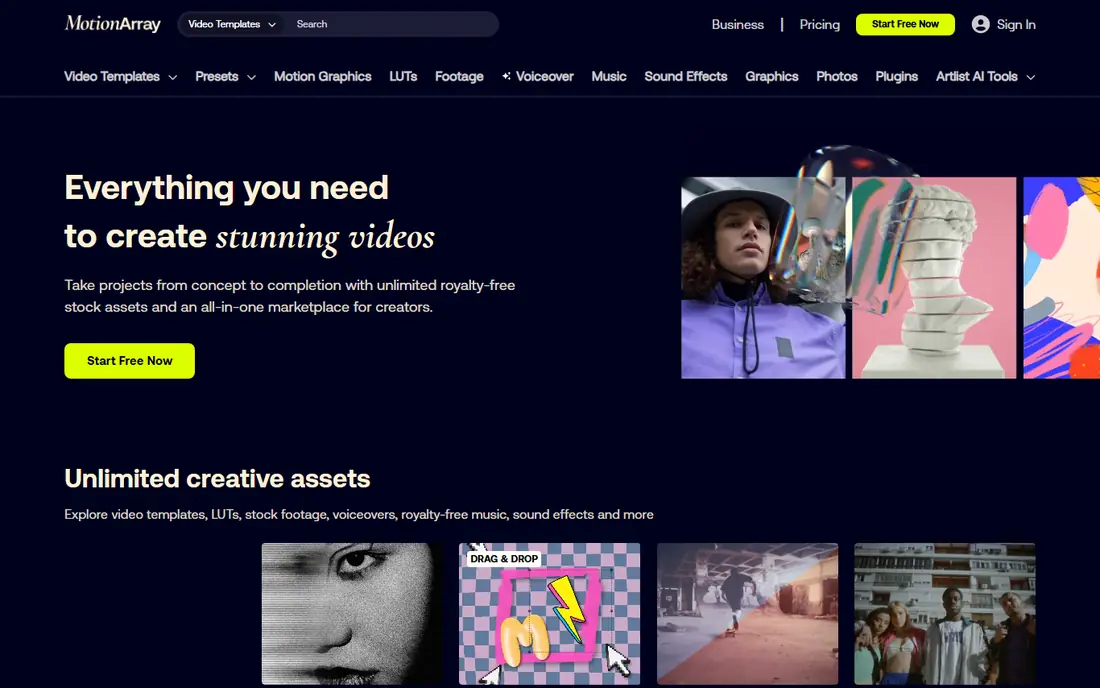
Motion Array suits editors who spend as much time on titles, transitions, and presets as on footage. Its library covers Premiere Pro, After Effects, Final Cut Pro, and DaVinci Resolve templates, plus plugins, stock footage, music, and sound effects. That breadth makes it a strong choice for freelancers and small video teams.
As with Envato Elements, quality varies because many creators contribute templates, so previewing a template in your own project matters. Motion Array is also a subscription service, so occasional users may prefer pay per clip or free options below. For regular editors, the template library alone often justifies the cost.
- Large template and preset library for major editors
- Stock footage, music, and sound effects included
- Review and portfolio tools for video teams
- Subscription needed for full access
- Template quality varies by creator
Artlist is best known for licensed music, and its higher plans bundle footage and sound effects as well. That makes it a good choice for creators who care about music quality and licence clarity, especially for YouTube, client work, and commercial projects. Its music catalogue is curated, with strong cinematic and contemporary tracks.
The catch is plan structure. A music only plan does not include footage, so check which bundle you actually need before subscribing. Artlist is also not the cheapest option for casual users. For creators who publish regularly and need licence confidence, it is worth the price.
- High quality licensed music and sound effects
- Footage bundles on higher plans
- Clear licence for commercial and client projects
- Music plans and footage plans are separate tiers
- Catalogue is curated rather than huge
Videvo is a practical middle ground between free libraries and full subscriptions. It offers free stock video, motion graphics, music, and sound effects, with a premium tier for wider access. That mix suits students, hobbyists, and small creators who need a few clips without a monthly subscription.
Licence terms are the detail to check. Free clips do not all share the same licence, and some require attribution or restrict commercial use. Read the licence on each clip you download, and keep a record for client projects. Used with that care, Videvo is a strong low cost option.
- Free clips alongside a premium library
- Video, motion graphics, music, and sound effects
- Useful for low budget projects
- Free clips carry varied licence terms
- Premium library is smaller than major paid services
Pond5 works differently from subscription services: you buy individual clips, tracks, or images from a large marketplace. That suits projects that need one specific shot, such as a rare location or a precise sound effect, without paying for a month of unlimited downloads. Its marketplace scale is a real advantage for unusual requests.
For heavy users, pay per clip pricing quickly exceeds a subscription, so Pond5 is best as a supplement rather than a main library. Contributor pricing and quality also vary, so preview clips carefully and check the licence for your intended distribution before purchase.
- Huge marketplace with pay per clip pricing
- Video, music, sound effects, and images
- Good for one off, specific clips
- Costs add up for heavy use
- Quality and pricing vary by contributor
Adobe Stock is the natural choice if you already work in Adobe apps. You can search, preview, and license assets inside Premiere Pro, Photoshop, and other Creative Cloud tools, which saves time compared with downloading from a separate site and importing files. Its library covers video, photos, illustrations, templates, and audio.
Pricing is the trade off. Adobe Stock uses subscription plans and credit packs, and high volume video use can become costly. For occasional users, a credit pack may be cheaper than a monthly plan. For Adobe based teams, the workflow saving often outweighs the price difference.
- Deep integration with Premiere Pro, Photoshop, and After Effects
- Large library of video, images, and templates
- Licence options for standard and extended use
- Subscription or credit packs needed for regular use
- Costs rise for high volume video work
Shutterstock offers one of the largest stock libraries, with video, images, music, and editorial content. Its search tools, including similar clip and image matching, help when you need a precise visual match. For agencies and businesses that need a wide, reliable library, Shutterstock is a safe, well known choice.
The cost model differs from Storyblocks. Shutterstock uses subscriptions and packs rather than simple unlimited downloads, so heavy downloaders should compare total monthly cost carefully. Editorial content also carries its own licence limits, so check whether an editorial clip can be used in your commercial project.
- Very large library across video, images, and music
- Strong search and similar image tools
- Established licence options for business use
- Subscription and pack pricing can be costly
- Unlimited options are limited compared with Storyblocks
Pexels is the best free starting point for photos and video. Its library is free to use for most personal and commercial projects under its licence, and downloading is simple without a subscription. For blogs, social content, presentations, and student work, Pexels often provides enough quality material.
The limits are depth and range. Pexels covers popular subjects well but lacks niche footage, templates, and a music library, and it does not offer the licence support that paid services provide for large commercial projects. Use Pexels for everyday free content, and add a paid service when a project needs specific footage or formal licence cover.
- Free photos and videos under a simple licence
- No account needed for many downloads
- Good for blogs, social posts, and student projects
- Library leans toward popular subjects
- No templates, music library, or premium support
How we picked these
We compared official product pages, pricing pages, and licence pages for stock media services that are live in October 2026 and that cover video, images, music, or templates. We kept a mix of subscription, marketplace, and free models, and we excluded services that only generate media with AI rather than licensing stock assets. We did not claim hands on testing, and we used See website where a vendor does not publish a single starting price that fits all plans.
What to check before you subscribe
Match the licence to the distribution
A licence that covers YouTube may not cover broadcast, paid ads, or resale to a client. Read the licence for each service and asset type, and keep a copy with project files.
Count your real monthly downloads
Unlimited plans suit heavy downloaders, while pay per clip or credit packs suit occasional users. Estimate downloads from your last three projects before choosing a model.
Test search for your niche
Search each service for your five hardest subjects before subscribing. A large library that lacks your niche is less useful than a smaller library that covers it well.
Check resolution and format needs
Confirm that your plan includes the resolution, frame rate, and file format your delivery needs. Some services reserve higher resolutions for higher tiers.
Frequently asked questions
What is the best storyblocks alternative for unlimited downloads?
Envato Elements is the closest unlimited subscription alternative, with video, images, music, and templates in one plan. Motion Array also offers unlimited downloads, with a stronger template focus.
Is Pexels really free for commercial use?
Pexels allows most personal and commercial use under its licence, but you should read the current licence on its site for your specific project, especially for trademarked items, identifiable people, and resale uses.
Which alternative is best for cinematic footage?
Artgrid is the strongest pick for cinematic, filmmaker shot footage, while Artlist covers music and footage bundles. Pairing the two gives a curated, high quality set for narrative projects.
Do I need a separate music licence if I use Envato Elements?
Envato Elements includes music under its subscription licence, but terms vary by use, such as broadcast or client work. Check the music licence for your distribution channel before publishing.
Can I use Pond5 clips in client work?
Yes, if you buy the appropriate licence for that clip and use. Pond5 offers different licence options, so select the one that matches your client distribution and keep the purchase record.
Sources
See where you really rank - block by block
ProMapRanker scans Google Maps across a grid of your service area. Simple monthly plans from $19, white-label on every plan.
Start freeKeep reading
 zoro.to alternatives
Best Zoro.to Alternatives in 2026
We compare the best zoro.to alternatives in 2026, listing only legal licensed anime streaming services, from Crunchyroll to free options for fans today.
Read → zip alternatives
Best Zip Alternatives in 2026
We compare the best zip alternatives for buy now, pay later in 2026, covering pay-in-4 plans, fees, spending limits, and credit reporting options today.
Read → yesware alternatives
Best Yesware Alternatives in 2026
Compare the best yesware alternatives for sales email tracking, templates, and sequences, with current pricing and honest tradeoffs for small sales teams.
Read →