 ProMapRanker
Best Stan Store Alternatives in 2026

Key takeaways
- Stan Store is a link-in-bio storefront with no platform fee on sales, so the fair comparison is monthly price plus any sales fee plus payment processing.
- Beacons, Linktree, Gumroad, Payhip, Fourthwall, and Ko-fi all offer a free start, but their sales fees differ a lot once you sell regularly.
- Sellfy, Podia, and Shopify suit creators who want a fuller store, courses, or physical products rather than a single bio page.
- If most of your income is sales, a paid plan with a 0 percent platform fee can cost less than a free plan that takes a share of every order.
- Check what is included before you switch: courses, memberships, email, bookings, and tax handling vary widely across this list.
Quick comparison
| Pick | Great for | Pricing starts at | Free tier | |
|---|---|---|---|---|
 Beacons | Free link-in-bio store | Free | Yes | Visit |
 Linktree | Simple link hub with selling | Free | Yes | Visit |
 Gumroad | First digital product | Free | Yes | Visit |
 Payhip | Flexible digital storefront | Free | Yes | Visit |
 Fourthwall | Merch, digital, and memberships | Free | Yes | Visit |
 Sellfy | Digital plus print on demand | $22 per month | No | Visit |
 Ko-fi | Tips and small shops | Free | Yes | Visit |
 Podia | Courses and community | $42 per month | No | Visit |
 Shopify | Scaling to a full store | $29 per month | No | Visit |
The best stan store alternatives
Stan Store gives creators a single page where followers can buy digital products, book calls, and join memberships, with no platform fee on sales beyond payment processing. The tools below cover the same job, from simple link pages to full stores. We compared official pricing pages and published plan comparisons from October 2026, and we did not include Stan Store itself in the list.
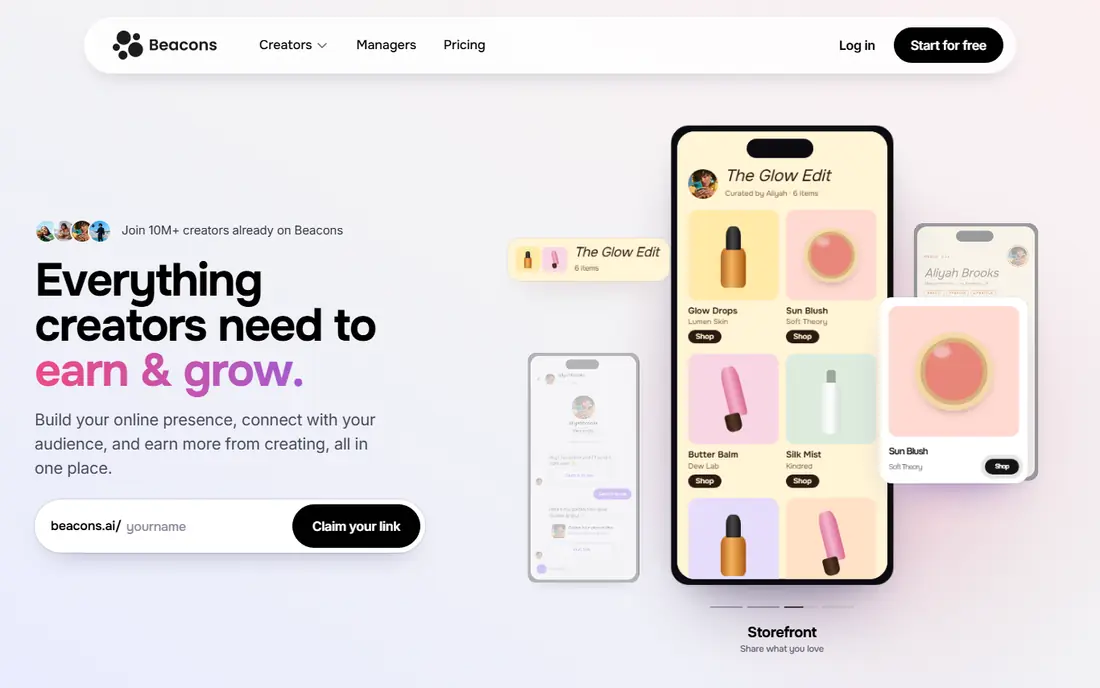
Beacons is the closest free starting point to Stan Store. You get a link-in-bio page, a store for digital products, a media kit, and basic email tools in one place. For a creator testing a first product, that bundle is hard to beat, since you can launch without a monthly bill.
The fee is the catch to model. Free and Creator plans take 9 percent of each digital product sale, on top of payment processing. Creator Plus, from $30 per month, drops that fee to 0 percent. If you sell more than a few hundred dollars a month, the paid plan usually pays for itself. Beacons suits creators who want one page for links, products, and brand deals.
- Free plan with store, media kit, and email tools
- Paid plans remove the seller fee
- Easy setup for creators
- Free and Creator plans take a 9 percent seller fee
- Some advanced features sit on higher plans
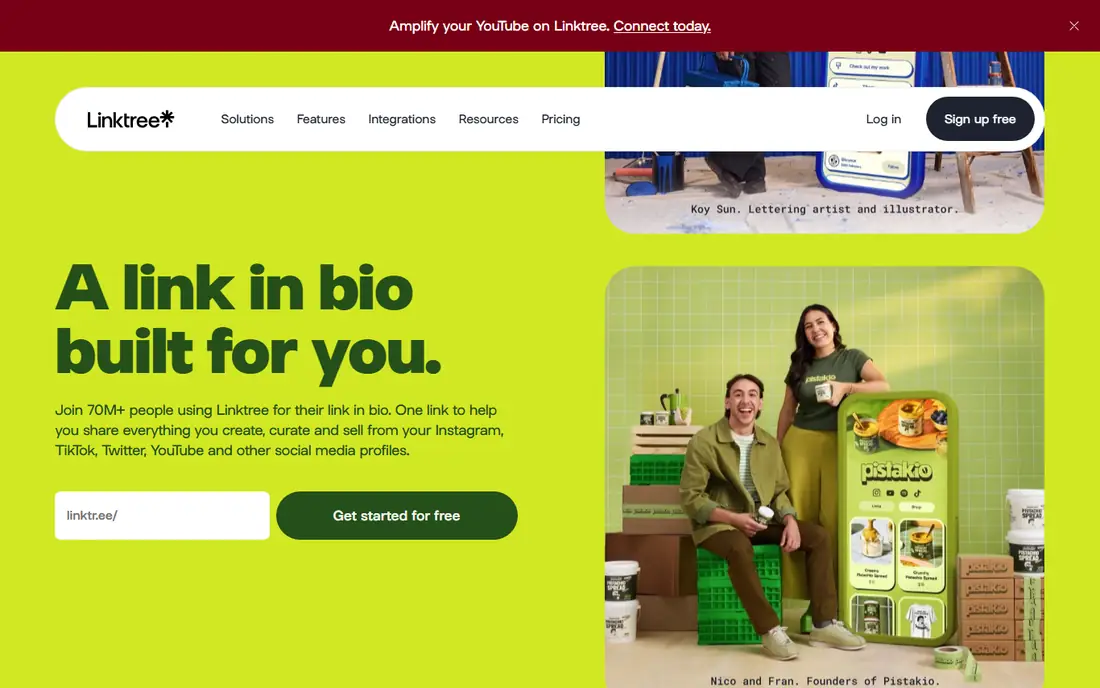
Linktree is best known as a link hub, and that familiarity is a real asset. Followers know what to do with a Linktree page, and setup takes minutes. Paid plans add more links, analytics, and commerce features, but the core strength remains directing traffic, not running a store.
Selling on Linktree costs more than on a dedicated store until you reach Premium. Published comparisons put the seller fee at 12 percent on Free, 9 percent on Starter and Pro, and 0 percent on Premium at $35 per month. If links are your main job and sales are occasional, Linktree works well. If sales are your main income, a store-first tool below will usually keep more of each order.
- Familiar, fast setup
- Huge audience recognition
- Paid plans add analytics and selling tools
- Seller fees reach 12 percent on the free plan
- Selling is secondary to links
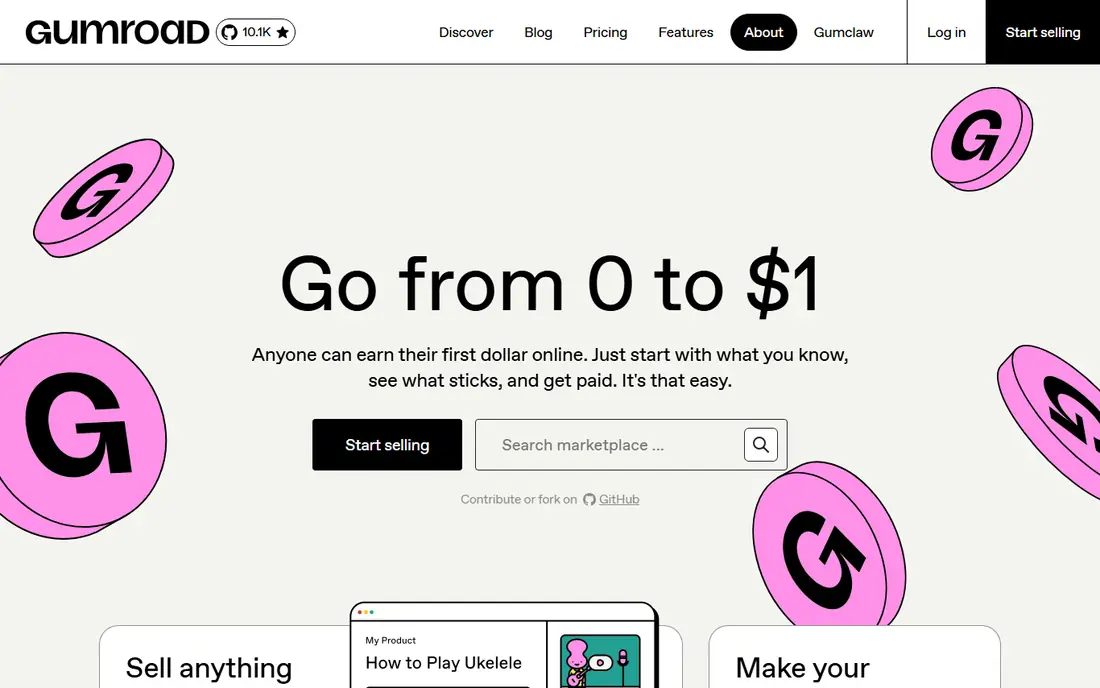
Gumroad is the simplest way to put a digital product on sale. You create a product page, set a price, and share the link. There is no monthly bill, which suits creators who sell occasionally or who are still building an audience. The tax handling is a genuine benefit for worldwide sales, since Gumroad acts as merchant of record.
The fee grows with you. At 10 percent plus $0.50 per direct sale, plus card processing, a regular seller can pay more than a flat monthly plan would cost. Discover marketplace sales cost 30 percent. Gumroad is our pick for a first product or a side product, and a tool to outgrow once monthly sales become steady.
- No monthly fee
- Simple product pages
- Handles sales tax as merchant of record
- 10 percent plus $0.50 per direct sale, plus processing
- 30 percent on Discover sales
Payhip gives creators more store control than a bio page, without a monthly bill to start. You can sell downloads, courses, memberships, and coaching, run coupons, and set up affiliates. The hosted store and embeddable checkout suit creators who want a storefront they own, rather than only a link page.
The fee structure is clear and worth modeling. The free plan takes 5 percent, Plus takes 2 percent, and Pro takes 0 percent, before payment processing. For a creator selling a few hundred dollars a month, the free plan is cheap. As sales grow, a paid plan quickly beats the percentage fee. Payhip is a balanced pick for creators who want flexibility without a large monthly commitment.
- Free plan with 5 percent fee
- Sells downloads, courses, memberships, and coaching
- Coupons and affiliates built in
- Fee falls only on paid plans
- Store design is simpler than a full website builder
Fourthwall suits creators whose income mixes merch with digital products and memberships. You get a branded store, print on demand merch, digital sales, and membership tiers in one place. Physical products carry no Fourthwall fee, which is a strong point for creators who sell shirts, hats, or posters alongside a guide or course.
Digital and membership sales take 5 percent on the free plan, dropping to 0 percent on Pro at $19 per month, or $15 per month billed annually. That makes Pro an easy win once digital sales pass a few hundred dollars a month. Fourthwall is less suited to a creator who only sells one digital file, but it is strong when merch is part of the plan.
- Free start
- 0 percent on physical products
- Merch, digital, and memberships in one store
- 5 percent on digital and memberships on the free plan
- Pro needed for 0 percent on those sales
Sellfy is a store-first alternative with a simple pitch: no platform fee on sales, in exchange for a monthly plan from $22 per month billed annually. You can sell digital products, subscriptions, and print on demand merch from one store, which covers most creator businesses without juggling three tools.
The limits to check are sales caps by plan and the lack of a free tier. If you are still testing an idea, a free tool above will cost less. If you already sell regularly, the flat fee can beat a percentage fee quickly, since Sellfy takes nothing extra per order beyond payment processing. Sellfy suits creators who want a proper store and predictable costs.
- 0 percent platform fee on every plan
- Digital, subscriptions, and print on demand together
- Simple store setup
- No permanent free plan
- Annual sales caps apply by plan
Ko-fi started as a tipping tool, and that low friction feel remains its strength. Fans can tip, join a membership, buy from a small shop, or commission work, all without the creator paying a monthly fee. Tips carry no Ko-fi platform fee, which makes it a friendly home for writers, artists, and streamers.
Shop and membership payments take 5 percent on the free plan, dropping to 0 percent with Gold at $12 per month. Course and funnel tools are lighter than Podia or Kajabi, so Ko-fi is not the pick for a large course business. For a creator whose income starts with support from fans, Ko-fi is one of the easiest places to begin.
- Free start
- 0 percent on tips
- Simple shop, memberships, and commissions
- 5 percent on shop, membership, and commission payments on the free plan
- Lighter course tools
Podia suits creators whose main product is a course or a community, not a single download. You can host courses, sell digital products, run a community, and send email from one account, with your site as the home base rather than a social bio page. That structure helps when students need lessons, downloads, and discussion in one place.
Pricing starts at $42 per month billed annually on Mover, with a 5 percent transaction fee, while higher plans drop the fee to 0 percent. There is no free plan, so Podia only makes sense once you have a course to sell or a community to charge for. For course creators outgrowing a bio page, Podia is a clear step up.
- Courses, digital products, community, and email in one place
- Clean course builder
- No separate website needed
- No free plan
- Mover plan takes a 5 percent transaction fee
Shopify is the choice when a creator business becomes a retail business. You get a full store, product variants, discount codes, shipping, and a large app ecosystem, plus the option to sell physical goods at volume. With Shopify Payments, Shopify itself takes no extra percentage on orders, though card rates from 2.9 percent plus $0.30 online on Basic still apply.
That power comes with setup and ongoing cost. Basic starts at $29 per month billed annually, and apps can add to the bill. A bio page tool will launch faster for a single digital product. Shopify earns its place when you need inventory, shipping, and a store that can grow beyond one creator page.
- Full store with apps, discounts, and shipping tools
- 0 percent Shopify fee with Shopify Payments
- Scales to physical products
- Monthly cost plus app costs
- More setup than a bio page
How we picked these
We compared official pricing pages and published plan comparisons for creator storefronts that replace a Stan Store page: a link-in-bio store, a digital product store, a course platform, or a full store. We favored tools live in October 2026 with a public price or fee, and we kept the focus on what a small creator actually pays: monthly price plus platform fee plus payment processing. We left out enterprise course suites that start well above $100 per month, since they do not match a Stan Store budget.
How to choose without overpaying
Do the fee math for your real sales, not for a hypothetical launch. Take last month sales, or a realistic first month figure, and apply each platform fee plus card processing. A free plan at 9 or 12 percent can cost more than a $25 or $30 plan at 0 percent once sales pass a few hundred dollars. Write the three numbers down for two or three tools before you move your products.
Next, list the product types you actually sell. Tips and memberships point to Ko-fi or Fourthwall. A single download points to Gumroad or Payhip. Courses point to Podia. Merch plus digital points to Fourthwall or Sellfy. Physical goods at volume point to Shopify. Picking by product type avoids paying for a suite whose best features you never open.
Finally, test the buyer journey yourself. Buy your own product on a phone, check the receipt, the download link, and the refund path. A store that looks good in a dashboard but confuses buyers will cost more in support messages than any fee saving. Our pick for most creators starting out is Beacons or Payhip for a free start, then Sellfy or Fourthwall Pro once sales become regular.
Frequently asked questions
What is the cheapest stan store alternative?
It depends on your sales. Gumroad, Payhip, Beacons, Linktree, Fourthwall, and Ko-fi all start free, but their per-sale fees differ. For low sales, a free plan wins. For steady sales above a few hundred dollars a month, a paid plan with a 0 percent fee, such as Beacons Creator Plus or Fourthwall Pro, often costs less in total.
Does any alternative charge no platform fee like Stan Store?
Yes, with conditions. Sellfy and Shopify take no platform fee on orders, but charge a monthly plan. Beacons, Fourthwall, and Payhip drop to 0 percent on higher paid plans. Card processing still applies on every platform, so no option is fully free per sale.
Can I sell courses on these platforms?
Yes, but depth varies. Podia is built for courses with lessons and community. Beacons and Payhip support courses in a simpler form. Gumroad and Ko-fi handle single files and memberships better than multi-lesson courses. Check lesson hosting, student progress, and drip options before you move a course.
Do I need a website as well as a link-in-bio store?
Not at first. A link-in-bio store can be your whole shop while your audience lives on social media. A full store on Shopify or Podia becomes useful when search traffic, email, and repeat buyers matter more than a single social link, or when you sell physical goods.
Can I move my products from Stan Store to another platform?
In most cases yes, but plan the move. Re-upload product files, reset prices and download limits, reconnect Stripe or PayPal, and update the link in every bio and post. Tell buyers where to find new download links, and keep the old page live until the new store is tested.
Which alternative is best for selling merch?
Fourthwall is the strongest merch-first pick here, with print on demand and 0 percent on physical products. Sellfy also covers print on demand with no platform fee, for a monthly plan. Shopify suits larger merch operations that need inventory, variants, and shipping tools.
Sources
See where you really rank - block by block
ProMapRanker scans Google Maps across a grid of your service area. Simple monthly plans from $19, white-label on every plan.
Start freeKeep reading
 zoro.to alternatives
Best Zoro.to Alternatives in 2026
We compare the best zoro.to alternatives in 2026, listing only legal licensed anime streaming services, from Crunchyroll to free options for fans today.
Read → zip alternatives
Best Zip Alternatives in 2026
We compare the best zip alternatives for buy now, pay later in 2026, covering pay-in-4 plans, fees, spending limits, and credit reporting options today.
Read → yesware alternatives
Best Yesware Alternatives in 2026
Compare the best yesware alternatives for sales email tracking, templates, and sequences, with current pricing and honest tradeoffs for small sales teams.
Read →