 ProMapRanker
Best Sophos Mobile Alternatives in 2026


Microsoft 365 organisations · Pricing starts at: $8 per user per month
Key takeaways
- Microsoft Intune is the default pick for teams already on Microsoft 365, while Jamf is the strongest choice for Apple-only fleets.
- Hexnode, Scalefusion, and Miradore offer the lowest published starting prices for cross-platform fleets.
- Free tiers from ManageEngine, Miradore, and Mosyle suit small fleets, but check device limits before you rely on them.
- Pricing is quoted per user on some tools and per device on others, so compare your total fleet cost, not just the headline rate.
Quick comparison
| Pick | Great for | Pricing starts at | Free tier | |
|---|---|---|---|---|
| Microsoft Intune | Microsoft 365 organisations | $8 per user per month | Free trial | Visit |
 Jamf | Apple fleets at scale | $4 per device per month | Yes | Visit |
 Hexnode UEM | Best value cross-platform UEM | $2.20 per device per month | Free trial | Visit |
 Scalefusion | Android, kiosk, and frontline devices | $2 per device per month | Free trial | Visit |
 ManageEngine Mobile Device Manager Plus | Small fleets and on-premises use | Free | Yes | Visit |
 Miradore | Free mixed fleets up to 50 devices | Free | Yes | Visit |
 Mosyle | Lowest cost Apple management | Free | Yes | Visit |
 Omnissa Workspace ONE UEM | Large enterprises with complex fleets | See website | No | Visit |
 NinjaOne | IT teams needing MDM plus endpoint management | See website | Free trial | Visit |
The best sophos mobile alternatives
Sophos Mobile manages and secures phones, tablets, and other endpoints from one console. The tools below cover the same core jobs: enrolment, policy enforcement, app management, remote wipe, and compliance reporting.
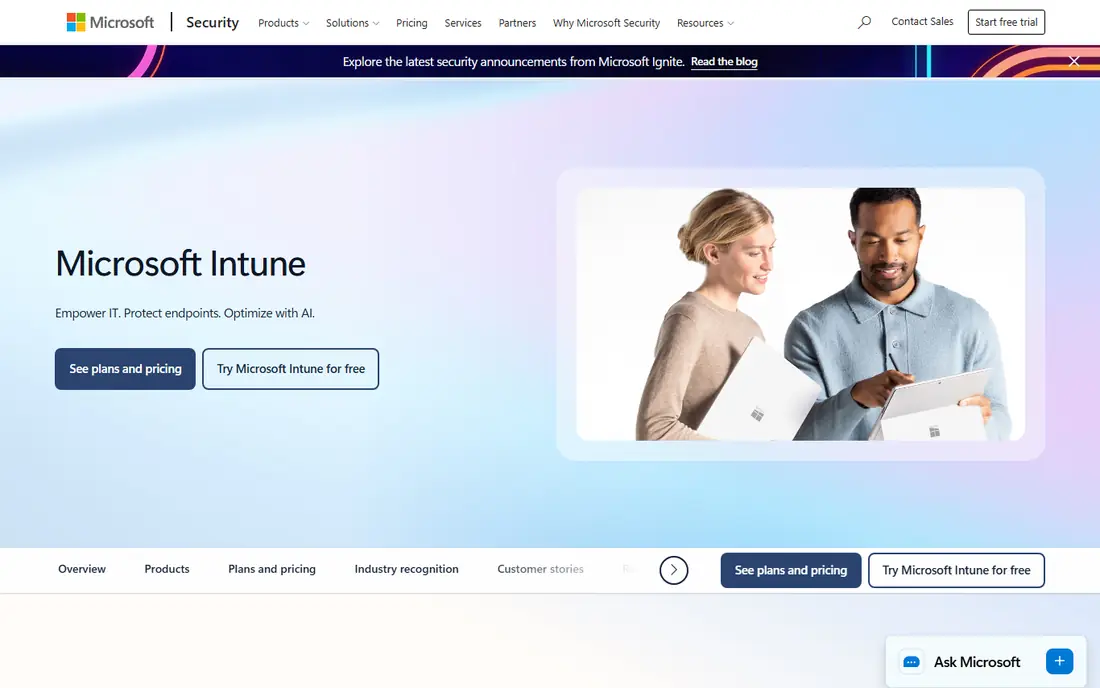
Intune is the natural replacement if your organisation already uses Microsoft 365. It manages devices and apps, enforces compliance policies, and works with Entra ID for identity and conditional access. Intune Plan 1 costs $8 per user per month, and it is also included in plans such as Business Premium and E3, so many teams already pay for it without realising it.
The weakness is complexity. Intune rewards teams that already live in the Microsoft admin world, but a small team with no Microsoft admin experience may find the console heavy. Check your existing licences first, because buying Intune separately when it is already bundled is an easy mistake.
- Deep Microsoft 365 and Entra ID integration
- Covers Windows, macOS, iOS, and Android
- Often included in larger bundles
- Setup can feel complex for small teams
- Per-user pricing adds up for shared devices
- Admin console has a learning curve
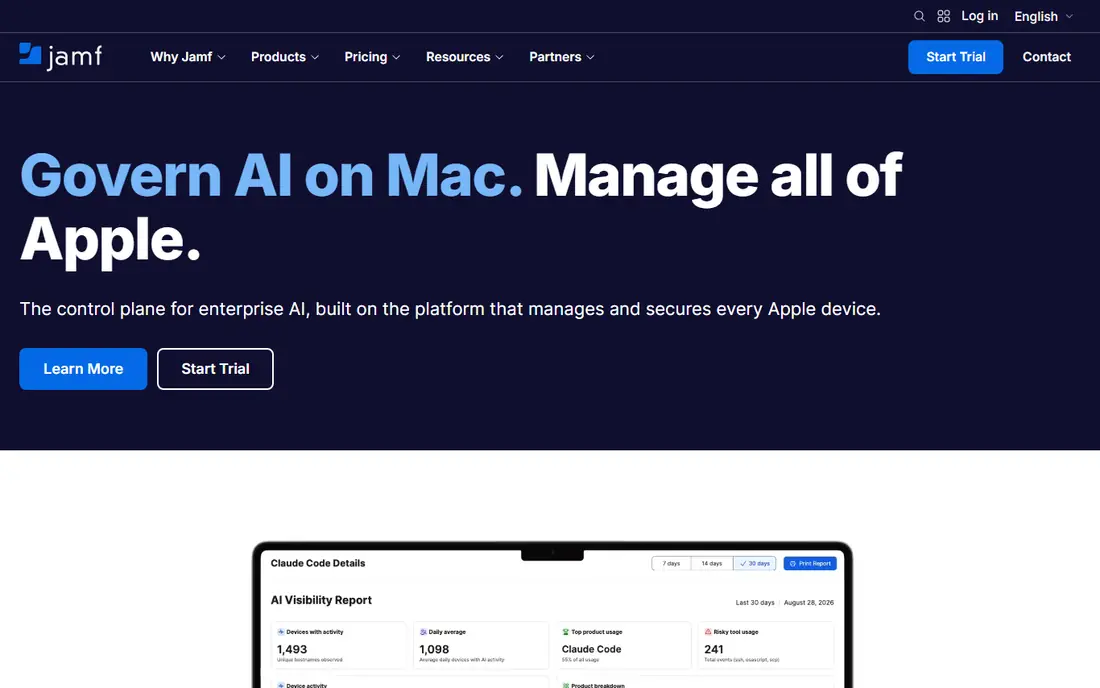
Jamf is the standard for organisations that run mainly Apple devices. It handles enrolment through Apple Business Manager, deploys apps and profiles, automates updates, and supports both Mac and mobile devices across its product range. Jamf Now starts at $4 per device per month, with a free tier for up to 3 devices, while Jamf for Mobile and Jamf for Mac carry higher per-device rates.
Jamf is less useful as a single tool for a mixed fleet, because Windows and Android coverage is not its strength. For an Apple-first school, studio, or office, that focus is a benefit, since Apple-specific features arrive faster and work more reliably than in a general tool.
- Deepest Apple device management
- Jamf Now free for up to 3 devices
- Strong automation and community
- Apple focus limits Windows and Android use
- Higher tiers cost more
- Per-device pricing needs fleet cleanup
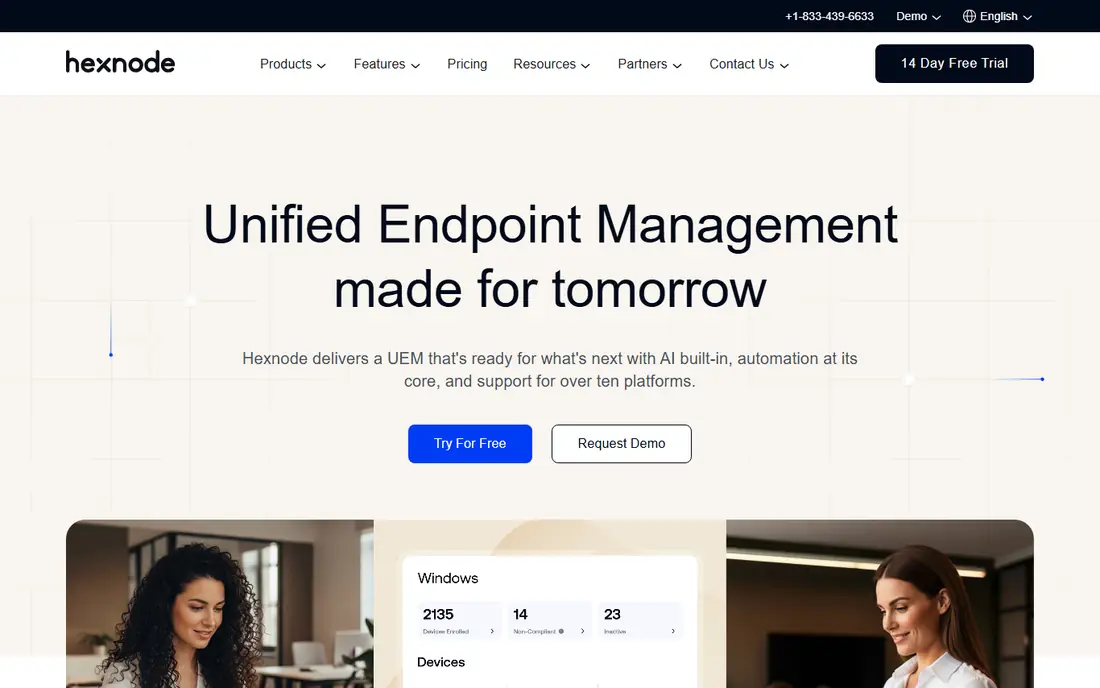
Hexnode UEM is our pick for value on a mixed fleet. It manages phones, tablets, laptops, and desktops, supports zero-touch enrolment, kiosk mode, app management, and remote actions, and its entry plan is listed at $2.20 per device per month billed annually. A 14-day trial lets you test enrolment and policy deployment before you pay.
The entry plan carries a 15-device minimum, so very small fleets should check the total cost rather than the per-device rate. Hexnode also covers more platforms than some rivals, including Linux and ChromeOS on higher tiers, which helps teams with unusual device mixes.
- Covers iOS, Android, Windows, macOS, and more
- Low starting price
- Kiosk and remote control features
- 15-device minimum on the entry plan
- Interface can feel busy
- Support quality varies by plan
Scalefusion suits frontline and field teams, where devices are shared, locked to one app, or used as kiosks. It manages Android, Apple, Windows, Linux, and ChromeOS devices, and its entry plan is listed at $2 per device per month billed annually, with a 10-device minimum and a 14-day trial. Kiosk mode, remote control, and app deployment are central to its appeal.
The trade-off is brand scale. Scalefusion does not have the same ecosystem as Intune or Jamf, so teams that need deep integration with a specific identity or ticketing system should test those connections early. For device-heavy operations such as retail, logistics, or healthcare frontline use, its price and kiosk focus are hard to beat.
- Low starting price
- Strong Android and kiosk support
- Remote control and content management
- 10-device minimum on the entry plan
- Smaller brand than Intune or Jamf
- Some advanced features need higher tiers
ManageEngine Mobile Device Manager Plus
Great for: Small fleets and on-premises use
ManageEngine Mobile Device Manager Plus is a practical choice for small teams and for organisations that want an on-premises option. It enrols and manages iOS, Android, Windows, and macOS devices, deploys apps, enforces security policies, and supports remote troubleshooting. The free edition covers up to 25 devices, which suits a small office or a pilot project.
Paid pricing is listed from $495 per year for 50 devices in recent comparisons, but editions and bundles vary, so confirm the edition you need. The interface is functional rather than polished, and some advanced features sit in higher editions. For a cost-conscious team that wants control over where the server runs, it remains a strong option.
- Free for up to 25 devices
- On-premises and cloud options
- Covers major platforms
- Paid pricing is quoted per bundle
- Interface feels dated
- Enterprise features need higher editions
Miradore is the best free starting point for a mixed fleet. Its free plan covers up to 50 devices, and its Premium plan is listed at $2.75 per device per month billed annually. It manages iOS, Android, Windows, and macOS devices, with app deployment, policy enforcement, and remote actions that cover the core MDM jobs.
Miradore will not match the largest platforms for enterprise automation, compliance depth, or integrations. That matters less for a small business that needs to enrol phones, enforce a passcode and encryption policy, and wipe a lost device. Start free, and move to Premium only when you need features such as advanced reporting or automation.
- Free plan for up to 50 devices
- Premium from $2.75 per device per month
- Simple setup
- Fewer enterprise features than Intune or Workspace ONE
- Support is lighter on free plans
- Advanced automation is limited
Mosyle is the lowest-cost Apple management option in this guide. It is free for up to 30 devices, and its Business Premium plan is listed at $1 per device per month billed annually, with a 30-licence minimum. It handles Apple enrolment, app deployment, security policies, and updates for Mac, iPhone, and iPad, with a cleaner setup flow than many enterprise tools.
The limit is platform coverage. Mosyle does not manage Windows or Android fleets, so a mixed organisation would need a second tool. For an Apple-only school or small business, that focus keeps costs low and setup simple, and the free tier is generous enough for a genuine trial.
- Free for up to 30 devices
- Business Premium from $1 per device per month
- Apple-focused and easy to use
- Apple only, so mixed fleets need a second tool
- 30-licence minimum on paid plans
- Fewer Windows or Android features
Workspace ONE UEM, formerly VMware Workspace ONE, is built for large enterprises with complex device estates. It manages Windows, macOS, Linux, iOS, Android, and ChromeOS devices, plus rugged and frontline devices, and it pairs device management with access control and app delivery. Recent comparisons list entry pricing from around $3 per device per month for a Mobile Essentials edition, but many buyers will need a quote.
Complexity is the main drawback. Workspace ONE rewards large IT teams that can invest in design and integration, but a small team will find it heavy. Choose it when you have a large, varied fleet and need enterprise controls, not when you simply need to manage twenty phones.
- Very broad platform coverage
- Strong conditional access and app delivery
- Enterprise integrations
- Pricing varies by edition and needs a quote for many buyers
- Complex setup
- Overkill for small fleets
NinjaOne is a unified endpoint management platform that includes mobile device management alongside patching, monitoring, and remote access for desktops and servers. That breadth suits IT teams and managed service providers that want one console for endpoints and mobile devices, rather than a separate tool for each. A 14-day trial is available, and pricing is quoted per device based on volume.
The trade-off is mobile depth. NinjaOne is excellent for general endpoint work, but it does not match Jamf for Apple-specific management or Intune for Microsoft integration. If your main job is mobile fleet management, a dedicated MDM tool may serve you better. If you already manage desktops with NinjaOne, adding mobile to the same console can save time.
- Combines MDM with patching and remote access
- Intuitive interface
- Strong automation
- Pricing is quoted per device and varies by volume
- MDM is part of a broader platform
- Smaller mobile focus than Jamf
How we picked these
We compared official pricing pages and recent vendor-published comparisons, platform coverage, enrolment options, and free tier limits. We focused on tools that manage mobile devices as a core job, not on consumer mobile security apps, which solve a different problem. Prices are US list rates where published, and we used See website where pricing is quoted on request or varies too much by edition to state fairly.
What to check before you switch
Count your fleet by platform before you compare prices. A tool that looks cheap per user can cost more than a per-device tool if you have shared devices, and a tool that looks cheap per device can cost more if you have many devices per person. Clean up retired devices first, because most vendors bill for every enrolled device, including ones sitting in a drawer.
Test enrolment on each platform you use. Zero-touch enrolment through Apple Business Manager or Android Zero Touch saves hours, but it needs to be set up correctly before you roll it out. Run a pilot with a small group, test app deployment, policy enforcement, remote wipe, and compliance reporting, and confirm that your identity provider and helpdesk tools connect cleanly.
Frequently asked questions
What is Sophos Mobile?
Sophos Mobile is a unified endpoint management tool that enrols, configures, secures, and manages mobile devices and apps from one console. It covers device policies, app management, content control, and remote actions such as lock and wipe for lost devices.
Which Sophos Mobile alternative is cheapest?
Miradore and Mosyle offer the most generous free tiers, while Hexnode and Scalefusion offer the lowest published paid starting prices for cross-platform fleets. The cheapest option for your organisation depends on your device count, your platforms, and whether you bill per user or per device.
Is Microsoft Intune a good Sophos Mobile alternative?
Yes, if you already use Microsoft 365. Intune integrates with Entra ID, covers all major platforms, and is often included in existing Microsoft bundles. It is less attractive if you have no Microsoft footprint, because setup and licensing are heavier than a standalone MDM tool.
Can I manage Apple and Android devices with one tool?
Yes, Intune, Hexnode, Scalefusion, ManageEngine, Miradore, Workspace ONE, and NinjaOne all cover both Apple and Android, plus desktops on most of them. Jamf and Mosyle are Apple-focused, so they suit Apple-only fleets rather than mixed fleets.
Do free MDM plans work for a small business?
Yes, for a small fleet. ManageEngine is free up to 25 devices, Miradore up to 50, and Mosyle up to 30, which covers many small offices. Check the feature limits on each free plan, especially for remote control, reporting, and app deployment, before you commit.
How hard is it to switch MDM tools?
Switching takes planning, because devices must be unenrolled from the old tool and enrolled in the new one, and policies and apps must be rebuilt. A phased pilot, clear enrolment instructions for staff, and a window for lost or shared devices will make the move smoother.
Sources
See where you really rank - block by block
ProMapRanker scans Google Maps across a grid of your service area. Simple monthly plans from $19, white-label on every plan.
Start freeKeep reading
 zscaler alternatives
Best Zscaler Alternatives in 2026
Looking for zscaler alternatives? We compare 9 SASE and zero trust platforms on architecture, data protection, pricing, and fit for your network and team.
Read → zapier alternatives free
Best Zapier Alternatives Free in 2026
Nine automation tools for zapier alternatives free in 2026, all with genuinely free tiers, plus free plan limits, starting prices and upgrade paths explained.
Read → which platform is best for online reputation
Which Platform Is Best for Online Reputation in 2026
Wondering which platform is best for online reputation? We compare 8 review, listing, and response tools for small and multi-location businesses and agencies.
Read →