 ProMapRanker
Best SolarWinds Patch Manager Alternatives in 2026


Dedicated patching on a budget · Pricing starts at: $245 per year
Key takeaways
- ManageEngine Patch Manager Plus is the closest dedicated patching swap, with a free edition for small fleets.
- Action1 is the best free starting point for teams with up to 100 or 200 endpoints, depending on the current offer.
- Automox and NinjaOne suit cloud-first teams that want patching inside wider endpoint management.
- Microsoft Intune fits firms already licensed for Microsoft 365, where patching can reuse existing licenses.
Quick comparison
| Pick | Great for | Pricing starts at | Free tier | |
|---|---|---|---|---|
| ManageEngine Patch Manager Plus | Dedicated patching on a budget | $245 per year | Yes | Visit |
 Automox | Cloud-first patch automation | $3 per month | Free trial | Visit |
 NinjaOne | Endpoint management plus patching | See website | Free trial | Visit |
 Action1 | Free patching for small fleets | Free | Yes | Visit |
 PDQ Connect | Windows-heavy small teams | $12 per year | Free trial | Visit |
 Ivanti Neurons for Patch Management | Vulnerability-led enterprise patching | See website | No | Visit |
 Atera | MSP patching plus service desk | $129 per month | Free trial | Visit |
 Microsoft Intune | Microsoft 365 shops | $8 per month | Free trial | Visit |
The best solarwinds patch manager alternatives
We compared official feature pages, pricing pages, and public reviews for patch management tools that deploy OS and third-party patches with reporting. Patch only systems you own or manage with permission, and test patches in a pilot group before wide rollout. Prices vary by endpoint count and edition, so check the vendor page for your fleet size.
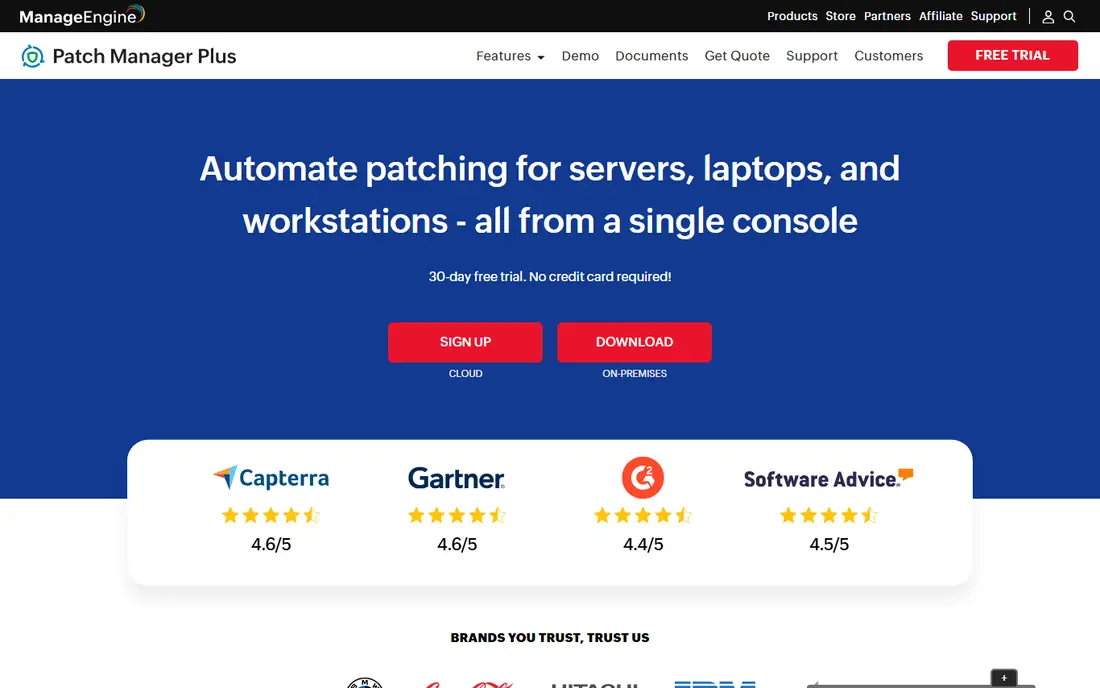
ManageEngine Patch Manager Plus is the most direct replacement for teams that want patching as the main job, not a side feature. It automates detection and deployment for Windows, macOS, and Linux, plus many third-party apps, with compliance reports. A free edition covers small fleets, and paid pricing starts around $245 per year for 50 computers in recent listings.
The catch is polish and setup. The console feels older than cloud-first rivals, and on-premise deployment needs planning for larger fleets. Teams that want a modern cloud console may prefer Automox or NinjaOne. Teams that want patch depth per dollar will like this tool.
We like Patch Manager Plus for budget-conscious IT teams that patch as a core duty. Test third-party coverage for your exact app list, since catalog gaps cause manual work. For dedicated patching value, it is our pick for most people.
- Dedicated patch focus
- Windows, macOS, and Linux coverage
- Third-party app patching
- Interface feels dated in places
- On-premise setup takes care

Automox runs patching from the cloud, so teams avoid maintaining patch servers. Policies control OS and third-party patching across Windows, macOS, and Linux, and Worklets let admins run custom scripts for fixes beyond standard patches. That cloud model suits remote and hybrid fleets well.
The honest catch is tier pricing. Listings cite around $3 per endpoint per month for core patching, with higher tiers for fuller features. Teams should confirm which tier covers their third-party apps before budgeting. Remote support features also sit in a separate add-on in some plans.
Pick Automox when your fleet is spread out and you want patching without on-premise infrastructure. If you need a full service desk too, compare NinjaOne or Atera. For cloud-first patch automation, Automox is strong.
- Cloud console with no on-premise servers
- Policy-based patching
- Worklets for custom fixes
- Pricing varies by tier
- Advanced features need higher plans
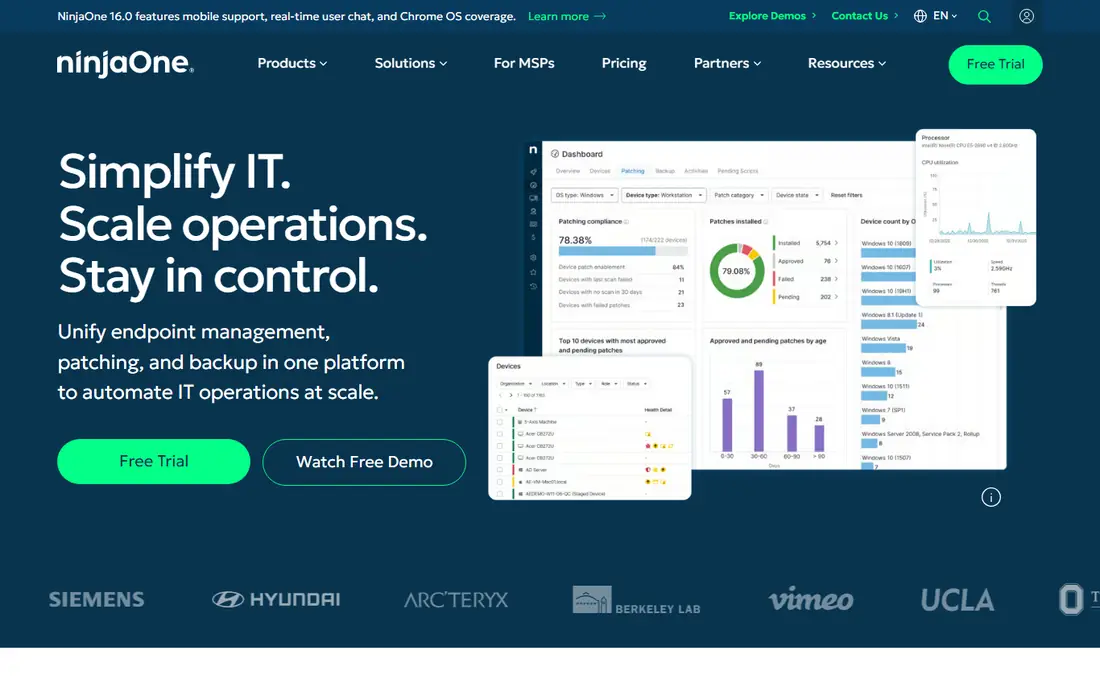
NinjaOne combines patching with monitoring, remote access, asset tracking, and ticketing in one cloud console. Patching for OS and third-party apps runs automatically, and techs like the speed of the console for daily work. Support and onboarding are widely praised in public reviews.
The trade-off is per-device math. Published figures run from around $3.75 per device per month for small fleets down with volume, and final pricing is quote-based. Backup, mobile management, and vulnerability tools are separate modules, so the full bill can exceed the patch-only price.
We like NinjaOne for mid-size IT teams and MSPs that want patching inside a wider endpoint platform. If patching alone is the job, ManageEngine or Action1 may cost less. For one console that covers most endpoint work, NinjaOne is a leading pick.
- Fast modern console
- Patching plus monitoring and remote access
- Good support reports
- Per-device costs climb on large fleets
- Backup and MDM are paid add-ons
Action1 stands out because its full platform is free for small fleets, with recent offers covering the first 100 or 200 endpoints. That makes it the lowest-risk pilot in this category: teams can patch real devices, test policies, and prove value before paying. Cloud deployment keeps setup light for remote fleets.
The catch is the limit. Once you pass the free endpoint count, paid pricing is quote-based, so larger fleets must ask for a quote to budget. Check the current free limit on the vendor site, since offers have changed over time. Support and advanced features also vary by plan.
Pick Action1 first if your fleet fits the free tier, even as a trial beside your current tool. It is the easiest way to test modern patching without a purchase order. Larger fleets should compare its quote with ManageEngine and Automox before committing.
- Full platform free for small fleets
- Cloud-based
- Windows, macOS, and Linux patching
- Free endpoint limit varies by current offer
- Paid pricing needs a quote
PDQ Connect, formerly PDQ Deploy and Inventory in part, helps small IT teams deploy patches and apps to Windows devices from the cloud. Published pricing starts around $12 per device per year for the basic tier, with higher tiers adding features. The package library makes common third-party updates quick to push.
The honest catch is scope. PDQ is Windows-focused, so mixed Mac and Linux fleets will need another tool for those devices. Published plans also carry a 100-device minimum in recent listings, which can overshoot very small teams. Check current minimums before you budget.
We like PDQ Connect for Windows-heavy shops that want simple deployment without a full endpoint platform. Mixed-OS teams should look at Automox or ManageEngine instead. For Windows fleets at or above the minimum, PDQ is a practical pick.
- Simple per-device pricing
- Strong Windows deployment
- Easy package library
- Windows focus
- 100-device minimum on published plans
- Less Mac and Linux depth
Ivanti Neurons for Patch Management
Great for: Vulnerability-led enterprise patching
Ivanti Neurons for Patch Management targets larger firms that want patching driven by vulnerability risk, not just by schedule. It covers Windows and third-party apps in depth, prioritizes patches by risk, and scales to large fleets. Enterprises with dedicated endpoint teams use that depth to cut exposure faster.
The trade-off is cost and complexity. Pricing is quote-only, and the platform rewards teams with staff to tune policies and reports. Smaller teams may find it heavier and costlier than they need. Demo and pilot time are essential before purchase.
Pick Ivanti when vulnerability-led patching and enterprise scale drive the decision. Smaller teams should start with ManageEngine or Action1. For large Windows-heavy firms, Ivanti belongs on the shortlist.
- Deep patch content
- Risk-based prioritization
- Enterprise scale
- Quote-only pricing
- Needs dedicated endpoint staff for full value
Atera bundles patching with remote monitoring, ticketing, remote access, and automation in one platform priced per technician. Published Pro pricing starts around $129 per technician per month on annual billing, with higher tiers adding features. That model suits MSPs with many endpoints per tech.
The catch is fit for internal IT teams. Per-tech pricing helps MSPs, but a large internal team with few techs and many devices may find per-device tools cheaper. Patching is also one part of a wider platform, so dedicated patch depth may trail ManageEngine in some areas.
We like Atera for MSPs and small IT teams that want patching plus service desk in one bill. Internal teams with a large fleet should model per-tech versus per-device costs carefully. For MSP workflows, Atera is a strong pick.
- Per-technician pricing
- Patching plus ticketing and remote access
- All-in-one console
- Per-tech price rises with tiers
- Patch depth is part of a wider platform, not the sole focus
Microsoft Intune manages devices and pushes OS updates from the cloud, and many firms already hold it through Microsoft 365 E3 or E5 licenses. That reuse can make its marginal cost very low. Windows Autopatch and update rings help teams stage OS patches safely across groups.
The honest catch is third-party patching. Intune covers OS updates well, but third-party app patching often needs extra packaging or a partner tool such as Patch My PC. Teams with many third-party apps should plan for that gap. Intune also rewards Microsoft ecosystem skill.
Pick Intune when your firm already pays for Microsoft 365 and your patching is mainly OS updates. If third-party patching dominates, pair it with a dedicated tool or pick ManageEngine instead. For Microsoft shops, Intune is the cost baseline every rival must beat.
- Reuses Microsoft 365 licenses in many cases
- Cloud device management
- Windows Autopatch options
- Patch depth for third-party apps is weaker
- Needs Microsoft ecosystem skill
How we picked these
We compared official feature pages, pricing pages, and public reviews for patch tools that are actively offered in October 2026. We kept only tools that deploy patches with reporting, and we noted where patching sits inside a wider platform. We did not claim hands-on testing that did not happen.
How to choose the right patch management tool
Start with fleet size and OS mix. A small Windows fleet can start free with Action1, while a mixed fleet needs Automox or ManageEngine. Count endpoints honestly, including servers and remote laptops, since per-device pricing punishes undercounting. Check third-party app coverage for your exact list, not just a headline count.
Next, pilot on a test group before wide rollout. Stage patches by ring, watch for failed installs and app breaks, and confirm reports show compliance clearly. Test rollback and reboot behavior, since forced reboots cause the most user complaints. A two-week pilot reveals more than any sales demo.
Finally, weigh platform versus focus. Dedicated patch tools cost less for patching alone, while endpoint platforms add monitoring and ticketing for a higher bill. Pick the smallest tool that covers your OS mix and reporting needs. You can add a wider platform later without losing patch history if you export reports regularly.
Frequently asked questions
Is there a free SolarWinds Patch Manager alternative?
Yes, Action1 offers its full platform free for small fleets, and ManageEngine Patch Manager Plus offers a free edition for small fleets. Check the current endpoint limits on each vendor site, since offers change. Both suit pilots before a paid rollout.
Can these tools patch third-party apps?
Most can, but catalog depth varies. ManageEngine, Automox, and PDQ cover many common third-party apps, while Intune needs extra packaging for much third-party work. Test your exact app list during a pilot before you commit.
Do I need on-premise servers for patching?
No, Automox, NinjaOne, Action1, and PDQ Connect run from the cloud. ManageEngine offers cloud and on-premise options. Cloud tools suit remote fleets, while on-premise fits firms with strict network rules.
How often should I patch?
Most teams patch OS and browser updates monthly, with urgent security patches out of band when vendors flag them. Use rings to test first, then roll out widely. Follow your vendor's severity guidance and your firm's change policy.
Is Microsoft Intune enough for patching alone?
It can be enough for OS patching in Microsoft 365 shops, especially with Windows Autopatch. For deep third-party patching, pair it with a dedicated tool or choose a patch-first platform. Audit your third-party list to decide.
Sources
See where you really rank - block by block
ProMapRanker scans Google Maps across a grid of your service area. Simple monthly plans from $19, white-label on every plan.
Start freeKeep reading
 zyte alternatives
Best Zyte Alternatives in 2026
These zyte alternatives cover managed scraping APIs, proxy networks and no code tools for lawful collection from your own or consented sources only in 2026.
Read → zerto alternatives
Best Zerto Alternatives in 2026
Compare the best zerto alternatives for disaster recovery and replication, with recovery targets, cloud options and honest trade-offs for teams in 2026.
Read → zerofox alternatives
Best ZeroFox Alternatives in 2026
We compared 9 zerofox alternatives for brand protection, phishing takedowns, dark web monitoring, and social impersonation, with clear coverage notes.
Read →