 ProMapRanker
Software Training Best Practices in 2026


Small teams that want a fast start · Pricing starts at: $119 per month
Key takeaways
- Good software training starts with short, role based lessons, practice in the real tool, and a clear check that learners can do the task.
- TalentLMS gives small teams the clearest published price and a free start, while Docebo and Absorb LMS suit larger, multi audience programs.
- Trainual fits process and onboarding documentation, while 360Learning and Articulate 360 fit teams that create their own courses.
- The best tool is the one managers will keep updated, so check authoring, reporting and learner access before you buy.
Quick comparison
| Pick | Great for | Pricing starts at | Free tier | |
|---|---|---|---|---|
| TalentLMS | Small teams that want a fast start | $119 per month | Yes | Visit |
 Docebo | Large multi audience programs | See website | No | Visit |
 Trainual | Process docs and onboarding | See website | Free trial | Visit |
 360Learning | Teams that co-create courses | $8 per user per month | Free trial | Visit |
 iSpring Learn | Course creation with assessments | See website | Free trial | Visit |
 Absorb LMS | Mid-market and enterprise training | See website | Free trial | Visit |
 LearnUpon | Training several audiences at once | See website | No | Visit |
 Articulate 360 | Interactive course authoring | $1,449 per author per year | Free trial | Visit |
 Whatfix | In-app guidance inside software | See website | No | Visit |
The best tools for software training best practices
This guide angles the topic plainly as the tools and services that put software training best practices into action. That means short lessons tied to real tasks, practice inside the software being taught, progress checks, and content that stays current. We compared published pricing, feature pages and public reviews for tools that are still sold in October 2026.
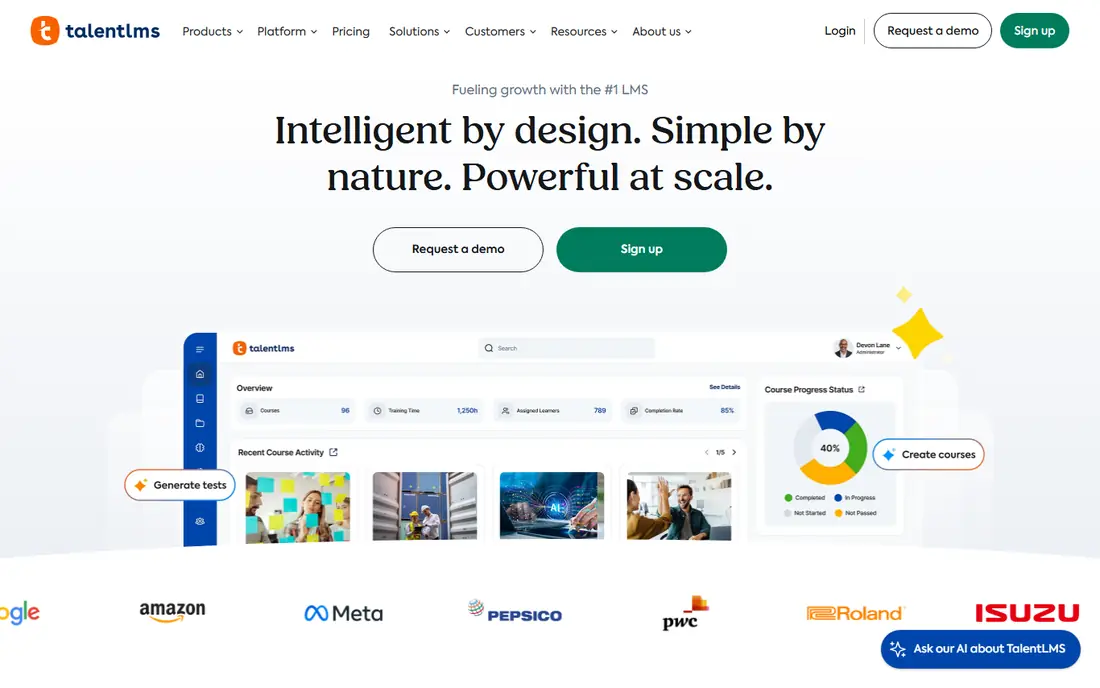
TalentLMS is the easiest starting point for a small team that needs structured software training without a long implementation. Admins can build learning paths for each role, add tests and certifications, and use branches to give different teams their own training portal. The free plan lets a tiny team test real courses before paying, which fits the best practice of piloting training with one group first.
The limit is scale and depth. Larger programs that need deep analytics, complex compliance workflows or a large ready made library may need a higher tier or a larger platform. For teams of up to a few dozen learners, though, TalentLMS covers the core practices well: short courses, role based paths, progress reports and completion tracking in one place.
- Clear published pricing
- Free plan for up to five users and ten courses
- Learning paths, branches and certifications
- Advanced features sit on higher tiers
- Course library and custom branding have limits on entry plans
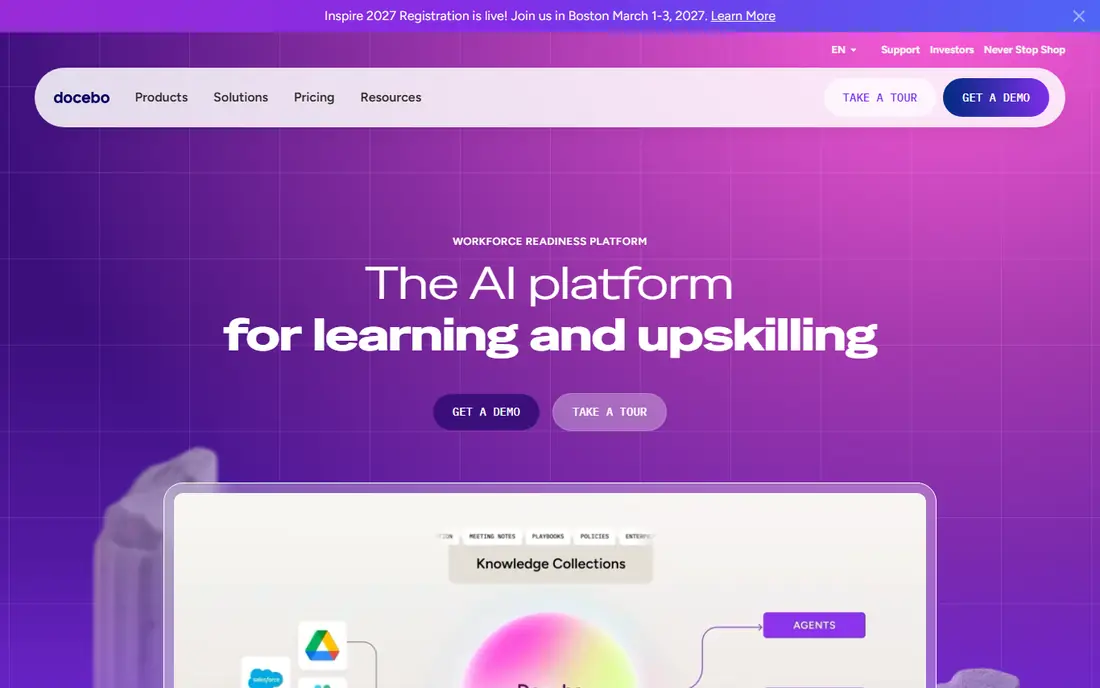
Docebo suits organizations that train employees, customers and partners from one system. Separate portals, certification tracking, social learning and reporting help large teams keep different audiences on the right version of a course. That structure supports a key best practice, which is giving each role only the training it needs, rather than one long course for everyone.
The trade-off is cost and effort. Pricing is quoted by scope, and rollout needs planning, content migration and admin training. Small teams will find Docebo heavy and expensive for simple onboarding. Large teams with several audiences, compliance needs and a long training catalog will get more value from its depth than from a simpler tool.
- Strong multi audience and multi brand support
- AI guided learning and skills tools
- Wide integration set
- Quote based pricing with no published entry price
- Implementation is a project, not a quick setup
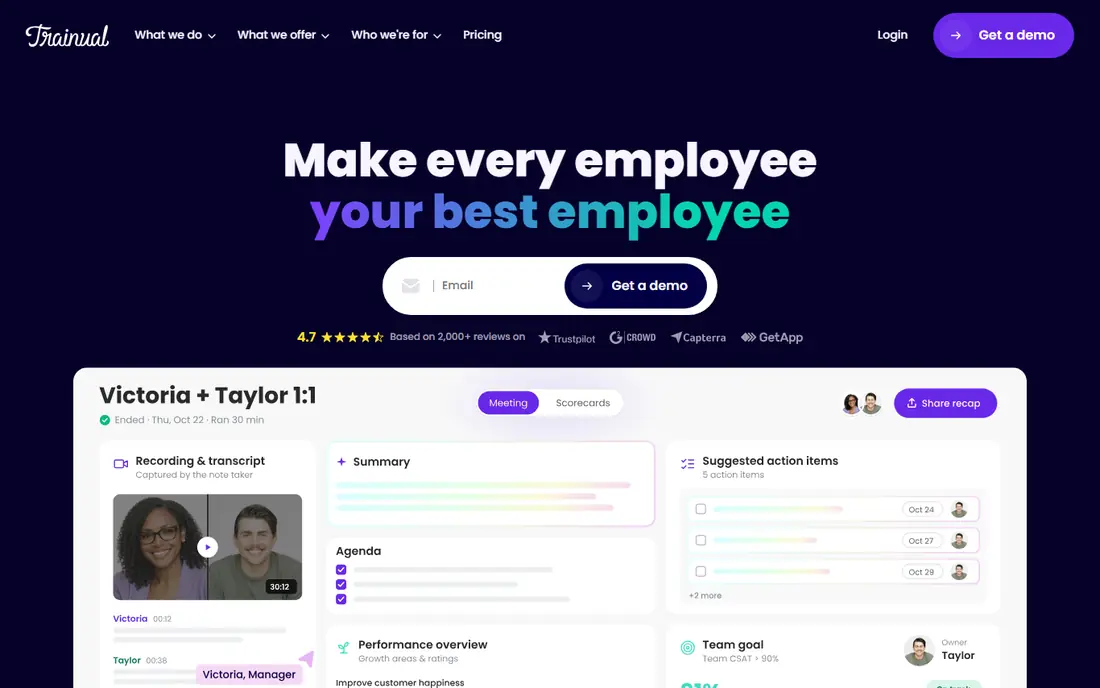
Trainual takes a different angle on software training, which is documenting how work is actually done. Teams build playbooks for each role, record screens to show clicks inside the software, add tests and collect signatures when staff confirm they understand a process. That fits the best practice of training people on their real tasks, with a record that the training happened.
The weakness is formal learning depth. Trainual is not a full course marketplace or a compliance LMS with deep analytics, so teams that need large SCORM catalogs or complex certification rules should look at TalentLMS, Absorb LMS or Docebo. For onboarding and process training, where clarity and accountability matter most, Trainual is a strong fit.
- Clear playbooks for roles and processes
- Tests and e-signatures confirm understanding
- Screen recording for step by step guides
- Pricing is not published as a single entry price in our checks
- Less suited to large formal course catalogs
360Learning supports a best practice that many training programs miss, which is letting the people who know the software help create the training. Subject experts draft lessons, reviewers give feedback, and courses improve through collaboration rather than sitting with one training team. The team plan price is published, which makes budgeting simpler than with quote only platforms.
The limit is scale on the entry plan. Teams above 100 users move to a quoted enterprise plan, and teams that need a large ready made course library may prefer a different LMS. For mid sized teams that want fast, expert led course creation and regular updates, 360Learning offers a practical balance of price and collaboration.
- Collaborative authoring with expert review
- AI assisted course creation
- Clear published team price
- Team plan caps at 100 users
- Enterprise needs a quote for larger programs
iSpring Learn fits teams that already make slides and documents and want to turn them into tracked training. Courses can include quizzes, assignments and branching scenarios, and managers can see who finished, who passed and who needs a follow-up. That reporting supports the best practice of checking learning with a test or a task, not only with attendance.
The catch is learning the authoring tools. A team that wants polished interactive courses should allow time for one or two staff to learn the suite properly. Teams that only need simple document sharing will find iSpring Learn more than they need. For teams that create their own software walkthroughs and want proof of completion, it is a solid choice.
- Strong course authoring from PowerPoint style content
- Assessments, assignments and reporting
- Mobile learning for staff on the move
- Pricing varies by user count and needs a check on the vendor site
- Authoring depth can take time to learn
Absorb LMS suits mid-market and larger teams that need training to run with less manual admin. Enrolment rules can assign courses by role, location or start date, automations send reminders, and reports show completion by group. Those features support best practices around consistent onboarding, refresher training and audit ready records.
The trade-off is price clarity and setup time. Pricing is quoted, and a larger rollout needs configuration work before learners see value. Small teams with simple needs will get faster value from TalentLMS. Teams with hundreds of learners, compliance duties and several training audiences will find Absorb LMS worth the planning effort.
- Enrolment rules and automation for large groups
- Strong reporting and compliance tracking
- Authoring and e-commerce add-ons
- Quote based pricing
- Setup and configuration take planning
LearnUpon is built for the common problem of training more than one audience well. A company can run employee onboarding, customer product training and partner enablement from one system, with separate portals and branding for each group. That separation keeps each audience on relevant courses, which is a core best practice for software training at scale.
The weakness is entry cost and access. There is no free plan to test at small scale, and pricing is quoted, so small teams should budget for a sales conversation. Teams that train only staff may not need the multi portal strength. Teams that train customers and partners as well will find LearnUpon a clean fit.
- Separate portals for employees, customers and partners
- Good reporting across audiences
- Integrations with common HR and CRM tools
- No free plan, demos only
- Pricing is quoted by scope
Articulate 360 is the tool for teams that want software training to feel interactive rather than like a slide deck. Authors can build branching scenarios, software simulations, quizzes and responsive courses, then publish them to an LMS such as TalentLMS or Docebo. That supports the best practice of practice based learning, where learners click through realistic tasks and get feedback.
The catch is that Articulate 360 is authoring, not delivery. A team still needs an LMS to assign courses and track completion, unless it uses Articulate tools in another way. Per author pricing also adds up if several people create courses. For teams with a dedicated course creator and a separate LMS, Articulate 360 raises course quality well above basic slide conversions.
- Powerful interactive course and quiz authoring
- Large template and asset library
- Courses publish to common LMS standards
- Priced per author, so team costs add up
- It is an authoring suite, not a full LMS on its own
Whatfix supports the best practice of training at the moment of use. Instead of asking staff to remember a separate course, Whatfix shows guided flows, tooltips and help inside the software itself, so a new hire can complete a real task with guidance on screen. Analytics show where users stall, which helps training teams fix the confusing steps rather than repeating the whole course.
The limit is scope and price. Whatfix is quoted, and setup inside each application takes work, so it suits teams with a core system that many staff must learn, such as a CRM or ERP. Teams with simple training needs will not need in-app guidance. Teams rolling out complex software to many users will find it cuts support questions and speeds adoption.
- Guided walkthroughs inside the software being learned
- Tooltips and help content where users work
- Analytics on where users struggle
- Quote based pricing
- Needs setup inside each target application
How we picked these
We compared official pricing and feature pages and public reviews, and we kept only tools still sold in October 2026. We favored tools that cover different parts of good training practice: structured LMS delivery, process documentation, collaborative authoring, interactive course creation and in-app guidance. We did not claim hands-on testing, and we did not invent success rates or completion figures.
What to check before you buy
Start with the learner and the task, not with the catalog. List the five tasks each role must be able to do in the software, then check whether the tool supports short lessons, practice, a test or observed task, and a report that shows who passed. Pilot with one team first, gather feedback on confusing steps, and fix those steps before rolling out to everyone.
Check the total cost in the same way. Count learners, authors and admins separately, since some tools price per learner and others per author. Ask about contract length, renewal, content migration, integrations with HR systems, and how learners access training on mobile devices. Plan who will update content when the software changes, because out of date training is worse than no training.
Frequently asked questions
What are software training best practices?
The core practices are short, role based lessons, practice in the real software, a check that learners can do the task, and regular updates when the software changes. Good programs also give managers completion reports and give learners help at the moment they need it, rather than only in a classroom session.
How long should a software training lesson be?
Short lessons work best for most software tasks. Aim for focused modules that cover one task or one workflow, with practice built in, rather than a single long course. Learners can return to a short module when they forget a step, which supports retention better than a one time long session.
Should training be live, recorded or in-app?
A mix usually works best. Live sessions suit questions and complex workflows, recorded courses suit consistent onboarding, and in-app guidance suits tasks learners do rarely. Choose the mix by task frequency and risk, and test it with a pilot group before a full rollout.
How do I measure whether software training worked?
Measure task completion, not only attendance. Check test or task pass rates, time to first independent use, support ticket volume for trained tasks, and error rates where relevant. If learners finish courses but still ask for help on the same steps, the course needs fixing, not more learners.
Do small teams need an LMS?
Not always. A very small team may manage with Trainual playbooks, short videos and checklists. An LMS becomes valuable when training must be assigned by role, tracked for compliance, repeated for new hires, or reported to managers. If none of those apply, start simple and add an LMS later.
How often should software training be updated?
Update training whenever the software changes a workflow, adds a feature staff must use, or removes a step. Review courses at least when a major release lands, and assign a named owner for each course so updates do not depend on memory. Out of date screenshots and steps are a common cause of learner confusion.
Sources
See where you really rank - block by block
ProMapRanker scans Google Maps across a grid of your service area. Simple monthly plans from $19, white-label on every plan.
Start freeKeep reading
 what’s the best risk software for enterprises
What Is the Best Risk Software for Enterprises in 2026
We compared what’s the best risk software for enterprises on risk registers, controls, third-party risk, and reporting, with pricing notes for large teams.
Read → what's the best pam software for enterprises
What is the Best PAM Software for Enterprises in 2026
Find what's the best pam software for enterprises, with vaulting, session recording, just in time access and pricing compared for large enterprise IT teams.
Read → what’s the best grc software
What Is the Best GRC Software in 2026
We compared what’s the best grc software on risk, compliance, audit and vendor risk, so teams can pick a platform that fits their frameworks and budget.
Read →