 ProMapRanker
Software Testing Best Practices in 2026

Key takeaways
- Test at several layers: fast unit and API tests for most coverage, plus a smaller set of end-to-end tests for the paths users actually take.
- Playwright is our default suggestion for new web UI automation, while Selenium remains the safe choice for large enterprise estates with existing Selenium suites.
- Cypress suits JavaScript front-end teams that value fast feedback and clear debugging, and Postman covers the API layer that UI tests often miss.
- Flaky tests damage trust in the whole suite, so treat a flaky test as a defect to fix, not as noise to rerun until it passes.
- Free open source tools cover most testing needs, and paid value usually comes from cloud execution, dashboards, and device access rather than the test runner itself.
Quick comparison
| Pick | Great for | Pricing starts at | Free tier | |
|---|---|---|---|---|
 Playwright | Modern cross-browser web testing | Free | Yes | Visit |
 Selenium | Enterprise cross-browser web testing | Free | Yes | Visit |
 Cypress | JavaScript front-end testing | Free | Yes | Visit |
 Postman | API testing and automation | Free | Yes | Visit |
 Appium | Mobile app testing on iOS and Android | Free | Yes | Visit |
 Apache JMeter | Load and performance testing | Free | Yes | Visit |
 Katalon Studio | Mixed-skill teams that want low-code options | See website | Yes | Visit |
 Robot Framework | Keyword-driven acceptance testing | Free | Yes | Visit |
 BrowserStack | Cross-browser and device testing at scale | See website | Free trial | Visit |
The best software testing tools for good practices
Each tool below supports a different part of sound testing practice, from early unit checks to full user journeys in real browsers.
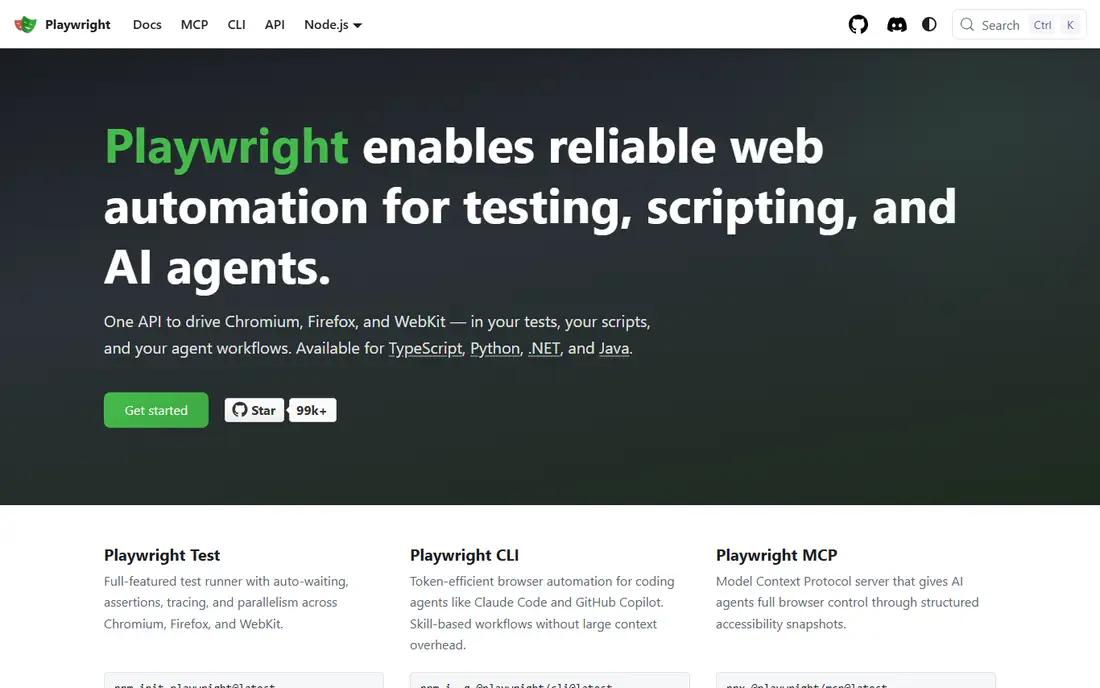
Playwright is our pick for most new web test projects. It runs tests in Chromium, Firefox, and WebKit, supports JavaScript, TypeScript, Python, Java, and C#, and waits for elements automatically, which removes a common source of flaky failures. Built-in parallel execution, screenshots, video, and trace viewers make a failing test easier to understand without rerunning the whole suite by hand.
The trade-off is that Playwright is a code-first framework, so a team with no developers in QA will face a learning curve. Its ecosystem is also younger than Selenium, which means fewer ready-made answers for unusual setups. For a team that can write code and wants fast, stable browser tests, those limits matter less than the daily speed gain.
- Tests Chromium, Firefox, and WebKit from one API
- Automatic waiting reduces flaky tests
- Built-in parallel runs and tracing
- Newer ecosystem than Selenium
- Setup takes more code knowledge than a low-code tool
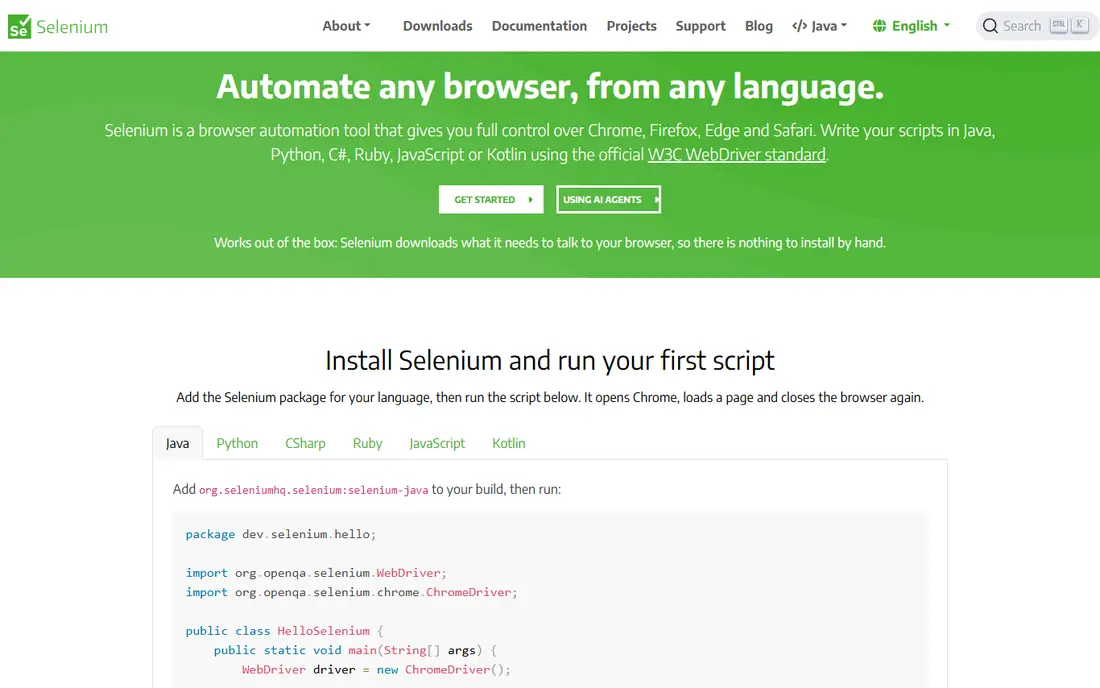
Selenium remains the enterprise standard for browser automation, and that status is earned by breadth. It supports many languages, many browsers, and many existing test suites, and Selenium Grid lets teams run tests in parallel across machines. If a company already has years of Selenium tests, keeping that investment usually beats rewriting everything for a newer tool.
The honest weakness is maintenance. Selenium gives testers more control and less built-in help with waiting, so poorly written tests fail for timing reasons rather than real defects. Teams that choose Selenium should budget time for explicit waits, stable locators, and regular suite cleanup. Used with discipline, it still delivers dependable coverage at large scale.
- Largest ecosystem and language support
- Selenium Grid for parallel runs
- Long track record in large companies
- Tests can be flaky without careful waits
- Setup and maintenance take more effort than newer frameworks
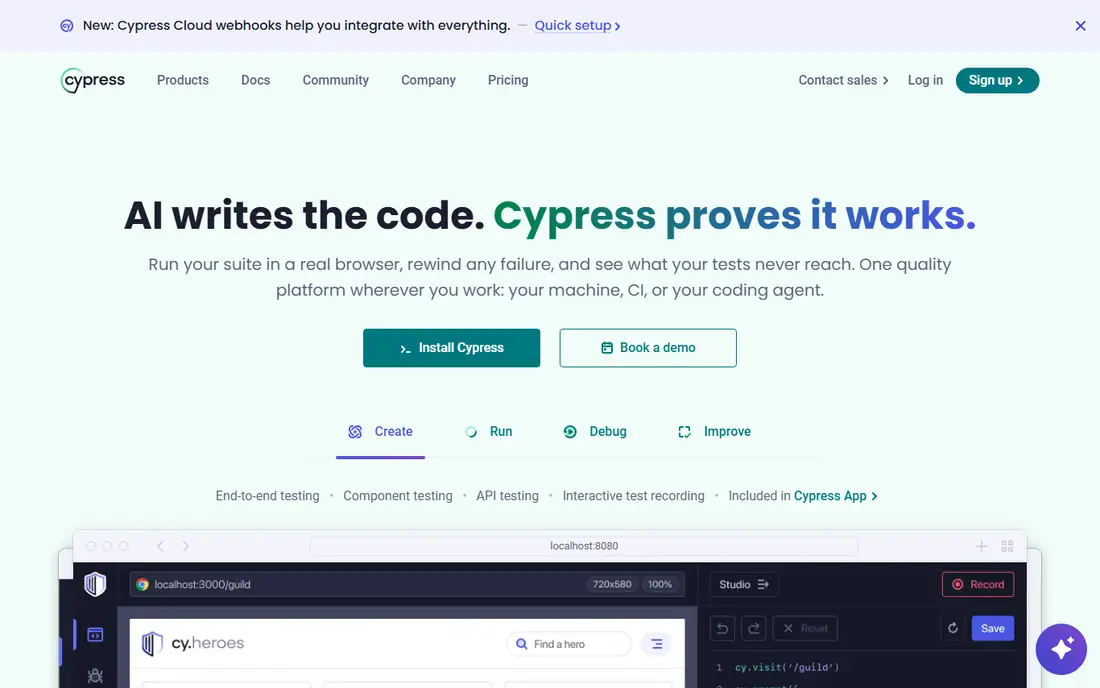
Cypress suits JavaScript teams that want testing to feel close to development. Tests run inside the browser, reload as code changes, and show each step as it happens, which makes debugging a failure far quicker than reading a log file. Automatic waiting and clear error messages also help newer testers write tests that fail for the right reason.
Its limits are real. Cypress works only with JavaScript and TypeScript, and features such as parallel execution and rich dashboards sit in the paid Cypress Cloud, with published cloud pricing starting around $75 per month in recent listings. For a front-end team already in that stack, Cypress is often the most pleasant daily tool. For a multi-language team, Playwright or Selenium fits better.
- Runs in the browser with fast feedback
- Time-travel debugging and automatic waiting
- Strong for component and end-to-end tests
- JavaScript and TypeScript only
- Paid cloud needed for parallel runs and dashboards
Postman covers the layer that browser tests often skip: the API itself. A tester can send requests, save them as collections, add checks for status codes and response data, and run those collections on a schedule or in a pipeline. That practice catches contract breaks early, before a broken API reaches the user interface, and it keeps API tests fast because no browser needs to start.
The free tier goes a long way for individuals and small teams, while collaboration, larger run limits, and analytics move to paid plans, with published paid pricing starting around $12 per user per month in recent listings. Postman also works best when collections are treated as code, with version control and review, rather than as personal scratch files. Done that way, it becomes a durable part of the test suite.
- Easy API exploration and collections
- Automated runs and monitors
- Scripts for checks on responses
- Full team features and analytics sit on paid plans
- GUI-first workflow can feel slow for very large suites
Appium is the open source standard for automating native, hybrid, and mobile web apps. One set of concepts covers both Android and iOS, and testers can write in Java, Python, JavaScript, C#, and other languages through WebDriver-style commands. That breadth matters for teams that ship on both stores and want one mobile testing approach rather than two separate ones.
Mobile testing still takes patience. Device setup, app installation, and emulator or real-device management add moving parts, and mobile tests run slower than most web tests. Appium is best used for key user journeys on real devices or stable emulators, with lighter checks handled by unit and API tests. Paired with a device cloud, it scales without buying a drawer full of phones.
- One framework for Android and iOS
- Supports many languages
- Open source with a large community
- Setup for real devices takes effort
- Mobile tests run slower than web tests
JMeter covers a practice that functional tests ignore: how the system behaves under load. Testers can script requests, ramp up virtual users, and watch response times, error rates, and throughput as load grows. That evidence helps a team find slow queries and weak points before users do, and it gives a baseline to compare after each release.
The interface is functional rather than modern, and a realistic load test needs thought about data, pacing, and think time, not just a flood of requests. JMeter is free, so the cost is time and care rather than a license fee. For teams that need nicer reporting or cloud execution, paid load tools exist, but JMeter remains the sound free starting point.
- Free and open source
- Supports web, API, and many protocols
- Distributed runs for larger loads
- Interface feels dated
- Building realistic load scenarios takes practice
Katalon Studio suits teams where testers have mixed coding skill. A beginner can record a test or build one with keyword steps, while a developer can drop into Groovy or Java scripting for harder cases. Web, mobile, API, and desktop testing sit in one workspace, which reduces the number of tools a small QA team must learn.
The free tier is useful for individuals, but team features, advanced reporting, and enterprise controls move to paid plans, so pricing needs a check on the vendor page before budgeting. Katalon also feels heavier than Playwright or Cypress for a pure developer team. For a mixed team that needs one shared tool, that breadth is exactly the point.
- Web, mobile, API, and desktop testing in one IDE
- Record and script modes
- Built-in reporting
- Paid tiers gate team and enterprise features
- Heavier install than a code-only framework
Robot Framework turns test cases into readable keyword steps, which helps business analysts and testers who do not write code all day. A test that reads like a set of plain steps is easier to review, and libraries extend it to web browsers, APIs, databases, and more. That readability supports a key practice: tests should describe expected behavior in terms the whole team can check.
The catch is scale. Custom keywords and libraries often need Python, and a large suite can grow messy without naming rules and regular cleanup. Robot Framework works best when a team agrees on keyword style early and treats test code with the same review care as product code. Done well, it bridges the gap between business needs and automated checks.
- Readable keyword syntax for non-developers
- Large library ecosystem
- Works for web, API, and database checks
- Python knowledge helps for custom libraries
- Large suites need care to stay fast and clear
BrowserStack solves the last-mile problem in testing practice: checking the product on browsers and devices the team does not own. Instead of buying phones and maintaining old browser versions, a team runs its Playwright, Selenium, or Appium tests against real devices and browsers in the cloud. That coverage matters for layout bugs, device quirks, and older browser versions that local machines rarely show.
It is a paid service, so pricing depends on parallel sessions and device types, and teams should check the current vendor page before committing. BrowserStack also adds network time to each run, so it suits nightly or release testing more than every single commit for a huge suite. Used at the right stage, it turns a practice many teams skip into a routine check.
- Real browsers and devices in the cloud
- Works with common frameworks
- No local device lab needed
- Paid service with usage-based costs
- Test speed depends on cloud sessions and network
How we picked these
We framed this article as testing tools that support good practices, because the topic itself is a set of practices rather than a product category. We compared official documentation, pricing pages, and public feature descriptions, and we kept tools that are live in October 2026 and cover different testing layers. We favored tools with a clear role in a sound test strategy, from fast API checks to real-device runs, and we listed open source tools as Free where the core code costs nothing.
How to put testing best practices into place
Start with the test pyramid in plain terms. Write many fast, cheap checks at the unit and API level, fewer checks at the service level, and a small set of end-to-end tests for the journeys that matter most, such as signup, checkout, and payment. That shape keeps feedback fast while still proving that the whole system works together. A suite made only of slow browser tests will be skipped, and a suite with no browser tests will miss integration faults.
Next, automate tests in the pipeline and treat failures as work, not as background noise. Every change should run the relevant tests, and a failing test should block release until it is fixed or the test itself is corrected. Keep test data separate from production data, use stable locators and clear names, and review test code like product code. Finally, measure what matters: how long the suite takes, how often tests fail without a real defect, and which areas produce the most defects. Those numbers guide where to add tests next.
Frequently asked questions
What are the best practices for software testing?
Test early and at several layers, automate tests in the pipeline, write tests that check one behavior clearly, and fix flaky tests promptly. Keep test data safe, review test code, and focus end-to-end tests on the user journeys that matter most. Good practice is a team habit, not a single tool purchase.
What are best practices in software testing for a small team?
A small team should start with API and unit tests, add a handful of browser tests for core journeys, and run everything on every change. Pick one tool per layer, such as Postman for APIs and Playwright or Cypress for the browser, rather than buying many tools at once. Simple coverage done every day beats broad coverage done once.
How do testing software best practices differ for web and mobile?
Web testing centers on browsers, responsive layouts, and API contracts, while mobile testing adds device sizes, operating system versions, and app store behavior. Both need fast lower-layer tests plus a smaller set of real-device checks. Tools such as Appium and BrowserStack help mobile teams cover devices without buying a full device lab.
Should every test be automated?
No. Exploratory testing, usability checks, and one-off investigations still need a human tester. Automate checks that will run again and again, such as regression tests, API contracts, and core user journeys, and leave judgment-based testing to people. Automation saves time only when the tests stay stable and meaningful.
How do I reduce flaky tests?
Use automatic waiting where the tool supports it, choose stable locators, avoid fixed sleep times, isolate test data, and run tests in a clean environment. When a test fails without a real defect, fix the test or the environment promptly instead of rerunning until it passes. Track flaky tests as defects so they stay visible.
What is the best tool for software testing overall?
Playwright is our default for new web projects, Selenium for large existing estates, and Postman for API work, so the best tool depends on the layer. Most teams need more than one tool, with a small set that covers unit, API, browser, and device testing. Start with the layer where defects hurt most, then add the next tool.
Sources
See where you really rank - block by block
ProMapRanker scans Google Maps across a grid of your service area. Simple monthly plans from $19, white-label on every plan.
Start freeKeep reading
 zscaler alternatives
Best Zscaler Alternatives in 2026
Looking for zscaler alternatives? We compare 9 SASE and zero trust platforms on architecture, data protection, pricing, and fit for your network and team.
Read → zapier alternatives free
Best Zapier Alternatives Free in 2026
Nine automation tools for zapier alternatives free in 2026, all with genuinely free tiers, plus free plan limits, starting prices and upgrade paths explained.
Read → which platform is best for online reputation
Which Platform Is Best for Online Reputation in 2026
Wondering which platform is best for online reputation? We compare 8 review, listing, and response tools for small and multi-location businesses and agencies.
Read →