 ProMapRanker
Software Supply Chain Best Practices in 2026

Key takeaways
- This article is about practices first: the tools below are the ones that put those practices into action in a real build pipeline.
- Start with an inventory of dependencies, then block known bad components, sign releases and scan containers before deployment.
- Free and open source options such as Sigstore and Dependency-Track cover signing and inventory well, while paid tools add fixing and policy depth.
- A scan report alone is not a supply chain programme, because unsigned artefacts and unwatched pipelines can still ship risky code.
Quick comparison
| Pick | Great for | Pricing starts at | Free tier | |
|---|---|---|---|---|
 Snyk | Developer-first dependency scanning | Free | Yes | Visit |
 Sonatype Nexus Lifecycle | Blocking risky components | See website | Free trial | Visit |
 JFrog Xray | Artifact security for JFrog users | See website | Free trial | Visit |
 GitHub Advanced Security | GitHub-native code security | See website | No | Visit |
 Chainguard | Hardened container images | See website | Yes | Visit |
 Sigstore | Free artifact signing | Free | Yes | Visit |
 Anchore | Container policy enforcement | See website | Yes | Visit |
 Mend | Automated dependency updates | See website | Free trial | Visit |
The best software supply chain best practices tools
Software supply chain best practices are the habits that stop risky code reaching production: know what you use, check it for known flaws, control the build, sign what you ship and watch what runs. The tools below are not the practices themselves. They are the tools and services that put each practice into action, so a team can turn a policy document into a pipeline that enforces it.
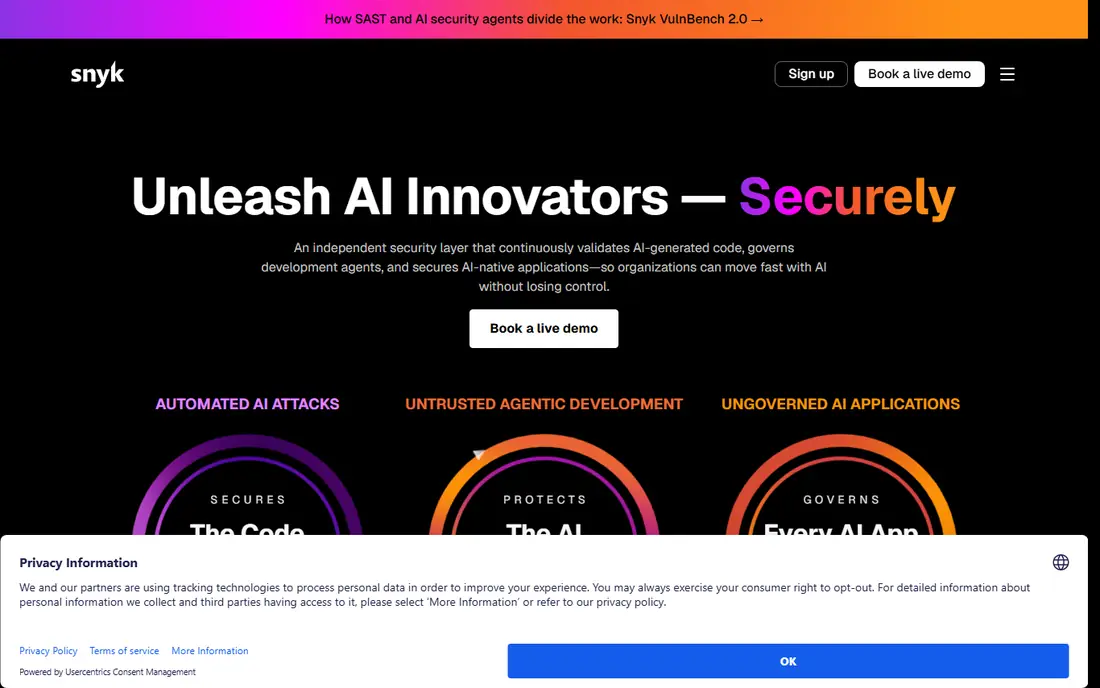
Snyk puts the first practice, inventory and vulnerability checking, directly into developer workflow. It scans open source dependencies, code, containers and infrastructure as code, and it suggests fixed versions so a developer can act without waiting for a security team ticket. IDE plugins and pull request checks mean problems surface while code is still being written, which is when fixes are cheapest.
The free plan costs $0 and includes limited monthly tests, with Team reported from $25 per developer per month billed annually for higher limits and integrations. That free tier is a sensible starting point for a small team, but test limits and alert volume need management as the number of projects grows. Snyk covers the dependency stage well, but it does not by itself sign releases or prove how an artefact was built, so pair it with signing and build controls.
- Free tier for small teams
- IDE and CI integrations
- Fix guidance for developers
- Free tier has test limits
- Alert volume can be high
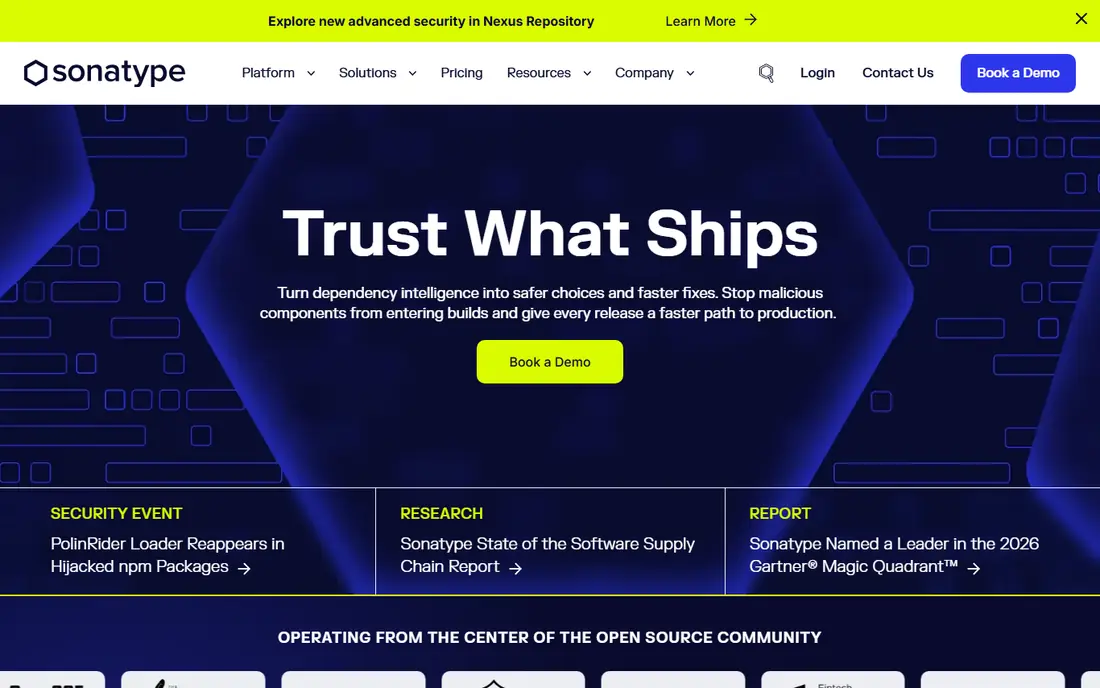
Sonatype Nexus Lifecycle puts the practice of blocking bad components at the door into action. Instead of only reporting a vulnerable library after it is used, it can apply policy at the repository and build stages, stopping components that breach rules on security, licence or age. That gatekeeping role is what separates a supply chain programme from a scanner that only sends reports.
The strength is also the work. Policies need tuning to the team's real risk tolerance, or developers will face blocked builds for low-risk issues and find ways around the gate. Pricing is quote-based, with a free trial available for evaluation. Sonatype suits organisations that want central control over what enters their software, especially where licence compliance and audit evidence matter as much as vulnerability counts.
- Policy enforcement at the repository
- Strong component intelligence
- Licence checks
- Quote-based pricing
- Needs policy tuning to avoid blocking good work
JFrog Xray applies supply chain checks where artefacts already live. For teams using JFrog Artifactory, Xray scans binaries, containers and packages stored there, and it can show which artefacts are affected by a new vulnerability without rescanning every source repository. That artefact-centred view is useful during an incident, when the question is not just what code is vulnerable, but what has actually been shipped.
The obvious limit is fit. Xray makes most sense for JFrog customers, and a team on a different artefact store will get less value. Pricing is tiered and quote-based, with a free trial for evaluation. Use Xray to put the practice of continuous artefact monitoring into action, and keep dependency scanning in the build pipeline as well, because artefact scanning alone catches problems later than source scanning.
- Scans artefacts already in JFrog
- Context for impact
- Works with release workflows
- Best value inside JFrog
- Pricing is tiered and quote-based
GitHub Advanced Security turns several best practices into default GitHub workflow. Dependabot raises alerts and pull requests for vulnerable dependencies, code scanning checks code for known patterns, and secret scanning looks for credentials committed by mistake. Because these checks live in the same place as the code, developers do not need to learn a separate tool to see the result.
The trade-off is platform fit. Teams whose code lives in GitHub get the most benefit, while teams on other hosts will need equivalent tools elsewhere. Pricing is quote-based for Advanced Security in many plans, so confirm what is included in the team's GitHub plan before budgeting. For a GitHub shop, Dependabot plus code and secret scanning is the fastest way to make dependency hygiene a daily habit rather than a quarterly project.
- Native GitHub workflow
- Dependabot alerts and updates
- Code scanning and secret scanning
- Pricing is quote-based for many plans
- Deepest value for GitHub-hosted code
Chainguard addresses the practice of starting from a safer base. Its hardened container images are built to contain fewer packages and therefore fewer known vulnerabilities than typical base images, and images are signed so consumers can verify origin. For a team tired of patching the same base image flaws every week, changing the starting image can cut the workload more than adding another scanner.
Pricing reflects the enterprise focus, with public reports putting a catalogue entry around $19,000 for a 10-person team, and a free tier for limited image use. Migration still needs work, because application images must be rebuilt and tested against the new base. Chainguard is a strong choice when container patching dominates security effort, but it is not a substitute for scanning application dependencies or controlling the build itself.
- Minimal images with fewer known flaws
- Signed images
- Clear catalogue approach
- Enterprise pricing is high
- Migration needs image changes
Sigstore puts the practice of signing releases into action without a licence fee. Developers and build systems can sign artefacts with short-lived certificates tied to an identity, and signatures are recorded in a public transparency log that others can verify. That combination makes it much harder to slip an unsigned or tampered artefact into a release unnoticed, and it gives consumers a way to check what they received.
The work is integration, not purchase. Teams must wire signing into their build and release pipeline and decide which signatures their deployment policy will require. Sigstore does not judge whether code is safe, it proves who signed it and when. Pair it with scanning and build controls, and signing becomes evidence, not theatre.
- Free and open source
- Short-lived signing certificates
- Public transparency log
- Needs pipeline integration
- Signing alone does not prove code quality
Anchore turns container policy into a gate. Its engine can generate a software bill of materials, scan images for known vulnerabilities and apply policy rules that pass, warn or fail an image before it reaches production. That practice, refusing to deploy images that breach policy, is what stops a scan report from being ignored under deadline pressure.
An open source engine is available, which helps teams start without a licence, while the commercial platform adds management, reporting and support at quote-based pricing. Policy design still takes judgement, because a rule that is too strict blocks releases and a rule that is too loose adds little protection. Anchore suits teams that want explicit, auditable image policy, especially in regulated or multi-team environments.
- Open source engine available
- Policy-based image gates
- SBOM generation support
- Enterprise pricing is quote-based
- Policy design takes effort
Mend puts the practice of keeping dependencies current into action through automation. Its tools scan dependencies for vulnerabilities and licence risk, and its Renovate-based updating can open pull requests that move libraries to fixed versions. That automation matters because the most common supply chain failure is not a novel attack, it is a known flaw in an old library that nobody updated.
The challenge is triage. Automated updates can arrive in volume, and teams need rules for which updates merge automatically and which need testing. Pricing is quote-based, with a free trial for evaluation. Mend is a good fit for organisations with many repositories, where manual dependency updates would never keep pace with new disclosures.
- Automated fix pull requests
- Broad dependency coverage
- Licence and risk reporting
- Quote-based pricing
- Update volume needs triage
How we picked these
We compared official product pages, documentation and public buyer reports, and we chose tools that each put a distinct best practice into action: inventory, blocking, artefact scanning, code security, hardened images, signing, policy gates and automated updates. Where a vendor does not publish a price, we wrote See website rather than presenting a third-party estimate as a vendor price. We also favoured tools still sold and supported in October 2026, including open source options where they genuinely cover the practice.
Turning practices into a workable routine
Start with inventory. Generate a software bill of materials for each application, so the team knows every direct and indirect dependency it ships. Then add scanning in the pipeline, block components that breach a written policy, and require signed artefacts for production releases. Keep dependencies updated on a schedule, not only after a headline vulnerability.
Finally, protect the build itself. Limit who can change pipeline settings, keep build secrets out of code, and record how each release was built. Scanners, gates and signatures only help if the pipeline that runs them cannot be changed quietly. Review the routine after each incident, and adjust policy based on what actually slipped through.
Frequently asked questions
What is a software bill of materials?
A software bill of materials, often called an SBOM, is a list of the components in a piece of software, including libraries, versions and licences. It helps a team find every place a vulnerable component is used and answer incident questions quickly.
What is the difference between scanning and signing?
Scanning checks code and dependencies for known flaws, while signing proves that an artefact came from a known builder and has not been changed since. A team needs both, because a clean scan of one build does not prove that the file deployed later is the same build.
Should a small team use these tools?
Yes, but start small. Dependabot or Snyk on a free tier, plus Sigstore signing in the release pipeline, covers the highest-value practices without enterprise cost. Add policy gates and hardened images as the number of services grows.
What is SLSA?
SLSA is a framework for describing how securely software was built, from source and build integrity to provenance and isolation. Teams use it to set a target level for build security and to check that releases meet that level, rather than treating all builds as equal.
How often should dependencies be updated?
Dependencies should be reviewed on a regular schedule and updated promptly when a fix exists for a serious flaw. Automated update tools help, but updates still need testing, because a rushed upgrade can break an application just as surely as a vulnerability can harm it.
Sources
See where you really rank - block by block
ProMapRanker scans Google Maps across a grid of your service area. Simple monthly plans from $19, white-label on every plan.
Start freeKeep reading
 what’s the best risk software for enterprises
What Is the Best Risk Software for Enterprises in 2026
We compared what’s the best risk software for enterprises on risk registers, controls, third-party risk, and reporting, with pricing notes for large teams.
Read → what's the best pam software for enterprises
What is the Best PAM Software for Enterprises in 2026
Find what's the best pam software for enterprises, with vaulting, session recording, just in time access and pricing compared for large enterprise IT teams.
Read → what’s the best grc software
What Is the Best GRC Software in 2026
We compared what’s the best grc software on risk, compliance, audit and vendor risk, so teams can pick a platform that fits their frameworks and budget.
Read →