 ProMapRanker
Software Security Best Practices in 2026

Key takeaways
- Good software security best practices are a workflow, not a single purchase: scan code, check dependencies, protect secrets, and test the running app.
- Snyk and Semgrep cover code and dependency scanning, while GitGuardian and HashiCorp Vault cover secrets handling, which is a separate job.
- OWASP ZAP and Trivy are free, open source tools that give small teams a real starting point for app and container checks.
- GitHub Advanced Security fits teams already on GitHub, because findings appear where pull requests already happen.
- We framed this guide plainly as tools that help teams apply security practices, not as a claim that buying a tool alone makes software secure.
Quick comparison
| Pick | Great for | Pricing starts at | Free tier | |
|---|---|---|---|---|
 Snyk | Code, dependencies, and containers | $25 per month | Yes | Visit |
 SonarQube | Code quality plus security checks | $34 per month | Yes | Visit |
 GitHub Advanced Security | GitHub-native code and secret checks | $19 per month | Yes | Visit |
 Semgrep | Custom code rules and supply chain checks | $30 per month | Yes | Visit |
 HashiCorp Vault | Central secrets storage and access control | Free | Yes | Visit |
 GitGuardian | Secret detection and governance | Free | Yes | Visit |
 OWASP ZAP | Free web app scanning | Free | Yes | Visit |
 Trivy | Free container and dependency scanning | Free | Yes | Visit |
The best tools for software security best practices
Software security best practices include writing safer code, checking third-party packages, keeping secrets out of source, reviewing changes before merge, and testing the running app. No single tool covers all of those steps, so teams usually combine a code scanner, a dependency checker, a secrets tool, and a runtime scanner. The tools below are grouped by the practice they support, and we kept only tools that are still maintained and sold or available in October 2026.
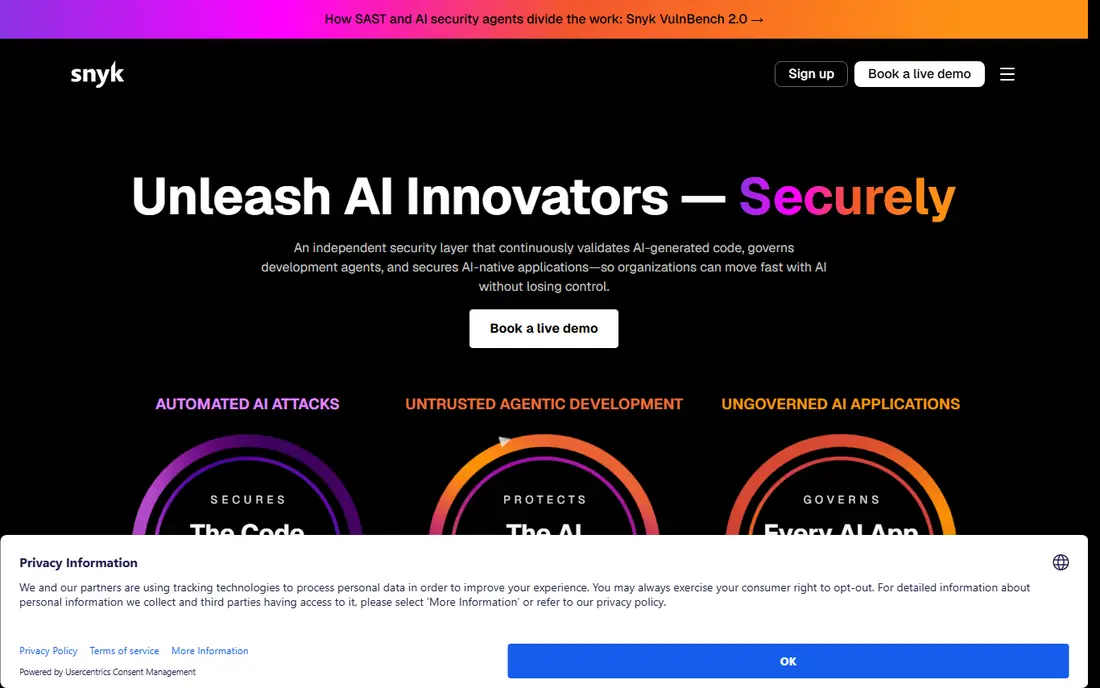
Snyk fits teams that want one platform for several scanning jobs. Snyk Code checks source for injection, cross-site scripting, and other code flaws, Snyk Open Source checks dependencies for known vulnerabilities, and Snyk Container checks images for vulnerable packages. Findings can appear in pull requests with fix suggestions, which helps developers fix issues where they already work. The free tier covers a small number of projects, which is enough to test the workflow. The catch is pricing clarity at scale. Team plans start at $25 per contributing developer per month in recent listings, while Enterprise uses a prepaid credit model that needs a sales discussion. A small team should start on the free tier, enable one scanner at a time, and only expand when fix rates and false positives are understood. Snyk is strongest when dependency risk is a real, ongoing concern.
- Covers code, open source packages, containers, and infrastructure
- Fix suggestions in pull requests
- Free tier for small projects
- Enterprise pricing is credit-based and complex
- Free tier limits projects and tests
- Full platform needs setup across repos
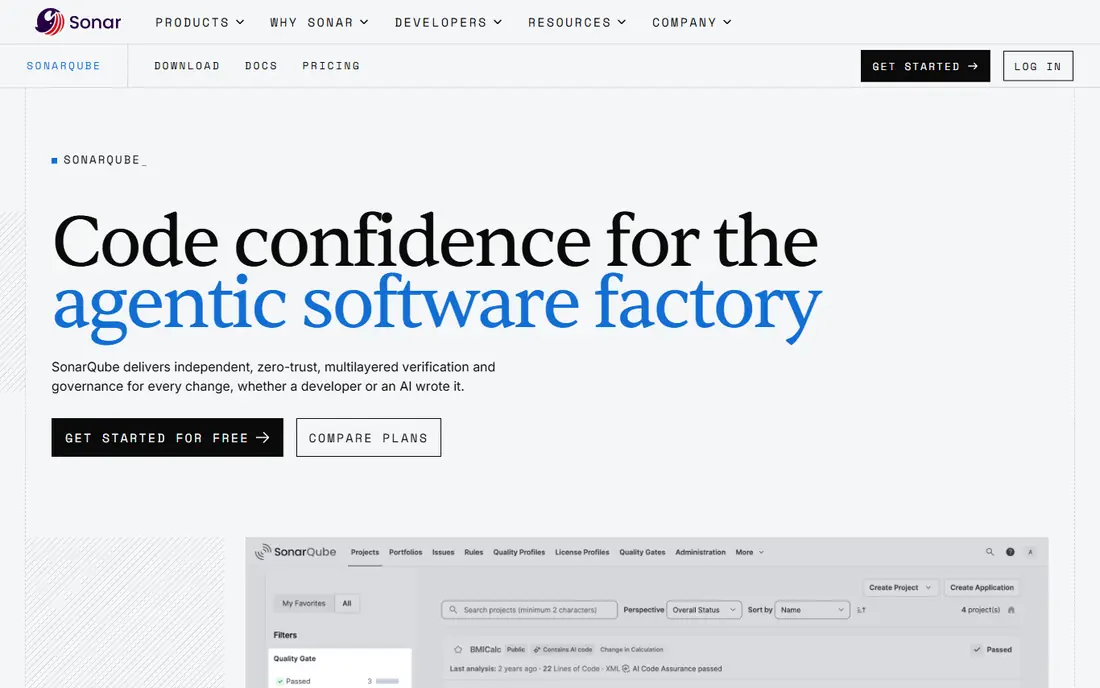
SonarQube fits teams that want code quality and security checks in the same report. It analyzes code for bugs, code smells, and security hotspots, and it can block a pull request when quality gates fail. That link between quality and security helps a team that already reviews code for maintainability, because security findings appear in a familiar workflow. Cloud and self-hosted options cover teams with different deployment rules. The catch is tier confusion. Community Build is free but main-branch only in recent documentation, with no pull request analysis, while Cloud paid tiers start at $34 per month for Team in recent listings. Server editions are priced per instance per year based on lines of code, with no public dollar figure. Check which edition fits the repo setup before budgeting, and test quality gates on one repo first.
- Code quality and security in one analysis
- Pull request analysis on paid tiers
- Self-hosted and cloud options
- Community Build lacks pull request analysis
- Pricing depends on lines of code
- Advanced security features sit on higher tiers
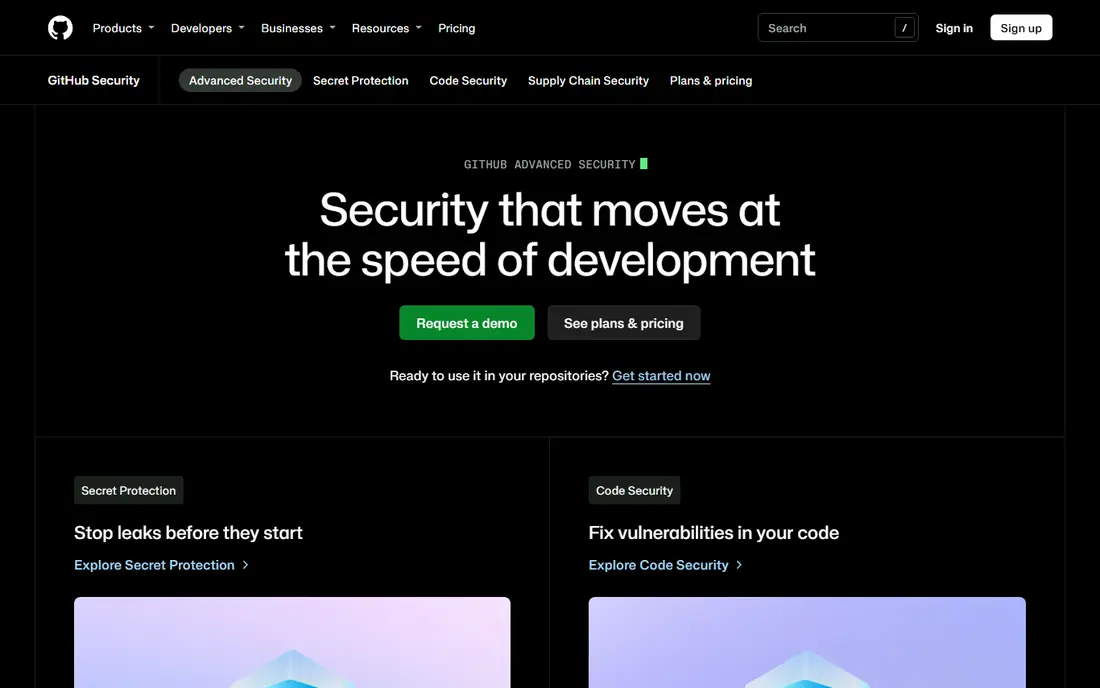
GitHub Advanced Security fits teams whose code already lives on GitHub and who want scanning without a new dashboard. Secret Protection blocks secrets before they reach a repo and checks validity, while Code Security adds CodeQL analysis, dependency review, and security campaigns. Findings appear in pull requests, so a developer sees the issue and the fix context in the same place. Some features are free on public repos, which helps open source projects. The limits are platform and price structure. It only covers GitHub repos, so teams on other hosts need another tool, and Secret Protection at $19 per active committer per month and Code Security at $30 per active committer per month in recent listings are separate products. An active committer is counted over the last 90 days. Pick this tool when GitHub is already the system of record and the team wants the shortest path to scanning.
- Findings in pull requests and code view
- Push protection for secrets
- Dependency review and Dependabot links
- Only covers code hosted on GitHub
- Requires GitHub Team or Enterprise
- Code Security and Secret Protection are priced separately
Semgrep fits teams that want to enforce their own security rules, not just run a generic scanner. A team can write a rule for a risky pattern in its own codebase, run it in continuous integration, and block merges that match. The platform also covers supply chain checks for dependencies and secrets detection, with findings grouped in one app. The free tier covers a small number of contributors and private repos, which is enough for a pilot. The catch is pricing and tuning. Code plans start at $30 per contributor per month in recent listings, with Supply Chain and Secrets priced separately, and a contributor is typically anyone who committed in the last 30 days. Custom rules need tuning to avoid false positives that slow developers. Start with the built-in rules, measure false positives, and add custom rules only for patterns the team sees repeatedly.
- Custom rules teams can write and share
- Code, supply chain, and secrets products
- Free tier for small teams
- Contributor counting can surprise teams with contractors
- Secrets and supply chain are separate add-ons
- Rule tuning takes time
HashiCorp Vault fits teams that need to stop storing secrets in code, config files, or chat messages. Vault stores secrets centrally, issues short-lived credentials, and controls who can read each secret through policies. Audit logs record access, which helps during an incident review or a compliance check. The open source version is free to run, and managed cloud options exist for teams that do not want to operate it themselves. The catch is operations. Vault is powerful, but setup, backup, and policy design take time, and a misconfigured policy can block a service or expose a secret. Small teams should start with one application and a few secrets, document the policy, and expand only after rotation and access review work smoothly. Vault solves secrets storage, but it does not scan code, so pair it with a scanner from this list.
- Central storage for API keys, tokens, and certificates
- Fine-grained access policies
- Audit logs
- Steep learning curve for beginners
- Self-hosting needs operations skill
- Cloud pricing needs checking on the vendor page
GitGuardian fits teams that worry about secrets already in code, not just secrets stored correctly going forward. It scans repos, and in newer releases other sources, for API keys, tokens, and credentials, and it can check whether a found secret is still live. Recent product material also covers governance for non-human identities such as service accounts and automation tokens, which are easy to overlook. The free tier gives a small team a real start. The limit is that detection is only half the job. A found secret must be revoked, rotated, and replaced with a Vault or cloud secrets manager entry, or the same leak will happen again. Paid plan pricing is not always public, so a larger team should request a quote. Use GitGuardian to find leaks and prove the problem, then use Vault or a cloud manager to fix storage.
- Detects leaked secrets in repos and other sources
- Validity checks
- Governance for non-human identities
- Paid plans are quote-based in many listings
- Full governance needs setup across sources
- Detection alone does not fix storage
OWASP ZAP, formerly OWASP Zed Attack Proxy, fits teams that need to test the running app, not just its source. ZAP can crawl a web app, passively observe traffic for issues, and actively probe for common flaws such as injection and cross-site scripting. It runs in continuous integration, so a team can scan a staging app on every release and catch regressions before production. As an open source project, it costs nothing to start. The catch is skill and scope. ZAP results need a human to judge false positives and to test business logic that a scanner cannot understand, such as broken access control between users. It also does not replace code scanning or dependency checks. For a small team, ZAP is the best free first step for runtime testing, paired with a code scanner for the source side.
- Free and open source
- Passive and active scanning
- Continuous integration support
- Needs skill to configure and interpret results
- Can miss logic flaws that need human testing
- No vendor support contract
Trivy fits teams that ship containers and want a fast, free scan before deployment. It checks container images, filesystems, git repos, and infrastructure files for known vulnerabilities and misconfigurations, and it runs well in continuous integration pipelines. A team can add Trivy to a build in minutes, fail the build on high-severity findings, and keep a simple report for review. That low friction is why many small teams start here. The limit is workflow depth. Trivy finds issues but does not provide a hosted triage dashboard, fix pull requests, or policy management on its own. Teams that need those features usually pair Trivy with a platform such as Snyk or GitHub Advanced Security, or build reporting around Trivy output. Use Trivy as a fast gate, not as the whole security program.
- Free and open source
- Scans containers, filesystems, and repos
- Fast and easy in continuous integration
- Findings need triage
- No hosted dashboard by itself
- Policy and reporting need extra tooling
How we picked these
We compared official feature and pricing pages, documentation, and recent pricing comparisons, and we checked that each tool is still maintained in October 2026. We kept tools that map to a clear practice: code scanning, dependency checks, secrets handling, or runtime testing, and we left out tools that only sell a dashboard without a scanner. We did not claim hands-on testing, and we did not present any tool as a guarantee of security. Prices are starting prices from vendor or recent pricing material, and we used See website or Free where a vendor does not publish a simple starting price.
How to apply software security best practices in a small team
Start with the highest-risk step for your stack, not with every tool at once. For most web teams, that means code and dependency scanning in pull requests, secrets out of source, and a runtime scan on staging. Add one tool, run it for two weeks, fix the findings that matter, and only then add the next tool. A security program that developers ignore is worse than a smaller program they actually use.
Make checks part of the merge, not an afterthought
Put scanning in continuous integration so a risky change is flagged before merge, not after release. Use quality gates sparingly at first, blocking only high-severity, high-confidence findings, then tighten the gate as false positives fall. Record exceptions with a reason and an expiry date, so a temporary exception does not become permanent by accident.
Protect secrets and review access regularly
Store secrets in Vault or a cloud secrets manager, never in code or chat, and rotate any secret that was ever committed. Review who can read production secrets each quarter, remove access for people who left a team, and check audit logs after an incident. Pair that routine with GitGuardian or GitHub push protection, so a leaked secret is found quickly even when a developer makes a mistake.
Frequently asked questions
What are software security best practices for a small team?
Software security best practices for a small team include scanning code and dependencies, keeping secrets out of source, reviewing changes before merge, testing the running app, and patching quickly. Tools in this list help with each step, but the practice matters more than the tool: a scan that no one fixes does not improve security. Start with one scanner, one secrets manager, and one runtime check.
What is the difference between app security best practices and code scanning?
App security best practices cover the whole workflow, from design and code review to deployment and incident response. Code scanning is one part of that workflow, checking source for known flaw patterns. A team also needs dependency checks, secrets handling, access control, and runtime testing, which is why this list includes Vault, GitGuardian, ZAP, and Trivy beside code scanners.
Which tool helps with security best practices software for dependencies?
Snyk, Semgrep Supply Chain, and Trivy all help with dependency checks, by finding known vulnerabilities in packages and container images. Snyk adds fix pull requests, Semgrep adds custom supply chain rules, and Trivy offers a free, fast scan in continuous integration. Pick based on whether fix automation, custom rules, or free container scanning matters most.
How do teams handle secrets securely?
Teams handle secrets securely by storing them in a manager such as HashiCorp Vault, issuing short-lived credentials where possible, and never committing secrets to code. GitGuardian or GitHub push protection helps find secrets that slip through, and any leaked secret should be revoked and rotated at once. Access should be reviewed regularly, with audit logs checked after changes.
Is a free security tool enough for a small project?
Yes, for a small project, free tools such as OWASP ZAP, Trivy, and the free tiers of Snyk, Semgrep, and GitGuardian can cover code, dependency, secret, and runtime checks. Free tools need more manual triage and setup than paid platforms, but they give a real baseline. As the team grows, paid tiers add dashboards, fix automation, and support that save time.
What is the best software security best practice to start with?
The best first practice is to scan code and dependencies in pull requests and to remove secrets from source, because those two steps catch the most common, preventable issues. Add Vault for secrets storage, then ZAP for runtime testing on staging. That sequence gives coverage across code, secrets, and the running app without buying every tool at once.
Sources
See where you really rank - block by block
ProMapRanker scans Google Maps across a grid of your service area. Simple monthly plans from $19, white-label on every plan.
Start freeKeep reading
 zscaler alternatives
Best Zscaler Alternatives in 2026
Looking for zscaler alternatives? We compare 9 SASE and zero trust platforms on architecture, data protection, pricing, and fit for your network and team.
Read → zapier alternatives free
Best Zapier Alternatives Free in 2026
Nine automation tools for zapier alternatives free in 2026, all with genuinely free tiers, plus free plan limits, starting prices and upgrade paths explained.
Read → which platform is best for online reputation
Which Platform Is Best for Online Reputation in 2026
Wondering which platform is best for online reputation? We compare 8 review, listing, and response tools for small and multi-location businesses and agencies.
Read →