 ProMapRanker
Software Procurement Best Practices in 2026

Key takeaways
- Good procurement starts with a written need, a named owner, and a budget check before any vendor demo.
- Central intake and approval rules stop duplicate tools and surprise renewals, which are common sources of wasted spend.
- The best tool depends on company size: small teams need simple approvals, while large firms need sourcing, contracts, and ERP links.
- Renewal dates, usage checks, and contract terms deserve the same attention as the initial purchase price.
Quick comparison
| Pick | Great for | Pricing starts at | Free tier | |
|---|---|---|---|---|
 Coupa | Enterprise spend management | See website | No | Visit |
 SAP Ariba | SAP-based enterprises | See website | No | Visit |
 Oracle Fusion Procurement | Oracle ERP customers | See website | No | Visit |
 Precoro | Mid-market purchase control | $499 per month | No | Visit |
 Procurify | Live budget visibility | See website | No | Visit |
 Zip | Purchase intake and approvals | See website | No | Visit |
 Airbase | Purchasing plus accounts payable | See website | No | Visit |
 Ramp | Free core spend management | Free | Yes | Visit |
 Ivalua | Configurable enterprise procurement | See website | No | Visit |
The best procurement software for software procurement best practices
This article covers two linked topics: the practices that keep software buying under control, and the procurement software that helps teams apply them. A tool alone does not fix a messy process, but the right tool makes intake, approvals, budgets, contracts, and renewals much easier to follow. The products below are real procurement platforms, not generic project tools.
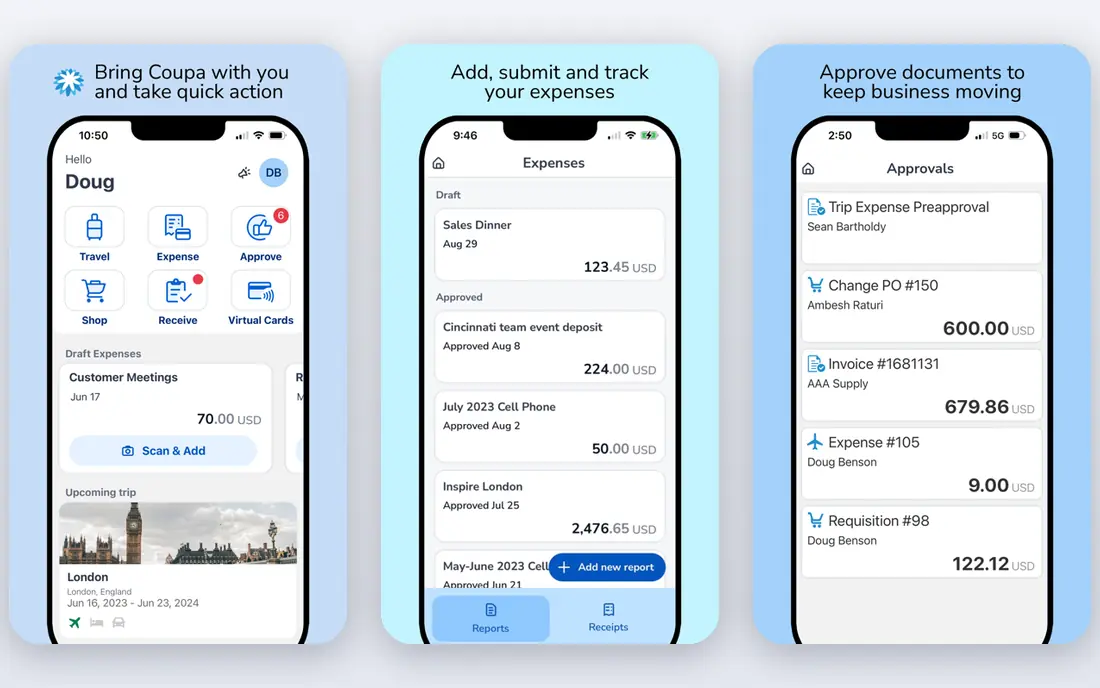
Coupa suits large organisations that buy software across many departments and need one view of spend. It covers requisitions, approvals, sourcing, contracts, invoicing, and payments, so a software request can move from intake to renewal in a single system. Spend analytics help finance spot duplicate tools and unused licences, which is where many software budgets leak.
The trade-off is scale and effort. Coupa is priced by quote and usually needs a structured rollout, so it is more than a small team needs for simple approvals. For an enterprise with complex categories and global suppliers, that breadth is the point, and the discipline it enforces is worth the setup time.
- Broad source-to-pay coverage
- Spend visibility across categories
- Supplier and contract management
- Quote-based enterprise pricing
- Implementation can be long for large organisations
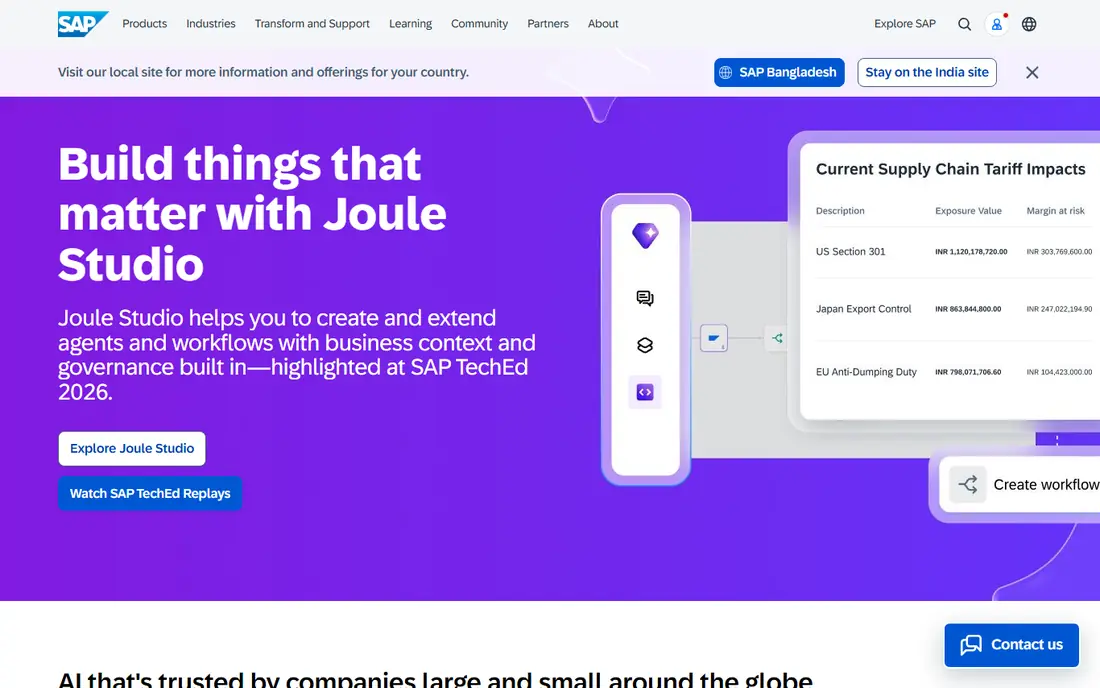
SAP Ariba is the natural shortlist choice for companies already running SAP. It supports sourcing events, supplier collaboration, contracts, and procurement execution in a way that ties back to SAP finance and ERP data. For software buying, that link helps teams check budgets, contract terms, and supplier history before they approve a new tool.
Outside SAP, the value drops and the complexity remains. Smaller teams will find setup heavy, and pricing is quoted rather than published. If your finance system is SAP, though, Ariba keeps procurement practice close to the system of record, which reduces manual reconciliation.
- Large supplier network
- Source-to-pay workflows
- Strong fit with SAP ERP
- Quote-based pricing
- Complex for teams outside the SAP ecosystem
Oracle Fusion Procurement covers the full buying cycle for Oracle Cloud ERP customers, from requisitions and approvals to sourcing, supplier management, and contract handling. Because procurement and finance share infrastructure, budget checks and invoice matching are easier to enforce. That matters for software purchases, where the initial price is only part of the total cost.
The main limit is fit. Organisations without Oracle ERP will not get the same benefit, and implementation still needs planning. For Oracle shops, however, it turns best practices such as approved suppliers, contracted pricing, and audit trails into default steps rather than manual checks.
- Purchasing, sourcing, suppliers, and contracts in one cloud suite
- Shared data model with Oracle ERP
- Quote-based pricing
- Best value only inside an Oracle environment
Precoro is a practical pick for mid-market teams that want purchase control without an enterprise suite. It handles purchase requests, approvals, purchase orders, budgets, and supplier records, and its published pricing makes budgeting simpler than quote-only rivals. Software requests can be checked against a budget before approval, which is a core best practice.
It is less of a strategic sourcing platform than Coupa or SAP Ariba, so very large sourcing events may sit elsewhere. For day-to-day software and indirect buying, that focus is a strength. Teams that need a clear paper trail and budget discipline will find Precoro easier to adopt than a full suite.
- Published starting price
- Clear purchase orders and budget controls
- Relatively fast setup
- No free plan
- Larger enterprise sourcing needs may require another tool
Procurify helps finance teams see budget impact at the moment of request, not after the invoice arrives. Requesters choose from approved items and budgets, approvers see remaining funds, and spend cards can be tied to the request that was approved. That structure directly supports best practices around pre-approval and budget ownership.
Pricing is modular and quoted, so small teams need a sales conversation to confirm cost. The platform also works best when finance owns budget setup and maintenance. Done well, it reduces back-and-forth approvals and gives managers a current view of committed spend, including software subscriptions.
- Real-time budget checks during requests
- Spend cards tied to approved requests
- Accounting integrations
- Pricing is quoted
- Some advanced features sit in higher tiers
Zip focuses on the intake step that causes many procurement problems: unclear requests, missing information, and slow approvals. It guides requesters through the right questions, routes approvals based on amount and category, and connects to finance and legal systems. For software buying, that means security, legal, and budget checks happen in order, not as an afterthought.
Zip is not a standalone ERP or a full sourcing suite, so teams still need systems for payments and contracts. Its value is speed and control at the front of the process. If your main pain is that software requests stall or bypass approval, Zip is worth a demo before you buy a larger suite.
- Guided intake for purchase requests
- Approval orchestration across systems
- Good for bottlenecked approvals
- Quote-based pricing
- It orchestrates other systems rather than replacing a full ERP
Airbase combines purchase requests and approvals with accounts payable, so a software subscription can be approved, invoiced, and paid without moving between disconnected tools. That continuity helps teams match invoices to approvals and catch price changes at renewal. Integrations with accounting systems keep finance data current.
It is aimed at mid-market companies rather than the largest global sourcing operations. Teams with very complex sourcing events may still need a specialist tool. For companies that want one controlled path from request to payment, Airbase covers the practical middle ground well.
- Purchasing, approvals, and AP in one system
- Accounting integrations
- Spend controls
- Quote-based pricing
- Mid-market focus rather than deep enterprise sourcing
Ramp starts as free spend management with corporate cards, expense handling, and basic accounts payable, which makes it attractive to startups and growing teams. Procurement sits on top as a paid add-on, adding intake and approval controls for teams ready to formalise software buying. That path lets a small company start free and add control as spend grows.
The catch is that the free tier alone is not a full procurement system. Teams should check what procurement, approval routing, and contract features sit in the paid tier for their size. For US startups that want immediate card controls and a gradual move to formal procurement, Ramp is a low-risk starting point.
- Free core plan with cards and expenses
- Procurement as a paid add-on
- Clear spend visibility
- Procurement features require a paid tier
- US-focused for some banking features
Ivalua suits large organisations with varied procurement rules across regions, categories, and business units. Its no-code configuration lets teams adapt approval chains, sourcing workflows, and supplier processes without rebuilding the platform. For software procurement, that flexibility helps enforce different rules for low-risk tools and high-risk enterprise platforms.
Enterprise pricing and setup remain the trade-offs. Ivalua needs ownership from procurement and IT to configure and maintain it well. Organisations that need that level of control, and that buy software at scale, will get more from it than a simpler approval tool can offer.
- Highly configurable workflows without heavy coding
- Broad source-to-pay coverage
- Strong governance controls
- Quote-based enterprise pricing
- Configuration still needs skilled administrators
How we picked these
We compared official product and pricing pages and public documentation for procurement platforms that support intake, approvals, budgets, suppliers, contracts, or sourcing in October 2026. We favoured tools with a clear procurement focus and current availability, and we included a mix of enterprise suites and mid-market tools. We did not treat vendor marketing claims about savings as verified facts, since results depend on how strictly a team follows its own process.
Procurement best practices that actually work
Start by writing down the need in plain terms: what problem the software solves, who will use it, what it replaces, and what happens if you buy nothing. Name one owner for the purchase and one budget holder, and check usage of existing tools before you approve a new one. Many teams pay for overlapping tools simply because no one owns the full list.
Next, run a short, fair comparison. Ask for total cost over two years, including implementation, training, integrations, and renewal pricing, not just the first-year discount. Check contract terms for auto-renewal, price increases, data export, security, and exit rights. Involve security and legal early for tools that handle customer or financial data, and set a renewal review date the day you sign, with a usage check at least 60 days before renewal.
Finally, keep a single register of every software subscription, with owner, cost, renewal date, and usage. Review it quarterly, cancel unused tools, and renegotiate before renewal rather than after an invoice arrives. A tool from the list above can enforce these steps, but the register and the review habit are what turn a purchase into good procurement.
Frequently asked questions
What are software procurement best practices?
They are the habits that keep buying controlled: define the need, assign an owner, check existing tools, compare total cost, get pre-approval, review contract and security terms, and track renewals. Tools help enforce these steps, but the written process and regular reviews matter most.
What is procurement software best practice for approvals?
Use a single intake form, route approvals by amount and risk, and check budget before approval. Low-risk, low-cost tools can move fast, while tools that handle sensitive data or large spend should pass security, legal, and finance checks in a set order.
How do I avoid duplicate software purchases?
Keep a central register of tools, owners, costs, and renewal dates, and require requesters to search it before buying. Procurement software with intake and spend visibility makes duplicates visible, but someone still needs to own the register and review it regularly.
When should a small business buy procurement software?
Buy when requests bypass approval, renewals surprise finance, or no one can list current subscriptions accurately. A simple tool such as Precoro or Ramp can formalise approvals early, while a full suite only makes sense once volume and complexity justify it.
How far before renewal should we review a software contract?
Start at least 60 days before renewal, and earlier for large contracts. That leaves time to check usage, gather alternatives, renegotiate price, or plan migration if you decide to cancel. Set the review date at signing so it is not forgotten.
Does procurement software replace legal and security review?
No. It routes requests to legal and security and records their decisions, but it does not make those judgements itself. Keep human review for contracts, data handling, and compliance, especially for tools that store customer, health, or financial data.
Sources
See where you really rank - block by block
ProMapRanker scans Google Maps across a grid of your service area. Simple monthly plans from $19, white-label on every plan.
Start freeKeep reading
 zscaler alternatives
Best Zscaler Alternatives in 2026
Looking for zscaler alternatives? We compare 9 SASE and zero trust platforms on architecture, data protection, pricing, and fit for your network and team.
Read → zapier alternatives free
Best Zapier Alternatives Free in 2026
Nine automation tools for zapier alternatives free in 2026, all with genuinely free tiers, plus free plan limits, starting prices and upgrade paths explained.
Read → which platform is best for online reputation
Which Platform Is Best for Online Reputation in 2026
Wondering which platform is best for online reputation? We compare 8 review, listing, and response tools for small and multi-location businesses and agencies.
Read →