 ProMapRanker
Software Engineering Best Practices in 2026

Key takeaways
- This list covers tools that support good engineering practice, not abstract advice: version control, review, testing, security scanning, and delivery.
- GitHub and GitLab cover the widest ground, from code hosting and review to pipelines and security checks.
- SonarQube and Snyk turn code quality and security from good intentions into checks that block a bad merge.
- Terraform and Docker make environments repeatable, which is the foundation for reliable testing and deployment.
- Jira and Datadog close the loop after release, linking work to incidents and to how software behaves in production.
Quick comparison
| Pick | Great for | Pricing starts at | Free tier | |
|---|---|---|---|---|
 GitHub | Version control and review | Free | Yes | Visit |
 GitLab | All-in-one DevOps platform | Free | Yes | Visit |
 SonarQube | Code quality gates | See website | Yes | Visit |
 Snyk | Dependency and code security | Free | Yes | Visit |
 Terraform | Repeatable infrastructure | Free | Yes | Visit |
 Docker | Consistent local and shipped environments | Free | Yes | Visit |
 Jenkins | Self-hosted automation | Free | Yes | Visit |
 Jira | Planning and tracking work | See website | Yes | Visit |
 Datadog | Production monitoring | See website | Yes | Visit |
The best software engineering best practices tools
Good practice is a habit supported by tooling. The tools below help teams review code properly, test before release, scan for security problems, ship in small steps, and learn from production. We angled each entry on the practice it supports, so you can build a stack that matches your team rather than buying one platform for everything.
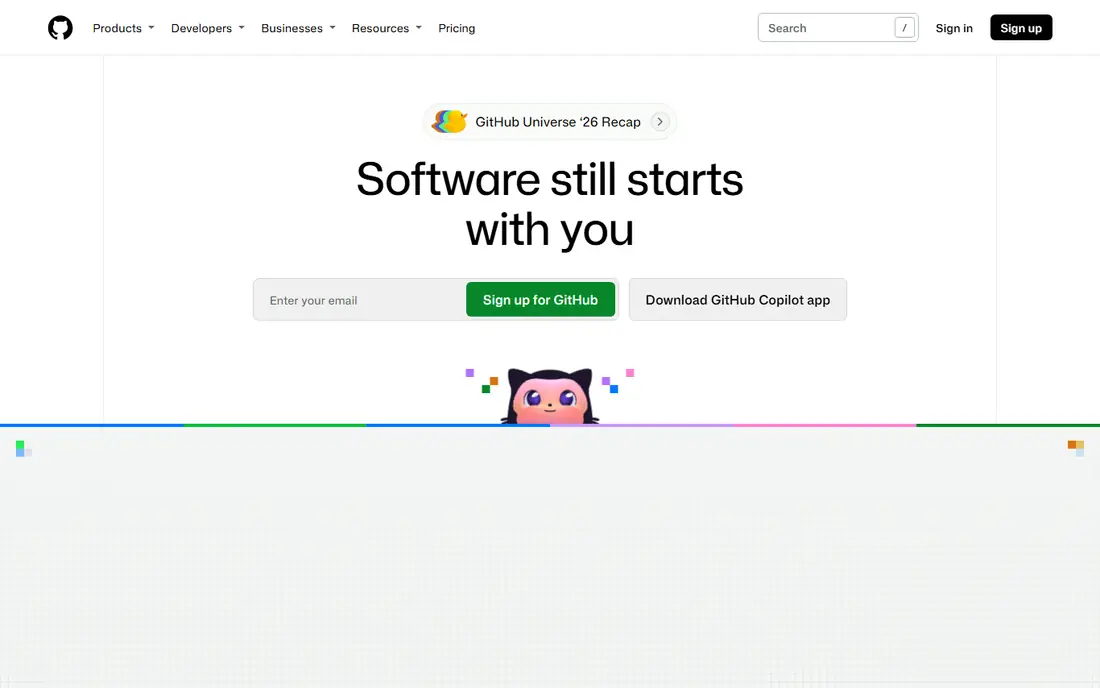
GitHub supports the most basic good practice of all: every change is versioned, reviewed, and traceable. Pull requests give reviewers a clear diff, a discussion thread, and a place to require checks before merge. Branch protection, required reviews, and status checks turn a team agreement into a rule the system enforces, which matters far more than a written policy alone.
GitHub Actions extends that practice into testing and delivery, running tests on every pull request and deploying only passing changes. The free tier covers individuals and small teams well, while larger organizations pay per seat for team and enterprise features. GitHub alone does not guarantee good code, but it gives a team the structure to practice review, testing, and traceability every day.
- Standard home for Git hosting
- Pull request review built in
- Huge Actions and marketplace ecosystem
- Advanced security and enterprise controls sit on paid plans
- Costs grow with seats
- Code review quality still depends on team discipline
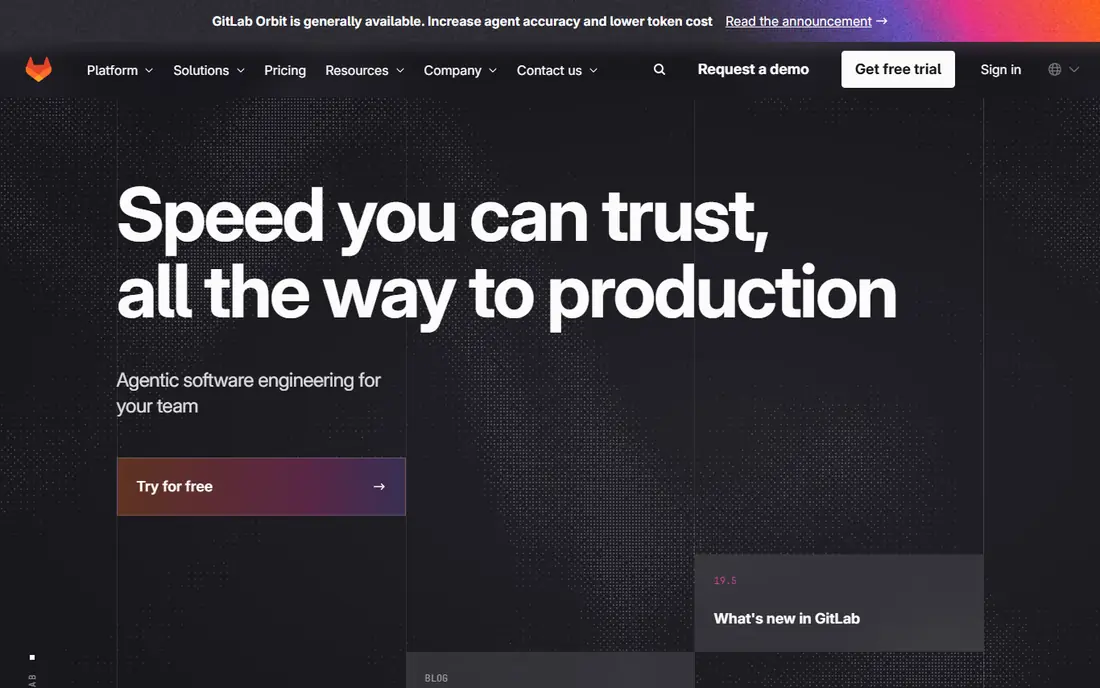
GitLab supports the practice of keeping the whole delivery chain in one place. Code, issues, merge requests, pipelines, container registry, and security reports live together, so a team spends less time stitching tools and more time fixing what the tools find. That consolidation also helps audit: a merge request can show its tests, scans, and approvals in one view.
The free tier suits small teams, while Premium adds features such as advanced planning and compliance controls. GitLab is a strong choice when a team wants fewer vendors and a single source of truth for delivery. Teams that already live on GitHub may prefer to add specialist tools instead of moving repos.
- Repos, pipelines, security scanning, and planning in one place
- Self-hosting option
- Premium adds stronger controls
- Premium starts at $29 per user per month
- Breadth can overwhelm small teams
- Interface has many settings to learn
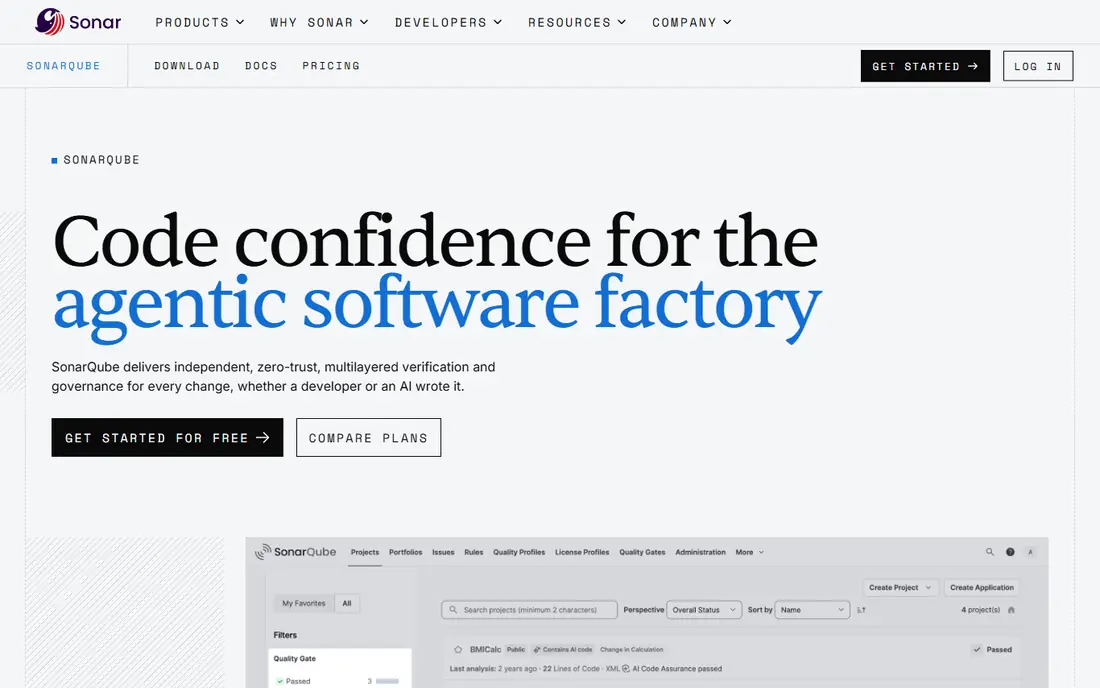
SonarQube supports the practice of defining done in measurable terms. Teams set quality gates on new code, such as coverage thresholds and limits on bugs and security hotspots, and SonarQube reports whether a pull request passes. That turns code review from a matter of taste into a shared standard that every change must meet.
The free Community Build is generous for self-hosted use, while paid cloud plans start from a published monthly figure for smaller codebases and scale with lines of code. The honest catch is maintenance: self-hosting means updates, tuning, and rule management. For teams that want quality visible in every pull request, that effort pays back in fewer regressions.
- Quality gates block low-quality merges
- Community Build is free and self-hosted
- Broad language coverage
- Self-hosting needs admin effort
- Paid cloud and server pricing varies by lines of code
- Tuning rules takes time
Snyk supports the practice of fixing security problems where developers work, rather than in a separate report read weeks later. It scans open source dependencies, first-party code, container images, and infrastructure files, then opens fix pull requests with safer versions. Running those scans in the editor, in Git, and in pipelines means a vulnerable dependency is caught before it reaches production.
The free tier covers limited projects and tests, and Team starts at a modest monthly figure. The risk with any scanner is noise: teams should tune severity thresholds and assign owners for findings, or alerts will be ignored. Used with discipline, Snyk is one of the fastest ways to make secure-by-default a daily habit.
- Scans dependencies, code, containers, and infrastructure config
- Fix pull requests
- Free tier for small use
- Team plan starts at $25 per month
- Enterprise pricing is credit-based
- Findings need triage to avoid alert fatigue
Terraform supports the practice of treating infrastructure like code: versioned, reviewed, and repeatable. Instead of clicking through a cloud console, teams write declarations for servers, networks, and databases, review them in a pull request, and apply them with a preview of what will change. That preview step alone prevents many outages.
The open source tool is free, and teams can run it themselves with remote state storage. HashiCorp's managed Terraform Cloud adds collaboration, policy checks, and run history for larger teams. State files hold sensitive data and must be protected, and module design takes practice. For teams that rebuild environments often, Terraform removes a whole class of manual error.
- Infrastructure as code in a readable language
- Plan before apply
- Works across cloud providers
- State management needs care
- Learning curve for modules and workspaces
- Paid Terraform Cloud adds cost at scale
Docker supports the practice summed up as it works on my machine, and it works everywhere else too. By packaging an app with its dependencies in a container, teams remove the gap between a developer laptop, a test server, and production. That consistency makes tests more trustworthy and deployments less surprising.
Docker Desktop and the free personal tier cover many developers, while business plans apply to larger organizations. Containers do not remove the need for scanning, since images can carry vulnerable packages, and orchestration at scale belongs to Kubernetes or a managed service. As a foundation for repeatable builds, Docker is close to standard practice.
- Same environment from laptop to production
- Docker Hub image sharing
- Free personal use
- Image security and size need attention
- Orchestration needs another tool
- Desktop licensing terms vary by organization size
Jenkins supports the practice of automating every repeatable step, on infrastructure you control. Teams that cannot use hosted runners for network or compliance reasons can still run builds, tests, and deployments with Jenkins, and its plugin library covers an unusually wide range of tools and targets. Pipeline-as-code keeps the automation itself versioned and reviewed.
The software is free, but the total cost is not zero. Hosting, updates, plugin compatibility, and security patching take real admin time, and that cost grows with scale. Jenkins suits teams with operations skill and a reason to self-host. Teams without that need will usually move faster on GitHub Actions or GitLab CI.
- Free and open source
- Runs anywhere
- Huge plugin library for almost any pipeline need
- You pay in hosting and maintenance time
- Plugin updates need care
- Interface feels dated next to hosted rivals
Jira supports the practice of making work visible and traceable. Small, well-described issues linked to pull requests and releases let a team see what shipped, what is in progress, and what is blocked. Boards, sprints, and roadmaps help managers and engineers share the same picture instead of tracking work in separate documents.
The free tier covers small teams, with paid plans adding scale and controls. Jira's flexibility is also its risk: a board with too many custom fields and workflows becomes a chore, and stale tickets hide real progress. Used simply, with small issues and regular grooming, Jira turns planning from guesswork into a record the whole team can trust.
- Issue tracking, boards, and roadmaps in one tool
- Strong Atlassian integration
- Free tier for small teams
- Configuration can become heavy
- Pricing varies by tier and users
- Teams need discipline to keep boards current
Datadog supports the practice of learning from production rather than guessing. When a release causes errors or slow responses, logs, metrics, and traces in one place let engineers find the cause without switching between five consoles. Alerts tied to real user impact, rather than to every minor blip, help on-call teams respond to what matters.
Pricing is usage-based, so teams should set ingestion limits and retention policies early, or bills can surprise. A free tier and trial help with evaluation, but production use is a paid commitment. For teams that ship often, observability is not an extra: it is how you know whether a good practice actually worked after release.
- Logs, metrics, traces, and alerts in one platform
- Strong integrations
- Helps find production problems fast
- Pricing is usage-based and can grow quickly
- Setup takes time to tune
- Smaller teams may need only part of the platform
How we picked these
We compared official pricing pages, documentation, and feature descriptions for each tool, and we favored tools with a live, widely used flow in October 2026. We chose tools that each support a distinct practice, from review and quality gates to infrastructure, planning, and monitoring, rather than listing nine tools that all do the same job. Where a vendor does not publish a simple starting price, we wrote See website instead of guessing.
Building a stack that fits your team
Do not buy all nine at once. Start with version control and review, add automated tests in a pipeline, then add quality and security gates once tests run reliably. Infrastructure as code and containers come next for teams that deploy often, and monitoring matters most once real users depend on the software. Each layer should solve a pain you already feel, not a pain a vendor predicts.
Keep the practices, not just the tools
Tools enforce rules, but teams still decide the rules. Agree on small pull requests, required reviews, and a definition of done, then encode those agreements in branch protection and quality gates. Review the gates regularly: a gate nobody can pass will be bypassed, and a gate everyone passes without thought is not checking anything useful.
Measure what matters after release
Track lead time from commit to production, change failure rate, and time to restore service. Those three measures show whether your practices are helping or just adding process. If a new tool does not move one of those measures, or does not clearly reduce risk, consider dropping it. A smaller stack that the team actually uses beats a larger stack that only looks complete.
Frequently asked questions
What are the best software engineering practices?
The practices that most teams benefit from are version control with reviewed pull requests, automated testing on every change, small and frequent releases, infrastructure as code, security scanning before merge, and monitoring after release. Tools help enforce these practices, but the habits matter more than any single product.
What are platform engineering best practices?
Platform engineering means giving product teams a paved path: standard pipelines, templates, and environments that make the right way the easy way. GitLab, GitHub Actions, Terraform, and Docker all support that goal by standardizing how code is built, tested, and deployed. The best platform teams measure adoption and remove friction rather than adding mandatory tools.
What is the best software engineering practice for code quality?
A quality gate in the pull request is the most reliable single practice. SonarQube lets teams set measurable thresholds for bugs, coverage on new code, and security hotspots, and blocks merges that fail them. Pair gates with human review for design and readability, since automated checks cannot judge every decision.
Which tools support best practices in software engineering for small teams?
GitHub, GitLab, Docker, and Terraform all offer free tiers that cover small teams well. Start with GitHub or GitLab for hosting and pipelines, add SonarQube Community Build and Snyk free scanning, and use Docker for consistent environments. Add paid tiers only when limits or compliance needs force the move.
What are best practices for software engineering security?
Scan dependencies and code on every pull request, keep secrets out of repos, patch promptly, and review access regularly. Snyk covers dependencies and code, while GitHub and GitLab add secret scanning and dependency alerts on paid tiers. Treat security findings as work with owners and deadlines, not as a report to file away.
Do these tools replace good engineering habits?
No. Tools make habits easier to keep, but they cannot replace small pull requests, clear issue descriptions, honest code review, and learning from incidents. A team that writes vague tickets and merges without review will get the same results on any platform. Use the tools to encode the habits you already agree on.
Sources
See where you really rank - block by block
ProMapRanker scans Google Maps across a grid of your service area. Simple monthly plans from $19, white-label on every plan.
Start freeKeep reading
 zoho inventory alternatives
6 Alternatives to Zoho Inventory, Compared on Price and Fit
Zoho Inventory alternatives: 6 tools compared on price, free plans and fit. Katana leads the list for manufacturers. Fit and flaws are laid out for each entry.
Read → zoho crm alternatives
Best Zoho CRM Alternatives (2026)
Need Zoho CRM alternatives? We compare 7 tools on cost, free access and who each suits. Every pick gets a straight assessment. Built for quick decisions.
Read → zelle alternatives
Best Zelle Alternatives in 2026
Compare the best Zelle alternatives for sending money to friends, paying sellers and moving funds abroad, with honest notes on fees, speed and safety in 2026.
Read →