 ProMapRanker
Best SmartSuite Alternatives in 2026


All-in-one work management on a budget · Pricing starts at: $7 per user per month
Key takeaways
- ClickUp gives the most features for the lowest starting price in this group, at $7 per user per month on annual billing.
- Asana and monday.com suit teams that want clear timelines and visual boards without building a custom database first.
- Airtable and Notion suit teams that want structured records sitting next to documents and flexible views.
- Trello and Zoho Projects keep costs and setup low for smaller teams with straightforward work.
- Smartsheet and Wrike suit larger operations teams that need spreadsheet-style control and formal reporting.
Quick comparison
| Pick | Great for | Pricing starts at | Free tier | |
|---|---|---|---|---|
| ClickUp | All-in-one work management on a budget | $7 per user per month | Yes | Visit |
 Asana | Structured timelines and cross-team work | $10.99 per user per month | Yes | Visit |
 monday.com | Visual boards for non-technical teams | $9 per seat per month | Yes | Visit |
 Airtable | Database-driven custom workflows | $20 per seat per month | Yes | Visit |
 Notion | Projects living next to docs and wikis | $10 per user per month | Yes | Visit |
 Trello | Simple kanban for small groups | $5 per user per month | Yes | Visit |
 Wrike | Portfolio oversight and approvals | $10 per user per month | Yes | Visit |
 Smartsheet | Spreadsheet-style operational tracking | $9 per user per month | Free trial | Visit |
 Zoho Projects | Budget-friendly project tracking | $4 per user per month | Yes | Visit |
The best SmartSuite alternatives
SmartSuite is built around configurable tables, views and automations, and these nine tools cover the same ground from different angles. Some trade flexibility for simplicity, while others trade a low price for a steeper setup. We compared official feature pages, pricing pages, app store listings, privacy policies and public reviews to sort them by fit rather than by feature count alone.
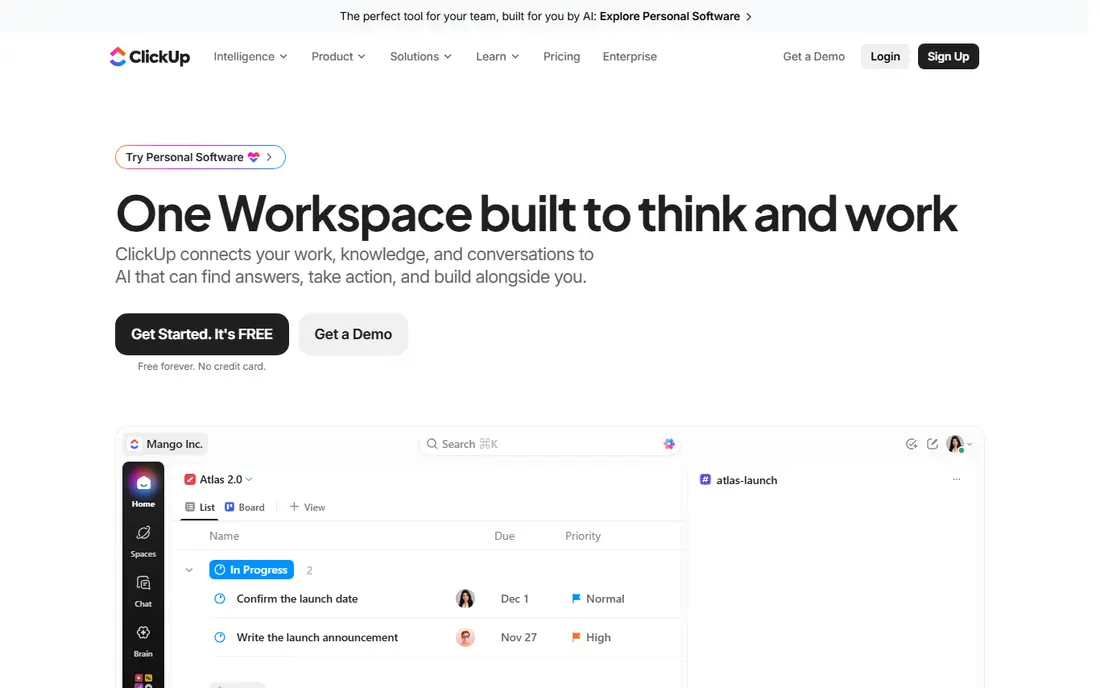
ClickUp is our pick for most teams that want one workspace for tasks, documents, goals and time tracking. Its free plan covers unlimited tasks and members, which makes it easy to test with a real team before paying. Paid plans add more automation, reporting and permission controls as the workspace grows.
The honest catch is density. Because ClickUp tries to cover so much, new users can feel lost among views, statuses and settings. Teams that invest a short setup session and agree on a small set of statuses tend to get far more from it than teams that turn everything on at once.
- Wide range of views and built-in docs
- Generous free plan
- Strong automation options on paid plans
- Large workspaces can feel busy
- Setup takes time for teams that want a simple board
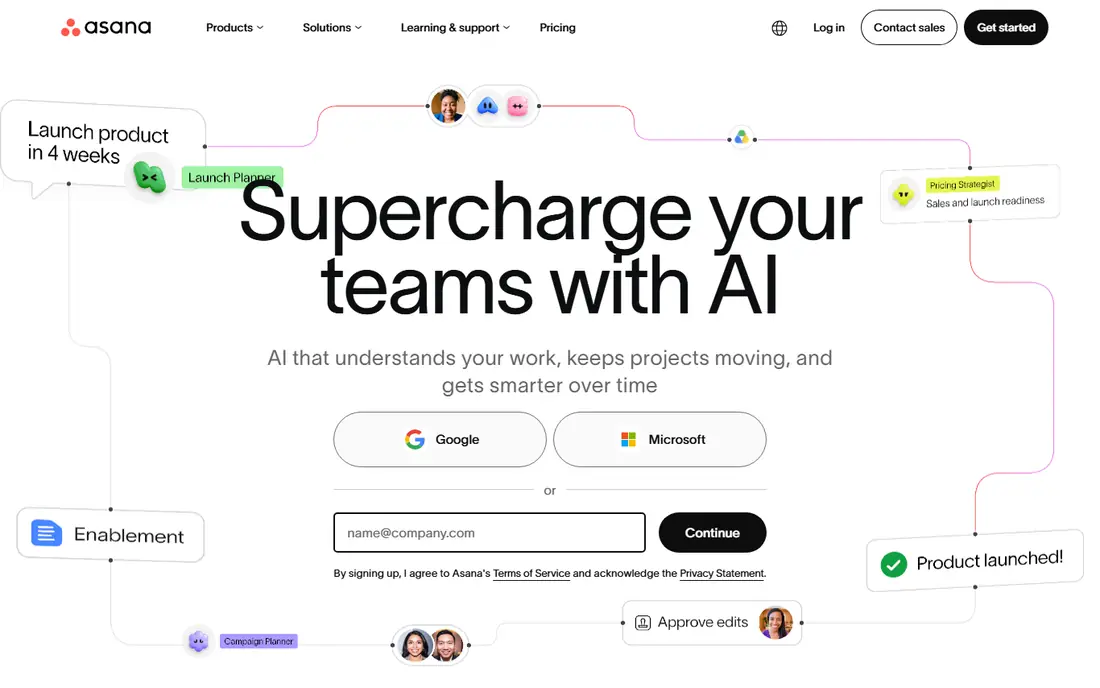
Asana suits teams that want work to look organised from day one. Timelines, dependencies and portfolios make it easy to see who owns what and what slips when a date moves. It works well for marketing, operations and product teams that run many projects at once.
Asana is less suited to teams that want to build a fully custom internal app around linked records. It handles tasks and projects well, but it is not a database builder in the same way as Airtable. Teams that mainly need coordination will find that a strength, not a gap.
- Clear timelines, dependencies and workload views
- Calm interface
- Strong cross-team coordination
- Deep custom database work is limited
- Advanced reporting sits on higher plans
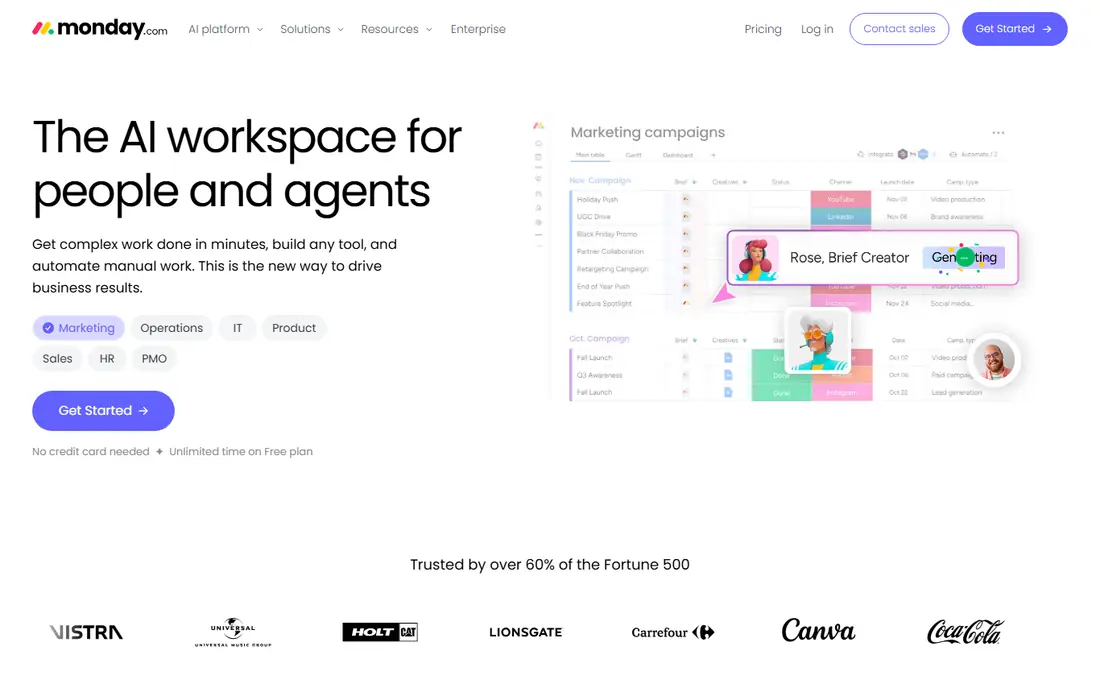
monday.com is the easiest tool here for a non-technical team to adopt. Colour, status columns and drag-and-drop boards make progress visible without training, and dashboards pull the picture together for managers. Templates for marketing, sales and operations give new workspaces a useful starting shape.
The trade-off is price discipline. The entry plan is reasonable, but teams that need automation, integrations and advanced reporting move up the tiers quickly. Check the seat minimum and the plan limits before rolling it out to a large group.
- Boards are easy to read at a glance
- Dashboards are polished
- Templates speed up setup
- Costs rise with seats and higher plans
- Free plan is limited to two seats
Airtable is the closest match for teams that loved SmartSuite for structured data. Records link to each other, views switch between grid, kanban, calendar and gallery, and Interface Designer lets teams build simple screens on top of the same data. That makes it a good fit for content pipelines, asset tracking and operations databases.
The price is the main barrier. At $20 per seat per month on annual billing, it costs more than most task tools here, so it makes sense when the database itself is the work. Teams that only need task lists will get better value elsewhere.
- Linked records and flexible views
- Interface Designer for custom screens
- Strong templates
- Highest starting price in this list
- Simple task tracking can feel overbuilt
Notion suits teams whose projects live inside documentation. Meeting notes, specs, wikis and task databases sit in the same workspace, so context stays attached to the work. Its databases support kanban, timeline, calendar and gallery views, which covers many SmartSuite-style setups.
Notion is weaker as a pure delivery and reporting tool. Managers who need portfolio reporting, approval chains and resource levelling may find it light. For knowledge-heavy teams, that trade is often worth it for the calmer, document-centred workspace.
- Docs, wikis and databases in one workspace
- Flexible page design
- Good free plan for individuals
- Reporting and workload tools are lighter than dedicated project tools
- Large databases can slow down
Trello is the simplest option here, and that is its point. A board, lists and cards cover most small-team work without setup calls or admin overhead. Power-Ups add calendars, custom fields and integrations when a board needs more.
Trello struggles when work spans many teams, budgets and dependencies. It can still work as a front end for simple delivery, but teams running formal programmes will outgrow it. For a small group that just needs kanban done well, it remains hard to beat on price and clarity.
- Fast to learn and easy to run
- Low starting price
- Boards stay readable
- Reporting and automation are limited on lower plans
- Large programmes need add-ons or another tool
Wrike fits teams that manage many projects with formal intake and approval steps. Request forms, custom workflows, proofing and portfolio reporting give managers control without building a custom system. Agencies and marketing teams use it to keep client work, assets and approvals in one place.
New users should expect a learning curve. Wrike has a lot of settings, and a workspace without agreed conventions can feel heavy. With a clear setup, it rewards larger teams that need structure more than speed of first use.
- Strong reporting, request forms and proofing
- Good for agencies and multi-project teams
- Interface takes longer to learn
- Some advanced features need higher plans
Smartsheet appeals to teams that think in rows and columns. The grid feels familiar to spreadsheet users, while Gantt, card and calendar views give the same data a different shape for different audiences. It handles operational trackers, intake sheets and project plans in a consistent way.
Pricing needs a close read. Paid seats apply to members who edit, and some features sit on higher plans or as add-ons. Teams that plan seat types and plan tiers in advance avoid surprises as more people start editing sheets.
- Familiar grid view with Gantt, card and calendar views
- Strong for operational tracking
- Automation on paid plans
- No permanent free plan
- Some views and controls need higher plans or add-ons
Zoho Projects is the value pick for teams already using Zoho apps or watching costs closely. It covers tasks, milestones, Gantt charts, timesheets and issue tracking at a starting price below every other paid tool in this list. Integration with Zoho CRM, Books and other Zoho tools is a real plus for small businesses on that stack.
The interface and automation depth do not match Asana or monday.com. Teams that need polished dashboards and deep workflow automation may feel the limits. Teams that need solid project tracking at a low price will find it a sensible, honest choice.
- Low starting price
- Gantt, kanban and timesheets included
- Fits the wider Zoho suite
- Interface feels less polished than leaders here
- Advanced automation is thinner
How we picked these
We compared official feature pages, pricing pages, app store listings, privacy policies and public reviews for each tool. We kept only tools that exist and work today, offer a current plan a small or mid-sized team can buy, and cover SmartSuite-style work such as tasks, views, automation or structured records. We favoured a mix of well-known leaders and lower-cost options, and we left out tools that only cover chat, file storage or a single niche.
What to check before you switch
Start with the work, not the feature list. Write down the five workflows your team repeats every week, then test each shortlisted tool against those exact workflows during a trial. A tool that looks strong in a demo can still fail on a specific approval step, permission rule or report your team needs.
Check seats and plan limits next. Some tools charge per editor, some set seat minimums, and some keep reporting and automation on higher tiers. Ask for a quote at your real headcount, including part-time editors and outside collaborators, before you compare headline prices.
Finally, plan the move. Export or rebuild your core tables, agree on statuses and naming, and move one team first. A short pilot with real work gives you better evidence than a long feature comparison, and it makes training far easier when the rest of the team follows.
Frequently asked questions
Are SmartSuite alternatives cheaper than SmartSuite?
Some are, and some are not. Trello and Zoho Projects start lower, ClickUp undercuts many paid plans, and Airtable starts higher. Compare the plan you actually need, including seat counts and automation limits, rather than the cheapest headline price.
Which SmartSuite alternative is easiest for non-technical teams?
monday.com and Trello are the easiest starts in this list. monday.com gives visual boards and dashboards with little setup, while Trello gives simple kanban that almost anyone can run. Asana sits close behind for teams that want more structure without database work.
Which alternative is closest to SmartSuite for structured data?
Airtable is the closest match for linked records, flexible views and custom screens. Notion covers similar ground when documents matter as much as data. ClickUp sits between the two, with strong task views and a database-style option for many teams.
Can I use a free plan for a small team?
Yes, for several tools here. ClickUp, Asana, Airtable, Notion, Trello, Wrike and Zoho Projects all offer free plans, with limits on features, storage or seats. Smartsheet offers a free trial instead of a permanent free plan, so check trial length before you start a pilot.
Do these tools support automation?
Yes, with different depth. ClickUp, monday.com, Asana, Airtable, Wrike and Smartsheet all offer automation on paid plans, such as status changes, notifications and approvals. Free plans usually limit automation, so test the exact rules you need during a trial.
How do I choose between ClickUp and Asana?
Pick ClickUp if you want the most features per dollar and one workspace for tasks, docs and goals. Pick Asana if you want calmer timelines, dependencies and cross-team coordination with less setup. Both offer free plans, so a short pilot with the same project in each tool settles it quickly.
Sources
See where you really rank - block by block
ProMapRanker scans Google Maps across a grid of your service area. Simple monthly plans from $19, white-label on every plan.
Start freeKeep reading
 zyte alternatives
Best Zyte Alternatives in 2026
These zyte alternatives cover managed scraping APIs, proxy networks and no code tools for lawful collection from your own or consented sources only in 2026.
Read → zerto alternatives
Best Zerto Alternatives in 2026
Compare the best zerto alternatives for disaster recovery and replication, with recovery targets, cloud options and honest trade-offs for teams in 2026.
Read → zerofox alternatives
Best ZeroFox Alternatives in 2026
We compared 9 zerofox alternatives for brand protection, phishing takedowns, dark web monitoring, and social impersonation, with clear coverage notes.
Read →