 ProMapRanker
Best Slidebean Alternatives in 2026

Key takeaways
- Pitch and Beautiful.ai suit teams that need polished, repeatable decks, while Gamma suits fast first drafts.
- Export format matters more than AI quality when investors or clients need an editable file.
- Free plans differ sharply, with some offering limited credits and others offering full free use.
- Canva and Google Slides remain the best value when design breadth or collaboration matters most.
Quick comparison
| Pick | Great for | Pricing starts at | Free tier | |
|---|---|---|---|---|
 Pitch | Collaborative team pitch decks | $13 per month | Yes | Visit |
 Beautiful.ai | On-brand corporate decks | $14.50 per month | Free trial | Visit |
 Gamma | Fast AI-generated decks | $9 per month | Yes | Visit |
 Canva | Template-rich design for decks | $12 per month | Yes | Visit |
 Visme | Data-rich visual presentations | $12.25 per month | Yes | Visit |
 Prezi | Non-linear storytelling decks | $7 per month | Yes | Visit |
 Google Slides | Free collaboration | Free | Yes | Visit |
 Microsoft PowerPoint | Editable, standard deck files | $9.99 per month | Yes | Visit |
 Zoho Show | Simple free presentations | Free | Yes | Visit |
The best Slidebean alternatives
Slidebean focuses on pitch decks for founders, with structure and financial help alongside design. These alternatives cover the same need from different angles, from AI generation to team collaboration and classic slide editing. We compared official feature pages, pricing pages, app store listings, privacy policies and public reviews.
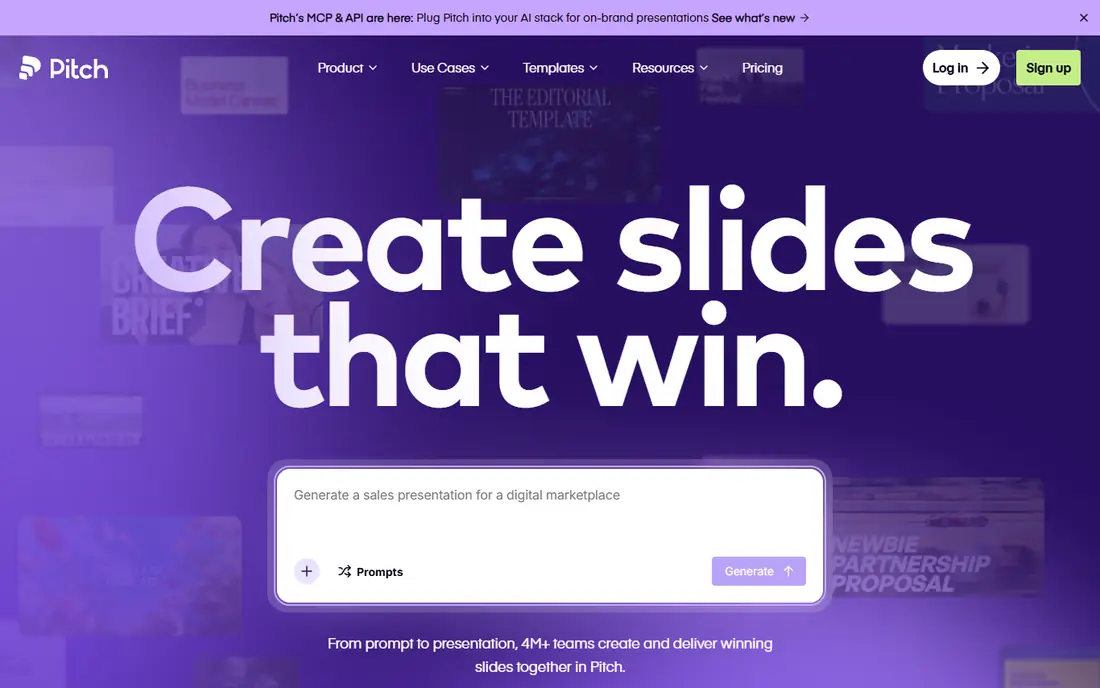
Pitch works well when a deck is a team effort rather than a solo file. Multiple people can edit, comment and share from a link, and viewer analytics show who opened the deck and how far they got. That feedback helps founders follow up with investors at the right moment, instead of guessing.
The free plan gives a useful starting point, but exports to common file formats need a paid plan in many cases. If your audience must receive an editable file, check the export rules before you build the whole deck. For link-first sharing and team decks, Pitch is a strong replacement.
- Real-time team collaboration
- Viewer analytics
- Clean, modern templates
- Paid export options sit behind paid plans
- AI credits are limited on free plan
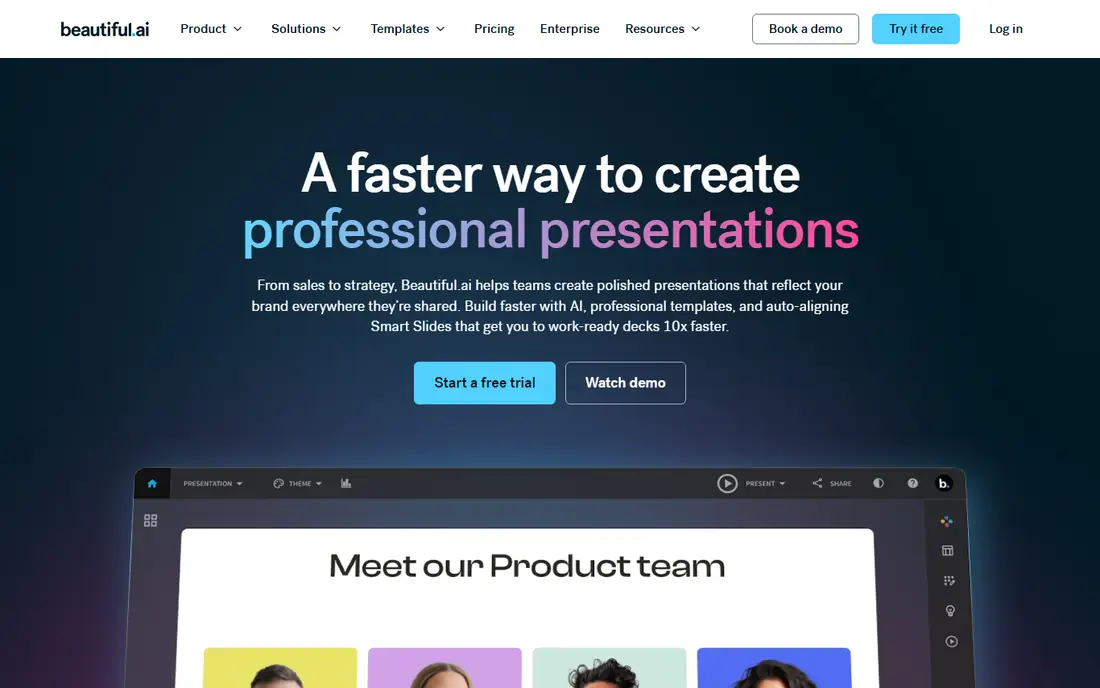
Beautiful.ai is built for people who want every slide to look consistent without hiring a designer. Its Smart Slides rebalance spacing and layout as you add or remove content, which keeps decks tidy even when several people edit them. Brand controls help teams keep colours, fonts and logos consistent across decks.
There is no permanent free plan, only a trial, so budget for a paid plan from the start. The per-user team tier also adds up for larger groups. If consistency and polish matter more than a free tier, Beautiful.ai is one of the safest picks here.
- Smart Slides adjust layouts as you edit
- Strong brand controls
- Polished templates
- No permanent free plan
- Team pricing rises quickly for larger groups
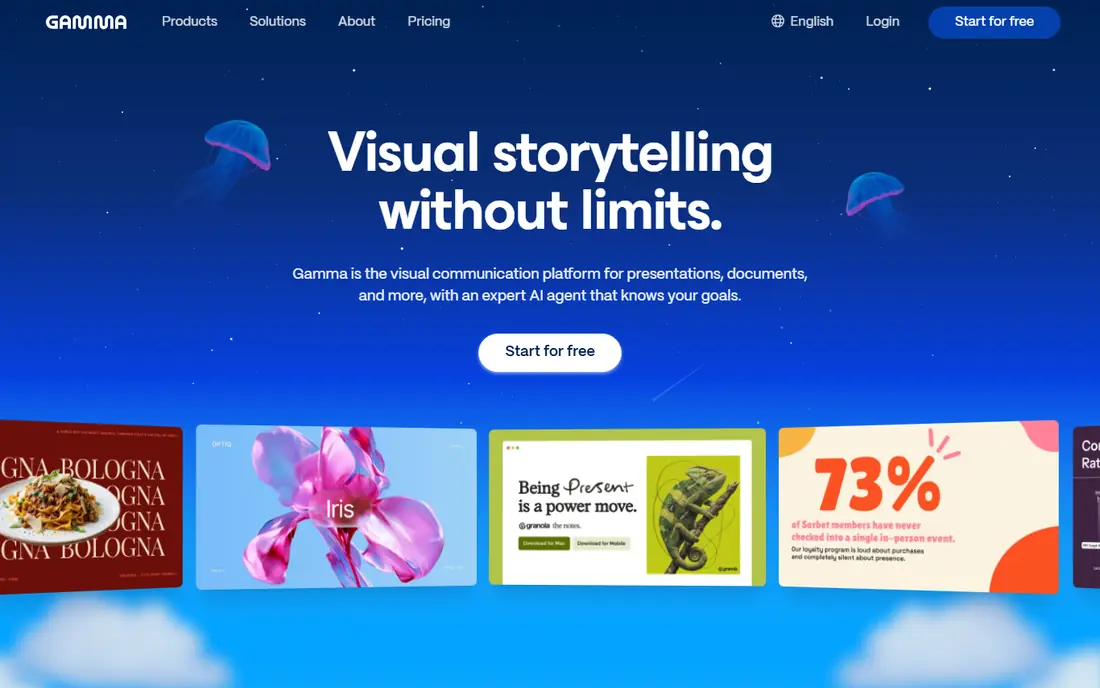
Gamma is the fastest route from an outline to a presentable deck in this list. Type a prompt or paste content, and you get a structured, web-native deck that you can share by link. That speed suits founders who need a first draft for feedback, or teams that make many internal decks each week.
The free plan uses one-time credits, so it is not a long-term free tool for heavy use. Exports to PDF or PowerPoint formats also need a paid plan. If you value speed and web sharing over editable files, Gamma is an easy choice. If you need files for every deck, factor the paid tier into the cost.
- Quick prompt to deck creation
- Web-native sharing
- Modern default design
- Free credits do not refill
- Exports need a paid plan
Canva suits founders who also need social graphics, documents and other design work in the same tool. Its template library is far larger than most deck-only tools, and the free plan covers a wide range of basic design tasks. Many teams already use Canva, which lowers the learning curve for new decks.
The catch is originality. A template-heavy deck can look familiar if you leave the defaults in place, so spend time on custom colours, images and wording. AI allowances are also limited on the free plan. For value and breadth, Canva remains hard to beat, especially for small teams.
- Huge template library
- Easy design tools
- Exports included on free plan for many formats
- AI features are limited on free plan
- Decks can look template-like without custom work
Visme is a good pick when a deck needs charts, infographics or interactive elements, not just slides. It handles data visuals well, and brand controls help teams keep a consistent look. The template range also covers reports and visual documents, which suits teams that reuse deck content elsewhere.
The free plan is limited for delivery, because downloads are not included. That makes it better as a trial than as a long-term free option. If your deck must show data clearly and you are willing to pay for exports, Visme offers more visual depth than simpler slide tools.
- Charts, data widgets and interactive elements
- Strong brand controls
- Broad template range
- Free plan cannot download
- Interface can feel busy for simple decks
Prezi stands apart because it uses a zooming canvas instead of a strict slide sequence. That style suits storytellers who want to show how ideas connect, then zoom into detail. It can make a pitch feel more like a guided tour than a slide read, which helps in live presentations.
Not every audience wants that style, and some investors prefer a classic deck they can skim quickly. Prezi also works best when you plan the story path in advance, rather than adding slides in a hurry. For live, narrative pitches, it is a distinctive alternative. For a standard investor file, a classic tool may fit better.
- Zooming canvas for story flow
- Distinctive presentation style
- Low entry price
- Non-linear style does not suit every audience
- Some viewers prefer classic slides
Google Slides is the practical free option in this list. Anyone with a Google account can build, share and co-edit a deck without paying, and commenting works well for team feedback. It also exports to PowerPoint format, which helps when an investor or client asks for a file.
Design is the trade-off. Templates are simpler than those in paid deck tools, and you will need more manual work to reach a polished look. AI features in Slides depend on a paid Workspace plan, so the free version is a classic editor, not an AI generator. For cost and collaboration, it is still a strong pick.
- Free with a Google account
- Strong real-time collaboration
- Easy sharing and commenting
- Design templates are basic
- Advanced design features are limited
PowerPoint remains the standard file format that most investors, clients and companies expect. A deck built here opens cleanly almost anywhere, and offline editing suits travel and poor connections. The web version is free for basic use, while the paid Microsoft 365 plan adds desktop apps and more features.
Collaboration is less fluid than in web-native tools, and the paid plan cost covers a full office suite, not just slides. If your deliverable must be an editable PowerPoint file, start here and add an AI tool only if you need faster drafting. For pure file compatibility, nothing else in this list matches it.
- Industry standard file format
- Strong offline editing
- Wide template and animation range
- Full desktop features need a paid plan
- Collaboration is weaker than web-native tools
Zoho Show is a quiet, capable option for people who want a free slide tool without a lot of fuss. The individual plan is free, the interface is clean, and it fits well for teams already using Zoho apps for mail, documents or CRM work. It covers the core slide tasks without pushing paid upgrades at every step.
The template library is smaller than Canva or Visme, and advanced AI features are thinner. That matters less for internal decks and simple pitches, and more for high-stakes investor decks where design polish is central. For a free, straightforward replacement, Zoho Show deserves a trial.
- Free individual plan
- Clean interface
- Works with other Zoho apps
- Smaller template library
- Fewer AI and advanced design features
How we picked these
We compared official feature pages, pricing pages, app store listings, privacy policies and public reviews. We kept only tools that exist and work in October 2026 and that help founders or teams build and share pitch decks. We checked that each homepage belongs to the named product, and we noted where free plans limit exports, since that detail changes the real cost of a deck tool.
How to choose a pitch deck tool
Start with how the deck will be used. A live pitch needs a clear story and strong visuals, while an emailed investor deck needs clean skimming and an editable file. A team deck needs collaboration and brand control. Pick the tool that fits the delivery first, then check design and AI features.
Check exports before you build
Free plans can be misleading when exports are paid only. Before you invest hours in a deck, test an export to the format your audience needs, and check whether branding or watermarks appear. A tool that looks free can become a paid purchase at the worst moment, right before a deadline.
Keep the story simple
AI generation helps with speed, but it does not replace a clear pitch story. Write the problem, solution, market, model and ask in plain words first, then use the tool to shape slides around that outline. A polished deck with a weak story still fails, while a simple deck with a clear story can win a meeting.
Test with a real reader
Share a draft with someone outside your team and ask what they remember after one read. If they miss the main point, the deck needs fewer words and clearer headings, not more design. That test is worth more than any template choice, and it works with every tool in this list.
Frequently asked questions
What is the best free Slidebean alternative?
Google Slides and Zoho Show offer the most useful free plans for building and sharing decks without paying. Gamma and Canva also offer free plans, but AI allowances and some exports are limited. For a free investor-ready file, Google Slides or PowerPoint on the web are practical starting points.
Which alternative is best for investor pitch decks?
Pitch and Beautiful.ai suit investor decks because they focus on polished, repeatable layouts and team sharing. PowerPoint suits investors who need an editable standard file. The best choice depends on whether you will share by link, send a file, or present live.
Do these tools help with financial slides?
Some tools include charts and data widgets that help present revenue, costs and forecasts, but none replace a sound financial model. Build your numbers in a spreadsheet first, check them carefully, and then present only the key figures in the deck. Keep backup detail ready for questions.
Can I export decks to PowerPoint?
Most paid plans in this list export to PowerPoint or PDF formats, while free plans vary. Gamma, Pitch and Beautiful.ai generally require paid plans for full exports. Google Slides, Canva and PowerPoint itself offer easier file exports, so check the export rules for your chosen tool before you start.
Is AI deck generation good enough for a real pitch?
AI generation gives a strong first draft, but a real pitch still needs human editing for story, numbers and tone. Use AI to save time on structure and layout, then rewrite key slides in your own words and check every figure. A deck that reads like a template will hurt credibility with investors.
How much should a founder pay for a deck tool?
Most founders can start free and move to a paid plan in the 7 to 15 dollar per month range when exports or team features matter. Pay more only when you need brand controls, team collaboration, or frequent decks. A single polished deck does not require an enterprise plan.
Sources
See where you really rank - block by block
ProMapRanker scans Google Maps across a grid of your service area. Simple monthly plans from $19, white-label on every plan.
Start freeKeep reading
 zyte alternatives
Best Zyte Alternatives in 2026
These zyte alternatives cover managed scraping APIs, proxy networks and no code tools for lawful collection from your own or consented sources only in 2026.
Read → zerto alternatives
Best Zerto Alternatives in 2026
Compare the best zerto alternatives for disaster recovery and replication, with recovery targets, cloud options and honest trade-offs for teams in 2026.
Read → zerofox alternatives
Best ZeroFox Alternatives in 2026
We compared 9 zerofox alternatives for brand protection, phishing takedowns, dark web monitoring, and social impersonation, with clear coverage notes.
Read →