 ProMapRanker
Best Skype Alternatives in 2026

Key takeaways
- Skype retired in May 2025, so this list contains only live products and does not present Skype as a current option.
- Microsoft Teams is the direct Microsoft successor, while Zoom and Google Meet suit most meeting needs.
- WhatsApp, Signal and Telegram cover free personal calls, but they do not replace a business phone number on their own.
- Cisco Webex and Discord cover opposite ends of the market, from regulated workplaces to community calls.
- If you called landlines with Skype, check paid calling rates first, because free app-to-app calls do not cover that job.
Quick comparison
| Pick | Great for | Pricing starts at | Free tier | |
|---|---|---|---|---|
 Zoom | Meetings and webinars | $14.16 per month | Yes | Visit |
 Microsoft Teams | Microsoft 365 users | Free | Yes | Visit |
 Google Meet | Browser-based meetings | Free | Yes | Visit |
 WhatsApp | Everyday personal calls | Free | Yes | Visit |
 Signal | Private personal calls | Free | Yes | Visit |
 Telegram | Lightweight messaging and calls | Free | Yes | Visit |
 Cisco Webex | Secure enterprise meetings | See website | Yes | Visit |
 Discord | Community voice and video | Free | Yes | Visit |
 Viber | International calls to phones | Free | Yes | Visit |
The best skype alternatives
Skype closed in May 2025, and Microsoft moved its focus to Teams. The right replacement depends on what you used Skype for: free calls to friends, work meetings, or paid calls to landlines and mobiles. We compared live products on free limits, paid pricing and the jobs they actually cover.
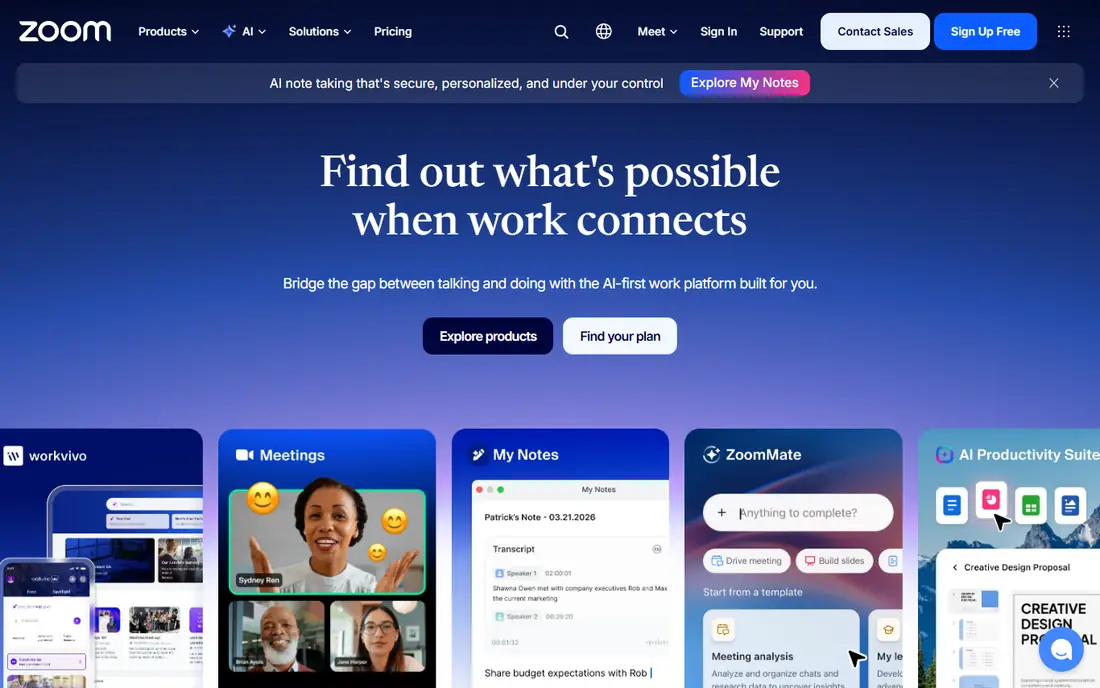
Zoom is the easiest meeting replacement for most former Skype users. Anyone can join from a browser or app, screen sharing and chat are built in, and hosts can run webinars and large meetings on paid plans. The free plan supports up to 100 participants, which covers many small groups.
The main limit is the 40-minute cap on free group meetings. One-to-one calls are not capped in the same way, but a group that runs long will need a paid Pro plan, priced at $14.16 per user per month billed annually in the sources we checked. That cost is per host, not per attendee, so only the people who schedule meetings need a licence.
Zoom fits work meetings, classes and family calls that need a stable link and a larger group. It is less suited to casual messaging, where WhatsApp or Signal are simpler.
- Familiar meeting controls
- Large meetings and webinars
- Works across devices
- Free group meetings are limited to 40 minutes
- Paid cost is per host
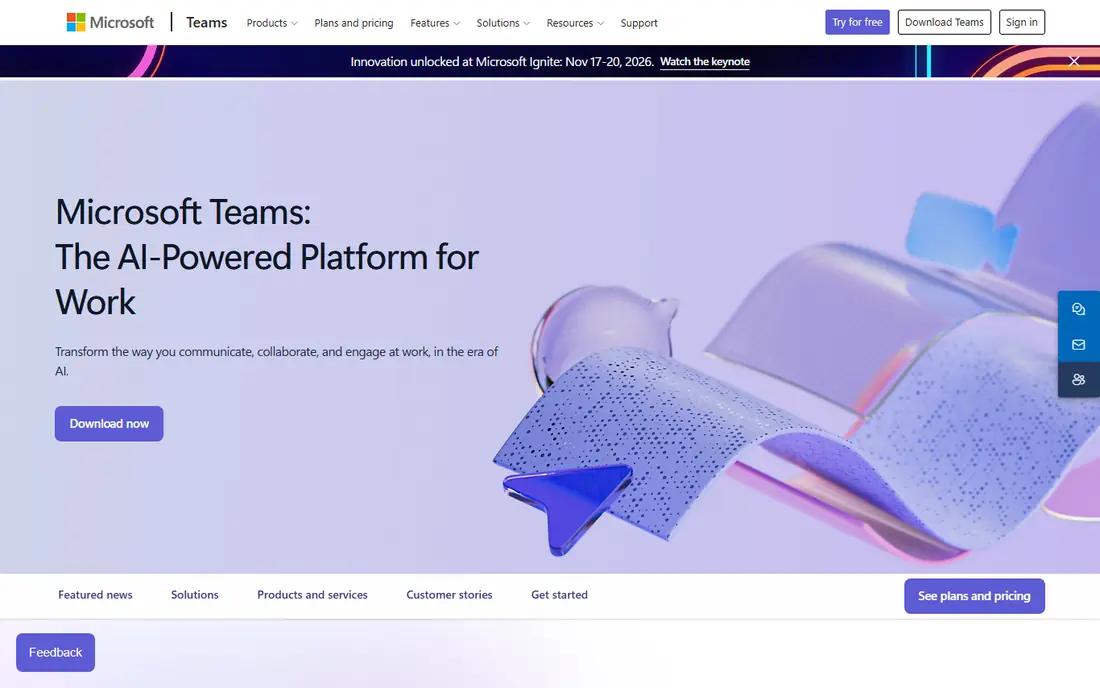
Microsoft Teams is the natural home for Skype users who already use Microsoft products. Chat, video meetings, channels and file sharing sit in one app, and contacts and calendars connect with Outlook. Microsoft offered a migration path from Skype to Teams when Skype closed, which helps former Skype users keep contacts in the Microsoft world.
The free version supports meetings of up to 100 people for up to 60 minutes, which is longer than Zoom free for groups. Paid Microsoft 365 plans raise limits and add admin controls. Full phone system features, such as a business phone number with advanced call routing, need add-ons or a separate plan, so check that detail if you relied on a Skype number.
Teams is the best pick for workplaces already on Microsoft 365. For purely personal calls, a simpler app may feel less heavy.
- Direct Microsoft successor to Skype
- Chat, meetings and files in one app
- Free plan for small groups
- Free meetings are limited to 60 minutes for groups
- Phone calling needs add-ons
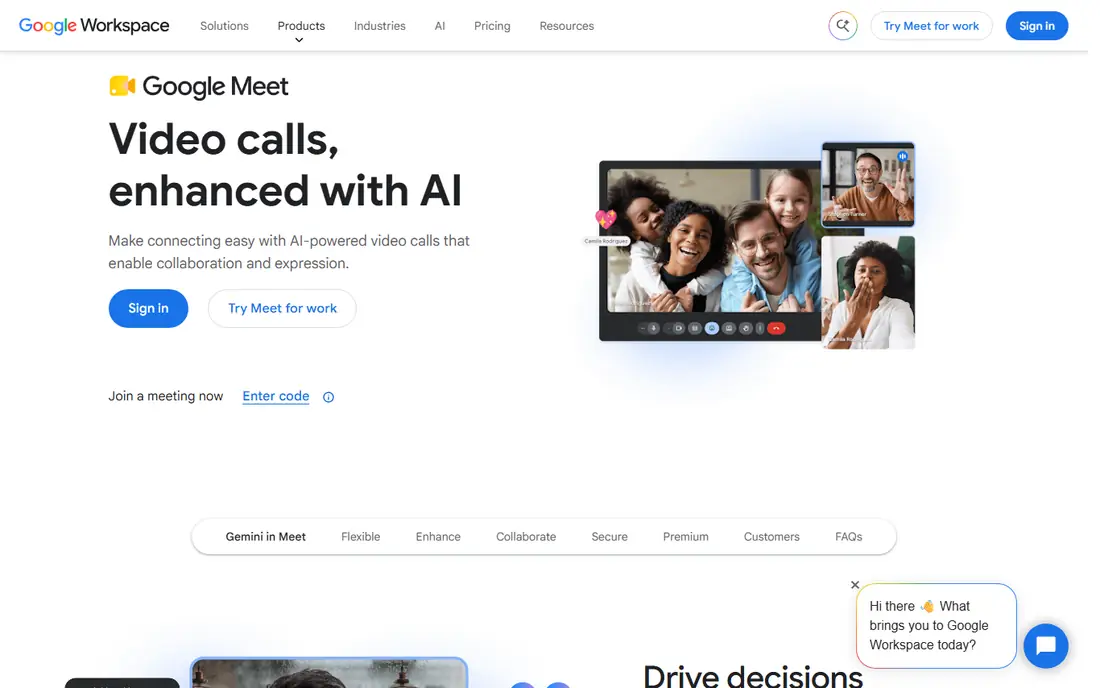
Google Meet is the lowest-friction meeting option in this list. Anyone with a Google account can start or join a call from a browser, and Calendar invites carry the meeting link automatically. Free group calls run for up to 60 minutes with up to 100 participants, which covers most personal and small-team meetings.
Paid Google Workspace plans start the business features, including longer meetings, larger participant counts and recording to Drive on higher plans. That makes Meet a good fit for teams already paying for Workspace, because the meeting tool is already included. It is less appealing as a standalone purchase for a team that does not use Google apps.
Meet suits browser-first users who want a link, not an install. It does not replace a phone service for calling landlines.
- No download needed in a browser
- Free group calls up to 60 minutes
- Google Calendar integration
- Advanced features need a Workspace plan
- Recording needs a paid plan
WhatsApp is the closest thing to a universal replacement for personal Skype calls. Voice and video calls are free over Wi-Fi or mobile data, messages are encrypted, and most contacts already have the app installed. That low barrier matters more than advanced meeting features for family and friends.
The limits show up in larger groups. WhatsApp group video calls support far fewer participants than Zoom or Meet, and the app is built around a phone number rather than a work account. It also lacks the scheduling, recording and admin controls that a workplace meeting tool provides.
WhatsApp is our pick for most people who used Skype to call family and friends. Keep a meeting app alongside it for work calls with larger groups.
- Almost everyone already has it
- Free voice and video calls
- End-to-end encryption for calls and messages
- Group video calls are smaller than meeting apps
- Tied to a phone number
Signal is the privacy-first choice in this list. Calls and messages use end-to-end encryption by default, the app is run by a non-profit foundation, and the core product does not carry advertising. For users who left Skype partly over privacy concerns, Signal is a clear step up.
The trade-off is reach. Fewer contacts use Signal than WhatsApp, so you may need to ask friends to install it. Group calls are also smaller than a dedicated meeting platform, and Signal does not offer webinars, recording or business phone features.
Signal fits private one-to-one and small-group calls where privacy matters most. It pairs well with Zoom or Meet for larger work meetings.
- End-to-end encryption by default
- No ads or trackers in the core app
- Simple calling and messaging
- Smaller user base than WhatsApp
- No business meeting features
Telegram works well when a connection is weak or a group is large. Messages sync across phone and desktop, groups can hold very large numbers of members, and voice and video calls are free between app users. That makes it useful for communities and for staying in touch while travelling.
Telegram does not replace Skype for calling landlines or mobiles outside the app. Its video features also lack the meeting controls, breakout rooms and recording options that Zoom and Teams provide. Users should treat Telegram as a messaging and calling app, not as a workplace meeting system.
Telegram is a good pick for large communities and for contacts who already use it. For formal meetings, use a dedicated meeting app instead.
- Fast on weak connections
- Large groups and channels
- Works across devices
- Calls are app-to-app only
- Group video features are not a full meeting platform
Cisco Webex suits organisations that need tight security and admin control. Meetings, messaging and calling can sit in one platform, and Webex offers options for contact centres and regulated industries. Admins get controls over recording, access and compliance that consumer apps do not provide.
The free plan supports meetings with time limits, so longer work meetings need a paid plan. Pricing is published on the vendor site, but the exact figure depends on the plan and billing term, so we list See website for the entry paid figure to avoid an outdated number. Teams should get a quote that matches their host count.
Webex is the best pick for large or regulated workplaces that need enterprise controls. Smaller teams will usually find Zoom, Teams or Meet simpler and cheaper.
- Strong enterprise security and admin controls
- Large meetings
- Phone and contact centre options
- Paid pricing varies by plan and region
- Free plan has meeting time limits
Discord started for gaming communities, but it now hosts many study groups, hobby communities and small teams. Voice channels let people drop in and out without scheduling a meeting, and video calls work inside the same server. That always-on model suits groups that talk often rather than in fixed meetings.
Discord is weaker for formal work. It lacks the calendar integration, recording controls and admin reporting that Teams, Zoom and Webex provide, and its interface can feel busy to new users. It also does not offer a business phone number.
Discord fits communities, clubs and informal teams that want a shared space for voice and video. Formal workplaces should choose a meeting platform instead.
- Always-on voice channels
- Good for communities and gaming groups
- Free core features
- Not built for formal business meetings
- Admin and compliance tools are limited for workplaces
Viber is the closest match in this list for Skype users who called real phone numbers. App-to-app voice and video calls are free, and the paid Viber Out service lets users call landlines and mobiles in many countries. That matters for people who call relatives who do not use smartphones.
Paid rates depend on the destination country, so check the rate for the countries you call most before you rely on it. Viber also lacks the meeting and admin features of Zoom and Teams, so it works best as a calling tool alongside a meeting app.
Viber is our pick for international calls to non-smartphone numbers. If most of your contacts use the app, the free calls alone may be enough.
- Free app-to-app calls
- Viber Out calls to landlines and mobiles
- Wide international reach
- Paid calling rates vary by country
- Smaller business feature set
How we picked these
We compared official product pages, pricing pages and public shutdown notices for Skype, and we kept only products that are live in October 2026. We covered three jobs Skype used to do: personal calls, work meetings and calls to phone numbers. Where a price varied by region or billing term, we wrote See website rather than publishing a figure that could mislead.
What to check before you switch
Start with the job you need most. A meeting tool, a personal calling app and a phone service are different products, and no single app in this list covers all three perfectly. Many former Skype users end up with two tools: one for meetings and one for personal calls.
Next, check free limits for group size and meeting length. Those two limits decide whether a free plan is usable or whether a paid plan is needed from day one. Also check whether your contacts already use the app, because a technically better app is less useful if no one else is on it.
Finally, if you had a Skype number, sort out a replacement number early. Porting and new number setup take time, and a business should update its website, email signature and listings once the new number is live.
Frequently asked questions
Is Skype still working in 2026?
No. Skype retired in May 2025, and Microsoft directed users toward Teams. Any site still presenting Skype as a live product in 2026 is out of date. The products in this list are live alternatives, not Skype itself.
What is the best Skype alternative for business?
Microsoft Teams is the closest business successor, especially for Microsoft 365 users. Zoom is a strong choice for meetings across organisations, and Cisco Webex suits large or regulated workplaces. The best pick depends on the tools your team already pays for.
What is the best free Skype alternative?
WhatsApp and Signal are the best free options for personal calls, while Google Meet and Microsoft Teams offer useful free meeting plans. Free meeting plans have group time limits, so check the 40-minute Zoom limit and the 60-minute limits on Meet and Teams before you rely on a free plan.
Can I still call landlines like I did with Skype?
Yes, but you need a paid calling service for that job. Viber Out is one option in this list, and business phone services such as Teams Phone add-ons or a dedicated VoIP provider cover business numbers. Free app-to-app calls do not reach landlines.
How do I move my Skype contacts to a new app?
Export any Skype data you still need from your Microsoft account, then invite contacts to the new app and update your contact details. Teams offers the smoothest path for Microsoft users, while other apps need a manual invite. Update your number on your website and profiles if you had a Skype number.
Sources
See where you really rank - block by block
ProMapRanker scans Google Maps across a grid of your service area. Simple monthly plans from $19, white-label on every plan.
Start freeKeep reading
 zscaler alternatives
Best Zscaler Alternatives in 2026
Looking for zscaler alternatives? We compare 9 SASE and zero trust platforms on architecture, data protection, pricing, and fit for your network and team.
Read → zapier alternatives free
Best Zapier Alternatives Free in 2026
Nine automation tools for zapier alternatives free in 2026, all with genuinely free tiers, plus free plan limits, starting prices and upgrade paths explained.
Read → which platform is best for online reputation
Which Platform Is Best for Online Reputation in 2026
Wondering which platform is best for online reputation? We compare 8 review, listing, and response tools for small and multi-location businesses and agencies.
Read →