 ProMapRanker
Skylum Alternatives in 2026


Large photo libraries across devices · Pricing starts at: $11.99 per month
Key takeaways
- Skylum makes Luminar, so this list excludes both Skylum and Luminar and covers independent photo editors instead.
- Adobe Lightroom remains the default for library management, while Capture One leads for studio and tethered work.
- Affinity, darktable, and RawTherapee now give serious editing at no cost, which changes the value question.
- DxO PhotoLab and ON1 Photo RAW suit photographers who want to buy once rather than pay monthly.
- Pick a RAW workflow first and a pixel editor second, since few tools do both jobs equally well.
Quick comparison
| Pick | Great for | Pricing starts at | Free tier | |
|---|---|---|---|---|
| Adobe Lightroom | Large photo libraries across devices | $11.99 per month | Free trial (7 days) | Visit |
 Capture One | Studio and tethered shooting | $18 per month | Free trial (30 days) | Visit |
 DxO PhotoLab | Maximum RAW image quality | $249.99 one-time | Free trial (30 days) | Visit |
 ON1 Photo RAW | All-in-one organizing and editing | $99.99 one-time | Free trial (30 days) | Visit |
 Affinity | Free professional pixel editing | Free | Yes | Visit |
 darktable | Free RAW development and library | Free | Yes | Visit |
 RawTherapee | Free RAW conversion with control | Free | Yes | Visit |
 ACDSee Photo Studio | Huge image archives | See website | Free trial (15 days) | Visit |
The best Skylum alternatives
These editors replace the photo editing and organizing job that Skylum's Luminar covers, without listing Skylum or Luminar itself. We compared official pricing pages, feature pages, and recent photo editor comparisons rather than claiming hands-on testing.
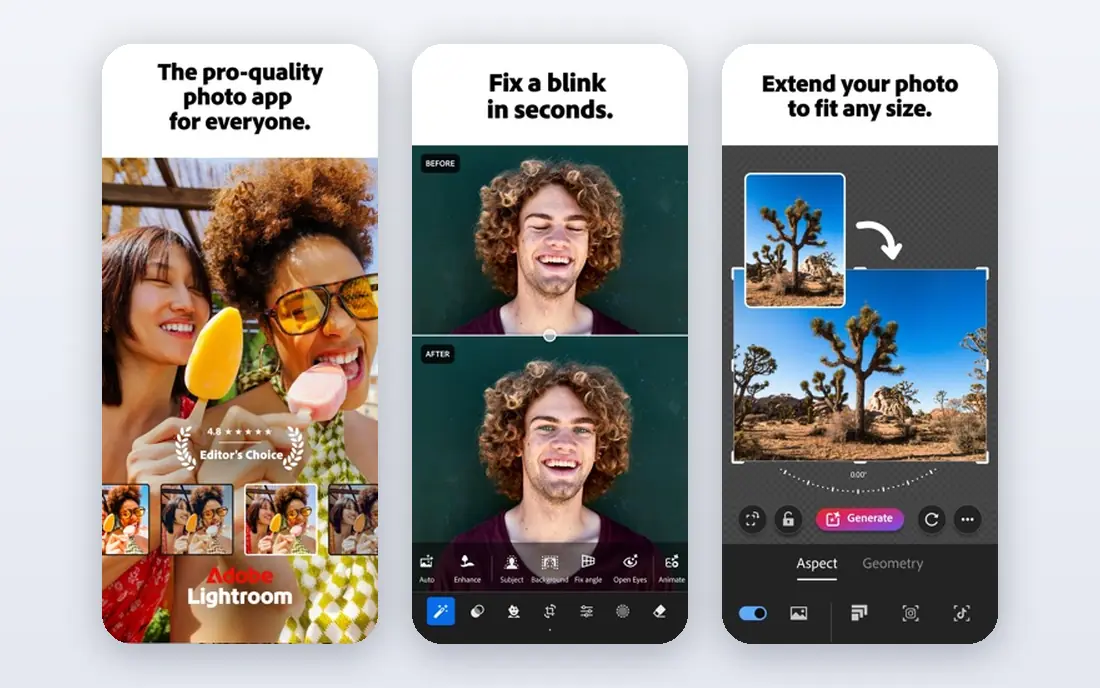
Lightroom is the default pick for photographers who manage a large library and edit on more than one device. Its catalog, ratings, keywords, and cloud sync keep thousands of photos organized, and edits made on a phone appear on a desktop without manual file moves. Recent comparisons place the Lightroom plan around $11.99 per month, with a 7-day trial. For a working photographer with steady volume, that workflow is hard to replace.
The cost is ongoing. Lightroom needs a subscription to keep working, and the Photography plan that adds Photoshop costs around $19.99 per month in recent comparisons. If you stop paying, you lose the editing app even though your photos remain yours. If library management and cross-device editing matter most, Lightroom is still the safest mainstream choice.
- Strong library and cloud sync
- Edits carry across desktop, tablet, and phone
- Wide camera support
- Subscription only
- Full Photography plan with Photoshop costs more
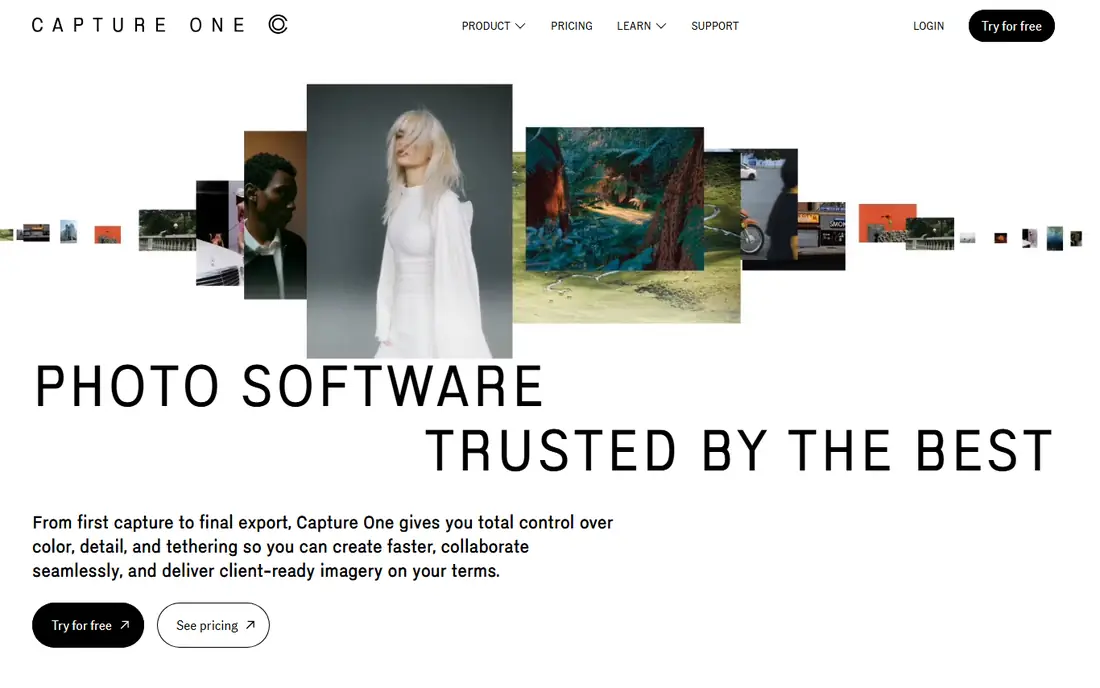
Capture One is the studio pick. Tethered shooting, live view, and session-based organization suit fashion, product, and portrait work where a client watches images appear as you shoot. Color tools are deep, with layers and precise adjustments that reward photographers who learn them. Recent comparisons place the Pro plan around $18 per month on annual billing, with a perpetual license option at a higher one-time price and a 30-day trial.
The price and learning curve are the barriers. Casual editors may find the interface dense, and the subscription costs more than Lightroom alone. If you shoot tethered or you need fine color control for client work, Capture One earns its price. If you edit travel photos on a phone, a simpler editor will do.
- Strong tethered capture
- Deep color tools
- Sessions suit studio shoots
- Higher price than Lightroom
- Learning curve for the full toolset
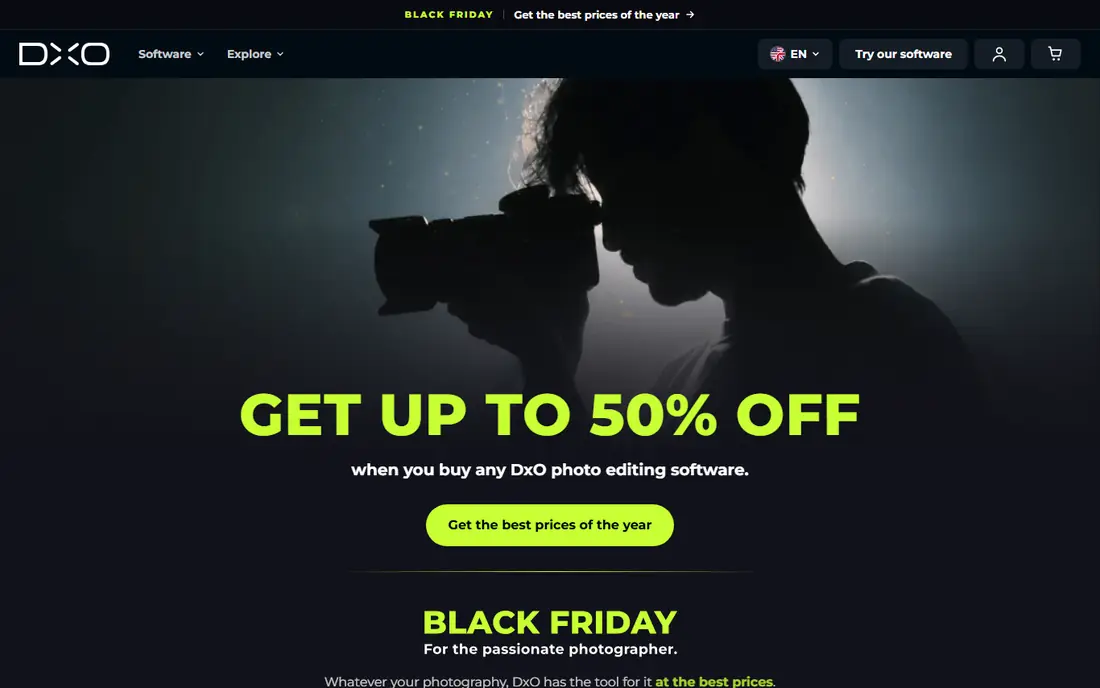
DxO PhotoLab suits photographers who put image quality first. Its noise reduction and lens corrections are widely praised in photo comparisons, and the RAW workflow keeps edits non-destructive. Recent comparisons place the Elite edition around $249.99 as a one-time purchase, with a 30-day trial. Buying once means no monthly bill, and the software keeps working even if you skip an upgrade.
The weakness is organizing. PhotoLab's library tools are more basic than Lightroom or ACDSee, so photographers with huge archives may need a second tool for cataloging. New major versions also cost extra. If your priority is the cleanest RAW file from a noisy or high-ISO shot, PhotoLab is a leading choice.
- Strong noise reduction and lens corrections
- Perpetual license
- Clean RAW workflow
- Library tools are basic compared with Lightroom
- Upgrades cost extra for new versions
ON1 Photo RAW is the closest single-app Lightroom replacement for photographers who want to buy once. It covers browsing, organizing, RAW development, effects, and layers without forcing an import step, so you can edit files where they already live. Recent comparisons place the perpetual license around $99.99, with a 30-day trial and a subscription option that adds cloud sync and upgrades. That mix suits photographers who want one app for most jobs.
The interface can feel crowded, with many panels and tools competing for attention. Mobile sync and some extras also sit on higher tiers. If you want a single purchase that covers organizing and editing, ON1 is a strong, practical alternative to a subscription.
- Organizing plus editing in one app
- No import step for browsing
- Perpetual license option
- Interface can feel crowded
- Mobile sync needs a higher tier
Affinity is now the value story in photo editing. After Canva merged the former Photo, Designer, and Publisher apps into one free Affinity app in late 2025, photographers gained a professional layer-based editor at no cost, with RAW support, masks, and non-destructive editing. A free Canva account is needed in recent reports, and some AI features sit behind a Canva plan, but core editing is free. For retouching, compositing, and design work, that is a major shift.
The limit is library management. Affinity is a pixel editor, not a full catalog tool like Lightroom, so photographers with large archives still need an organizer. It also lacks some of Photoshop's deepest ecosystem features. Pair Affinity with darktable or ON1 for organizing, and you have a strong free or low-cost workflow.
- Full layer-based editing at no cost
- RAW support
- No subscription
- No full Lightroom-style catalog
- AI features need a Canva plan in recent reports
darktable is the best free RAW developer for photographers who want control without a subscription. It is open source, works on Linux, Windows, and macOS, and covers RAW development, library management, and non-destructive editing in one app. There is no account, license key, or vendor lock-in, which appeals to photographers who want their workflow to stay stable for years. Community builds keep camera support current.
The learning curve is steep. Modules, masks, and color tools take time to learn, and darktable does not edit in layers like a pixel editor. It also does not open PSD files as an editor. If you shoot RAW and you are willing to learn a deep tool, darktable gives professional results at no cost. If you need quick, simple edits, a simpler editor will feel faster.
- Free and open source
- Non-destructive RAW editing
- Library tools included
- Steep learning curve
- No layer-based pixel editing like Photoshop
RawTherapee is a free RAW converter for photographers who want fine control over a single image. Its tools cover demosaicing, tone curves, color, noise, and lens corrections with unusual depth for a free app. It runs on Linux, Windows, and macOS, and it suits photographers who process RAW files one by one or in small batches. For image quality per dollar, it is hard to argue with free.
The limits are workflow and library. RawTherapee has no catalog like Lightroom, so organizing thousands of photos needs another tool. The interface also feels technical, with many panels that can overwhelm a beginner. Use RawTherapee for careful RAW conversion, and pair it with a library tool or file browser for organizing.
- Free and open source
- Deep RAW controls
- Works on Linux, Windows, and macOS
- No catalog library
- Interface feels technical for beginners
ACDSee Photo Studio suits photographers with very large archives who need speed. Its browsing is fast even with thousands of files, and organizing tools cover ratings, keywords, categories, and face detection in higher editions. Editing covers RAW development and layered adjustments, so many photographers can stay in one app. Recent comparisons list varied prices by edition, so we mark the starting price as See website, with a 15-day trial in recent comparisons.
The catch is edition complexity. Prices and features differ between Home, Professional, and Ultimate editions, and some editions have platform limits. Check the edition that matches your operating system and library size before you buy. If archive speed and organizing matter most, ACDSee is a strong, long-standing choice.
- Fast browsing of huge libraries
- Organizing plus editing in one app
- Face and keyword tools
- Pricing varies by edition and plan
- Windows-focused history with Mac limits in some editions
How we picked these
We compared official pricing and feature pages, camera support docs, and recent photo editor comparisons. We did not claim hands-on testing or access to private user data. We excluded Skylum and Luminar entirely, favored editors live in October 2026, and used See website where prices varied by edition or conflicted across recent comparisons.
How to choose a Skylum alternative
Decide the main job first
A RAW developer, a library organizer, and a pixel editor are different jobs. Lightroom, Capture One, DxO, ON1, darktable, and ACDSee cover RAW and organizing in different mixes. Affinity covers pixel editing and retouching. Most photographers need a RAW workflow first, then add a pixel editor only if they composite or retouch heavily.
Test with your own camera files
Open your own RAW files, not sample images, in any candidate before you pay. Check camera support, noise handling at your usual ISO, and how the library handles your folder structure. A tool that looks good on demos can struggle with your camera or your archive size.
Compare the five-year cost
A subscription that looks cheap monthly can cost far more over five years than a one-time purchase. Add upgrade costs for perpetual tools, and check whether a perpetual license keeps working if you never upgrade. Free tools change the math entirely, but factor in the time needed to learn them.
Frequently asked questions
What is the best Skylum alternative for beginners?
Adobe Lightroom and ON1 Photo RAW suit beginners who want organizing plus editing in one app, while Affinity suits beginners who need free retouching. Start with a trial, use your own photos, and pick the interface you understand fastest.
Is there a free alternative to Skylum Luminar?
Yes. Affinity is free for core pixel editing, darktable is free for RAW development and library work, and RawTherapee is free for RAW conversion. Together they cover most of what a paid editor offers, with more learning time.
Which Skylum alternative is best for RAW quality?
DxO PhotoLab leads on pure RAW quality in many comparisons, thanks to its noise reduction and lens corrections. Capture One also ranks high for color and studio work, while darktable and RawTherapee offer strong free RAW quality with more setup.
Can I buy a photo editor once instead of subscribing?
Yes. DxO PhotoLab and ON1 Photo RAW offer perpetual licenses, and Affinity, darktable, and RawTherapee cost nothing for core editing. Check whether upgrades are included, since new major versions often cost extra.
Do these alternatives work on Windows and Mac?
Most do, with darktable and RawTherapee also covering Linux. Check the exact edition before you buy, since some ACDSee editions and older tools have platform limits. Affinity, Lightroom, Capture One, DxO, and ON1 all cover Windows and Mac for their main apps.
How do I move photos from Luminar to another editor?
Keep your original RAW files and export finished edits as TIFF or JPEG copies before you switch, since edit settings rarely transfer between editors. Rebuild your library with folders, ratings, and keywords in the new tool, and test the move with a small batch first.
Sources
See where you really rank - block by block
ProMapRanker scans Google Maps across a grid of your service area. Simple monthly plans from $19, white-label on every plan.
Start freeKeep reading
 zoho inventory alternatives
6 Alternatives to Zoho Inventory, Compared on Price and Fit
Zoho Inventory alternatives: 6 tools compared on price, free plans and fit. Katana leads the list for manufacturers. Fit and flaws are laid out for each entry.
Read → zoho crm alternatives
Best Zoho CRM Alternatives (2026)
Need Zoho CRM alternatives? We compare 7 tools on cost, free access and who each suits. Every pick gets a straight assessment. Built for quick decisions.
Read → zelle alternatives
Best Zelle Alternatives in 2026
Compare the best Zelle alternatives for sending money to friends, paying sellers and moving funds abroad, with honest notes on fees, speed and safety in 2026.
Read →