 ProMapRanker
Best Siteimprove Alternatives in 2026

Key takeaways
- No single tool replaces every Siteimprove module, so pick by your main job: accessibility, SEO, or site quality.
- Developer tools find code problems early, while governance platforms help large teams assign and track fixes.
- Overlay widgets alone do not fix code and do not guarantee compliance, so treat them as a usability aid, not a cure.
- Free checkers work well for a small site, but a growing site usually needs scheduled scans and shared reports.
Quick comparison
| Pick | Great for | Pricing starts at | Free tier | |
|---|---|---|---|---|
 Deque axe DevTools | Development teams | Free | Yes | Visit |
 Level Access | Enterprise accessibility programs | See website | No | Visit |
 AudioEye | Managed accessibility help | See website | Free trial | Visit |
 Acquia Web Governance | Multi-site governance | See website | No | Visit |
 Silktide | Scheduled site monitoring | See website | Free trial | Visit |
 UserWay | Small site usability widget | Free | Yes | Visit |
 EqualWeb | Hybrid widget and managed service | See website | Free trial | Visit |
 Sitebulb | Technical SEO audits | $18 per month | Free trial | Visit |
 Screaming Frog SEO Spider | Deep technical crawls | $279 per year | Yes | Visit |
The best Siteimprove alternatives
Siteimprove covers accessibility, SEO, analytics, and content quality in one dashboard. These alternatives split that job in useful ways, and we compared their scope, pricing, and limits.
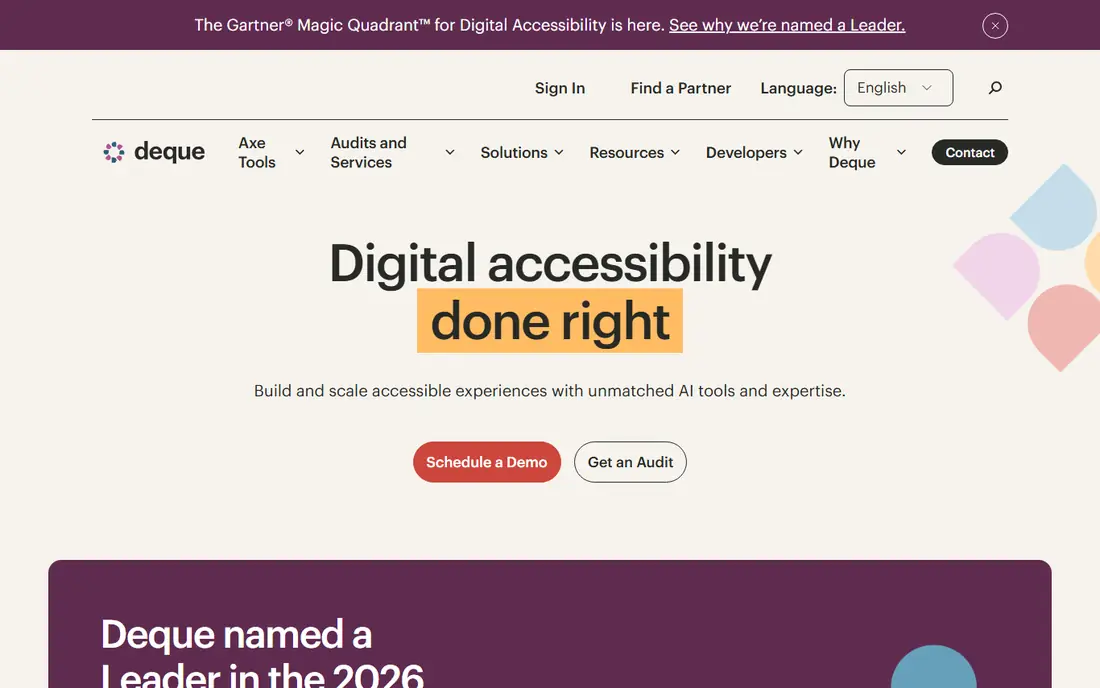
Deque axe DevTools suits teams that want to catch accessibility problems while they build. The free browser extension scans a page and explains each issue in plain language. Paid plans add more guided testing and team features, but the core value stays the same: find the problem in the code and fix it there.
That focus is both its strength and its limit. A developer team will get clear, actionable results. A marketing team with no one to change code will still need help turning findings into fixes. For code-led teams, though, this is the most direct Siteimprove alternative on this list.
- Built on the widely used axe engine
- Fits into browser and testing workflows
- Guided checks help teams fix issues at source
- It is a testing tool, not a governance dashboard
- Large site monitoring needs a separate paid setup
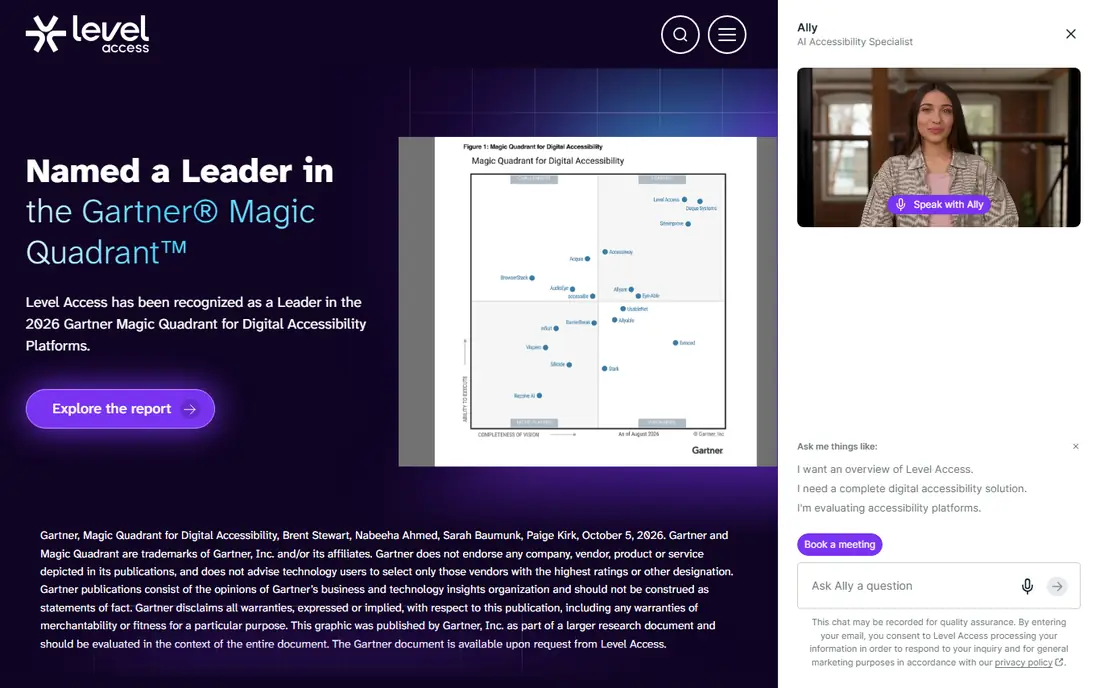
Level Access works best when accessibility is a formal program, not a one-off check. Its platform monitors sites, and its services add expert review, training, and documentation such as conformance reports. That mix suits public sector bodies, large companies, and teams facing procurement or legal questions.
The trade-off is scale and cost. You will need a sales conversation to get a price, and the service is built for organisations with ongoing work. If you need a light scanner for one small site, this will feel heavy. If you need a defensible program, the depth is the point.
- Combines platform monitoring with expert audits and training
- Strong fit for formal compliance programs
- Covers a wide range of accessibility services
- Pricing is quote based
- Smaller teams may find the program larger than they need
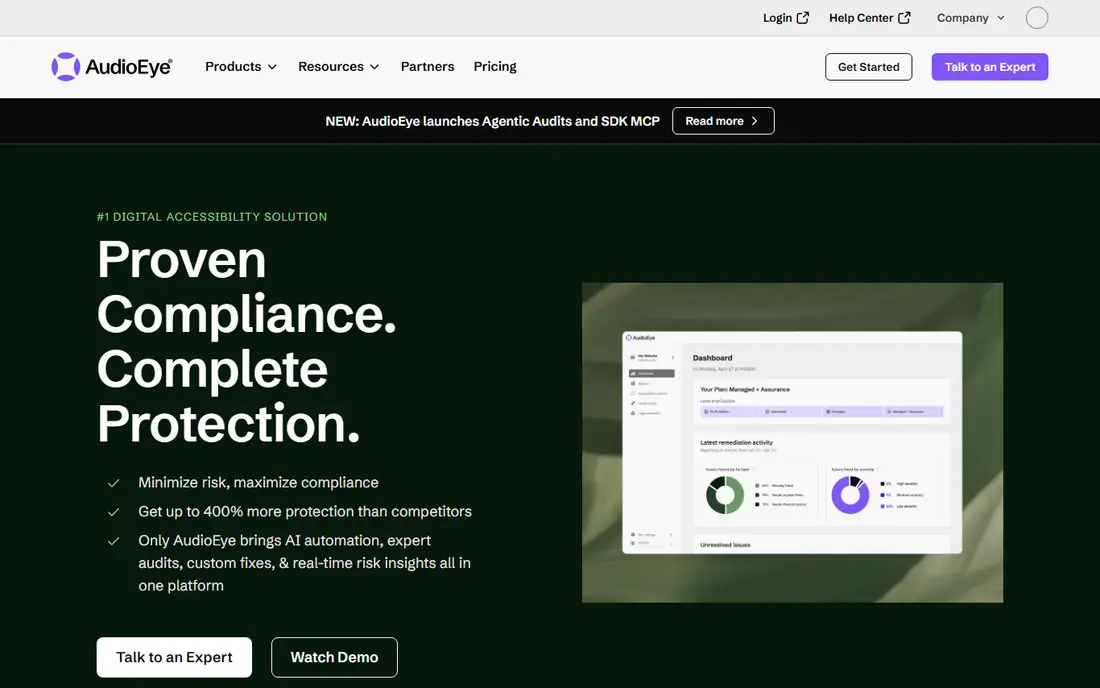
AudioEye appeals to teams that want a vendor to carry more of the work. It combines automated monitoring with certified testing and, on some plans, help responding to legal claims. That bundle can be reassuring for a small business owner who has received a complaint and needs a clear next step.
Still, read the plan details before you buy. Automated fixes can improve parts of a page, but they cannot rewrite every template or fix every PDF. AudioEye works best when you also plan time for real code fixes, with the vendor as a partner rather than a magic switch.
- Mixes automated checks with human testing
- Offers legal support options on some plans
- Suits teams without in-house specialists
- Plans and pricing vary by site size
- Automated fixes do not replace code changes for every issue
Acquia Web Governance is the closest like-for-like match for Siteimprove in this list. It was formerly called Monsido, then Acquia Optimize, before its current name. It scans for accessibility, SEO, spelling, broken links, and consent issues, then gives content owners tasks to fix.
That breadth suits universities, councils, and large companies with many sites. The catch is buying friction: pricing is quoted, and there is no free tier to try first. Ask for a demo on your own site, and check how page limits are counted, before you commit.
- Covers accessibility, SEO, quality assurance, and privacy checks in one place
- Built for many pages and many editors
- Clear task workflow for content teams
- No published price and no free trial
- Smaller sites may not need this breadth
Silktide sits between a free checker and a full enterprise platform. It runs scheduled scans, reports accessibility and content issues, and can add expert audits when you need a human review. Content teams often like its clear explanations, which help non-developers understand what to fix and why it matters.
We would not buy Silktide as a primary SEO tool. Its strength is monitoring and reporting across a site over time. If your main gap is accessibility governance plus content quality, it is a strong, calmer alternative to Siteimprove.
- Scheduled scans with clear issue reports
- Expert audit support available
- Free browser extension for quick checks
- Platform pricing is quoted
- SEO and content features are not as deep as a dedicated SEO suite
UserWay is easy to understand: add a widget that lets visitors adjust contrast, text size, and spacing. That can help real visitors, and the free tier gives a small site a starting point. Paid plans add monitoring, audits, and more features for larger sites.
Be clear about what it is not. A widget changes how a page appears in the browser, but it does not repair headings, labels, or keyboard order in the source code. Use UserWay as a usability aid alongside code fixes, not as a replacement for them.
- Free widget tier for basic usability features
- Paid plans add monitoring and audits
- Quick to install
- A widget does not fix underlying code
- Compliance claims need careful reading
EqualWeb gives you two routes: a lower-cost automated option, or a managed service with expert involvement. That choice is useful, because many buyers start with the widget and later realise they need manual testing and code guidance. The managed route is the one to choose if compliance is a real concern.
As with other widget tools, check the small print on any guarantee. A managed plan with human testing is a different product from an automated widget, and the price reflects that. Ask which pages are tested by people, and how fixes are delivered, before you sign.
- Offers both an automated tool and a managed service
- Managed plans include human review
- Suits small to mid-size sites
- Pricing depends on page count and plan
- Widget-only plans have the same limits as other widgets
Sitebulb is the pick if SEO is the Siteimprove module you will miss most. It crawls a site, lists issues in priority order, and shows how pages link together. That makes it easier for a small SEO team to explain a fix to a developer or a client.
It is not a full accessibility platform, so pair it with a checker such as axe DevTools if you need both jobs covered. For pure site quality and SEO auditing, though, Sitebulb gives a lot of clarity for its entry price.
- Clear, prioritised hints for SEO issues
- Visual crawl maps help explain problems
- Integrates with Search Console and Analytics
- Focused on SEO, not full accessibility governance
- Cloud plans cost much more than desktop plans
Screaming Frog is a desktop crawler that examines a site the way a search engine does. The free version covers small sites, and the paid licence adds JavaScript rendering, scheduling, and integrations with Search Console and PageSpeed Insights. It also includes accessibility checks, which help with basic issue spotting.
The honest catch is workflow. Because it runs on your machine, it is less suited to always-on monitoring across a large team than a cloud platform. For technical audits, migrations, and deep dives, it remains excellent value, and the yearly price is easy to compare with monthly cloud tools.
- Free version crawls up to 500 URLs
- Paid licence removes limits and adds scheduling and integrations
- Trusted by technical SEOs
- Desktop software, so sharing and always-on monitoring are harder
- Interface takes time to learn
How we picked these
We compared official feature pages, pricing pages, and public documentation for tools that cover Siteimprove's main jobs: accessibility, SEO, and site quality. We kept tools that exist and work today, and we left out overlay-only claims that promise compliance without code work. Where a vendor does not publish a price, we wrote See website rather than guessing.
What to check before you switch
Start with the job that matters most. If accessibility is the driver, ask how issues are found, who fixes them, and how you prove progress over time. Automated scores are useful, but they do not cover every success criterion, and manual testing still matters for keyboard use and screen readers.
For SEO and site quality, check crawl limits, JavaScript rendering, and reporting. A desktop crawler suits a single specialist, while a cloud platform suits a team that needs shared tasks and scheduled scans. Finally, trial the tool on your own site. A demo on a clean sample site tells you little; a scan of your messiest templates tells you a lot.
Frequently asked questions
Is an accessibility widget enough for compliance?
No. A widget can improve usability for some visitors, but it does not fix code problems such as missing labels, poor heading order, or keyboard traps. Real compliance work needs code fixes and manual testing.
Which Siteimprove alternative is best for a small business?
For a small site, start with free tools such as axe DevTools and a technical crawler, then add a paid monitor only when you need scheduled scans. A widget alone is a weak starting point if you have real accessibility duties.
Does Sitebulb replace an accessibility tool?
No, not fully. Sitebulb is strong for SEO and technical site quality, with some accessibility checks. Pair it with a dedicated accessibility tool if accessibility is a core requirement.
Why do some tools not publish prices?
Enterprise platforms often price by pages, sites, and services, so they quote per customer. Ask for the page limit, contract length, and what counts as a site before you compare quotes.
Can I use more than one tool?
Yes, and many teams do. A common mix is a developer checker, a technical crawler, and one governance or monitoring platform. That mix often costs less than one large platform and covers each job better.
Sources
See where you really rank - block by block
ProMapRanker scans Google Maps across a grid of your service area. Simple monthly plans from $19, white-label on every plan.
Start freeKeep reading
 zyte alternatives
Best Zyte Alternatives in 2026
These zyte alternatives cover managed scraping APIs, proxy networks and no code tools for lawful collection from your own or consented sources only in 2026.
Read → zerto alternatives
Best Zerto Alternatives in 2026
Compare the best zerto alternatives for disaster recovery and replication, with recovery targets, cloud options and honest trade-offs for teams in 2026.
Read → zerofox alternatives
Best ZeroFox Alternatives in 2026
We compared 9 zerofox alternatives for brand protection, phishing takedowns, dark web monitoring, and social impersonation, with clear coverage notes.
Read →