 ProMapRanker
6 Sintra AI Alternatives Compared (2026)

Custom no-code AI agents and workforces · Pricing starts at: $19 per month (billed yearly)
Direct answer
If you need custom no-code AI agents and workforces, Relevance AI is the first tool to look at here. Listed starting prices: Relevance AI from $19 per month, Motion from $19 per seat/month and ClickUp from $9 per user/month. Motion fits AI scheduling for tasks and calendars; ClickUp fits AI inside tasks, docs, and team planning. The full list of 6 tools follows, with prices and free plan facts.
This ProMapRanker guide covers 6 options for Sintra AI. Each profile lists a starting price, free plan details, strengths and drawbacks, so you can drop poor fits quickly.
Key takeaways
- Top of the list is Relevance AI, which targets custom no-code AI agents and workforces.
- Before buying Relevance AI, weigh this: free plan is retired.
- Gumloop suits visual AI agent workflows with credit billing.
- The cheapest monthly starting price in the list is $6 per month, offered by Taskade.
Quick comparison
| Pick | Great for | Pricing starts at | Free tier | |
|---|---|---|---|---|
| Relevance AI | Custom no-code AI agents and workforces | $19 per month (billed yearly) | No | Visit |
 Motion | AI scheduling for tasks and calendars | $19 per seat/month (billed annually) | Free trial (7 days) | Visit |
 ClickUp | AI inside tasks, docs, and team planning | $9 per user/month (billed yearly) | Yes | Visit |
 Sintra AI | All-in-one AI helpers for small teams | $15.60 per month (billed yearly) | No | Visit |
 Taskade | AI agents plus apps and projects in one workspace | $6 a month (billed yearly) | Yes | Visit |
 Gumloop | Visual AI agent workflows with credit billing | $37 a month | Yes | Visit |
Every option for Sintra AI explained
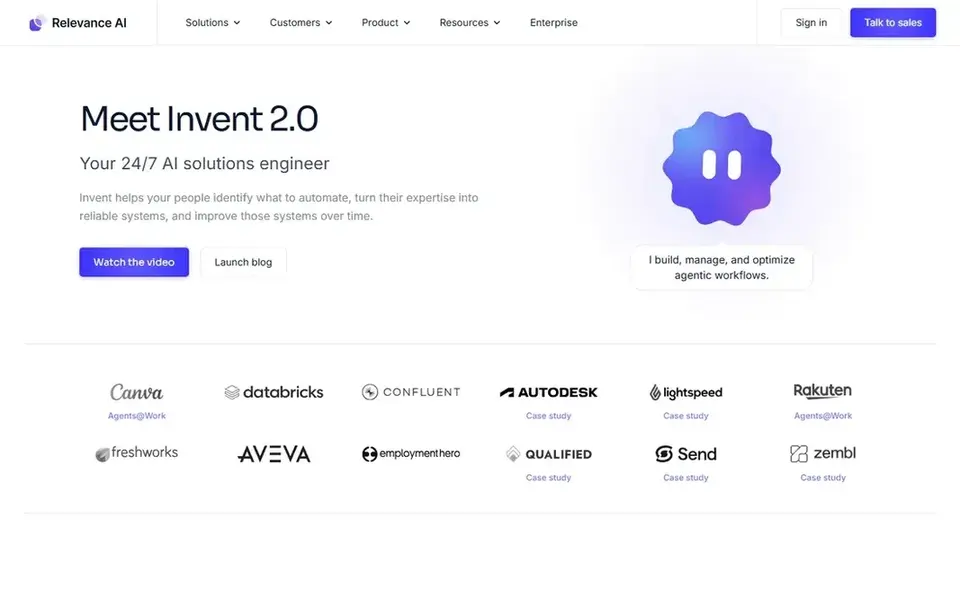
Choose Relevance AI for custom no-code AI agents and workforces. Relevance AI is the builder pick for teams that want to design their own agents instead of use a fixed set of helpers.
Beyond that, team costs $234 a month billed yearly or $349 billed monthly, and it bundles 7,000 actions a month, 5 build users, 45 end users, and 5 projects Also, the pricing documentation opened on 2026-11-12 lists Pro from $19 a month, Team from $234 a month, and Enterprise as custom. An action is counted when an agent runs a tool, and Vendor Credits handle model and tool usage at wholesale with no markup. On cost, Relevance AI starts like this: $19 per month. Relevance AI has no permanent free option.
Where it is weaker: Free plan is retired.
- Pro at $19 a month billed yearly with 2,500 actions per month
- Bring your own API keys
- Team jumps to $234 a month billed yearly
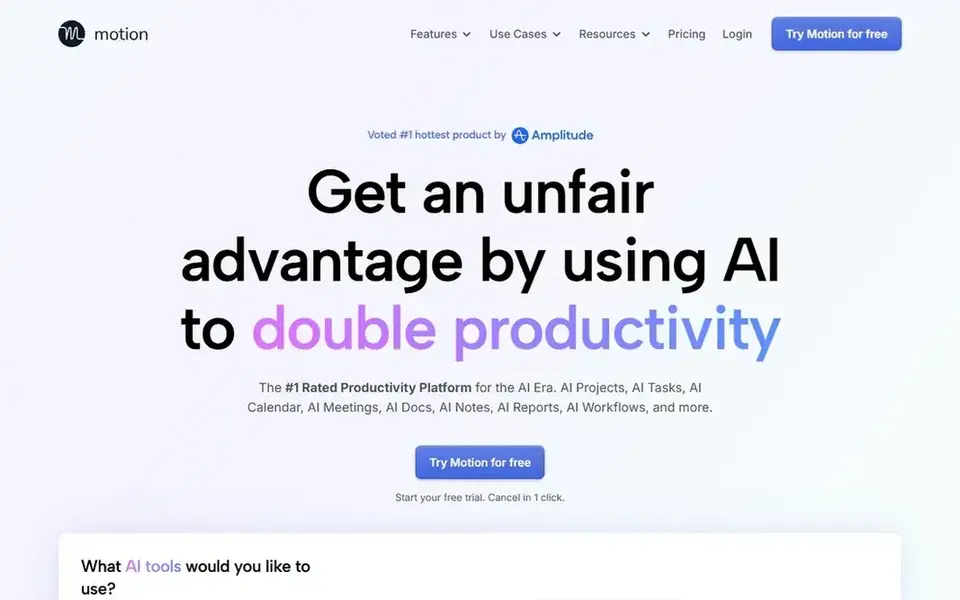
Motion was built for AI scheduling for tasks and calendars. Motion is the scheduling pick, and it is the only tool here built around automatic planning of the day. More specifically, business AI brings capacity planning, dashboards, Gantt charts, time tracking, and 15,000 credits per seat a month.
In daily use, the price to check before you buy is the individual rate. As for the details, a solo user on Pro AI pays $29 a month billed yearly, or $49 billed monthly. The $19 figure is the team seat price on annual billing. The starting price for Motion: $19 per seat/month. Free options: Free trial (7 days).
Points against: above the $19 team seat price.
- Pro AI contains 7,500 credits per seat a month
- Business AI layers on time tracking and Gantt charts
- Individual Pro AI costs $29 a month billed yearly
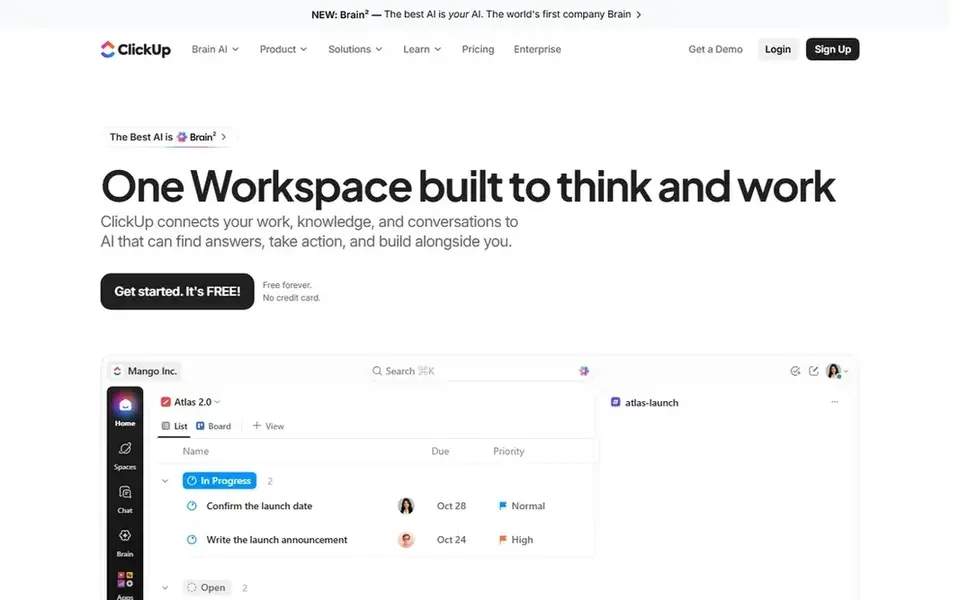
ClickUp is built with AI inside tasks, docs, and team planning in mind. In daily use, free Forever comes with 60 MB of storage, unlimited tasks, unlimited free members, docs, boards, and calendar view. ClickUp says an upgrade applies to the entire workspace, so every member becomes a billed seat on a subscription plan.
Drawbacks to consider: Upgrade applies to the entire workspace.
From a buyer's view, a 5-person team on Core costs $45 a month billed yearly. The same team on Business costs $85 a month. The limit to note is workspace billing. The pricing page opened on 2026-11-12 lists Free Forever at $0, Core at $9 per user a month billed annually, Business at $17 per user a month billed annually, Enterprise as custom, and MAX at $100 per user a month billed annually. Price to start with ClickUp: $9 per user/month. Free access exists with ClickUp.
- Business brings 10,000 automations a month
- Core at $9 per user a month billed annually
- Business at $17 per user a month is needed for unlimited standard AI models
Sintra AI works best for all-in-one AI helpers for small teams. The pricing page opened on 2026-11-12 lists Sintra X at $48.50 per month on a 1-month term, $23.60 a month on a 3-month term, and $15.60 a month on a 12-month term. Each term comes with all 12 helpers, 250 credits a month, 15 plus integrations, and a 14-day money-back guarantee.
Every term provides the same 250 credits a month, so a longer term buys a lower monthly price, not more work. As for the details, a team that uses social posts, email drafts. Support replies every day can reach that cap before the month ends. On cost, Sintra AI starts like this: $15.60 per month. Sintra AI has no permanent free option.
Drawbacks to consider: Same 250-credit cap on every term.
- 15 plus integrations listed on the pricing page
- 250 credits a month on every term
- No free plan on the pricing page
In short, Taskade is for AI agents plus apps and projects in one workspace. Pro comes with 10 users, unlimited agents, 50,000 AI credits a month, and 1,000 automation runs a month. That makes the free plan handy for a trial build, not for daily agent work.
Points against: Free plan has no monthly AI credits.
As for the details, the pricing page opened on 2026-11-12 lists Free at $0 a month, Starter at $6 a month billed annually with $72 billed annually, Pro at $10 a month with $120 billed annually, and Business at $25 a month with $300 billed annually. For everyday use, starter contains 3 users and 10,000 AI credits a month. Pro costs $20 a month when billed monthly, double the $10 annual figure. The starting price for Taskade: $6 per month. A free plan is available with Taskade.
- Pro layers on 50,000 credits a month
- Free plan with 3 AI apps
- Monthly billing doubles the price on Pro and higher plans
Think of Gumloop for visual AI agent workflows with credit billing. Gumloop is the workflow pick for teams that want to draw an agent flow and watch it run across tools and models. When credits run out mid-month, agents stop and you are prompted to enable pay as you go, which bills at $0.005 per credit.
In practice, the limit is the monthly reset. Credits are indexed at $0.005 each, and Gumloop charges an 8 percent orchestration fee on the full list cost of a task, rising to 16 percent with your own API keys. Beyond that, the 20,000-credit grant resets each billing period, and unused credits do not roll over. Price to start with Gumloop: $37 per month. Gumloop offers a free plan.
Watch-outs: Unused monthly credits do not roll over.
- Pro at $37 a month with 20,000 credits
- Credits cost $0.005 each on pay as you go
- Agents stop when credits run out except when pay as you go is enabled
How these tools were picked
The comparison looks at four things: starting price, free access, how well the feature set matches Sintra AI, and the main limit of each tool. Prices and plan limits come from vendor pages and can change, so confirm them on the vendor site before you buy. The ranking is editorial: typical fit first, then clear pricing, then free access. If your needs are unusual, read the profiles rather than relying on position.
Before you commit
- Check the vendor page for the current price: Taskade starts at $6 per month here, and seats or billing terms can move it.
- Look at free plan limits closely: ClickUp, Taskade and Gumloop have one, and the caps decide whether it is usable for real work.
- Run a trial of Motion with real work before paying for a year; your own workflow is the best test.
- Read the limits listed for Relevance AI first: free plan is retired.
- Make sure Taskade lets you export your data in a format another tool can read.
- Look at which plan of Motion unlocks the features you need; entry tiers are often cut down.
Frequently asked questions
Which is best for small teams that live in Slack?
Start with Relevance AI if you need custom no-code AI agents and workforces. Motion is the better match for AI scheduling for tasks and calendars, and ClickUp for AI inside tasks, docs, and team planning. The best choice depends on budget, team size and workflow.
Which options for Sintra AI have a free plan?
ClickUp, Taskade and Gumloop offer a free plan in this list. Free plans usually cap users, projects or features, so check the limits on the vendor page. One other tool offers a trial instead.
Is Relevance AI the right pick for everyone comparing Sintra AI?
No single tool suits every team. Relevance AI comes first because it fits custom no-code AI agents and workforces, while Motion suits AI scheduling for tasks and calendars and ClickUp suits AI inside tasks, docs, and team planning. Match the tool to your own size, budget and workflow before deciding.
Can I try these tools before paying?
Often, yes. ClickUp, Taskade and Gumloop have a free plan and Motion offers a free trial. Use your own data and a real task during the test, and check what the free tier or trial limits before you rely on it.
What is the cheapest option for Sintra AI in this list?
On published monthly entry prices, Taskade is the lowest here at $6 per month. Entry price is only part of the cost, because seats, add-ons and billing terms can change the total.
Sources
See where you really rank - block by block
ProMapRanker scans Google Maps across a grid of your service area. Simple monthly plans from $19, white-label on every plan.
Start freeBrowse all guides
← Platform for Custom AI Agents in 2026: Top 5 Compared5 Aragon AI Alternatives Compared (2026) →
 best order fulfillment software for wholesale distributors
Best Order Fulfillment Software for Wholesale Distributors (2026)
7 products for the best order fulfillment software for wholesale distributors, ranked by fit, with starting costs and free tiers. Narrow your shortlist.
Read → best order fulfillment software for manufacturing plants
8 Best Order Fulfillment Software for Manufacturing Plants (2026)
Best order fulfillment software for manufacturing plants: 8 tools compared on price, free plans and fit. Verdicts stay brief and factual. Reviewed this month.
Read → best ai vendor assessment software in tech field
8 Best AI Vendor Assessment Software in Tech Field Options (2026)
Weighing the best AI vendor assessment software in tech field? We lined up 8 products by cost, free access and fit. Short verdicts, no fluff. See the full list.
Read → best ai search checking tool
Best AI Search Checking Tools in 2026
Compare the best ai search checking tools that track brand mentions, citations and visibility in ChatGPT, Gemini, Perplexity and Google AI today today.
Read → factors ai alternatives
Factors AI Alternatives
Shortlisting factors AI alternatives? 6 products compared on cost, free access and ideal buyer. Trade-offs are spelled out for each entry. Quick to scan.
Read → best llm observability tools
Comparing 7 LLM Observability Tools in 2026
Best llm observability tools: 7 contenders ranked by fit, with entry costs and free tiers. Short, factual notes on every option. Built for quick decisions.
Read →More in AI Tools · All guides A to Z by date · Latest guides