 ProMapRanker
Best ShareFile Alternatives in 2026


Governed sharing with outside partners · Pricing starts at: $15 per user per month
Key takeaways
- Box and Dropbox Business suit teams that already work with outside partners, since both are widely recognised and easy for clients to open.
- Egnyte and Tresorit are the stronger picks when control and encryption matter more than a low monthly price.
- Google Drive and Microsoft OneDrive can be the cheapest route for teams already paying for Workspace or Microsoft 365.
- TitanFile and Clinked focus more narrowly on client portals, which suits firms that send and collect documents all day.
- Sync.com offers a lower cost path to end to end encryption, though its business tools are simpler than the enterprise options here.
Quick comparison
| Pick | Great for | Pricing starts at | Free tier | |
|---|---|---|---|---|
| Box | Governed sharing with outside partners | $15 per user per month | Free trial | Visit |
 Dropbox Business | Teams clients already know | $15 per user per month | Free trial | Visit |
 Egnyte | Hybrid and regulated file work | $22 per user per month | Free trial | Visit |
 Google Drive | Workspace teams on a budget | See website | Yes | Visit |
 Microsoft OneDrive | Microsoft 365 workplaces | See website | Yes | Visit |
 Tresorit | End to end encrypted sharing | See website | Free trial | Visit |
 Sync.com | Low cost encrypted storage | See website | Yes | Visit |
 TitanFile | Secure client portals | See website | Free trial | Visit |
 Clinked | Branded client portals | See website | Free trial | Visit |
The best sharefile alternatives
ShareFile built its name on client portals, document requests, and audit trails. The tools below cover the same jobs in different ways, so the right pick depends on how much control you need and what your clients already use.

Box gives teams a central place to store files, share them with clients, and set rules about who can view, download, or edit each item. Its permission controls are granular, which helps when different clients should see different folders and nothing else. Integrations with common office and business apps also mean files can be opened and edited without moving them to a separate tool.
The trade off is cost and complexity. The entry price covers the core service, but the governance add ons that larger firms want are priced separately, so the final bill can climb. Small teams with simple sharing needs may find the admin side heavier than they need. For firms that share sensitive files across company lines every week, that control is the point of paying more.
- Strong permission controls
- Wide app integrations
- Familiar sharing links
- Advanced governance features cost extra
- Admin setup takes time
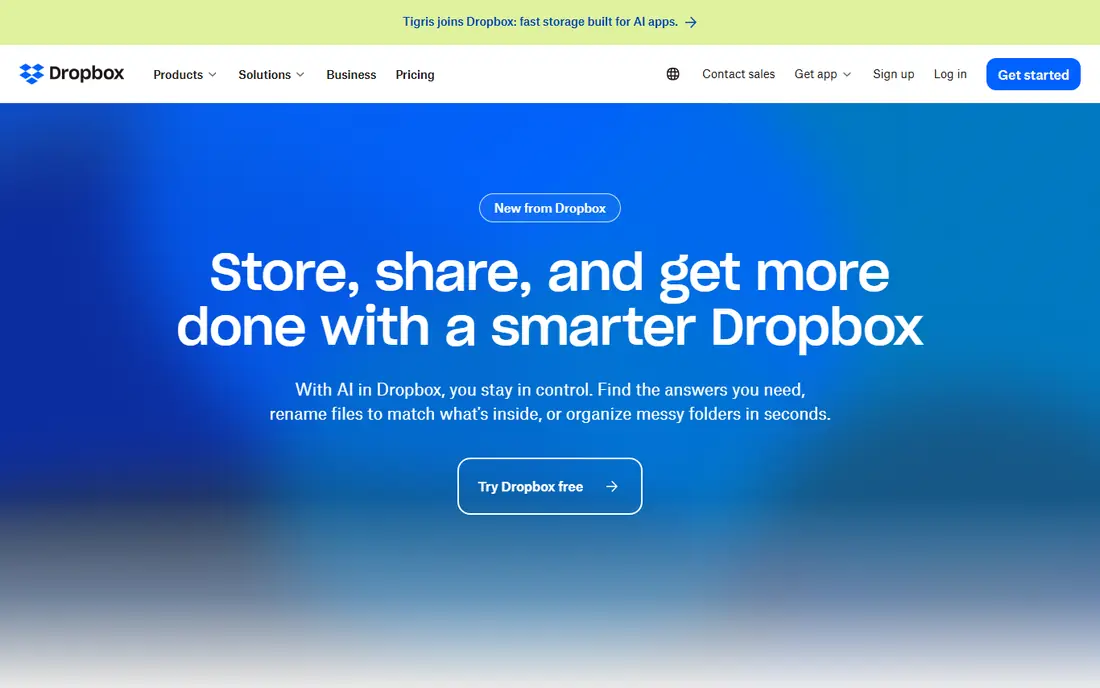
Dropbox Business is often the easiest option to roll out, because most clients have already used Dropbox at some point. Sending a link, setting a password, and setting an expiry date are all quick, and sync across desktop and mobile is reliable. For a small firm that wants fewer support calls from confused clients, that familiarity has real value.
The catch is that the deeper admin and security controls live on the higher priced plans. Teams that need detailed audit reports or large storage allowances should check the plan limits before they commit. If your work is mostly sending files and collecting signed documents, the standard plans cover it well. If you need strict governance, compare the advanced plan carefully against Box and Egnyte.
- Very familiar to clients
- Fast sync
- Simple sharing
- Advanced controls sit on higher plans
- Storage limits vary by plan

Egnyte suits firms that keep some files on local servers and some in the cloud, and want one set of permissions across both. That hybrid model appeals to legal, finance, and construction firms with large files or local storage rules. Its governance tools help teams spot unusual sharing, track access, and apply consistent policies.
Pricing starts higher than Box or Dropbox, and the setup takes more planning, especially for a hybrid deployment. Teams that only need simple cloud sharing will not use much of what Egnyte offers. For firms with compliance duties and mixed storage, the extra structure is worth the work.
- Hybrid local and cloud storage
- Strong governance tools
- Good for regulated work
- Higher starting price
- Setup is more involved
Google Drive is the practical pick for teams already using Gmail, Docs, and Sheets. Files open directly in Google apps, comments and edits happen in real time, and sharing a folder with a client takes seconds. For small businesses watching costs, the fact that Drive comes with Workspace plans keeps the total bill down.
Drive is not a purpose built client portal. There is no built in document request checklist of the kind ShareFile users rely on, and branded client pages need workarounds. Firms that mostly need shared folders and quick collaboration will be happy. Firms that need structured client onboarding should look at TitanFile or Clinked instead.
- Low cost inside Workspace
- Strong collaboration
- Generous free tier for personal use
- Client portal features are basic
- Admin controls vary by Workspace plan
OneDrive makes sense when a team already lives in Word, Excel, and Outlook. Files sync to Windows desktops, open in Office apps, and share through links with expiry and password options. SharePoint adds team sites and document libraries for larger firms, though that takes more setup than a simple shared drive.
The weakness is the client experience. A plain OneDrive link is not a branded portal, and building a polished client workflow means configuring SharePoint. For internal teams and regular clients who already use Microsoft tools, that is fine. For firms that want a ready made portal on day one, a dedicated portal tool will feel simpler.
- Included with Microsoft 365 plans
- Deep Office integration
- 1 TB per user on listed plans
- Client portal workflow needs SharePoint setup
- Interface varies across apps
Tresorit encrypts files on the sender side, so the provider cannot read the contents. That design suits firms handling confidential client data, from legal files to financial records. Shared rooms let clients upload and download without needing a Tresorit account, and access can be revoked when a project ends.
The trade off is a smaller integration range than the big general platforms, and pricing that reflects the security focus. Teams that need many third party connections may feel the gap. Teams whose main worry is keeping client files private, even from the storage provider, will see that as a fair exchange.
- End to end encryption by design
- Client rooms for sharing
- Clear access controls
- Higher cost for larger teams
- Fewer integrations than Box or Dropbox
Sync.com offers end to end encryption at a price that small firms can accept, with a free tier for personal use and paid plans for teams. Sharing links can carry passwords and expiry dates, and files sync across desktop and mobile. For a solo practice or small team moving away from a general drive, it is a straightforward upgrade in privacy.
It does not match Box or Egnyte on enterprise governance, detailed audit reporting, or wide integrations. Firms with strict compliance reporting needs should test those features before switching. For everyday client file sharing with strong encryption, Sync.com covers the core job well.
- End to end encryption
- Affordable plans
- Simple sharing
- Business collaboration tools are simpler
- Fewer enterprise controls
TitanFile focuses on one job: letting firms exchange files with clients through a secure portal, with audit trails for who sent and opened each file. Clients do not need training to use it, which matters when they are accountants, lawyers, or business owners rather than tech users. The portal can be branded, which keeps the firm looking professional.
It is less suited as a general internal drive for a whole company, since its strength is external exchange rather than everyday team collaboration. Pricing is not always published in full, so firms should request a quote for their team size. For client facing document work, that focus is an advantage rather than a limit.
- Purpose built client portal
- Simple for clients
- Audit trails
- Less of a general team drive
- Pricing is quote based on some plans
Clinked gives firms a branded portal where clients can see files, messages, tasks, and requests in one place. That single view cuts down on email threads and lost attachments, and it suits agencies, accountants, and advisers who manage many clients at once. The client side is kept simple on purpose, so onboarding takes minutes.
The ecosystem is smaller than Box or Google Drive, so teams that rely on many integrations should check compatibility first. Higher tier features also add cost. For firms that want clients to have one tidy portal instead of a set of shared folders, Clinked is a strong, focused choice.
- White label client portals
- Document requests
- Simple client experience
- Smaller ecosystem than the big drives
- Advanced features cost more
How we picked these
We compared official feature pages, pricing pages, and public product descriptions for tools that match ShareFile on secure sharing, client portals, or both. We kept only tools that are live in October 2026 and that offer a real business sharing or portal product, not just personal storage. Prices shown are vendor list prices where we could confirm them; where pricing was quote based or changed by plan, we wrote See website rather than guessing.
What to check before you switch
Start with your client workflow, not the feature list. List the steps a client takes today: receiving a request, uploading documents, signing, and getting a final file back. Then test that exact flow in a trial, using a real client folder and a colleague as the test client. A tool that looks strong on paper can still fail if clients find its login or upload step confusing.
Next, check permissions and audit trails. Confirm who can see each folder, whether links expire, whether downloads can be blocked, and whether you can export a record of access. If your work touches regulated data, ask the vendor which compliance standards each plan covers, since those often differ by tier. Finally, plan migration in stages: move one client group first, keep the old system running until the new portal is proven, and confirm that old links and files remain reachable during the switch.
Frequently asked questions
What are alternatives to ShareFile?
Box, Dropbox Business, Egnyte, Tresorit, and TitanFile are among the closest alternatives, with Google Drive and OneDrive covering the general sharing side at lower cost. The best match depends on whether you need a client portal, strict encryption, or simple shared folders. Start with the workflow your clients use most, then pick the tool that handles it with the least friction.
Is there a free alternative to ShareFile?
Google Drive and Sync.com both offer free tiers, and OneDrive offers free personal storage, but free plans lack the portal, audit, and compliance features that make ShareFile a business tool. For business use, expect to pay for a team plan. A free tier is still useful for testing the interface before you commit.
Which ShareFile alternative is best for accountants and lawyers?
Egnyte, Tresorit, and TitanFile suit regulated client work, since they stress audit trails, access controls, and secure client exchange. Clinked also fits firms that want a branded portal for many clients. Check the compliance coverage on the exact plan you would buy, since it can differ between tiers.
Can I migrate files from ShareFile to another tool?
Most alternatives support bulk upload, folder import, or a migration service, but permission settings and portal structures usually need rebuilding by hand. Plan a staged move, keep ShareFile running until the new setup is tested, and confirm that client links still work. Allow extra time for large libraries and for re inviting clients to the new portal.
Does Google Drive replace ShareFile?
Google Drive replaces the storage and sharing part well, especially for Workspace teams, but it does not offer a built in client portal with document request checklists. If your main need is shared folders and collaboration, Drive is enough. If you need structured client onboarding, pair Drive with a portal tool or pick a dedicated portal product instead.
Sources
See where you really rank - block by block
ProMapRanker scans Google Maps across a grid of your service area. Simple monthly plans from $19, white-label on every plan.
Start freeKeep reading
 zscaler alternatives
Best Zscaler Alternatives in 2026
Looking for zscaler alternatives? We compare 9 SASE and zero trust platforms on architecture, data protection, pricing, and fit for your network and team.
Read → zapier alternatives free
Best Zapier Alternatives Free in 2026
Nine automation tools for zapier alternatives free in 2026, all with genuinely free tiers, plus free plan limits, starting prices and upgrade paths explained.
Read → which platform is best for online reputation
Which Platform Is Best for Online Reputation in 2026
Wondering which platform is best for online reputation? We compare 8 review, listing, and response tools for small and multi-location businesses and agencies.
Read →