 ProMapRanker
Best Service Provider Pro Alternatives in 2026

Key takeaways
- SuiteDash offers the best flat-rate value for agencies that want CRM, projects, billing and portals in one place.
- Copilot, now sold as Assembly in some listings, offers the most polished branded portal experience.
- ManyRequests, SuperOkay and Zendo suit agencies selling productized retainers with client approvals.
- ClientVenue and Moxie suit smaller teams that want portal work tied to tasks and time.
- Plutio is a solid flat-rate choice when project delivery matters as much as the portal itself.
Quick comparison
| Pick | Great for | Pricing starts at | Free tier | |
|---|---|---|---|---|
 SuiteDash | All-in-one agency portal | $19 per month | Free trial | Visit |
 Copilot | Polished branded portals | See website | Free trial | Visit |
 ManyRequests | Productized agency retainers | $39 per month | Free trial | Visit |
 SuperOkay | Visual deliverable hubs | $9 per month | Free trial | Visit |
 Zendo | Selling retainers in a portal | $29 per month | Free trial | Visit |
 ClientVenue | Marketing retainer operations | $39 per month | Free trial | Visit |
 Moxie | Solo and small service teams | $20 per month | Free trial | Visit |
 Plutio | Flat-rate project and portal work | $19 per month | Free trial | Visit |
The best service provider pro alternatives
Service Provider Pro is built around client portals for agencies selling services, with requests, billing and delivery in one place. The tools below cover the same ground in different ways, from polished branded portals to retainer request boards. We compared official feature pages, pricing pages and public reviews.
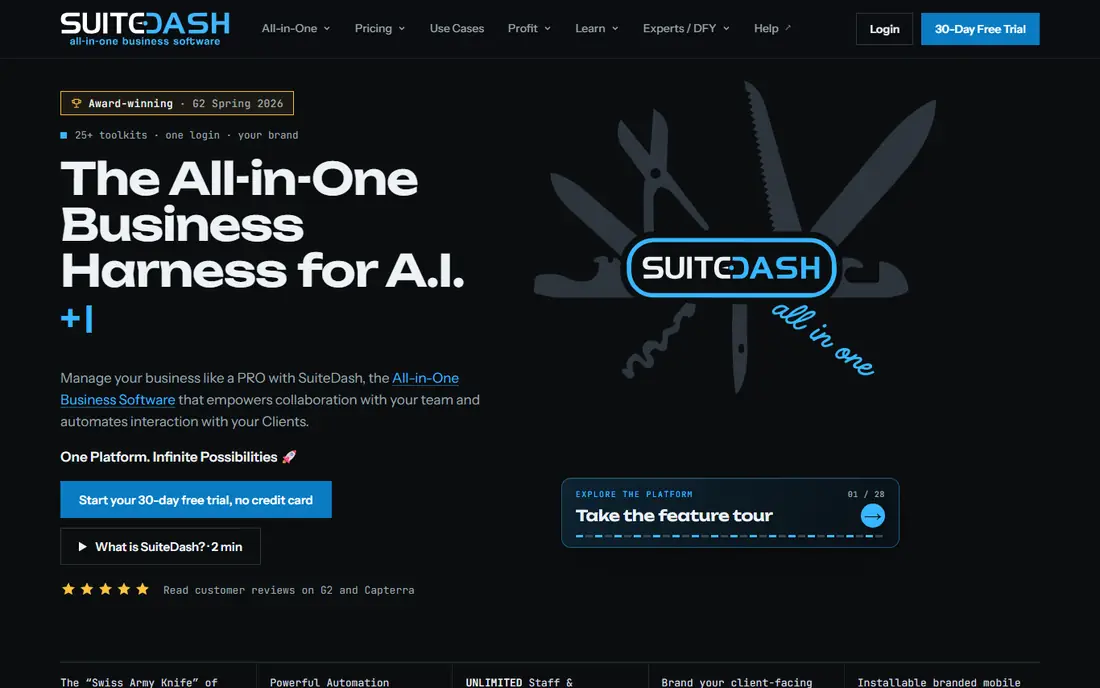
SuiteDash is the value pick for agencies that want to replace several subscriptions at once. One flat fee covers the portal, CRM, invoicing, project management and file sharing, with no per-seat cost as your team grows. That pricing model alone sets it apart in this category.
The cost of that breadth is setup time. You will need to configure workflows, forms and portal pages before it feels like your own system, and the design is more functional than fashionable. Agencies willing to invest a weekend in setup get a lot of system for the price.
- Flat pricing with unlimited staff and clients
- CRM, projects, billing and portals together
- White-label options
- Broad feature set takes time to configure
- Interface feels dated next to newer portals
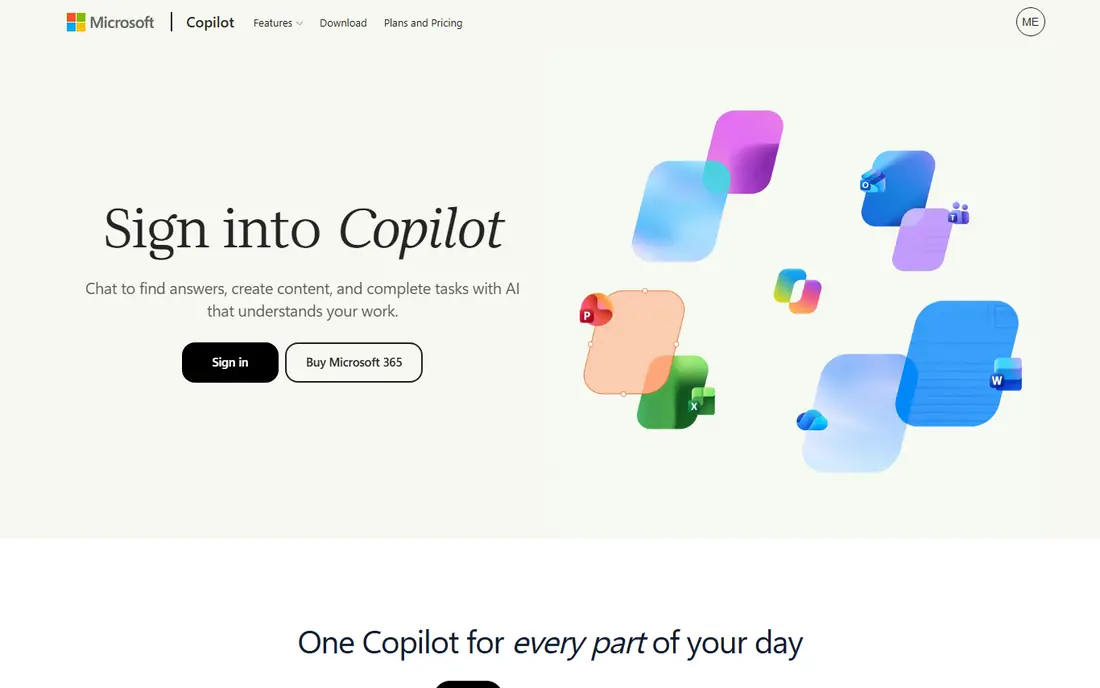
Copilot, listed as Assembly in some newer comparisons, puts the client experience first. Clients log into a branded space for messages, files, invoices, contracts and tasks, without the clutter of a full project tool. For professional service firms that sell on trust and polish, that first impression matters.
Pricing is the part to confirm before you budget. Published entry prices have varied across listings, and some plans limit active contacts. Check the current vendor pricing page and count your active clients before you choose a tier.
- Clean, modern client experience
- CRM, billing, files and messages in one portal
- Custom apps on higher tiers
- Pricing has changed and varies by listing
- Costs rise with active contacts on some plans
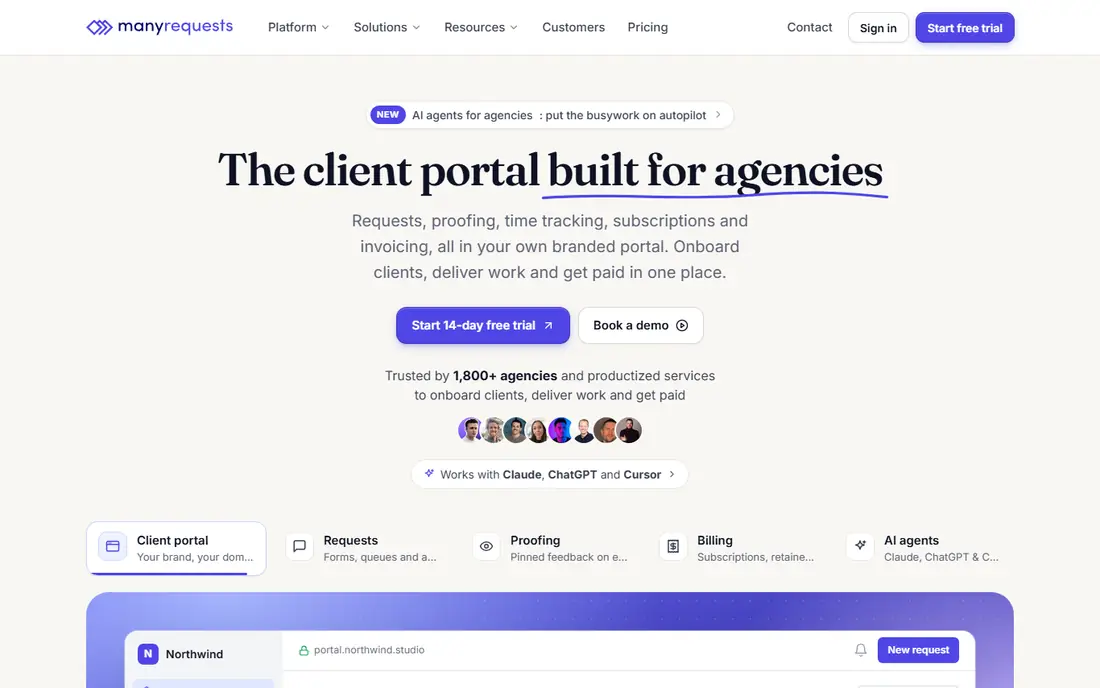
ManyRequests is made for agencies that sell recurring creative services. Clients submit requests, track progress and approve designs or videos in one portal, which fits design, video and marketing retainers well. Unlimited clients on paid plans keeps roster growth free.
The model works best for reviewable creative work. If your deliverables are strategy documents or calls rather than files to approve, the proofing tools matter less. Larger teams should also watch per-seat costs as headcount grows.
- Request boards for retainer work
- Design and video proofing built in
- Unlimited clients on paid plans
- Per-seat pricing adds up for larger teams
- Review base is thinner than older rivals
SuperOkay keeps the portal simple on purpose. Each client gets a hub with reports, files, links and action items, which suits agencies that mainly need to share work and collect feedback. Clients rarely need training, since the hub reads like a tidy web page rather than a software dashboard.
That simplicity has limits. Billing, deep project tracking and workflow automation are thinner here than in SuiteDash or Copilot. Choose SuperOkay when the portal is mainly a delivery and reporting hub, not your whole back office.
- Low entry price
- Simple hubs for reports, assets and action items
- Easy for clients to use
- Less depth for billing and project management
- White-label features sit on higher tiers
Zendo is built around selling and running retainers from the portal itself. Clients can buy services, submit requests and approve quotes without leaving the branded space. That direct link between selling and delivery suits small agencies that want fewer tools in the chain.
Branding depth depends on the plan, with custom domains and badge removal on higher tiers. Check those details if a fully white-label look matters to you, and run a trial with a real client workflow before you commit.
- Retainer selling and request handling in the portal
- Quote and approval flows
- Custom domain on higher tiers
- Smaller team and review base than leading rivals
- Some branding features need higher plans
ClientVenue focuses on the day-to-day running of marketing retainers. Tasks, approvals and client messages sit in the portal, so clients can see what is in progress and what needs their input. That task-based view suits agencies that manage many small deliverables each month.
It is a younger, less widely reviewed tool than SuiteDash or Copilot, so public proof is thinner. A trial with your actual retainer workflow is the best way to judge whether its task model fits how your team works.
- Task-based retainer work in the portal
- Approvals and client communication together
- Flat team pricing on entry tiers
- Less known than larger portal tools
- Feature depth varies by plan
Moxie works well for solo providers and tiny teams that need a portal beside their core business tools. Clients get a clean space for projects and invoices, while the provider keeps CRM, scheduling and time tracking in the same app. Flat pricing keeps costs predictable as you add clients.
Larger agencies may outgrow it. Its portal and workflow tools are lighter than dedicated agency platforms, especially for multi-step approvals and team handoffs. For a solo firm, that lighter touch is often a benefit rather than a gap.
- Clean interface
- CRM, projects, invoices and portal in one tool
- Flat pricing
- More of a solo business tool than a full agency portal
- Agency workflow depth is thinner
Plutio suits teams that deliver project work through the portal, not just collect requests. Proposals turn into projects, tasks and invoices in one workspace, and clients can follow progress without separate status emails. Flat pricing helps small teams budget with confidence.
New users should expect a configuration phase. With many modules available, the workspace feels crowded at first, and it takes time to shape it around your process. Teams that invest that time get a capable all-in-one system at a fair price.
- Projects, proposals, invoices and portal together
- Flat monthly pricing
- White-label on higher tiers
- Setup takes patience
- Interface can feel busy until you hide unused modules
How we picked these
We compared official feature pages, pricing pages and public reviews for client portal tools aimed at agencies and service firms. We kept tools that give clients a branded space for requests, files, messages, approvals or billing, and we left out generic project tools with no real client portal. Where pricing has varied across listings, we note that and point readers to the vendor pricing page.
How to choose a client portal
Start with the client journey, not the feature list. Map what a client does from signup to delivery: where they submit work, where they approve it, where they pay, and where they ask questions. The best portal is the one that covers that journey with the fewest extra tools.
Check branding and billing together
A portal should look like your firm, not like rented software, so check logo, colors, domain and email branding on the plan you will actually buy. Then check billing: does it handle retainers, one-off invoices and payment links, and what fees apply? A pretty portal that cannot bill cleanly will still create manual work.
Trial with a real client workflow
Do not judge a portal on a demo alone. Run one real request end to end, from client submission to approval to invoice, and ask a client for honest feedback. That single test reveals gaps in permissions, notifications and mobile use that feature pages never mention.
Frequently asked questions
What is Service Provider Pro used for?
It provides client portals for agencies and service firms, covering service requests, delivery, billing and client communication in one place. The alternatives here cover the same ground with different strengths in portals, retainers and project work.
Which alternative is best for productized services?
ManyRequests and Zendo are built for productized retainers, with request boards and approvals at the center. SuperOkay suits simpler deliverable hubs, while SuiteDash suits firms that want the portal plus CRM and billing.
Do these tools support white-label branding?
Most do, but the depth varies by plan. SuiteDash, Copilot, Plutio and Zendo offer branding options, while full custom domains and badge removal often sit on higher tiers, so check the plan details.
Can a small agency start cheaply?
Yes, SuperOkay starts at $9 per month and SuiteDash and Plutio start at $19 per month. Start on a low tier, trial the portal with real clients, and upgrade only when limits start to bite.
Should I replace my CRM with a portal tool?
Only if the portal tool covers your CRM needs well. SuiteDash and Copilot include CRM features, while SuperOkay and ManyRequests are more focused on delivery, so many firms keep a separate CRM alongside a lighter portal.
Sources
See where you really rank - block by block
ProMapRanker scans Google Maps across a grid of your service area. Simple monthly plans from $19, white-label on every plan.
Start freeKeep reading
 zyte alternatives
Best Zyte Alternatives in 2026
These zyte alternatives cover managed scraping APIs, proxy networks and no code tools for lawful collection from your own or consented sources only in 2026.
Read → zerto alternatives
Best Zerto Alternatives in 2026
Compare the best zerto alternatives for disaster recovery and replication, with recovery targets, cloud options and honest trade-offs for teams in 2026.
Read → zerofox alternatives
Best ZeroFox Alternatives in 2026
We compared 9 zerofox alternatives for brand protection, phishing takedowns, dark web monitoring, and social impersonation, with clear coverage notes.
Read →