 ProMapRanker
Service Level Agreement Best Practices in 2026


Support teams with detailed SLA policies · Pricing starts at: See website
Key takeaways
- This is a practices guide, not a list of invented SLA products, so the tools below are real service and monitoring platforms that put the practices into practice.
- Write targets you can measure, such as first response time and resolution time by priority, and review them on a fixed schedule.
- Separate business hours from calendar hours in every target, since that choice changes breach counts more than any other setting.
- Set alerts before a breach, not only after one, so agents get time to act while the target is still reachable.
- Publish a simple monthly report to customers or stakeholders, even when the news is mixed, since trust comes from clear reporting.
Quick comparison
| Pick | Great for | Pricing starts at | Free tier | |
|---|---|---|---|---|
| Zendesk | Support teams with detailed SLA policies | See website | Free trial | Visit |
 Freshdesk | Small and midsize teams with priority targets | $29 per agent per month | Free trial | Visit |
 Jira Service Management | IT teams already using Atlassian tools | See website | Free trial | Visit |
 ServiceNow | Large enterprises with complex service delivery | See website | No | Visit |
 monday service | Cross-team service work | $9 per user per month | Yes | Visit |
 Freshservice | IT service teams with AI routing | $19 per user per month | Free trial | Visit |
 ManageEngine ServiceDesk Plus | IT teams that want on-premise or cloud choice | See website | Free trial | Visit |
 SysAid | Midsize IT teams with automation | See website | Free trial | Visit |
 Site24x7 | Uptime and SLA reporting for web services | $9 per month | Yes | Visit |
The best sla management tools for putting practices into practice
A service level agreement is only useful when targets are clear, measured, and reported. This guide explains the practices first, then lists tools that help teams set targets, warn before breaches, and report results. We compared official pricing pages, feature pages, and public documentation, and we favored tools with priority-based targets, business-hour controls, and breach alerts.
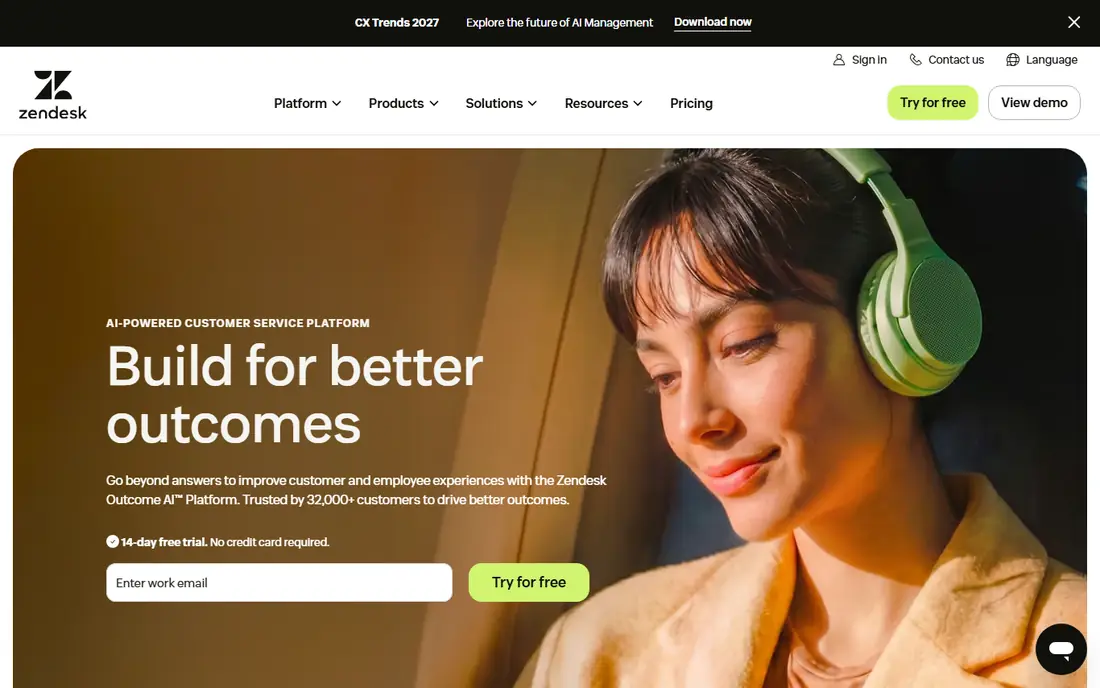
Zendesk lets teams separate reply time, update time, wait time, and resolution time, which matters because a customer promise about a first reply is different from a promise to fix a problem. You can set targets by priority, channel, or customer group, and reporting shows where breaches cluster. That detail helps a manager fix staffing or routing rather than just noting that a target was missed.
The downside is complexity and cost. Building a detailed policy set takes planning, and higher plans that add deeper reporting are priced by quote. Smaller teams may find the full set more than they need at first. For a support team that lives by SLA numbers, Zendesk is a strong, proven choice.
- Detailed SLA time types for reply, update, and resolution
- Strong reporting
- Large integration set
- Pricing is quote-based on higher plans
- Setup takes time for complex policies
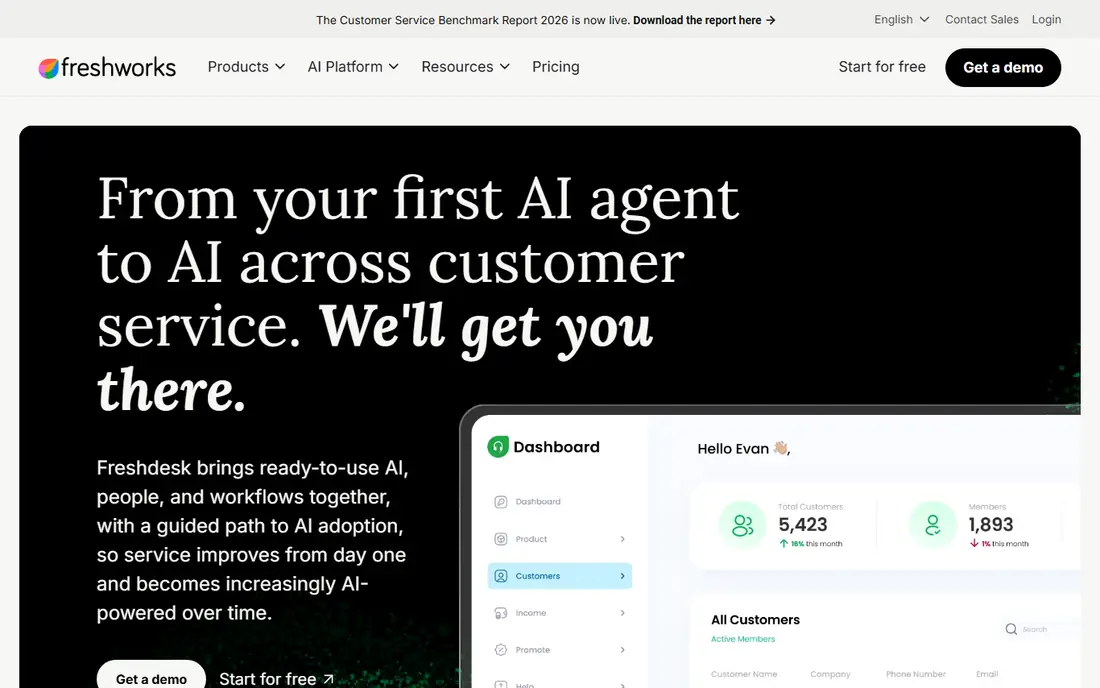
Freshdesk, now sold as Freshdesk Omni, gives small and midsize teams a clear way to set first response, every response, and resolution targets by priority. Admins can choose business hours or calendar hours, which is the setting that most often causes confusion in SLA reports. Pro and Enterprise plans add reminders before deadlines and alerts when targets are breached.
The catch is plan gating. Growth includes two default SLA policies, while extra policies and some reminder features start on Pro. Teams with many customer groups or product lines should check that limit before buying. For a straightforward priority-based SLA setup, Freshdesk is easy to run and fairly priced.
- Priority-based first response and resolution targets
- Business or calendar hour controls
- Breach alerts on higher plans
- Extra SLA policies and reminders start on higher plans
- AI features cost extra
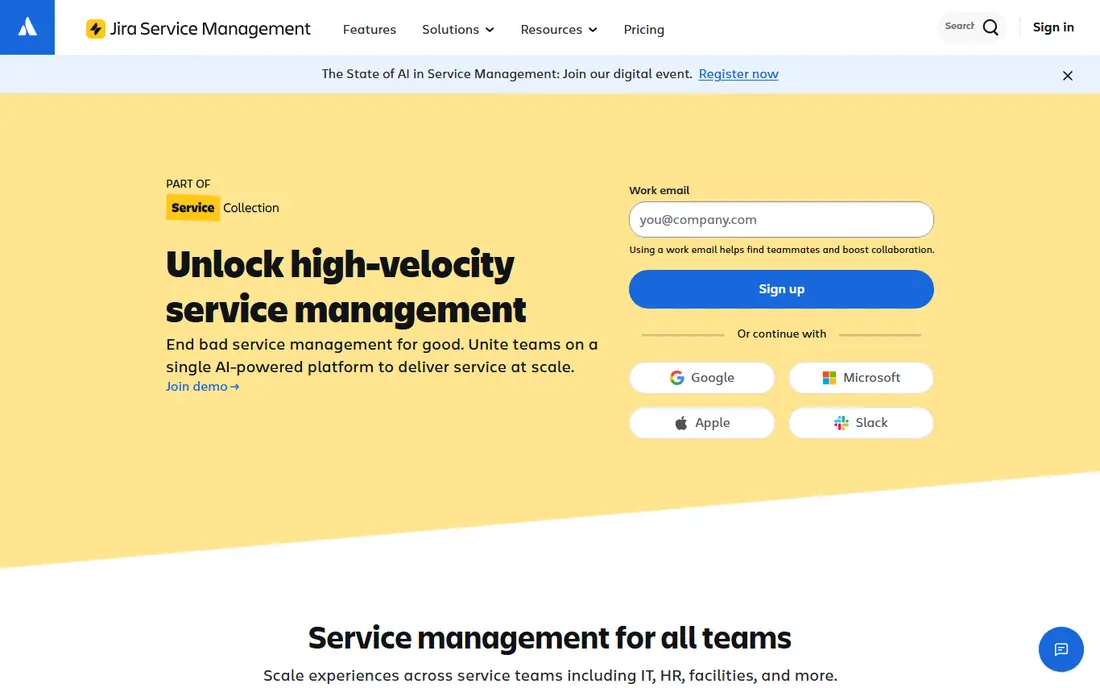
Jira Service Management fits IT teams that already track work in Jira, since SLA goals sit inside the same queues agents use every day. You can set goals by request type and priority, pause the clock when waiting on a customer, and report on breach rates by team or service. Incident and change workflows sit alongside the SLA tools, so a major incident and its target stay in one place.
The trade-off is learning curve. Teams new to Atlassian will need time to set up projects, queues, and goals correctly. Pricing also depends on agents and plan, so get a quote for your real team size. For an Atlassian shop, it is the natural SLA choice.
- SLA goals tied to queues and request types
- Strong incident and change workflows
- Good reporting
- Setup needs Atlassian knowledge
- Pricing varies by agent count and plan
ServiceNow is the enterprise option for organizations that manage many services, suppliers, and customer groups under formal agreements. SLA definitions can cover response, resolution, and availability across services, and reporting rolls up to leadership views. Workflow automation can escalate, reassign, or notify as a target nears breach, which helps large teams act before a miss.
That depth comes with cost and implementation time. ServiceNow is quote-based, and a full rollout often needs partner help and months of work. Small teams should not start here. For a large enterprise with formal service contracts, it is the most complete platform on this list.
- Deep SLA definitions across services
- Enterprise reporting and workflows
- Strong governance tools
- High cost and long implementation
- Overkill for small teams
monday service brings SLA tracking into a visual work platform, with dashboards that show compliance, open requests, and breach risk at a glance. Teams can build workflows without code, route requests by type, and connect service work to project work in the same account. That cross-team view helps when a service promise depends on product, operations, and support together.
The limits are plan structure and maturity. Paid plans require at least three users, and the service feature set is newer than Zendesk or ServiceNow. Teams that need deep ITSM controls may miss them. For a team that wants clear SLA dashboards and flexible workflows, monday service is an appealing option.
- Visual SLA dashboards
- No-code workflow builder
- Free plan for up to two seats
- Minimum three users on paid plans
- Service features are newer than older ITSM tools
Freshservice is the IT-focused sibling of Freshdesk, with SLA policies built for incident, service request, and change work. AI routing can sort and assign tickets, which helps teams meet first response targets during busy periods. Asset and change management sit in the same platform, so a service promise can be tied to the systems it covers.
As with Freshdesk, the deeper SLA and automation features sit on higher plans, and AI add-ons cost extra. A small IT team should check which plan covers the policies it actually needs. For an IT team that wants SLA tracking plus asset and change tools, Freshservice is a practical pick.
- SLA policies for IT services
- AI-assisted routing and categorization
- Asset and change tools included
- Some advanced SLA features sit on higher plans
- Pricing rises with agents and add-ons
ManageEngine ServiceDesk Plus
Great for: IT teams that want on-premise or cloud choice
ManageEngine ServiceDesk Plus gives IT teams detailed SLA rules, escalation paths, and breach reporting, with a choice between cloud and on-premise deployment that many rivals no longer offer. That choice matters for regulated teams or teams with strict data rules. Asset management, change, and problem tools sit alongside the service desk, so SLA work connects to the wider IT operation.
The interface is less polished than newer cloud tools, and pricing for larger teams is quote-based. Smaller teams may also find the full feature set heavy at first. For an IT team that values deployment choice and deep ITSM tools, ServiceDesk Plus is a solid option.
- SLA rules for incidents and requests
- Choice of cloud or on-premise
- Strong IT asset tools
- Interface feels dated in places
- Pricing needs a quote for larger teams
SysAid suits a midsize IT team that wants SLA tracking plus automation without enterprise cost or complexity. You can set targets, automate routing and escalation, and give users a self-service portal that cuts ticket volume. Asset tools help the team see which systems sit behind each service promise, which makes breach reports more useful.
Pricing is quote-based, so a team must go through sales to get a firm number. The integration catalog is also smaller than ServiceNow or Zendesk. For a midsize team that wants a capable, automation-led service desk, SysAid is worth a demo.
- SLA management with automation and routing
- Asset management included
- Self-service portal
- Quote-based pricing
- Smaller integration set than larger platforms
Site24x7 covers the other half of many agreements, which is availability. It monitors websites, servers, cloud resources, and applications, and it produces SLA reports that show uptime against a promised level. The free plan covers up to 50 resources with email alerts, and paid plans start at 9 dollars per month billed annually for the Lite plan.
It is not a service desk, so it will not track first response times or agent work on its own. Pair it with a ticketing tool from this list when an agreement covers both uptime and support response. For availability reporting, Site24x7 is clear, affordable, and easy to set up.
- Uptime and performance monitoring with SLA reports
- Free plan for up to 50 resources
- Broad coverage
- Not a full service desk
- Best paired with a ticketing tool for response targets
How we picked these
We compared official pricing pages, feature pages, and public documentation for service desks and monitoring platforms with real SLA features. We kept only tools that are live, that support priority-based targets, business-hour controls, or uptime SLA reporting, and that a team can buy today. We favored tools that warn before breaches and report results clearly, since those two habits matter more than a long feature list.
Service level agreement best practices that matter most
Start with a small set of targets you can actually measure, such as first response time, resolution time by priority, and uptime for a named service. Each target needs a definition, a clock rule, and an owner. State whether the clock runs on business hours or calendar hours, and state when the clock pauses, such as when you wait for customer information. Without those rules, two teams can read the same report and reach different conclusions.
Build in early warnings and a review habit. Set alerts at half and three quarters of the target window so agents can act before a breach, and review breach reports weekly for patterns rather than blame. If one priority or one service keeps breaching, fix staffing, routing, or the target itself, and record the change. Finally, keep promises modest at first and tighten them only after three months of steady reporting, since a target you miss every month teaches customers to ignore your reports.
Frequently asked questions
What are service level agreement best practices?
The core practices are to set a small set of measurable targets, define business versus calendar hours, pause rules, and owners for each target, alert before breaches, and report results monthly. Review targets quarterly and adjust them based on real data, not on what sounds ambitious. A simple agreement you meet beats a bold one you miss.
What is the difference between an SLA, an SLO, and an SLI?
An SLI is the measured indicator, such as uptime percentage or median response time. An SLO is the internal goal for that indicator, such as 99.9 percent uptime. An SLA is the formal agreement with a customer, often with remedies if the target is missed. Keep SLOs slightly tighter than SLAs so you have room to act before a formal breach.
How do you handle service level agreements best practices for uptime?
Track uptime with a monitoring tool such as Site24x7, define what counts as downtime, and exclude planned maintenance only if the agreement says so in plain words. Report uptime monthly with the raw numbers and any incident notes. Customers trust a report that shows a dip and explains it more than a perfect score with no detail.
What should an SLA include?
An SLA should include the services covered, targets by priority, measurement rules, reporting frequency, escalation steps, and remedies or credits if targets are missed. It should also name exclusions, such as customer-caused delays, and a review date. Keep the language plain so both sides can tell, from the report alone, whether a target was met.
Which tool is best for SLA management?
Zendesk and Freshdesk suit support teams, Jira Service Management and Freshservice suit IT teams, and ServiceNow suits large enterprises. Site24x7 suits uptime reporting. Pick the tool that matches your team type and the targets in your agreements, and trial the breach alerts before you commit.
Sources
- https://www.zendesk.com/service/sla-management/
- https://www.freshworks.com/freshdesk/
- https://www.atlassian.com/software/jira/service-management
- https://www.servicenow.com
- https://monday.com
- https://www.freshworks.com/freshservice/
- https://www.manageengine.com/products/service-desk/
- https://www.sysaid.com
- https://www.site24x7.com
See where you really rank - block by block
ProMapRanker scans Google Maps across a grid of your service area. Simple monthly plans from $19, white-label on every plan.
Start freeKeep reading
 zoro.to alternatives
Best Zoro.to Alternatives in 2026
We compare the best zoro.to alternatives in 2026, listing only legal licensed anime streaming services, from Crunchyroll to free options for fans today.
Read → zip alternatives
Best Zip Alternatives in 2026
We compare the best zip alternatives for buy now, pay later in 2026, covering pay-in-4 plans, fees, spending limits, and credit reporting options today.
Read → yesware alternatives
Best Yesware Alternatives in 2026
Compare the best yesware alternatives for sales email tracking, templates, and sequences, with current pricing and honest tradeoffs for small sales teams.
Read →