 ProMapRanker
Best Service Fusion Alternatives in 2026


Small residential teams that quote and invoice from one app · Pricing starts at: $29 per month
Key takeaways
- Jobber and Housecall Pro suit small residential teams that need scheduling, quoting and invoicing without enterprise complexity.
- ServiceTitan and FieldEdge suit larger trades businesses, but both use quote-based pricing and need a longer rollout.
- ServiceM8 and Kickserv suit small crews that want a lower starting cost and a simpler setup.
- Workiz suits phone-led businesses that want call tracking and booking in the same workflow.
- FieldPulse and mHelpDesk suit teams that want custom workflows, reporting and offline-friendly field access.
Quick comparison
| Pick | Great for | Pricing starts at | Free tier | |
|---|---|---|---|---|
| Jobber | Small residential teams that quote and invoice from one app | $29 per month | Free trial | Visit |
 Housecall Pro | Home service businesses focused on booking and reviews | $59 per month | Free trial | Visit |
 ServiceTitan | Large trades businesses with structured back-office operations | See website | No | Visit |
 FieldEdge | QuickBooks-led HVAC, plumbing and electrical teams | See website | No | Visit |
 Workiz | Phone-led trades that live by inbound calls | See website | Free trial | Visit |
 ServiceM8 | Small crews with a modest monthly job count | $29 per month | Yes | Visit |
 FieldPulse | Growing teams that want custom workflows | See website | No | Visit |
 Kickserv | Small crews that want simple scheduling and invoicing | See website | Free trial | Visit |
 mHelpDesk | Teams that need reporting and field access away from the office | See website | Free trial | Visit |
The best service fusion alternatives
Service Fusion covers scheduling, dispatch, estimates, invoicing and customer management for field service teams. The tools below cover that same work, with different pricing models and different strengths by trade and team size.
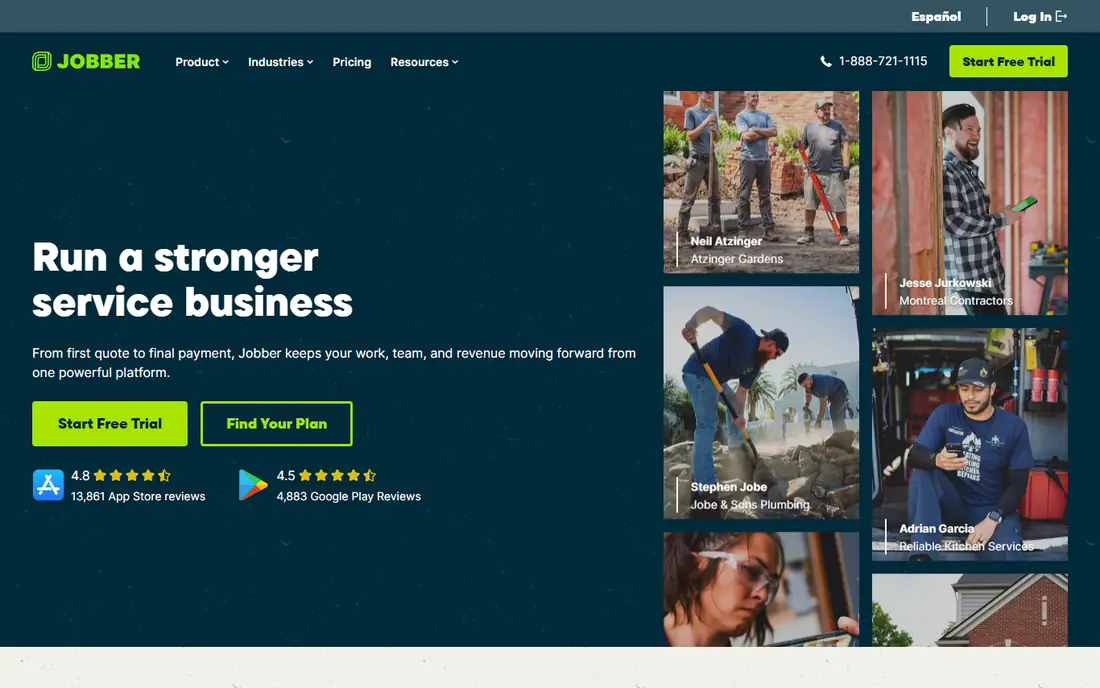
Jobber helps a small team schedule jobs, send quotes, dispatch techs, invoice and take payments from one place. Its client hub lets customers approve quotes, view job details and pay online, which cuts phone and email back-and-forth. The published pricing makes budgeting simple for a solo operator or a crew of a few techs.
Costs rise per user, so a growing team should model the total at its real headcount. Some automation and reporting features sit on higher plans. For a residential team that wants a clean start and a tool the office and the field both use, Jobber is a reliable pick.
- Easy scheduling and quoting
- Client hub for customers
- Clear published pricing
- Per-user pricing adds up
- Advanced features need higher tiers
- Less suited to large commercial work
Housecall Pro
Great for: Home service businesses focused on booking and reviews
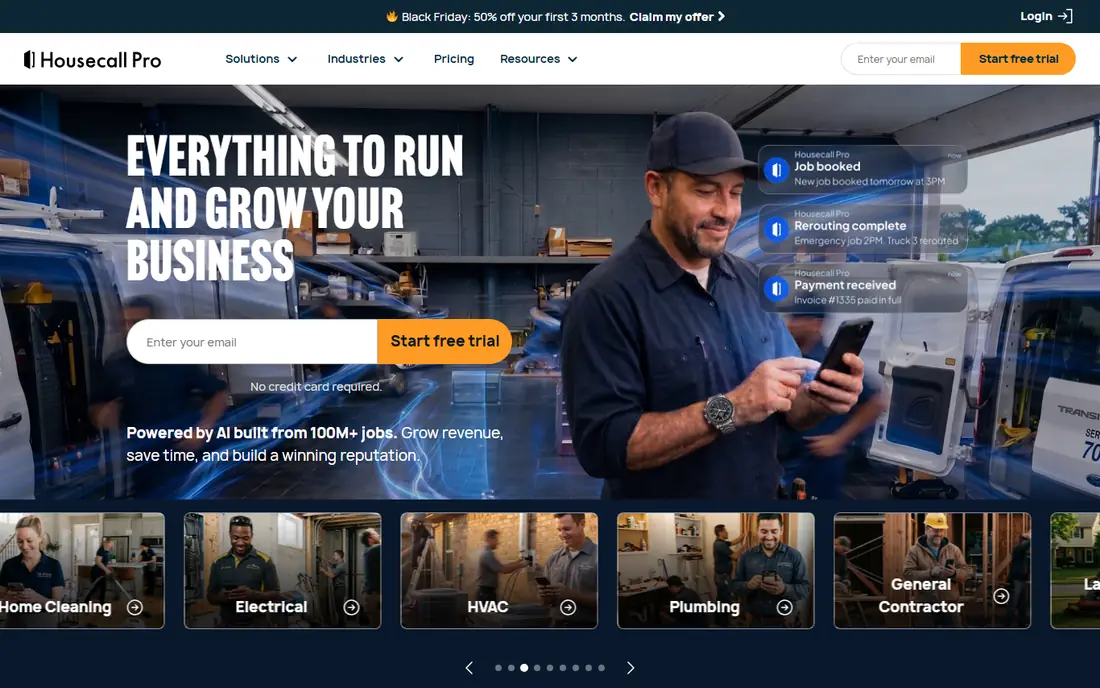
Housecall Pro combines scheduling, dispatch, estimates, invoicing and payments with online booking, automated review requests and customer notifications. That marketing side helps home service businesses win repeat work, not just manage jobs already booked. The mobile app keeps techs on job details, photos and payments in the field.
Entry pricing covers a small team, but larger teams and extra features raise the bill. Teams should check which booking, marketing and payment tools are included on each tier. For a residential business that wants growth tools alongside dispatch, Housecall Pro is a strong option.
- Online booking and review tools
- Dispatch and payments built in
- Strong mobile app
- Pricing rises with users and features
- Some tools are add-ons
- Setup takes care for larger teams
ServiceTitan
Great for: Large trades businesses with structured back-office operations
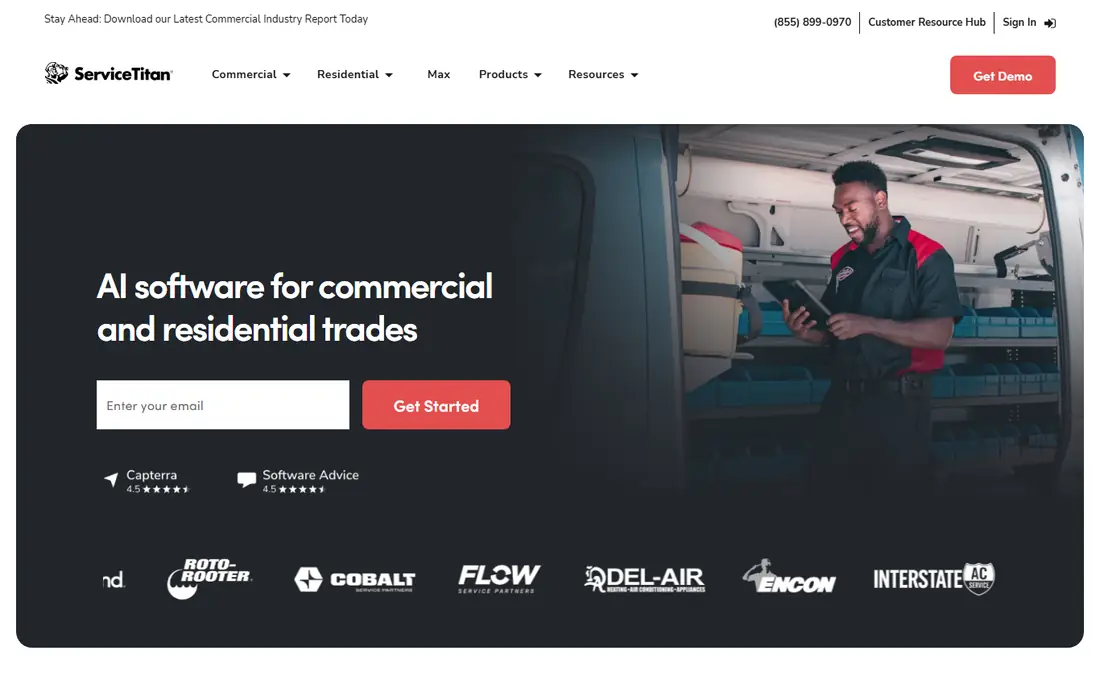
ServiceTitan is built for larger HVAC, plumbing, electrical and similar businesses that need pricebooks, dispatch boards, marketing automation, reporting and multi-location control. Its depth helps a company standardize pricing, track technician performance and manage high job volume. Integrations with accounting and supplier systems support a larger back office.
The trade-offs are price, contract and rollout time. Pricing is quoted per technician, and implementation can take months for a large team. Solo operators and small crews will find it heavy. For an established trades company with admin staff and growth plans, ServiceTitan remains the benchmark.
- Deep pricebook and reporting
- Marketing and dispatch depth
- Built for scale
- Quote-only pricing
- Long implementation
- Heavy for solo operators
FieldEdge focuses on trades businesses that run accounting in QuickBooks, with dispatch, scheduling, quotes, invoices and customer history tied to that accounting data. Its pricebook tools help techs quote consistent prices in the field, and the mobile app handles job notes, photos and signatures. That QuickBooks link matters when office and field records must match.
Pricing is quoted, and the full feature set takes time to learn. Teams should confirm which QuickBooks version they run and what syncs in each direction. For a QuickBooks-led trades team, FieldEdge is a practical and proven alternative.
- Strong QuickBooks Desktop and Online sync
- Dispatch and pricebook tools
- Field mobile app
- Quote-only pricing
- Learning curve
- Some features need higher tiers
Workiz is built around the phone, with call tracking, recording and lead management alongside scheduling, dispatch and invoicing. That focus suits locksmiths, garage door techs, appliance repair and other trades where the first contact is a call. Online booking and automated messages help turn those calls into booked jobs without extra office work.
Pricing clarity varies, so buyers should get a written quote for their team size and feature set. Some tools sit outside the base plan. For a business where missed calls mean lost jobs, Workiz offers a focused answer.
- Call tracking and recording
- Online booking
- Dispatch and invoicing in one place
- Pricing is quote-based on many pages
- Some features are add-ons
- Reporting depth varies by plan
ServiceM8 offers scheduling, job management, quoting, invoicing and a client portal, with a free tier for a single user and a modest job count. Paid plans charge by job volume with unlimited users, which suits a crew where several staff need access but job count stays moderate. The mobile app covers field job cards, photos and signatures.
Job caps are the key limit, so a busy month can push a team to a higher plan. Add-ons cover some advanced needs. For a small crew testing field software or keeping costs low, ServiceM8 is a sensible and low-risk start.
- Free tier for one user
- Job-based pricing option
- Unlimited users on paid plans
- Job limits matter on lower plans
- Some features need add-ons
- Less suited to very large teams
FieldPulse combines CRM, scheduling, dispatch, estimates, invoicing and payments with custom forms and workflows. That flexibility helps teams with varied job types, inspection checklists or approval steps that a fixed template cannot cover. Reporting tools give managers a view of jobs, revenue and technician workload.
Pricing is quoted, and the flexibility means setup deserves time. Teams should build one real workflow in a demo before buying, including forms, statuses and invoice rules. For a growing team that has outgrown a rigid tool, FieldPulse is a flexible choice.
- Custom forms and workflows
- Strong reporting
- CRM and invoicing included
- Quote-based pricing
- Setup takes planning
- Mobile experience varies by workflow
Kickserv covers the core field service job: customers, scheduling, dispatch, estimates and invoices, with a mobile app for techs in the field. Its simpler scope helps a small crew get running without learning an enterprise platform. The interface stays focused on the jobs of the day rather than a long menu of extras.
Advanced automation, marketing and reporting depth are lighter than ServiceTitan or FieldPulse. Teams that need deep pricebooks or complex workflows should test those areas first. For a small crew that wants the basics done well, Kickserv is a straightforward option.
- Simple job and customer management
- Scheduling and invoicing
- Lower complexity
- Fewer advanced automation tools
- Integration list is smaller
- Pricing needs a quote check
mHelpDesk
Great for: Teams that need reporting and field access away from the office
mHelpDesk provides scheduling, job management, invoicing, customer records and reporting for field service businesses. Its reporting helps managers track job status, revenue and technician activity, while the mobile tools keep field staff on job details away from the desk. That combination suits teams that need office oversight as much as field speed.
Pricing needs confirmation from sales, and the interface is more functional than modern. Teams should test the mobile workflow and report set in a trial. For a business that values reporting and steady field access, mHelpDesk remains a workable alternative.
- Job tracking and reporting
- Customer management
- Mobile access for field teams
- Pricing is not published simply
- Interface feels older
- Feature depth varies by plan
How we picked these
We compared official feature and pricing pages, plus public field service comparisons, to confirm each product is live in October 2026 and covers scheduling, dispatch and invoicing for field teams. We favored tools with a real mobile field app and customer records, and we marked quote-only pricing as See website rather than inventing figures. We did not claim hands-on testing.
What to check before you switch
Count users, techs and monthly jobs first, since pricing models differ sharply. Per-user tools suit small crews, per-job tools suit teams with many office users, and flat or quote-based tools suit larger crews where per-user fees add up fast. Model the total at your real numbers, including payment processing and add-ons.
Test the field workflow on a phone, not just a desktop demo. Create a job, dispatch it, add photos and notes, collect a signature and send an invoice. Confirm QuickBooks sync, online booking and customer notifications work as expected. Keep the old system running until techs can complete a full day on the new tool without office help.
Frequently asked questions
What is the cheapest Service Fusion alternative?
ServiceM8 offers a free tier for one user, and Jobber starts at $29 per month for one user. The cheapest total depends on user count and job volume, so model both before choosing.
Which alternative is best for a solo operator?
Jobber and ServiceM8 suit solo operators with simple scheduling, quoting and invoicing. Housecall Pro adds booking and review tools if winning new customers matters as much as managing jobs.
Which alternative is best for a large trades company?
ServiceTitan suits large residential and commercial trades businesses with pricebooks, reporting and marketing depth. FieldEdge suits large QuickBooks-led teams, while FieldPulse suits teams that need custom workflows.
Do these tools integrate with QuickBooks?
Yes, most do, with FieldEdge offering the deepest QuickBooks focus. Confirm whether sync covers customers, invoices, payments and items, and whether it works with QuickBooks Online, Desktop, or both.
Can customers book and pay online?
Jobber, Housecall Pro, Workiz and ServiceM8 offer online booking or customer portals, and several offer payments. Check whether booking, quote approval and payment are included on the plan you choose, since some are add-ons.
Sources
See where you really rank - block by block
ProMapRanker scans Google Maps across a grid of your service area. Simple monthly plans from $19, white-label on every plan.
Start freeKeep reading
 zoro.to alternatives
Best Zoro.to Alternatives in 2026
We compare the best zoro.to alternatives in 2026, listing only legal licensed anime streaming services, from Crunchyroll to free options for fans today.
Read → zip alternatives
Best Zip Alternatives in 2026
We compare the best zip alternatives for buy now, pay later in 2026, covering pay-in-4 plans, fees, spending limits, and credit reporting options today.
Read → yesware alternatives
Best Yesware Alternatives in 2026
Compare the best yesware alternatives for sales email tracking, templates, and sequences, with current pricing and honest tradeoffs for small sales teams.
Read →