 ProMapRanker
Best Sentry Alternatives in 2026

Key takeaways
- GlitchTip and Better Stack are the closest drop-in style replacements for teams that want to keep a Sentry-style workflow without the same bill.
- Rollbar and Bugsnag keep their paid prices off their public pages in 2026, so budget comparisons for those two need a sales conversation or a trial.
- Honeybadger bundles error tracking with uptime and cron monitoring, which suits small teams that want fewer separate tools.
- PostHog makes sense when error tracking is only one part of a wider product analytics setup, while TrackJS stays focused on front-end JavaScript.
- Self-hosting is a real dividing line here: GlitchTip supports it, while most of the larger hosted tools do not.
Quick comparison
| Pick | Great for | Pricing starts at | Free tier | |
|---|---|---|---|---|
 Rollbar | Developer-first error tracking | See website | Yes | Visit |
 Bugsnag | Mobile stability monitoring | See website | Yes | Visit |
 Honeybadger | Small teams wanting bundled monitoring | See website | Yes | Visit |
 GlitchTip | Self-hosted Sentry-style tracking | $15 per month | Yes | Visit |
 Better Stack | High-volume error tracking | $29 per month | Yes | Visit |
 Airbrake | Simple error tracking at a fixed price | $19 per month | No | Visit |
 Raygun | Customer-impact triage | See website | Free trial | Visit |
 PostHog | Analytics plus error tracking | Free | Yes | Visit |
 TrackJS | Front-end JavaScript errors | $49 per month | No | Visit |
The best Sentry alternatives
Error tracking tools differ more in pricing model than in their basic promise, so we compared event quotas, free tiers, self-hosting, and mobile coverage before ranking these nine.
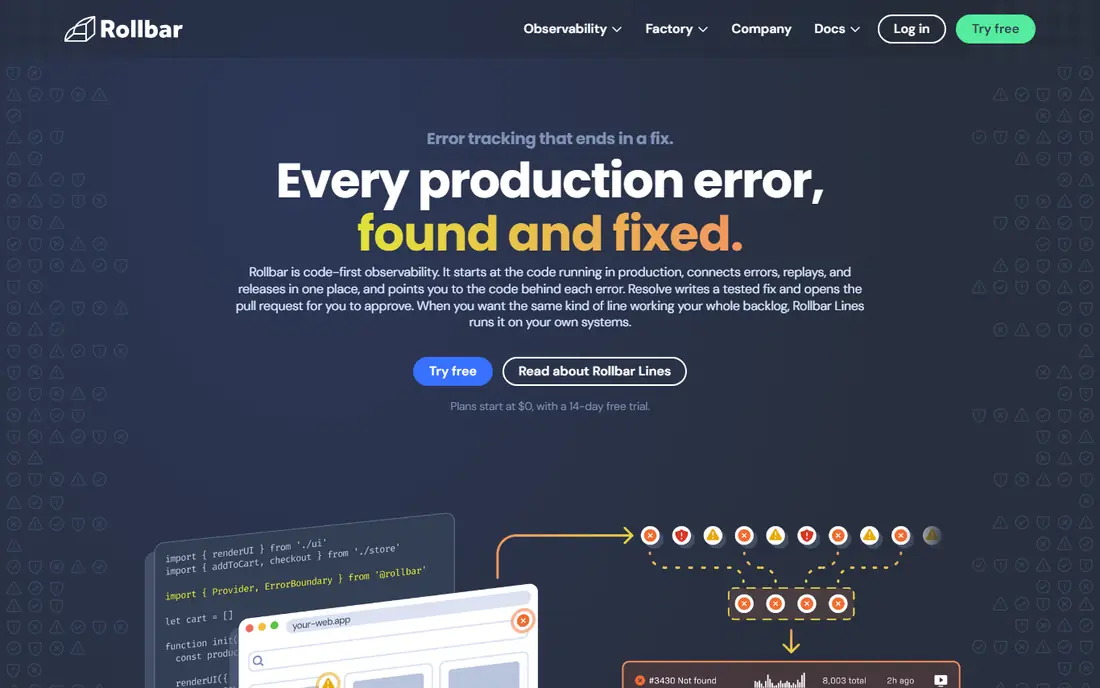
Rollbar groups errors as they arrive and ties them to deploys, which helps a team spot a bad release quickly instead of paging through raw logs. Its workflow feels built for developers first, with assignments, alert rules, and integrations for tools such as Slack and GitHub. Teams that already track deploys closely will get value from that context on day one.
The catch is pricing transparency. Rollbar publishes a free tier with a set number of occurrences, but paid plan prices are not shown on its public pages in 2026, so a growing team cannot model the bill from the website alone. That matters when an error loop can burn through a quota in minutes. Start on the free tier, watch how occurrences stack up, and ask for a written quote before committing.
- Real-time error grouping
- Deploy tracking
- Session replay included in its quotas
- Paid prices are not published
- Quotas can be hard to compare with event-only plans
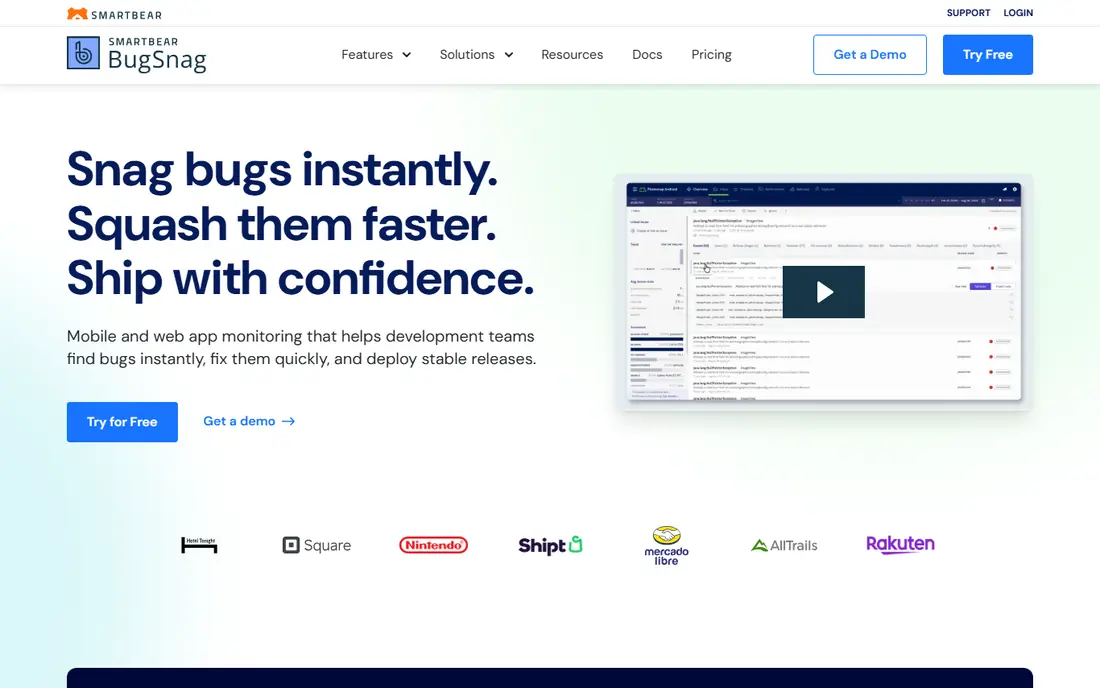
Bugsnag stands out for mobile teams. It covers iOS, Android, React Native, and many web and server platforms, and it frames errors around release health and crash-free users rather than raw counts alone. That framing helps product managers and engineers agree on what counts as a bad release. Its dashboards also make it easy to see which version introduced a problem.
Pricing is the weak point for comparison shoppers. Bugsnag lists a free tier, but paid totals depend on event volume and plan, and the site does not present one simple starting price in 2026. Mobile teams with steady volume should run a trial against a real release cycle and confirm the event-volume price in writing. The product itself is mature, so the decision usually comes down to that quote.
- Broad platform coverage including mobile
- Release health and stability scores
- Strong error grouping
- Paid prices are not published in a simple list
- Enterprise features sit on higher tiers
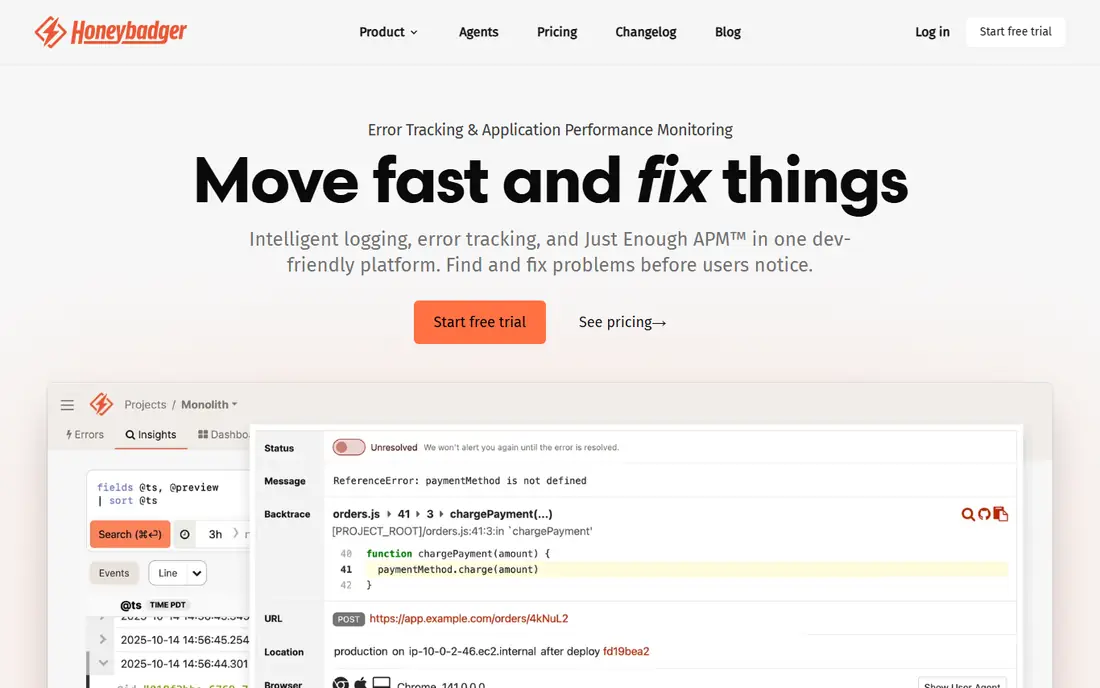
Honeybadger appeals to small teams that want one account for several small jobs. Error tracking sits beside uptime monitoring and cron check-ins, so a side project or a small SaaS product can cover the basics without three separate subscriptions. Setup is quick, and the free tier gives a small team room to learn the tool before paying.
The trade-off is depth. Honeybadger does not offer session replay, and teams that need to watch exactly what a user did before an error will need another tool for that job. Its integration list is also narrower than the biggest observability platforms. For a team that values simplicity over a wide feature set, that trade is often worth it.
- Errors plus uptime and cron monitoring in one account
- Simple setup
- Clear free tier
- No session replay
- Smaller integration list than the largest platforms
GlitchTip is the pick for teams that want a Sentry-style workflow with more control over their data. It accepts Sentry SDKs, which can make migration far less painful than a full rewrite of instrumentation. The hosted plan starts at $15 per month, and the self-hosted version costs only the server it runs on. That combination makes it attractive for privacy-minded teams and for developers on a tight budget.
Self-hosting is not free in effort, even when the software costs nothing. Updates, backups, and uptime become your job, and there is no session replay to help reproduce a tricky front-end bug. Teams that accept those limits get a capable tracker at a low price. Teams that want a fully managed service with replay should look at Better Stack or Raygun instead.
- Open source and self-hostable
- Sentry SDK compatibility
- Low hosted starting price
- No session replay
- Self-hosting adds maintenance work
Better Stack positions itself as a Sentry-compatible tracker with a generous exception allowance on its paid plans. Teams that hit Sentry pricing walls at high volume often find the math easier here, and the platform also covers logs, metrics, and uptime monitoring. That breadth means fewer separate tools for a team that wants one monitoring home.
The main thing to check is seat pricing. A plan that looks cheap for two developers can grow quickly as the team grows, so model the cost at your actual headcount, not just at your current error volume. Better Stack is hosted only, so teams that must self-host for compliance reasons should choose GlitchTip. For most hosted teams, it is a strong middle ground.
- Sentry SDK compatibility
- Generous included exceptions
- Logs and uptime in the same platform
- No self-hosting
- Pricing is per seat on some plans, so team size changes the bill
Airbrake keeps its pitch simple: a published price ladder, quick setup, and error tracking without a large observability platform wrapped around it. Small teams that want predictable billing will appreciate seeing the starting price up front, unlike tools that hide paid prices behind a sales form. Deploy tracking helps connect a spike in errors to a specific release.
The limits are clear too. There is no free plan, only a trial, so a hobby project cannot stay free forever. There is also no session replay, which means front-end teams must reproduce user-facing bugs from stack traces and context alone. If simple and predictable matters more than replay, Airbrake fits well.
- Published price ladder
- Simple setup
- Deploy tracking
- No free plan
- No session replay
Raygun helps teams triage by customer impact, not just by error count. It shows which users and sessions were affected, which makes it easier to decide what to fix first when several errors compete for attention. Performance monitoring and real user monitoring sit in the same platform, so a team can connect a slow page to the errors that followed it.
Pricing is less transparent than we would like, since a firm total depends on plan and volume and the site does not always show one simple starting figure. There is also no permanent free tier, only a trial. Teams that run a support-driven SaaS product, where one affected enterprise customer matters more than a thousand anonymous errors, will find the impact view worth the extra pricing step.
- Crash reporting with user impact data
- Performance monitoring alongside errors
- Real user monitoring
- Paid pricing needs a quote for a firm total
- Trial only, no permanent free tier
PostHog is a different kind of alternative. It is a product analytics platform first, with exception tracking, session replay, feature flags, and surveys in the same account. Its free tier includes a large monthly exception allowance, which makes it a good fit for early-stage startups that want analytics and errors on one bill. Self-hosting is also an option for teams with the resources to run it.
The breadth is also the drawback. A team that only wants error tracking may find PostHog heavier to set up and learn than a focused tracker such as Rollbar or Airbrake. Error grouping and alerting are solid, but they sit inside a much larger product. Pick PostHog when you also want analytics and replay; pick a focused tracker when you do not.
- Large free exception allowance
- Session replay and analytics in one platform
- Open source option
- Error tracking is one module among many
- Setup can feel broad for teams that only want errors
TrackJS does one job and does it plainly: it catches JavaScript errors in the browser and shows the context around them. Front-end teams that struggle with vague browser reports will appreciate its focus, and its pricing is published rather than hidden. It is a good match for agencies and web teams whose bugs live mostly in the browser.
Its narrow focus is the limit. TrackJS is not a general replacement for teams that need back-end, mobile, and infrastructure errors in one place, and there is no free plan to test it long term without paying. Use it as your front-end tracker, possibly beside a back-end tool, rather than as a single home for every error type.
- Focused on browser JavaScript
- Clear error context
- Simple pricing
- No free plan
- Not a fit for back-end or mobile-first teams
How we picked these
We compared official feature pages, pricing pages, and public documentation for error tracking tools that work in October 2026, and we left out tools that had shut down or had no working product page. We favored tools with a clear free tier or published price, real platform coverage, and a distinct reason to exist next to the others. Where a vendor did not publish a paid price, we wrote See website instead of repeating an outdated figure from a review site.
What to check before you switch
Start with your error volume, not with a feature list. Count your monthly errors over the last three months, then compare that number with each free tier and paid quota, since event-based pricing punishes error loops far more than seat-based pricing does. Next, check SDK coverage for every platform you ship, including mobile, and confirm whether session replay matters for your front-end bugs. Finally, run a trial on a real release, not on a demo project, so you can see grouping quality and alert noise under normal conditions.
Migration tips that save time
If you already use Sentry SDKs, GlitchTip and Better Stack deserve a first look because of their compatibility claims, but test that claim on one service before moving everything. Keep your old tracker running in parallel for one release cycle so no error goes missing during the switch. Set alert thresholds early, and mute noisy errors deliberately, or the new tool will feel louder than the old one for reasons that have nothing to do with code quality.
Frequently asked questions
What are the best Sentry alternatives?
The best Sentry alternatives depend on your team size and stack. GlitchTip suits self-hosters, Better Stack suits high-volume hosted teams, Bugsnag suits mobile teams, and Honeybadger suits small teams that want bundled monitoring. Start with your monthly error volume and whether you need session replay, then shortlist two tools for a trial.
Are there free Sentry alternatives?
Yes. Rollbar, Bugsnag, Honeybadger, GlitchTip, Better Stack, and PostHog all offer a free tier or a free allowance, though quotas differ a lot. A free tier that covers 5,000 errors a month will not cover a product with an error loop, so check your real volume before relying on a free plan.
Which Sentry alternative is best for self-hosting?
GlitchTip is the clearest self-hosted pick here because it is open source and accepts Sentry SDKs. PostHog also offers a self-hosted option, but it is a much larger platform to run. If you only need error tracking and want to control your data, GlitchTip is the simpler self-hosted choice.
Is Rollbar a good Sentry alternative?
Rollbar is a good fit for developer-led teams that want real-time grouping and deploy tracking without a large observability platform. Its free tier is useful, but paid prices are not published, so you should confirm the cost for your volume before treating it as the cheaper option.
Can I migrate from Sentry without rewriting all my code?
In some cases, yes. GlitchTip and Better Stack advertise Sentry SDK compatibility, which can reduce migration work, but compatibility is not identical for every feature. Test one service end to end, including alerts and release tracking, before you move your whole codebase.
Does Honeybadger replace Sentry for a small team?
Honeybadger can replace Sentry for a small team that mainly needs error tracking plus uptime and cron checks. It lacks session replay, so front-end teams that rely on replay to reproduce bugs may need a second tool or a different pick.
Sources
See where you really rank - block by block
ProMapRanker scans Google Maps across a grid of your service area. Simple monthly plans from $19, white-label on every plan.
Start freeKeep reading
 zscaler alternatives
Best Zscaler Alternatives in 2026
Looking for zscaler alternatives? We compare 9 SASE and zero trust platforms on architecture, data protection, pricing, and fit for your network and team.
Read → zapier alternatives free
Best Zapier Alternatives Free in 2026
Nine automation tools for zapier alternatives free in 2026, all with genuinely free tiers, plus free plan limits, starting prices and upgrade paths explained.
Read → which platform is best for online reputation
Which Platform Is Best for Online Reputation in 2026
Wondering which platform is best for online reputation? We compare 8 review, listing, and response tools for small and multi-location businesses and agencies.
Read →