 ProMapRanker
Best SD 3.5 GUI Alternatives to ComfyUI in 2026

Key takeaways
- These tools are graphical interfaces for Stable Diffusion 3.5, offered as a simpler workflow than ComfyUI node-based use.
- InvokeAI and Forge suit most users, since both give a polished panel-based interface with model and image management.
- SwarmUI and SD.Next suit users who want modern model support and more control without building a node graph.
- DiffusionBee, Draw Things and Mochi Diffusion suit Apple users, since they are built for macOS or iOS hardware.
Quick comparison
| Pick | Great for | Pricing starts at | Free tier | |
|---|---|---|---|---|
 InvokeAI | Polished local studio | Free | Yes | Visit |
 AUTOMATIC1111 | Largest extension library | Free | Yes | Visit |
 Stable Diffusion WebUI Forge | Faster A1111-style runs | Free | Yes | Visit |
 SwarmUI | Modern prompt-first interface | Free | Yes | Visit |
 SD.Next | Actively updated A1111 fork | Free | Yes | Visit |
 Easy Diffusion | Beginner local install | Free | Yes | Visit |
 DiffusionBee | Mac local generation | Free | Yes | Visit |
 Draw Things | Apple device generation | Free | Yes | Visit |
The best sd 3.5 gui alternatives to comfyui
ComfyUI uses a node graph, where you connect boxes for model loading, prompt encoding, sampling and image saving. That design is powerful, but it is a lot to learn if you only want to type a prompt and get an image. The tools below are graphical interfaces for Stable Diffusion 3.5 as an alternative workflow to ComfyUI node-based use, with panels, forms and buttons instead of wires. We compared official project pages and documentation, and we did not claim hands-on testing that did not happen. ComfyUI itself is not listed.
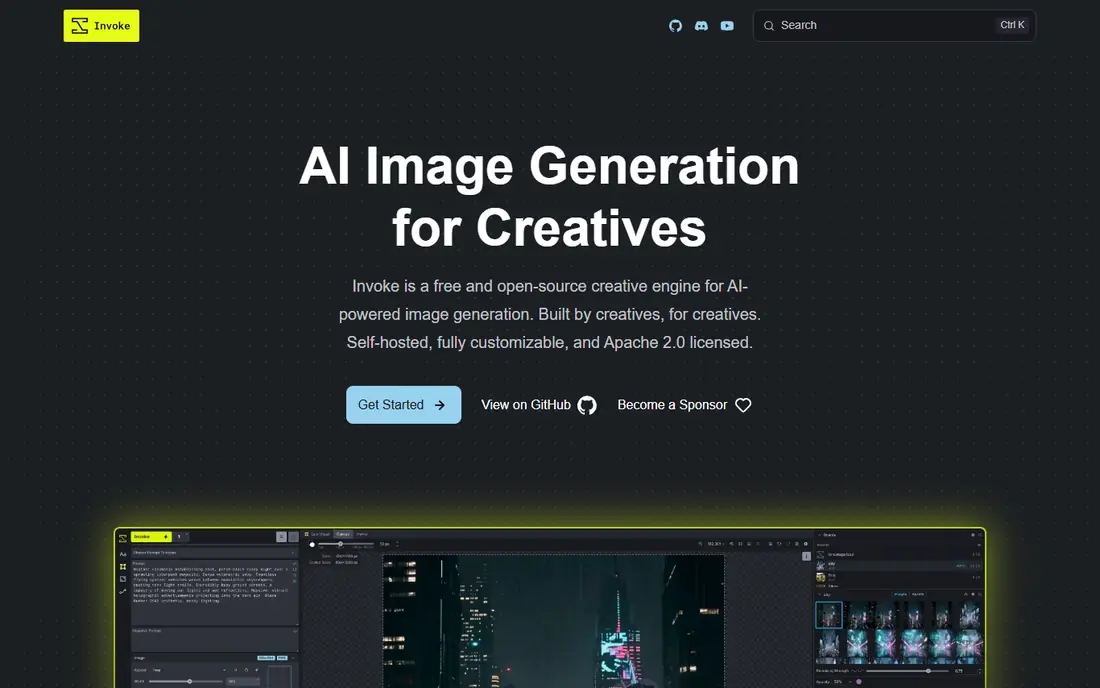
InvokeAI is a polished local studio for open image models, including Stable Diffusion 3.5, and it is the best balanced pick for most users who want to leave node graphs behind. It offers a canvas for editing, layers, inpainting and outpainting, plus model management and a gallery for past images, all in a panel interface that feels like an app rather than a diagram. That structure helps when you want to edit part of an image, try a variation, or keep track of prompts and settings across a session.
The catch is hardware and setup. InvokeAI runs on your own computer, so you need a capable GPU and space for large model files, and the first install takes longer than opening a web app. It also asks you to choose and manage models, which is more work than a hosted service that hides those choices. If you have a suitable GPU and want a studio you control, InvokeAI is our pick for most people. If you have no GPU, a cloud service will be a better fit, even though it is not a local GUI.
- Canvas editing and layers
- Model management
- Clean panel interface
- Needs a capable GPU and large model downloads
- Setup takes time
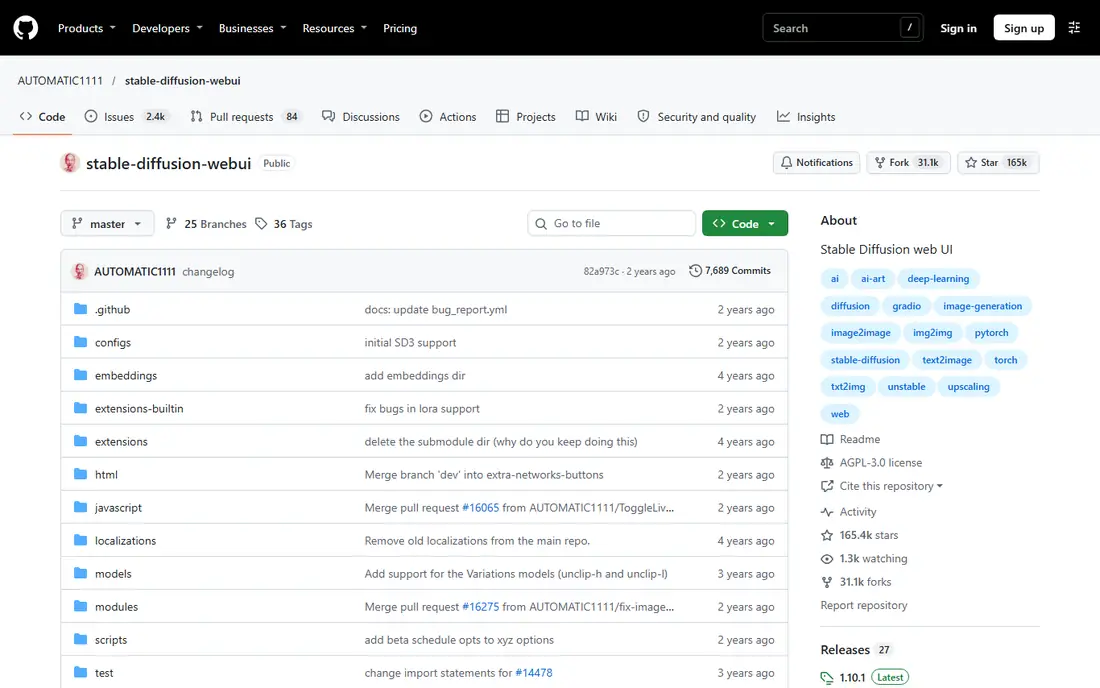
AUTOMATIC1111, often called A1111, is the original tab-based web interface for Stable Diffusion, and it still has the largest extension library in this category. Tabs cover text-to-image, image-to-image, extras, training and settings, and extensions add control tools, upscalers, prompt helpers and workflow aids. That breadth matters when you want a specific feature, since someone has usually built an extension for it, and the long community history means many guides and answers exist online.
The honest limits are pace and clutter. Core updates have slowed compared with newer forks, and the tabbed interface can feel crowded once many extensions are installed. A1111 also needs a capable GPU and model downloads, and extension quality varies, so install only what you need. If you want the widest extension choice and you are happy to curate your own setup, A1111 remains a solid choice. If you want faster runs and a cleaner start, Forge or SD.Next may suit you better.
- Huge extension library
- Tabbed interface
- Long community history
- Core updates have slowed
- Interface can feel cluttered
- Setup needs care
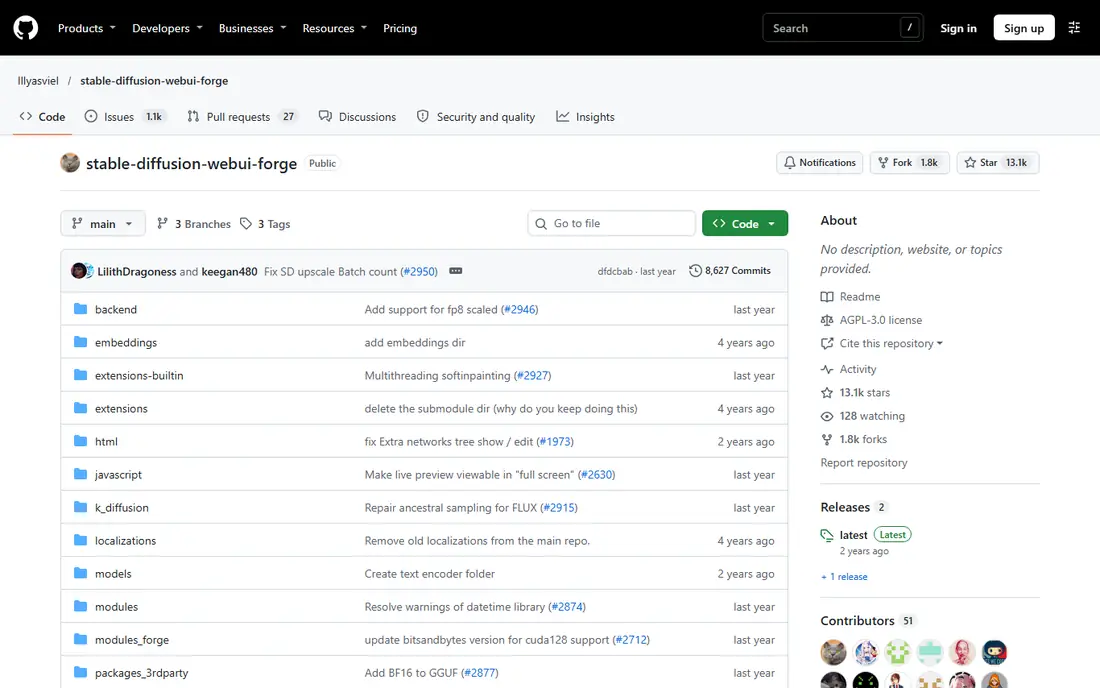
Stable Diffusion WebUI Forge is a fork of A1111 that aims for faster runs and lower memory use, while keeping a familiar tabbed layout. That makes it an easy move for A1111 users who want better performance without learning a new interface, and it is a good pick for Stable Diffusion 3.5 users who want a panel GUI rather than a node graph. Forge handles modern models well, and its performance gains matter most on mid-range GPUs, where memory and speed decide whether a large model runs at all.
The trade-off is extension parity. Not every A1111 extension works the same way in Forge, so a user who depends on a specific extension should test it before migrating a full workflow. Project pace also depends on its maintainers, so check recent releases before installing. If speed and memory matter and you like the A1111 layout, Forge is a strong choice. If you need a specific A1111 extension that Forge does not support, stay with A1111 or try SD.Next.
- Faster sampling and lower memory use
- Familiar A1111 layout
- Good for newer models
- Extension support differs from A1111
- Project pace depends on maintainers
SwarmUI is a modern, prompt-first local interface for current image models, including Stable Diffusion 3.5, and it is built for users who want to type a prompt, set a few controls and generate, without wiring nodes. Its interface is cleaner than older tabbed tools, and it supports model management, generation settings and image browsing in one place. That focus makes it a good fit for users who generate often and want a fast, repeatable workflow rather than a deep extension collection.
The catch is setup and depth. SwarmUI still runs locally, so you need a capable GPU, model downloads and some configuration, and its extension ecosystem is thinner than A1111. It is also a newer project, so guides are fewer, though the core workflow is simple enough that most users will not need many guides. If you want a modern, prompt-first GUI for SD 3.5, SwarmUI is a strong pick. If you want the largest extension library, A1111 remains ahead.
- Prompt-first design
- Modern model support
- Clean generation workflow
- Needs GPU and model setup
- Less extension depth than A1111
SD.Next is an actively maintained fork in the A1111 family, built for modern models and for users who want a familiar tabbed interface with current support. It covers text-to-image, image-to-image and related tools, with model management and a wide set of settings, and it is a good choice for users who liked A1111 but want a project with steadier updates. Its support for newer models, including Stable Diffusion 3.5 class models, makes it relevant for users who do not want to fall behind on model compatibility.
The limits are familiar ones for this family. The interface can feel dense, especially for a beginner, and local use still needs a capable GPU and large model files. SD.Next also rewards users who are willing to read settings and guides, since its depth can overwhelm a first-time user. If you want an A1111-style GUI with active maintenance, SD.Next is worth trying. If you want the simplest possible start, Easy Diffusion or DiffusionBee may be easier.
- Actively maintained fork
- Modern model support
- Familiar tabbed layout
- Interface can feel dense
- Setup needs GPU and model downloads
Easy Diffusion is built for beginners who want local image generation without a long setup process. Its installer is simpler than a manual Python install, and its interface focuses on a prompt, a few key settings and a generate button, which is exactly what a new user needs. That simplicity makes it a good first GUI for Stable Diffusion use, and it helps users learn prompts, seeds and samplers before moving to a deeper tool such as InvokeAI or Forge.
The trade-off is depth and model pace. Easy Diffusion offers fewer advanced controls than A1111, Forge or SwarmUI, and support for the newest models depends on its release schedule, so check the current release notes for Stable Diffusion 3.5 support before installing. It still needs a capable GPU for good speed, though it can run on more modest hardware for smaller models. If you want the easiest local start, Easy Diffusion is a good pick. If you need advanced control, move to InvokeAI or SwarmUI after you learn the basics.
- Simple installer
- Clean prompt interface
- Good first local tool
- Fewer advanced controls
- Model support depends on release
- Needs a GPU
DiffusionBee is a Mac app for local Stable Diffusion generation, with a simple interface that hides most setup work. You install the app, download a model, type a prompt and generate, without a browser tab, Python environment or node graph. That native feel suits Mac users who want images on their own machine, with files kept locally and no cloud account needed for basic use. It is also a good teaching tool, since the interface stays close to prompt, size and steps.
The limits are platform and model range. DiffusionBee is Mac only, so Windows and Linux users need another tool on this list, and its model choice is narrower than a full web UI with a model manager. Speed also depends on your Apple hardware, with newer Apple Silicon machines performing far better than older ones. If you use a Mac and want a simple local GUI, DiffusionBee is a clean choice. If you need the widest model support, a cross-platform tool such as InvokeAI or SwarmUI will suit you better.
- Native Mac app
- Local generation
- Simple interface
- Mac only
- Model choice is narrower
- Speed depends on Apple hardware
Draw Things is an app for iPhone, iPad and Mac that runs image models locally on Apple devices, including Stable Diffusion 3.5 class models where supported. Its strength is portability: you can generate on a phone or tablet without a desktop GPU, and your prompts and images stay on the device. The interface is touch friendly, with prompt, model and setting controls that suit quick generation, and it supports a range of models and tools for Apple hardware.
The trade-off is workflow depth. A phone or tablet screen limits complex editing compared with a desktop studio such as InvokeAI, and large models need a recent Apple device with enough memory to run well. Draw Things is also Apple only, so it will not help a Windows or Linux user. If you live in the Apple ecosystem and want SD 3.5 generation on the go, Draw Things is a strong pick. If you need a full desktop studio, pair it with InvokeAI or Forge on a computer.
- Runs on iPhone, iPad and Mac
- Local generation
- Wide model support for Apple devices
- Apple only
- Small screen workflow limits complex edits
- Needs a recent device for large models
How we picked these
We compared official project pages and documentation for graphical interfaces that run Stable Diffusion 3.5 as an alternative workflow to ComfyUI node-based use, and that are live in October 2026. We favoured panel, tab and form interfaces over node graphs, kept a mix of cross-platform and Apple-only tools, and included beginner and advanced options. We did not include ComfyUI itself, we did not claim hands-on testing, and we marked pricing as Free where the software itself is free to download, while noting that local use still needs suitable hardware and model downloads.
How to choose a graphical SD 3.5 interface
Start with your hardware, not with features. A desktop with a capable GPU suits InvokeAI, Forge, SwarmUI, SD.Next or A1111. A Mac suits DiffusionBee or Draw Things. A phone or tablet suits Draw Things. A weak computer will struggle with large SD 3.5 models in any local GUI, no matter how clean the interface looks, so check model size and memory needs before you install.
Check SD 3.5 support in the current release
Model support changes with releases, so check the current release notes for the exact SD 3.5 variant you want, whether it is a large, medium or distilled version. A tool that supported an early SD 3 release may need an update for SD 3.5, and a fork may lag behind the main project. Test with one model first, confirm that prompts, size and steps work as expected, and only then download a full model library.
Keep prompts and settings portable
Save prompts, seeds, samplers and model names with your best images, so you can reproduce a result in another GUI later. Node-free tools still differ in defaults, so the same prompt can look different across tools. A simple text note with each image saves time when you switch tools or upgrade to a new model version.
Frequently asked questions
What is the easiest SD 3.5 GUI instead of ComfyUI?
Easy Diffusion is the easiest local start for beginners, while DiffusionBee is the easiest Mac option and Draw Things is the easiest Apple mobile option. For a desktop user who wants a balance of ease and depth, InvokeAI is the strongest all-round pick, since it offers a polished studio without a node graph.
Do I need a GPU to run these tools?
For good speed with large SD 3.5 models, yes, a capable GPU or a recent Apple Silicon device is needed. Some tools can run smaller models on modest hardware, but generation will be slow, and large models may not load at all. Check the memory needs for your chosen model before installing, and consider a cloud service if your hardware cannot run it.
Are these tools really free?
The software on this list is free to download and use, with open source licences for most projects. The real costs are hardware, electricity and time, plus model downloads that can be large. A free GUI is not a free cloud service, so do not expect hosted generation without paying for compute somewhere.
Can I use my ComfyUI workflows in these tools?
No, not directly. These tools use panels, tabs and forms, not ComfyUI node graphs, so a ComfyUI workflow file will not load in them. You can usually recreate the same prompt, model, sampler and settings by hand, but complex node chains with control tools will need to be rebuilt or replaced with the equivalent feature in the new tool.
Which tool is best for editing an image, not just generating one?
InvokeAI is the strongest pick for editing, since its canvas, layers, inpainting and outpainting tools are built for that job. Forge and A1111 also offer image-to-image and inpainting through tabs and extensions, while Draw Things and DiffusionBee suit simpler edits on Apple devices.
Sources
- https://rankite.com/blog/comfyui-alternatives
- https://invoke.ai
- https://github.com/AUTOMATIC1111/stable-diffusion-webui
- https://github.com/lllyasviel/stable-diffusion-webui-forge
- https://github.com/mcmonkeyprojects/SwarmUI
- https://github.com/vladmandic/automatic
- https://easydiffusion.github.io
- https://diffusionbee.com
- https://drawthings.ai
See where you really rank - block by block
ProMapRanker scans Google Maps across a grid of your service area. Simple monthly plans from $19, white-label on every plan.
Start freeKeep reading
 zoro.to alternatives
Best Zoro.to Alternatives in 2026
We compare the best zoro.to alternatives in 2026, listing only legal licensed anime streaming services, from Crunchyroll to free options for fans today.
Read → zip alternatives
Best Zip Alternatives in 2026
We compare the best zip alternatives for buy now, pay later in 2026, covering pay-in-4 plans, fees, spending limits, and credit reporting options today.
Read → yesware alternatives
Best Yesware Alternatives in 2026
Compare the best yesware alternatives for sales email tracking, templates, and sequences, with current pricing and honest tradeoffs for small sales teams.
Read →