 ProMapRanker
Best ScraperAPI Alternatives in 2026


Enterprise scale and records · Pricing starts at: $1.50 per 1,000 records
Key takeaways
- Bright Data and Oxylabs suit large, enterprise-scale collection, while ScrapingBee and ZenRows suit developers who want a simple API.
- Apify suits teams that want ready-made scrapers, rather than building every extractor from scratch.
- Credit and per-request pricing differ so much that you should price your actual workload, not the headline plan.
- Use these tools only for lawful collection: your own sites, public data with permission, and data that respects terms and robots rules.
- Failed-request billing, rendering costs and parsing output change the real price, so test with real pages first.
Quick comparison
| Pick | Great for | Pricing starts at | Free tier | |
|---|---|---|---|---|
| Bright Data | Enterprise scale and records | $1.50 per 1,000 records | Yes | Visit |
 Oxylabs | Enterprise compliance and coverage | $49 per month | No | Visit |
 Zyte API | Per-request API from Scrapy team | See website | No | Visit |
 ScrapingBee | Simple API for developers | $49 per month | No | Visit |
 Apify | Ready-made scraper marketplace | $29 per month | Yes | Visit |
 ZenRows | Simple scraping API with credits | $69 per month | No | Visit |
 Scrapfly | Low-cost credits for small jobs | $30 per month | Yes | Visit |
 Decodo | Proxy-led extraction at value | $50 per month | No | Visit |
 Firecrawl | Clean markdown for AI workflows | See website | Yes | Visit |
The best scraperapi alternatives
These nine APIs and platforms cover proxy rotation, rendering, parsing and ready-made scrapers, and we compared their published pricing and billing models. This article covers only lawful collection, such as your own sites, public data with permission, and data gathered with respect for terms and robots rules. It does not cover tools pitched for bypassing blocks on other people's sites.
Bright Data is the enterprise pick for teams that collect large volumes of permitted public data. Its Web Scraper API and proxy network cover many locations and data types, and a library of pre-built scrapers can shorten setup for common sources. Pay-as-you-go pricing at $1.50 per 1,000 records lets a team test a small job before committing to a larger plan.
Complexity is the cost. Plans, record definitions and add-ons can be hard to compare, and a small job may cost more per record than a simpler API. For a large team with compliance, scale and support needs, Bright Data is a strong choice. For a single developer with a modest workload, a simpler credit-based API may be cheaper and easier to forecast.
- Very large proxy network
- Library of pre-built scrapers
- Pay-as-you-go record pricing for small tests
- Pricing complexity at scale
- Enterprise plans can be costly for small jobs
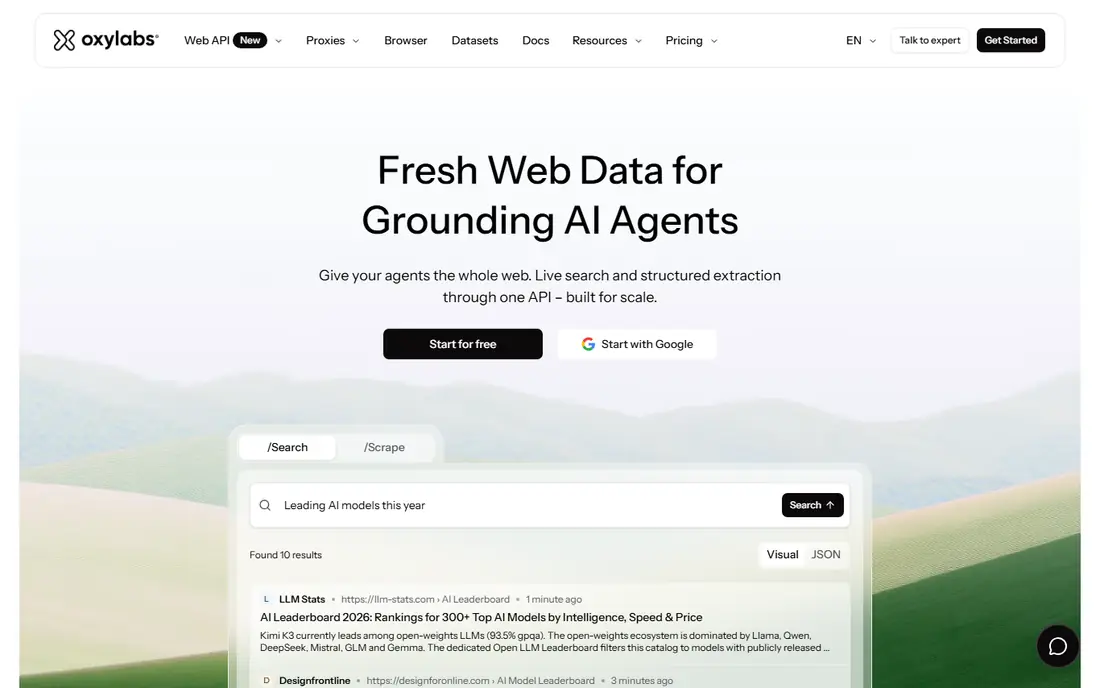
Oxylabs suits enterprise teams that need reliable collection with clear compliance practices. Its Web Scraper API returns structured data for permitted targets, and its proxy network covers many countries and use cases. Compliance credentials, such as SOC 2 and ISO 27001 in vendor listings, help larger buyers pass vendor checks.
It is a developer tool first, so non-technical users will need engineering help to set up targets and parsers. Pricing also rises with volume and site difficulty, so a team should model its real page count before choosing a tier. For enterprise scale with a compliance focus, Oxylabs is a credible and mature option.
- Large residential proxy pool
- Web Scraper API with structured output
- Compliance credentials for enterprise buyers
- Developer-focused setup
- Entry plans can become costly at high volume
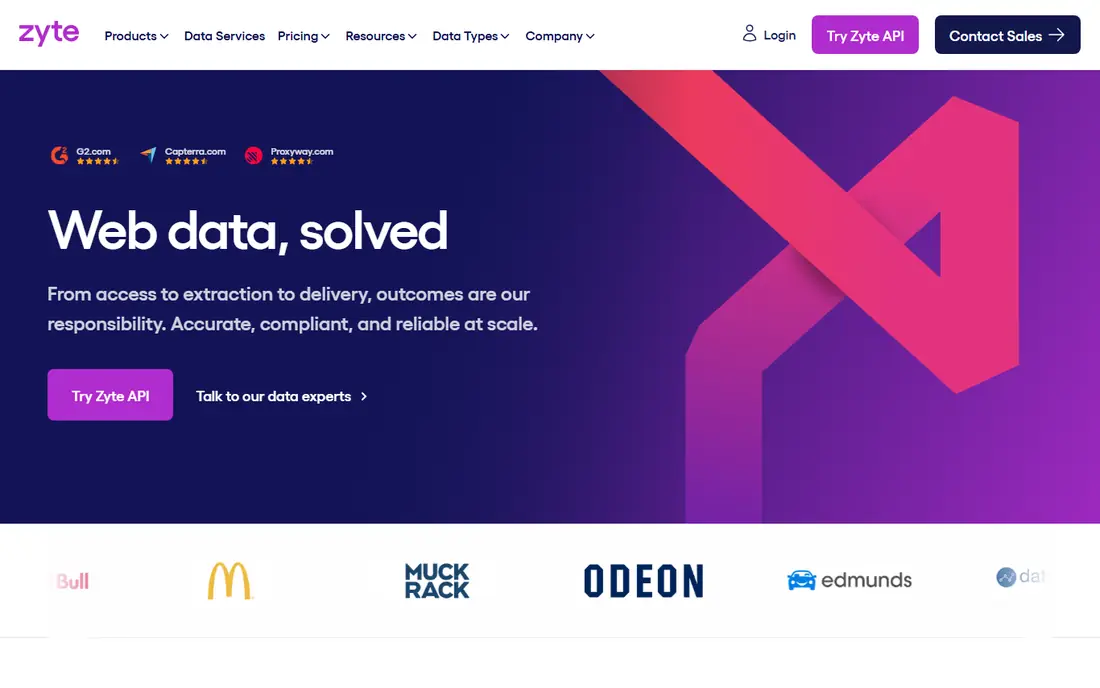
Zyte API appeals to Python teams that already know Scrapy. It takes a URL and returns HTML or extracted data, handling retries, rendering and proxy rotation behind one endpoint. Per-successful-request pricing means failed requests are not the main cost driver, which helps forecasting for simple pages.
Price varies by site difficulty, so a hard target costs more per request than an easy one. That model is fair, but it makes a single headline price hard to quote. For teams that want a clean API from a trusted scraping team, and that can model cost by target difficulty, Zyte API is a strong developer pick.
- Built by the team behind Scrapy
- Per-successful-request pricing
- Automatic handling of retries and browser rendering
- Costs vary by site difficulty
- Developer-first docs and setup
ScrapingBee is the simple API many developers reach for first. One endpoint handles proxies and rendering, credits are easy to understand, and docs show working examples in common languages. JavaScript rendering and screenshots help with modern pages that need a browser, and the entry plan covers a solid monthly credit bundle.
Rendering changes the maths. A plain request costs one credit, while rendered requests cost more, so a team that renders every page will burn credits faster than the headline plan suggests. Test with rendering on and off, and turn it on only for pages that truly need it. For straightforward API work, ScrapingBee remains a clear and practical choice.
- Simple credit model
- JavaScript rendering and screenshots
- Clear docs for quick integration
- Rendering costs extra credits
- Trial is limited to a one-time credit bundle
Apify suits teams that want ready-made scrapers instead of building each extractor. Its marketplace offers Actors for common sources, and the platform adds scheduling, storage, proxies and integrations. The free tier includes platform credit, which lets a team test an Actor before paying.
Billing is the learning curve. Apify charges in compute units, not simple requests, so cost depends on the Actor, runtime and data volume. A team should run a real job and check compute use before committing to a monthly plan. For teams that value ready-made tools and platform features over a single endpoint, Apify is a strong pick.
- Marketplace of thousands of ready-made Actors
- Scheduling, storage and integrations
- Free tier for testing
- Compute-unit billing takes forecasting effort
- One Actor per target can add up
ZenRows gives developers a clean API for permitted collection, with proxy rotation, JavaScript rendering and structured output options. Its credit model is straightforward to track, and its docs cover common languages and use cases. For a team that wants a single endpoint without a large platform to learn, ZenRows is a tidy option.
Entry price is higher than ScrapingBee or Scrapfly, so small teams should compare credit counts at their real volume, not just monthly price. Rendering and premium features also use more credits, so test with your actual pages. For a mid-sized team that wants a simple API with good docs, ZenRows is worth shortlisting.
- Simple API with proxy rotation and rendering
- Credit model that is easy to track
- Useful for permitted public data jobs
- Higher entry price than some rivals
- Costs rise with rendering and premium features
Scrapfly suits indie developers and small teams that want a low-cost API for modest, lawful jobs. Prepaid credits, a free tier key and a policy of not charging for failed requests in vendor listings make small tests cheap and predictable. The API covers rendering and proxy handling for common pages without a large platform to learn.
It is a smaller vendor than the enterprise leaders, so teams with strict vendor, compliance or support requirements should check those details before committing. For a small project, a side tool or a first scraping API, Scrapfly offers good value and a gentle learning curve.
- Low entry price
- Prepaid credits
- Failed requests are not charged in listings
- Free tier key with no time limit in listings
- Smaller brand than Bright Data or Oxylabs
- Enterprise support and compliance depth vary
Decodo, formerly Smartproxy, suits teams that want proxy-led collection at a competitive price. Its scraping API and proxy network cover many locations, and its entry price near $50 per month gives a useful starting point for mid-volume work. That mix appeals to SEO, pricing and market research teams working with permitted data.
It is API-first, so non-developers will need engineering help to build parsers and schedules. Custom targets also take setup work, and costs rise with volume and features. For a developer-led team that wants proxy breadth without enterprise pricing, Decodo is a strong value pick.
- Large proxy network
- Scraping API with rendering
- Competitive entry price for its coverage
- API-first setup needs developer time
- Custom targets take setup work
Firecrawl suits teams that feed web pages into AI workflows and want clean markdown instead of raw HTML. Its API crawls permitted pages, extracts content and returns structured output that is easy to pass to a language model or a search index. The free tier lets a team test output quality before paying.
Credits can burn fast when crawl, rendering and extraction modes are combined, so a team should test a real workload and check credit use per page. Firecrawl is also younger than Bright Data or Oxylabs, so enterprise buyers should check support and compliance fit. For AI-focused collection from permitted sources, it is a modern and useful tool.
- Clean markdown and structured output for AI tools
- Simple API for permitted pages
- Free credits for testing
- Credits burn fast on heavy modes
- Younger product than enterprise rivals
How we picked these
We compared official pricing pages, billing models, rendering options and platform features for scraping APIs, and we kept only tools that are sold and supported in October 2026. We looked for proxy rotation, rendering, structured output, ready-made scrapers and clear failed-request rules, and we noted where pricing is credit-based, per-request or compute-based.
We did not claim hands-on testing. Our comparison rests on vendor documentation, pricing pages and public reviews. Use these tools only for lawful collection, with permission where required, and with respect for terms of service and robots rules. If a target site forbids automated collection, do not use a scraping API to work around that restriction.
How to price a scraping job honestly
Start with your real pages, not a round number. Count pages per month, how many need rendering, how many need structured parsing, and how often each page must refresh. A plain page and a JavaScript-heavy page can cost very different amounts on the same API, so a headline credit count means little without that split.
Next, test failed requests and parsing. Check whether failed requests are charged, whether rendering is on by default, and whether output is raw HTML, markdown or structured JSON. A tool that returns clean JSON can save parsing time, while a tool that returns raw HTML may need extra engineering. Add that engineering time to the total cost.
Finally, check legal and operational fit. Confirm you have permission or a lawful basis for each target, respect robots rules and rate limits, and store only data you are allowed to keep. Set crawl delays, monitor for errors, and keep a record of sources and consent. The cheapest API is not a bargain if it creates legal risk or blocks a source you rely on.
Frequently asked questions
Is web scraping legal?
It depends on the target, the data and the law in your location. Scraping your own sites and public data with permission is generally safer, while scraping personal data, copyrighted content or data against terms of service can create legal risk. Check the target terms, robots rules and local law, and seek legal advice for high-risk projects.
What is the difference between credits and per-request pricing?
Credit pricing charges a bundle of credits per request, with rendering and features costing extra credits. Per-request pricing charges for each successful response, often with a rate that varies by site difficulty. Model your real pages under both models before choosing.
Do I need JavaScript rendering for every page?
No, many pages return full content as plain HTML, and rendering only adds cost for those pages. Turn rendering on for pages that load content in the browser, and keep it off for static pages to save credits.
Can I use these tools on any website?
No, you should only collect data you are allowed to collect, with permission where required, and with respect for terms and robots rules. Do not use these tools to bypass blocks on sites that forbid automated collection.
How do I avoid getting blocked during lawful collection?
Respect rate limits and robots rules, use reasonable crawl delays, identify your crawler honestly where required, and stop if a site signals that collection is not allowed. A proxy or API does not make an unlawful or forbidden collection lawful.
Should I build my own scraper or use an API?
Build your own scraper with open-source tools when you have engineering time and full control matters. Use a managed API when you want proxy rotation, rendering and retries handled for you, and when the monthly cost is lower than the engineering time you would spend.
Sources
See where you really rank - block by block
ProMapRanker scans Google Maps across a grid of your service area. Simple monthly plans from $19, white-label on every plan.
Start freeKeep reading
 zyte alternatives
Best Zyte Alternatives in 2026
These zyte alternatives cover managed scraping APIs, proxy networks and no code tools for lawful collection from your own or consented sources only in 2026.
Read → zerto alternatives
Best Zerto Alternatives in 2026
Compare the best zerto alternatives for disaster recovery and replication, with recovery targets, cloud options and honest trade-offs for teams in 2026.
Read → zerofox alternatives
Best ZeroFox Alternatives in 2026
We compared 9 zerofox alternatives for brand protection, phishing takedowns, dark web monitoring, and social impersonation, with clear coverage notes.
Read →