 ProMapRanker
Best Salesforce Alternatives in 2026

Key takeaways
- HubSpot and Zoho offer the best free starts, while Pipedrive offers the clearest visual pipeline for sales-led teams.
- Freshsales and Close suit calling and email-heavy teams, monday CRM suits visual teams that also track delivery, and Copper suits Gmail teams.
- Capsule suits small teams that want simplicity, while Bitrix24 suits teams that want a free all-in-one suite.
- Price CRMs by team size, not just seat price, and check automation, reporting, and dashboard limits before you migrate.
Quick comparison
| Pick | Great for | Pricing starts at | Free tier | |
|---|---|---|---|---|
 HubSpot CRM HubSpot CRM | Free CRM for growing teams | Free | Yes | Visit |
 Zoho CRM Zoho CRM | Best value paid CRM | Free | Yes | Visit |
 Pipedrive Pipedrive | Visual sales pipeline | See website | Free trial | Visit |
 Freshsales Freshsales | AI-assisted selling on a budget | See website | Yes | Visit |
 monday CRM monday CRM | Visual boards for sales and delivery | See website | Free trial | Visit |
 Close Close | Outbound calling and email | See website | Free trial | Visit |
 Copper Copper | Google Workspace teams | See website | Free trial | Visit |
 Capsule Capsule | Simple contact and deal CRM | Free | Yes | Visit |
 Bitrix24 Bitrix24 | Free all-in-one suite | Free | Yes | Visit |
The best Salesforce alternatives
We compared CRMs that cover contacts, pipelines, automation, and reporting, so teams leaving a large enterprise platform can find a simpler fit without losing core sales work.
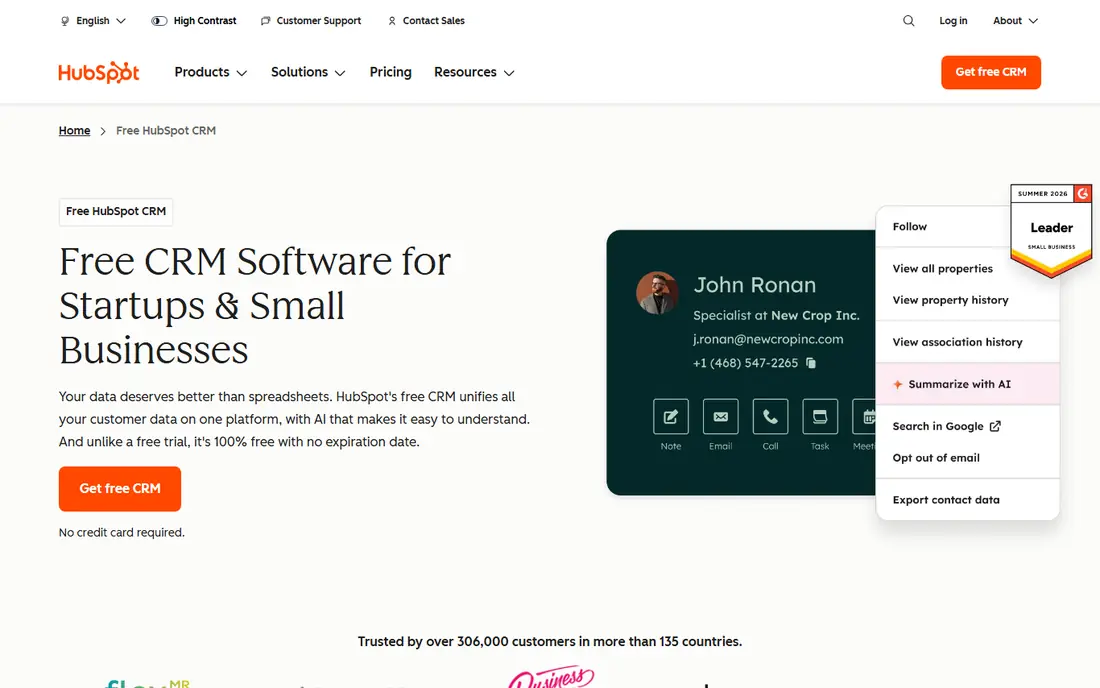
HubSpot CRM is the most accessible starting point for teams leaving a large platform, because its free tier covers contacts, companies, deals, tasks, and email tracking. Teams can add marketing, sales, and service hubs as they grow, while keeping one shared customer record. That shared record helps sales and marketing avoid duplicate data and lost follow-ups.
The free tier limits automation and reporting, and paid costs rise as you add hubs, seats, and marketing contacts. HubSpot is also less customisable than an enterprise platform for very complex sales processes. For small and growing teams that want a free start and a clear upgrade path, HubSpot is a strong default.
- Free CRM with contacts, deals, and email tracking
- Marketing and service hubs in one system
- Easy setup
- Advanced automation and reporting need paid tiers
- Costs rise with hubs and seats
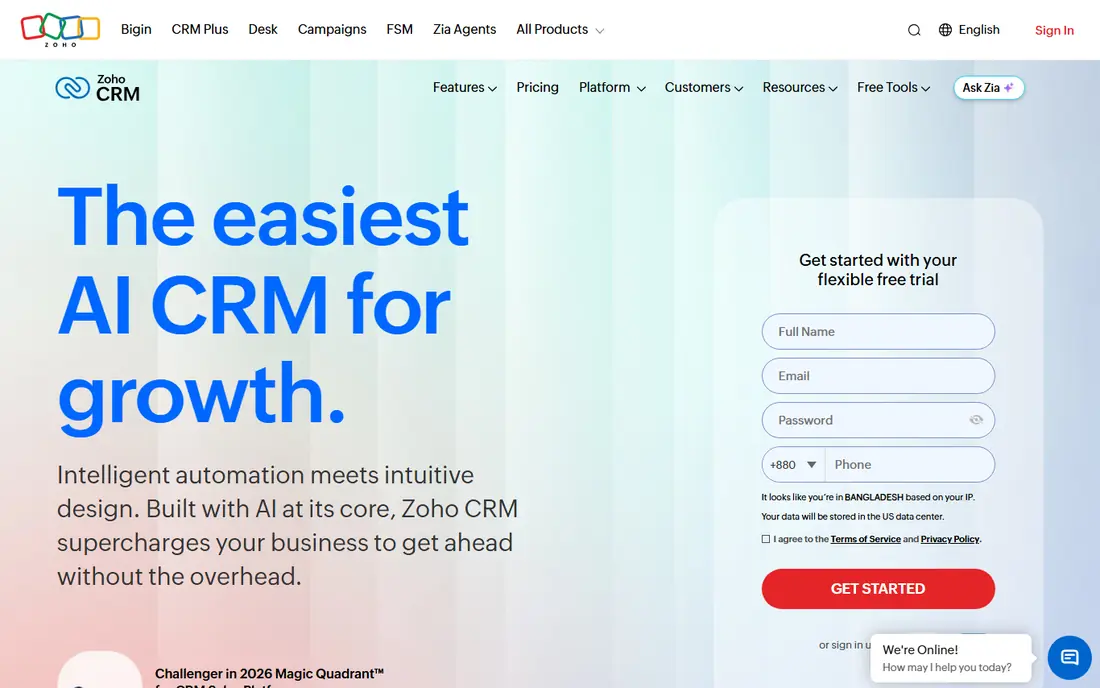
Zoho CRM offers deep features at a low price, with a free plan for up to 3 users and paid Standard plans that add automation, workflows, and customisation. Teams already using Zoho Mail, Books, or other Zoho apps get extra value from shared data. That depth makes Zoho popular with budget-conscious teams that still want a real CRM, not just a contact list.
The interface can feel busy, and setup takes planning if you customise modules, workflows, and permissions. Some advanced features also sit on higher tiers. For teams that want value and are willing to spend time on setup, Zoho CRM gives more features per dollar than most rivals here.
- Free for up to 3 users
- Deep customisation and automation at low prices
- Wide Zoho app integration
- Interface feels busy for new users
- Some features need higher tiers
- Setup takes planning
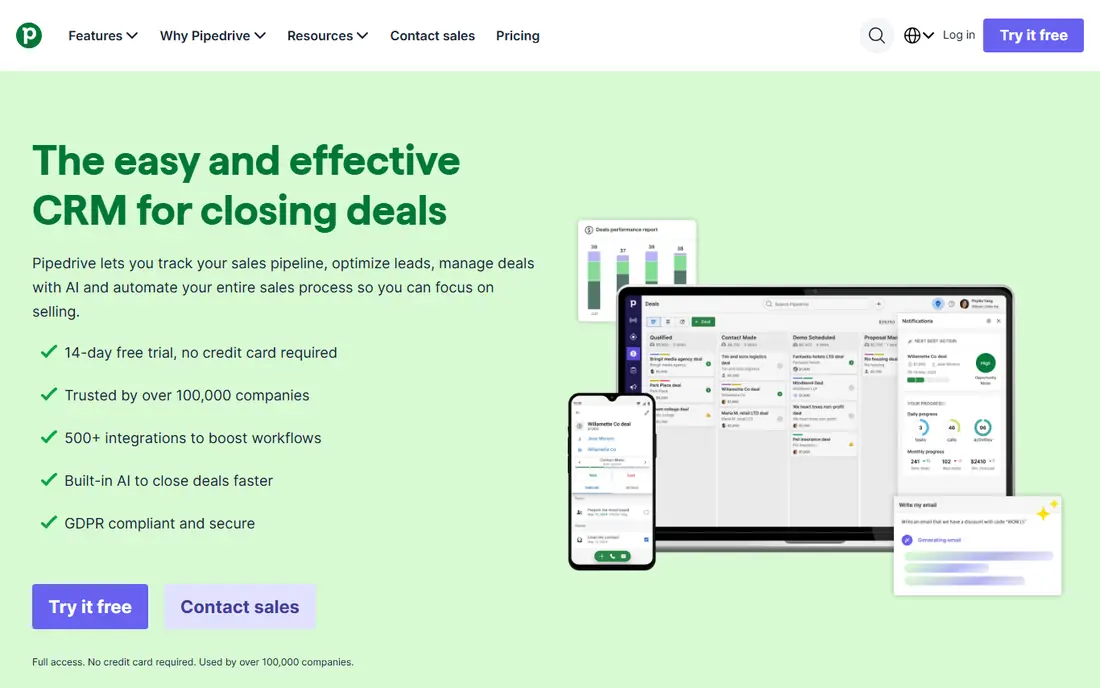
Pipedrive is built around a visual pipeline where deals move across stages and activity reminders keep reps on follow-ups. Sales teams like its clarity: you can see which deals are advancing, which are stalled, and what needs attention today. Email sync, calendar sync, and a mobile app support reps who work away from a desk.
Pipedrive has no free plan, only a trial, and its marketing and service features are thinner than HubSpot or Zoho. Teams that need deep marketing automation or service ticketing may need another tool alongside it. For sales-led teams that live in a pipeline, Pipedrive is easy to adopt and easy to trust.
- Clear visual pipeline
- Activity reminders
- Email and calendar sync
- Easy adoption
- Free plan is not offered, only a trial
- Marketing and service features are thinner than HubSpot
Freshsales, from Freshworks, combines CRM with built-in phone and email, so reps can call, email, and log activity without switching tools. Paid tiers add AI insights, lead scoring, and deeper automation, while a free tier helps small teams start. That built-in communication focus suits inside sales teams that call and email daily.
The free tier is limited, and the most useful AI and reporting features need higher plans. Freshsales also works best for teams comfortable inside Freshworks, though it can stand alone. For small teams that want calling and email inside the CRM at a low entry price, Freshsales is worth a trial.
- Built-in phone and email
- AI insights and scoring on paid tiers
- Free tier for small teams
- Free tier limits features
- Advanced AI and reporting need higher plans
- Freshworks bundle suits some teams more
monday CRM turns sales work into visual boards, where teams customise columns, automations, and dashboards to match their process. That flexibility suits teams that also track delivery, projects, or onboarding alongside sales, because one board system can cover several workflows. Dashboards give managers a clear view of pipeline, workload, and progress.
monday CRM requires a minimum seat purchase on paid plans, and its CRM depth is less than specialist CRMs for very complex sales processes. Teams that need deep forecasting or territory management may find it light. For visual teams that want sales plus delivery in one workspace, monday CRM is a flexible choice.
- Customisable boards and automations
- Sales plus delivery tracking
- Visual dashboards
- Minimum seat purchase on paid plans
- CRM depth is less than specialist CRMs for complex sales
Close is built for inside sales teams that call and email at volume, with native calling, SMS, a power dialer, and email sequences inside the CRM. Reps can work a lead list, log calls, and send follow-ups without leaving the pipeline. That calling-first design suits outbound teams, agencies, and startups that prospect daily.
Close has no free plan, and call and SMS credits add cost on top of the subscription. It is also less suited to marketing-led teams that need landing pages and campaign tools. For outbound teams where calling is the main motion, Close removes friction that other CRMs add.
- Native calling and SMS
- Power dialer and email sequences
- Pipeline and reporting for inside sales
- No free plan
- Call and SMS credits add cost
- Less suited to marketing-led teams
Copper is designed for Google Workspace teams, living inside Gmail so reps can manage contacts, deals, and activity without leaving email. It captures contact details and activity automatically, which reduces manual data entry for teams that live in Gmail and Calendar. Pipeline views keep deals visible without a separate system to learn.
Copper is most valuable inside Google Workspace, and teams on Microsoft tools will get less benefit. Reporting depth is also less than larger CRMs. For small teams that run sales from Gmail, Copper is the most natural fit here.
- Lives inside Gmail and Google Workspace
- Automatic contact and activity capture
- Pipeline views
- Best value inside Google Workspace
- Reporting depth is less than larger CRMs
Capsule is a simple CRM for small teams that want contacts, deals, tasks, and a clean pipeline without a complex setup. Its free plan covers a small team, and paid tiers add more contacts, users, and integrations. That simplicity helps owner-led teams adopt a CRM quickly and keep it up to date.
Capsule lacks the deep automation and reporting of larger CRMs, and growing teams may outgrow it as processes get complex. It is not the best choice for large sales organisations with forecasting and territory needs. For freelancers and small teams that want a CRM they will actually use, Capsule is a good fit.
- Free plan for small teams
- Simple contacts, deals, and tasks
- Easy setup and clean interface
- Advanced automation and reporting are limited
- Larger teams may outgrow it
Bitrix24 offers a free CRM with collaboration, tasks, documents, and communication tools in one suite, which appeals to teams that want many tools without many subscriptions. Small teams can manage contacts, deals, tasks, and team chat from one account, and paid plans add more storage, users, and automation. That breadth is unusual at a free starting price.
The breadth is also the drawback: the interface covers many tools, so new users can feel lost, and paid limits need careful checking. Bitrix24 is less focused than a pure sales CRM such as Pipedrive. For teams that want a free all-in-one suite and are willing to learn it, Bitrix24 is a strong value option.
- Free CRM with unlimited users on free tier
- Collaboration, tasks, and telephony options
- Many built-in tools
- Interface is broad and can feel complex
- Paid plans and limits need careful checking
How we picked these
We compared official feature pages, pricing pages, and public reviews for CRMs available in October 2026. We looked at contacts, pipelines, automation, reporting and dashboards, integrations, and free plan limits. We excluded the platform being replaced from the list itself, and we favoured CRMs with a free plan or trial and a clear pricing page. Where pricing varied across roundups, we wrote See website rather than presenting a disputed figure as fact. Dashboard quality was judged on pipeline visibility, custom reports, and manager views described on vendor pages.
How to choose a Salesforce alternative
Start with your sales motion. A pipeline-led team needs clear stages, activity reminders, and deal visibility. An outbound team needs calling, SMS, and sequences. A marketing-led team needs forms, email, and lead scoring tied to the CRM. A service-led team needs tickets next to customer records. The motion decides the CRM, not the feature count.
Next, model cost for your real team size. Per-user pricing multiplies quickly, minimum seat rules matter, and free plans cap users, contacts, or features. Add automation, reporting, and integration costs, because a cheap CRM with missing reporting can force you to buy a dashboard tool as well. Test with real deals, not sample data, before you migrate.
Free, trial, or paid
Start free when your team is tiny and your process is simple, using HubSpot, Zoho, Capsule, or Bitrix24. Use a trial when you need to test pipeline, automation, and reporting with real deals. Move to paid when limits, missing automation, or reporting gaps start to slow reps. Do not buy enterprise features before your sales process needs them.
Dashboards and reporting
A good dashboard should show pipeline by stage, deals by owner, activity completed, and forecast at a glance, without manual spreadsheet work. Check whether custom reports, filters, and manager views are included on your tier, because some CRMs reserve them for higher plans. If reporting is weak, you will lose trust in the CRM quickly.
Migration checklist
Export contacts, companies, deals, notes, and activity from your old system, and clean duplicates before import. Map stages, fields, and owners to the new CRM, then test with a small team before a full rollout. Train reps on pipeline updates and activity logging, because a CRM only works when deals and notes stay current.
Frequently asked questions
What are the best Salesforce alternatives for small business?
HubSpot, Zoho CRM, Pipedrive, and Capsule are strong small-business options. HubSpot and Zoho offer free plans, Pipedrive offers the clearest pipeline, and Capsule offers the simplest setup. Freshsales also suits small teams that call and email daily.
Are there free Salesforce alternatives?
Yes. HubSpot CRM, Zoho CRM for up to 3 users, Capsule, and Bitrix24 offer free plans with limits. Free CRM alternatives differ on users, contacts, automation, and reporting, so check those limits against your team size before you commit.
What is the best CRM alternative to Salesforce for sales teams?
Pipedrive is the best pipeline-first choice for sales teams, while Close suits outbound calling teams and Freshsales suits teams that want phone and email inside the CRM. HubSpot suits teams that also need marketing and service in one system.
What is the best dashboard tool for CRM reporting?
Among these CRMs, HubSpot, monday CRM, and Zoho CRM offer the clearest dashboard and reporting options, with pipeline views and custom reports on paid tiers. Check whether the dashboard features you need sit on your tier, because some reporting tools are reserved for higher plans.
How do I choose between HubSpot and Zoho CRM?
Choose HubSpot when you want an easy free start, a clean interface, and marketing plus sales in one system. Choose Zoho CRM when you want deeper customisation and automation at a lower paid price and you already use Zoho apps. Both scale, but HubSpot is simpler to start and Zoho is cheaper to customise.
Sources
See where you really rank - block by block
ProMapRanker scans Google Maps across a grid of your service area. Simple monthly plans from $19, white-label on every plan.
Start freeKeep reading
 zendesk alternatives
Best Zendesk Alternatives in 2026
Compare the best Zendesk alternatives in 2026, from budget help desks to AI-first support tools, with current pricing, free plans, and honest trade-offs.
Read → wordpress alternatives
Best WordPress Alternatives in 2026
Looking for the best WordPress alternatives? We compare 8 free and paid options for blogs, business sites, stores, and developer-led projects in 2026.
Read → which real estate company has the best training
Best Real Estate Company Training in 2026
Compare which real estate company has the best training, from Keller Williams and eXp to Compass and Coldwell Banker, by program, mentor, and fit in 2026.
Read →