 ProMapRanker
7 Tools That Compete With Salesflow in 2026

Direct answer
Apollo comes first here, mainly for prospecting plus sending. For a different need, Reply covers multichannel SMB outbound and Lemlist covers personalized email plus LinkedIn. Prices, free plans and limits for all 7 tools follow.
Key takeaways
- Apollo takes the first slot, best suited to prospecting plus sending.
- Apollo is the only tool of the 7 with a free plan.
- Starting prices begin at $35 per month with Woodpecker.
- For small teams, careful senders, Woodpecker is worth a look.
- What to know about Apollo first: data quality varies by niche.
Quick comparison
| Pick | Great for | Pricing starts at | Free tier | |
|---|---|---|---|---|
 Apollo | Prospecting plus sending | $49 per user/month | Yes | Visit |
 Reply | Multichannel SMB outbound | $49 per user/month | Free trial | Visit |
 Lemlist | Personalized email plus LinkedIn | $55 per user/month | Free trial | Visit |
 Instantly | High-volume cold email | $47 a month | No | Visit |
 Outreach | Large SDR organizations | See website | No | Visit |
 Salesloft | Enterprise multichannel cadences | See website | No | Visit |
 Woodpecker | Small teams, careful senders | $35 per month | Free trial | Visit |
Our 7 picks for Salesflow
If you are comparing Salesflow, this page covers 7 tools in one place: what each is best for, what it costs to start, whether it has a free plan, and the main limit to know about.
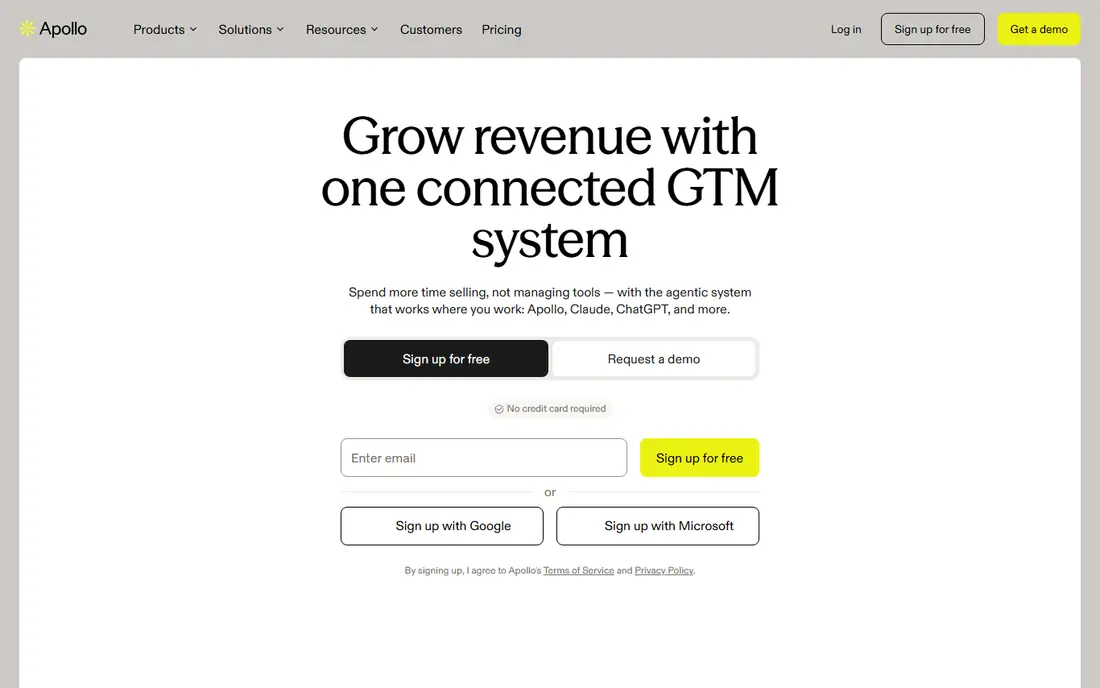
Apollo serves prospecting plus sending. Apollo is the pick for a team whose real problem is the list, not just the sender. Its database holds hundreds of millions of contacts, so reps can build a list, verify emails, and launch sequences without a separate prospecting subscription.
What to check first: Credit-based sending costs vary.
Data quality also varies by niche, so verification before a large send remains wise. For everyday use, Apollo's LinkedIn steps are manual tasks instead of automatic actions. So a team that lives on LinkedIn will find a dedicated LinkedIn tool quicker. Worth adding: the limits matter for LinkedIn-first teams. Apollo cost at the entry level: $49 per user/month. You can start on Apollo without paying.
- Sequences and dialer in one product
- Large contact database included
- LinkedIn steps are manual
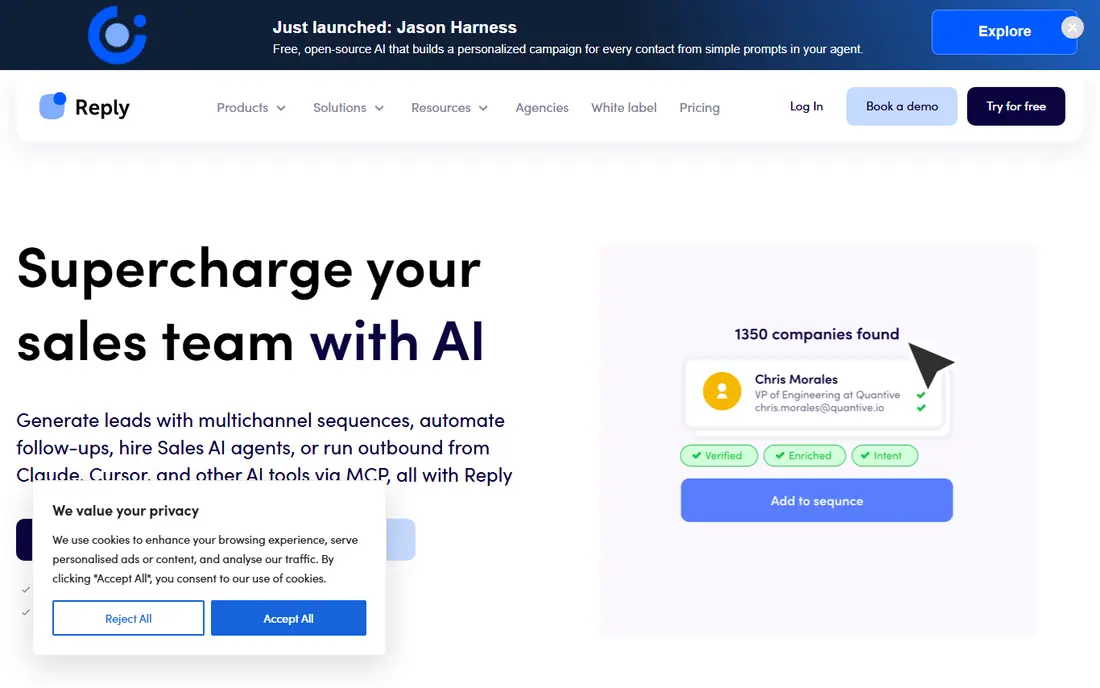
In short, Reply is for multichannel SMB outbound. One sequence can mix email, LinkedIn steps, calls, SMS, and WhatsApp, which matches how buyers respond across channels instead of in one inbox. LinkedIn accounts cost additional per account, calls and SMS carry their own charges.
The Jason AI SDR add-on opens at $500 a month on annual billing. From a buyer's view, a team running email plus LinkedIn for multiple reps will pay well above the headline seat price. More specifically, for teams that want Salesflow-style LinkedIn outreach plus real email depth, Reply includes both without an enterprise contract. Reply starts at: $49 per user/month. Free plan details: Free trial.
Downsides: LinkedIn and calls are premium extras.
- WhatsApp in one sequence
- Jason AI SDR choice
- Jason AI SDR is costly
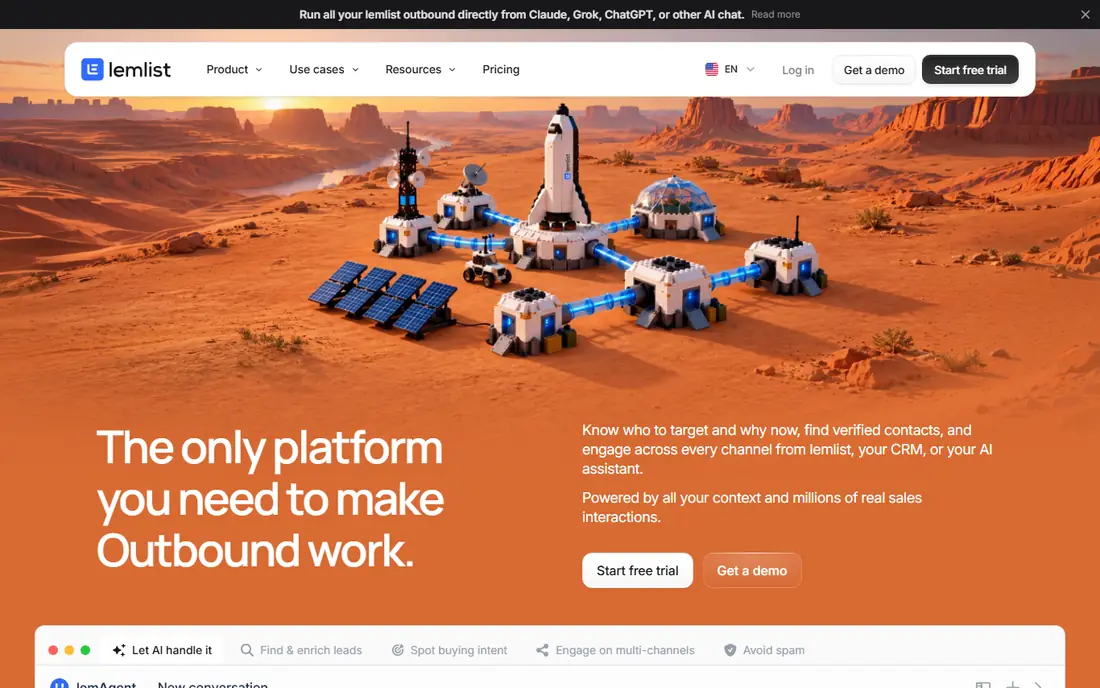
Lemlist makes the most sense for personalized email plus LinkedIn. Lemlist wins on personalization. Beyond mail merge fields, it supports personalized images, videos, and landing pages for each prospect, plus AI-written variants that a rep can review before sending.
The email plan begins at $55 per user a month on annual billing. The multichannel plan with LinkedIn, calls, and SMS runs $87 per user a month on annual billing. As for the details, lemwarm, its warm-up tool, is included, and the lead database with over 650 million contacts removes a separate prospecting bill. Starting cost for Lemlist: $55 per user/month. As for free access: Free trial.
Watch-outs: Multichannel plan costs more.
Where Lemlist stands out: Built-in warm-up.
- Large lead database
- Strong personalization
- Per-user pricing brings up for large teams
Instantly is designed for high-volume cold email. Flat pricing with unlimited sending mailboxes makes it far less expensive per sender than per-seat tools for teams that rotate plenty of domains and inboxes. Beyond that, immediately is the volume play.
The main drawbacks: Lead database is a separate add-on.
More specifically, the gap is LinkedIn. Immediately sends email only, so a Salesflow user who depends on LinkedIn steps must pair it with a separate LinkedIn tool or accept an email-only motion. Built-in warm-up, inbox placement testing, and deliverability monitoring protect sender reputation, which is the central risk in high-volume cold email. Price to start with Instantly: $47 per month. Instantly has no free tier.
- Straightforward setup
- Flat pricing with unlimited mailboxes
- No free plan
Outreach is aimed squarely at large SDR organizations. Forecasting and pipeline analytics provide leadership a clear view of what outbound will produce, not just what it sent. Worth adding: the cost is real.
A small team will pay enterprise prices for features it may not use. For a team of fifty or more reps, that visibility and control justify a product that smaller tools cannot match. This comparison lists no price for Outreach; ask the vendor. Outreach has no free plan.
Main advantages: Proven at very large scale.
Trade-offs to know: Long implementation; Minimum seat commitments on plenty of contracts.
- Capable forecasting
- Deepest workflow and AI agent controls
- Quote-only pricing
For enterprise multichannel cadences, Salesloft is a natural candidate. Salesloft is the enterprise-grade alternative for a team that outgrows a LinkedIn-first point tool. Worth adding: conversation intelligence records calls and surfaces coaching moments, which helps managers raise conversion without adding headcount.
On top of that, Salesloft suits best for mid-market to enterprise teams where outbound spans multiple channels and the product cost spreads across plenty of reps. Salesloft does not publish pricing and gives you no public self-serve trial, so budgeting needs a sales conversation and an annual contract. In practice, integrations with Salesforce and HubSpot are mature, so activity sync seldom becomes its own project. Salesloft shows no starting price here, so confirm the cost on the vendor site. There is no free plan with Salesloft.
Drawbacks to consider: No public self-serve trial.
- Rhythm AI ranks daily work
- Capable conversation intelligence
- Needs a dedicated owner at scale
In short, Woodpecker is for small teams, careful senders. Its controls for sending limits, bounce handling, and reply detection are clear and conservative, which helps a team protect its domains whereas learning cold email. Also, a centralized inbox gathers replies across campaigns, and a LinkedIn add-on spans entry-level LinkedIn steps for teams that require them.
In daily use, a team that grows into high volume or heavy personalization will likely outgrow it. In daily use, the limits display at scale. Pricing starts at $35 a month for 500 prospects, which is gentle for a team testing outbound for the first time. What you pay to start with Woodpecker: $35 per month. On free options: Free trial.
Drawbacks to consider: Restricted AI features.
- Careful sending controls
- Centralized inbox
- Smaller feature set than rivals
Our selection method
The comparison looks at four things: starting price, free access, how well the feature set matches Salesflow, and the main limit of each tool. Seat minimums, billing terms and add-ons can move the real cost, so the starting prices here are a guide and not a quote. The ranking is editorial: typical fit first, then clear pricing, then free access. If your needs are unusual, read the profiles rather than relying on position.
Things to verify first
- Ask Outreach and Salesloft for a written quote, since no starting price is shown.
- Test the free plan from Apollo against your real workload before relying on it.
- Run a trial of Reply, Lemlist and Woodpecker with real work before paying for a year; your own workflow is the best test.
- Before choosing Apollo, weigh its main limit: data quality varies by niche.
- Ask the daily users to test Outreach on a live task before you roll it out to everyone.
- Look at the renewal terms for Instantly: auto-renewal, notice periods and price changes can matter more than the first-year price.
Frequently asked questions
Which options for Salesflow have a free plan?
Apollo is the only tool in this list with a free plan. Free plans usually cap users, projects or features, so check the limits on the vendor page. Several others offer a trial instead.
Can I migrate sequences from Salesflow?
You can rebuild sequences in a new tool, but automated migration is restricted. Export your prospect lists, templates, and performance notes first, then rebuild the best-performing sequences and test them on a small list before a full switch.
Can I try these tools before paying?
Often, yes. Apollo has a free plan and Reply, Lemlist and Woodpecker offer a free trial. Use your own data and a real task during the test, and check what the free tier or trial limits before you rely on it.
How do I protect my sender reputation?
Warm up new domains and inboxes, verify every email before sending, keep per-mailbox daily volume modest, and monitor bounce and spam complaint rates weekly.
Is LinkedIn automation allowed?
LinkedIn automation sits in a gray area, and LinkedIn restricts automatic activity on its product. Use automation conservatively, keep daily actions modest, and favor tools that support manual-style LinkedIn tasks alongside automation.
How are the tools for Salesflow ordered?
Apollo sits first and Woodpecker last because the order follows typical fit for Salesflow, then price clarity and free access. It is a judgement call, so read each profile for fit and limits.
Sources
See where you really rank - block by block
ProMapRanker scans Google Maps across a grid of your service area. Simple monthly plans from $19, white-label on every plan.
Start freeKeep reading
 zscaler alternatives
Best Zscaler Alternatives in 2026
Looking for zscaler alternatives? We compare 9 SASE and zero trust platforms on architecture, data protection, pricing, and fit for your network and team.
Read → zapier alternatives free
Best Zapier Alternatives Free in 2026
Nine automation tools for zapier alternatives free in 2026, all with genuinely free tiers, plus free plan limits, starting prices and upgrade paths explained.
Read → which platform is best for online reputation
Which Platform Is Best for Online Reputation in 2026
Wondering which platform is best for online reputation? We compare 8 review, listing, and response tools for small and multi-location businesses and agencies.
Read →