 ProMapRanker
Best Rollbar Alternatives in 2026

Key takeaways
- Sentry is the default choice for most web and mobile teams, with a free Developer plan and Team from $26 per month.
- Honeybadger and Airbrake give smaller teams clearer, flatter pricing than large observability suites.
- GlitchTip is the budget open source route, with hosted plans from $15 per month and a free self-hosted option.
- Bugsnag no longer publishes a simple paid price, so get a quote rather than trusting old price lists.
- Event quotas are not comparable across vendors, so test with your real error volume before committing.
Quick comparison
| Pick | Great for | Pricing starts at | Free tier | |
|---|---|---|---|---|
 Sentry | Most web and mobile teams | $26 per month | Yes | Visit |
 Bugsnag | Mobile stability monitoring | See website | Free trial | Visit |
 Honeybadger | Simple errors plus uptime | $26 per month | Yes | Visit |
 Airbrake | Published error tiers | $19 per month | Free trial | Visit |
 Raygun | Error plus performance insight | See website | Free trial | Visit |
 GlitchTip | Open source budget tracking | $15 per month | Yes | Visit |
 TrackJS | Front-end JavaScript errors | $49 per month | No | Visit |
 LogRocket | Session replay diagnosis | See website | Free trial | Visit |
 Better Stack | Errors plus monitoring suite | See website | Yes | Visit |
 Firebase Crashlytics | Free mobile crash reporting | Free | Yes | Visit |
The best Rollbar alternatives
Error tracking should tell you what broke, who was affected, and which release caused it, without flooding your inbox. Rollbar itself is not listed here, because these are alternatives to it. The tools below range from focused trackers to wider observability platforms, and their pricing models differ sharply, so compare included events, retention, and replay limits rather than headline prices alone.
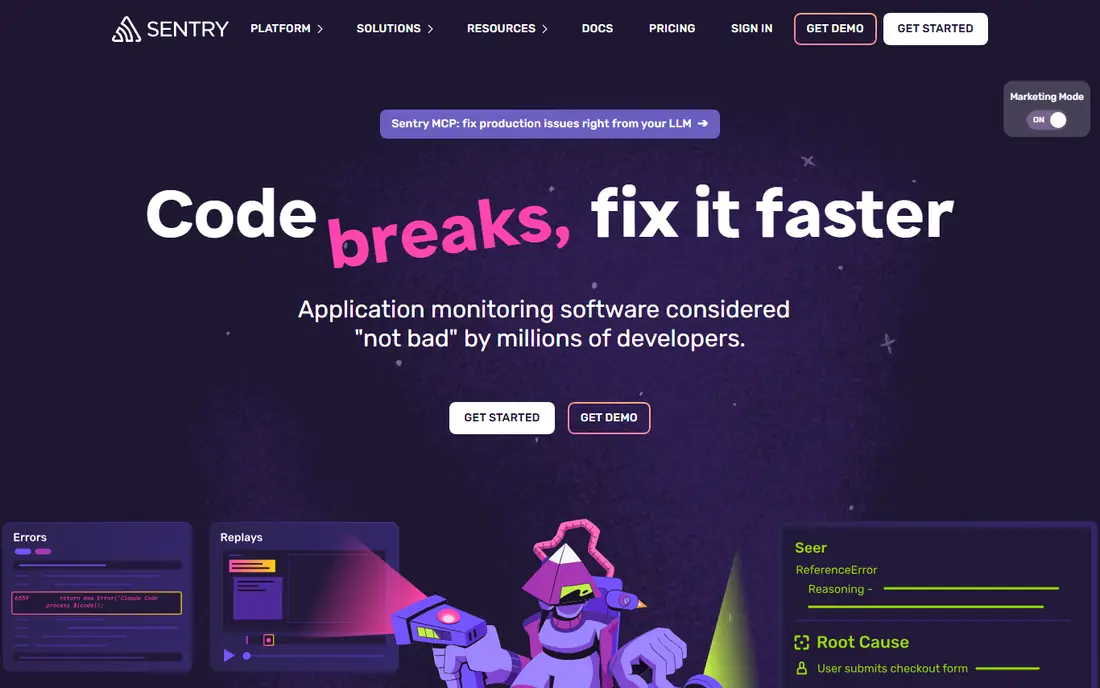
Sentry is the safe default for most teams leaving Rollbar. The free Developer plan covers 5,000 errors per month, 50 session replays, and one user, while Team starts at $26 per month billed annually with 50,000 errors and unlimited members. Source map upload, release tracking, and integrations with GitHub and Jira make it easy to connect an error to the exact code change behind it.
The main risk is billing predictability. A noisy error loop can consume a monthly quota quickly, so set inbound filters, rate limits, and alert thresholds before launch. For teams that also want performance traces and replay in one bill, Sentry's breadth is hard to match.
- Broad language and framework support
- Session replay and performance monitoring
- Strong release tracking
- Pricing scales with event volume
- Dashboard can feel large for simple needs
- Free plan allows only one dashboard user
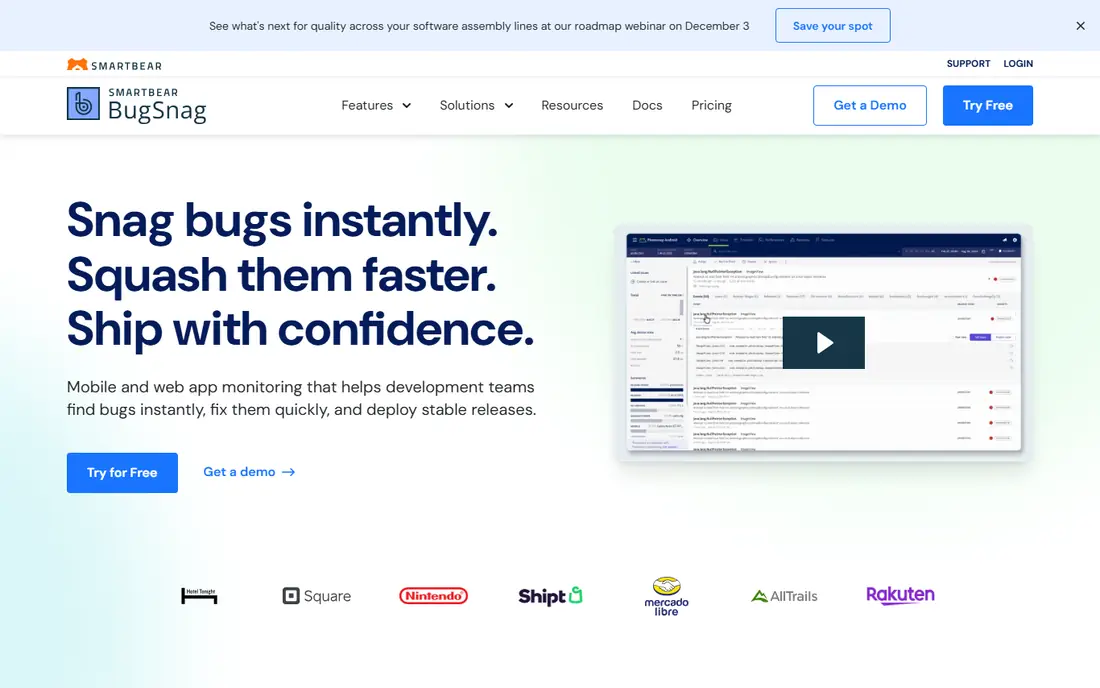
Bugsnag, now part of SmartBear Insight Hub, focuses on stability: crash-free users, crash-free sessions, and release health over time. That framing helps mobile teams decide whether a release is safe to roll out further or needs a rollback. It supports a wide range of platforms, including mobile, web, and game engines, which suits teams shipping across devices.
Pricing is the frustration. Recent comparisons note that Bugsnag no longer publishes a straightforward paid price, with plans described as starting at $0 per month pending a quote. Treat any old price you find online as out of date, and ask for a quote based on your monthly event volume and retention needs.
- Strong mobile and release health focus
- Supports many platforms
- Stability scores help prioritize fixes
- Paid pricing is no longer published as a simple plan
- Enterprise features vary by quote
- No session replay in the core product
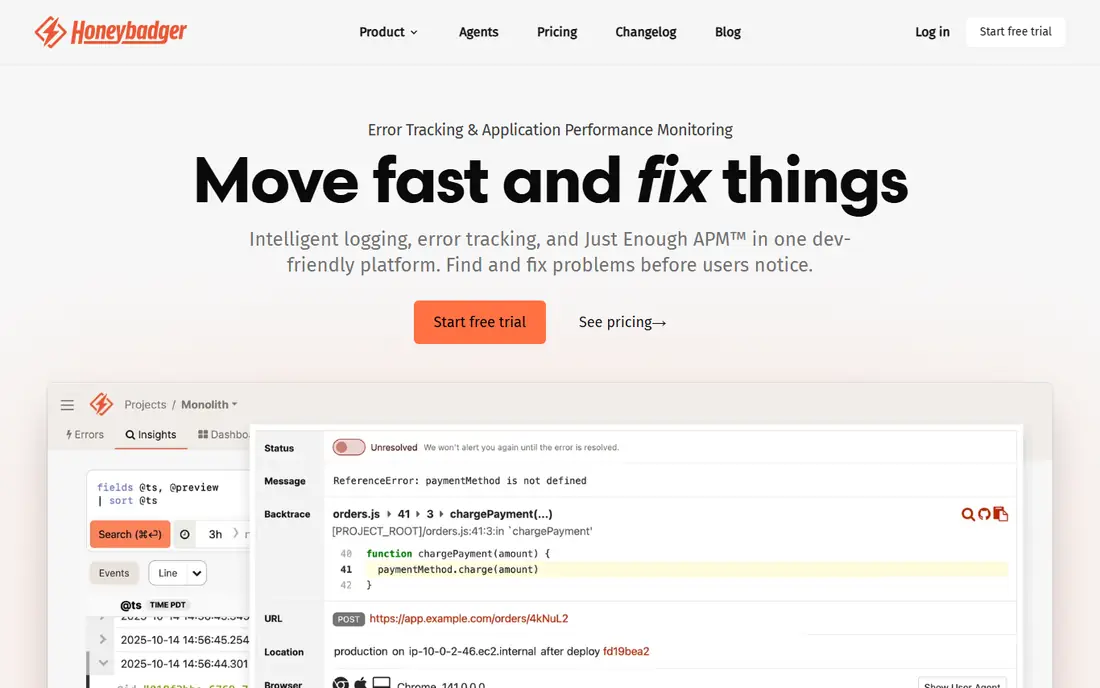
Honeybadger suits small teams that want error tracking without a large observability bill. The Developer plan is free with 5,000 errors per month, Team costs $26 per month, and Business costs $80 per month, with error allowances rising by plan. Uptime monitoring and cron check-ins in the same account reduce the number of tools a small team must maintain.
The limit is scope. There is no session replay, so diagnosing a tricky front-end bug takes more manual reproduction. Apple platform documentation is stronger than Android coverage in the sources we reviewed, so Android-heavy teams should verify SDK support before switching.
- Clear published plans
- Errors, uptime, and cron checks in one tool
- Free Developer plan
- No session replay
- Android coverage is thinner than Apple coverage in public docs
- Higher plans still cap error volume
Airbrake is useful when you want to compare known error tiers instead of negotiating a quote. Plans start at $19 per month for 25,000 errors, with higher tiers at $59, $129, $299, and $799 per month for larger volumes. Deploy tracking links errors to releases, and user impact data helps teams fix the errors affecting the most people first.
It is a focused tracker, not a full observability suite, so teams that also need deep performance tracing may need a second tool. There is no permanent free plan, only a trial, so budget from the first paid tier. For predictable error volumes, the published ladder is a real advantage.
- Transparent error-volume ladder
- Deploy tracking
- Supports many languages
- No free plan on current pricing
- Performance features vary by plan
- Mobile SDK evidence is thinner than web
Raygun combines error tracking with real user monitoring, so teams can see both crashes and slow pages in one place. Crash reporting covers web, mobile, and desktop apps, and deployment markers show whether a release made errors better or worse. That pairing helps teams that fix performance and stability together.
Pricing is less simple than Airbrake or Honeybadger, with plans and trials rather than one headline entry price for every use case. Small teams should trial it only if they will actually use the performance data. If error tracking alone is the job, a focused tracker may be cheaper and simpler.
- Error tracking plus real user monitoring
- Crash reporting for web and mobile
- Deployment markers
- Pricing is quote and plan based, not a single public entry price
- Full suite can be more than small teams need
- Setup takes time to tune
GlitchTip is the budget and privacy-conscious choice. It accepts Sentry SDK data, so many teams can migrate by changing the DSN endpoint rather than rewriting instrumentation, though features such as replay and profiling are not carried across. Hosted plans start at $15 per month for 100,000 events, with a free tier up to 1,000 events per month, and self-hosting is free apart from server costs.
The gaps matter for some teams. There is no session replay, and hosted quotas are shared across error occurrences and other event types, so check how your volume is counted. For teams that want simple, affordable error tracking with open source control, GlitchTip is a strong pick.
- Open source and Sentry SDK compatible
- Hosted plans from $15 per month
- Free self-hosted option
- No session replay
- Hosted quotas are shared across features
- Self-hosting adds operations work
TrackJS does one job well: catching JavaScript errors in the browser, with the page, user, and network context needed to reproduce them. Plans start at $49 per month, and the tool is designed for web teams that do not need a mobile crash platform or a wide observability suite. Setup is straightforward, and error grouping keeps noisy browser issues manageable.
It is not a like-for-like Rollbar replacement for mobile-heavy teams, and there is no free tier to trial it long term. Web-only teams that are drowning in front-end errors, though, may prefer its focus over a larger platform they only partly use.
- Focused on browser JavaScript errors
- Clear user and page context
- Simple setup for web teams
- No free plan
- Not a full mobile crash tool
- Pricing starts higher than some rivals
LogRocket answers a different question from most trackers: what did the user actually do before the error happened. Session replay shows clicks, console logs, network requests, and errors in one timeline, which makes hard-to-reproduce front-end bugs much easier to fix. It also offers mobile session support for teams shipping apps.
The pricing model is the catch. Sessions, not error events, are the unit, so a high-traffic site can become expensive even with few errors. Use LogRocket alongside a focused error tracker if replay is the gap, or as the main tool only when replay value justifies session-based billing.
- Session replay linked to errors
- Strong front-end diagnosis
- Product analytics options
- Pricing is session based, not event based
- Costs rise with traffic
- Not a pure error tracker
Better Stack bundles error tracking with logging, uptime monitoring, and status pages, which appeals to small teams that want fewer vendors. Its error product documents Sentry SDK compatibility, easing migration for some stacks, and a free tier lets teams test the basics before paying. Having logs and errors in one place also speeds diagnosis when an error and a log line belong together.
The suite approach has a downside: you may pay for monitoring breadth you do not need, and mobile crash coverage is less established than web error tracking in the sources we reviewed. Shortlist it when the bundle genuinely replaces two or three existing tools, not just when error tracking alone is the need.
- Errors, logs, uptime, and status pages in one suite
- Documented Sentry SDK compatibility
- Free tier available
- Pricing is seat and usage based on higher plans
- Mobile crash parity is less established
- Suite breadth can distract from pure error work
Firebase Crashlytics is the free mobile option, and for many app teams it is enough. It reports crashes and non-fatal errors for Android and iOS, groups similar crashes, and alerts developers in real time, all without a licence fee. Teams already using Firebase get it with minimal setup.
It is not a full replacement for a cross-platform error tracker. Web error coverage and custom grouping are thinner, and teams outside the Firebase ecosystem gain less from it. For mobile-first products on a tight budget, start here and add a dedicated tracker only when web or advanced grouping needs appear.
- Free for mobile crash reporting
- Strong Android and iOS integration
- Real-time crash alerts
- Mobile focused, not a full web error platform
- Limited custom error grouping compared with dedicated trackers
- Tied to Firebase and Google tooling
How we picked these
We compared official pricing pages, documentation, and recent error-tracking comparisons for tools live in October 2026. We excluded Rollbar itself, and we used See website where vendors no longer publish a simple paid price, rather than repeating old figures. We favored tools with real error grouping, release tracking, and alerting, and we noted where a product is mobile-only, web-only, or session-based, since those limits change the fit.
What to check before you switch
First, measure your real error volume for a full month, including spikes, before comparing plans. A plan that covers an average week may fail during a bad release, and vendors count events, errors, sessions, and occurrences differently. Export a month of Rollbar data if you can, and use it to model each finalist's quota and overage cost.
Second, test migration on one service, not the whole estate. Check SDK compatibility, source map upload, release tagging, and alert routing, and confirm that old errors can be linked or at least referenced during the transition. Keep Rollbar running in parallel for a short overlap so no error goes missing during cutover.
Finally, tune alerts on day one. Set grouping rules, ignore known browser extension noise, and route only new or regressed errors to on-call channels. The best error tracker is the one your team still reads after the first month, and alert fatigue will undo even the best migration.
Frequently asked questions
What is Rollbar used for?
Rollbar tracks application errors in real time, groups similar errors, and links them to releases and deploys. Developers use it to find what broke, how many users were affected, and which code change introduced the problem.
Is Sentry a good Rollbar alternative?
Yes, Sentry is the most common replacement, with broad language support, session replay, and release tracking. Its free Developer plan suits small projects, while Team at $26 per month fits most production teams, though event-based pricing needs monitoring.
Which Rollbar alternative is cheapest?
Firebase Crashlytics is free for mobile crash reporting, while GlitchTip hosted plans start at $15 per month and Honeybadger has a free Developer plan. The cheapest fit depends on whether you need web, mobile, or both, and on your monthly error volume.
Why do error tracking prices vary so much?
Vendors bill by different units, including errors, events, sessions, and occurrences, and they include different retention, replay, and user limits. Compare cost per usable error for your real volume, not just the headline monthly price.
Do I need session replay?
Session replay helps most for front-end bugs that are hard to reproduce, because it shows what the user did before the error. Back-end and API teams often do fine with stack traces, logs, and release data alone, so do not pay for replay you will rarely watch.
How do I migrate from Rollbar without losing errors?
Run the new tracker in parallel for a short period, migrate SDKs service by service, and keep Rollbar accessible for historical errors during the overlap. Verify source maps, release tags, and alert routes on the new tool before turning Rollbar off.
Sources
See where you really rank - block by block
ProMapRanker scans Google Maps across a grid of your service area. Simple monthly plans from $19, white-label on every plan.
Start freeKeep reading
 zyte alternatives
Best Zyte Alternatives in 2026
These zyte alternatives cover managed scraping APIs, proxy networks and no code tools for lawful collection from your own or consented sources only in 2026.
Read → zerto alternatives
Best Zerto Alternatives in 2026
Compare the best zerto alternatives for disaster recovery and replication, with recovery targets, cloud options and honest trade-offs for teams in 2026.
Read → zerofox alternatives
Best ZeroFox Alternatives in 2026
We compared 9 zerofox alternatives for brand protection, phishing takedowns, dark web monitoring, and social impersonation, with clear coverage notes.
Read →