 ProMapRanker
Best Riverside Alternatives in 2026


Simple browser live shows with guests · Pricing starts at: See website
Key takeaways
- Zencastr suits audio first shows that want a generous free tier, while Descript suits creators who want to edit by editing text.
- StreamYard and Restream suit live shows, with StreamYard leaning to easy browser production and Restream leaning to multistream reach.
- OBS Studio costs nothing and gives full control, but it needs setup and has no built in guest studio.
- Local recording matters most for remote guests, so check separate tracks, video quality, and download limits before you pay.
- Podcastle and Alitu suit solo creators who want recording, editing, and publishing help in one place.
Quick comparison
| Pick | Great for | Pricing starts at | Free tier | |
|---|---|---|---|---|
| StreamYard | Simple browser live shows with guests | See website | Yes | Visit |
 Zencastr | Free remote audio and video recording | Free | Yes | Visit |
 Descript | Editing video by editing a transcript | $16 per month | Yes | Visit |
 Restream | Sending one show to many platforms | Free | Yes | Visit |
 OBS Studio | Free production control for skilled users | Free | Yes | Visit |
 Podcastle | Solo creators who want one tool for all steps | $11.99 per month | Yes | Visit |
 Ecamm Live | Polished Mac live shows | $16 per month | Free trial | Visit |
 Cleanfeed | Broadcast grade remote audio | Free | Yes | Visit |
 Alitu | Guided recording to published episode | $32 per month | Free trial | Visit |
The best riverside alternatives
We compared remote recording, live streaming, and editing tools that can replace Riverside for podcasts, interviews, and video shows.
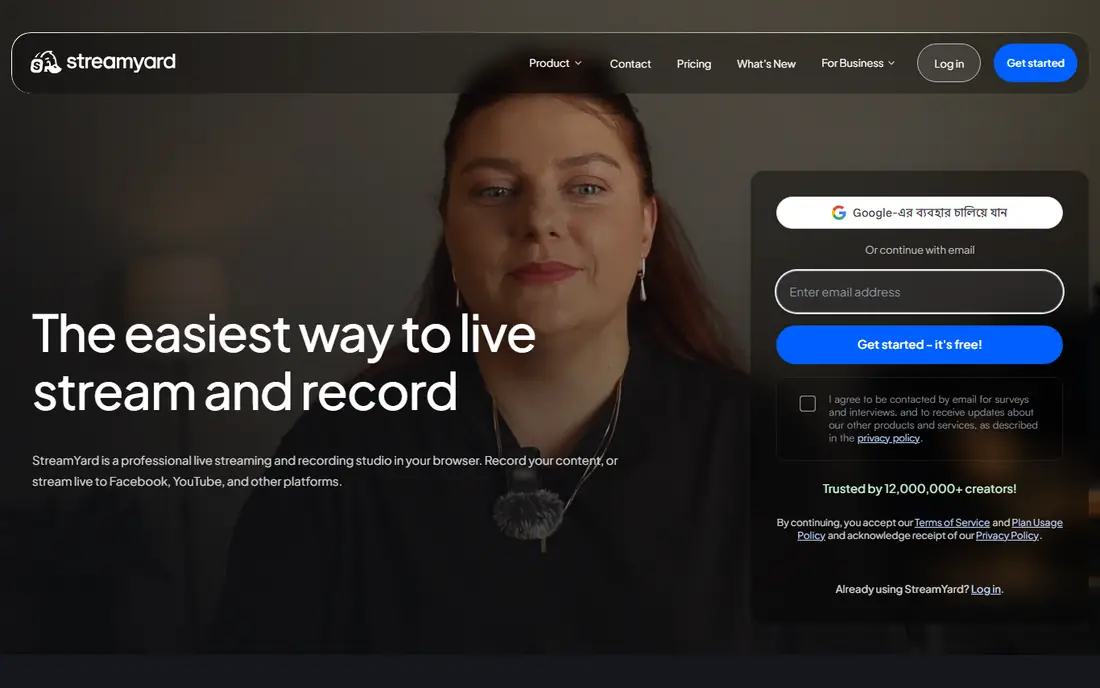
StreamYard is the easiest switch if your show is live as well as recorded. Guests join from a browser link, hosts can add banners and layouts, and the show can stream to several platforms at once. That browser first design keeps setup low for guests who are not technical, which helps interview shows book more people with less prep.
The catch is price and storage. Paid plans are higher than some rivals, and recording limits and storage rules should be checked before a long series. StreamYard suits live interview shows, webinars, and community shows where ease matters more than studio grade local files. Download recordings promptly, since access rules after a paid term ends can differ.
- No install needed
- Easy guest links
- Multistream and branding tools
- Paid plans cost more than some rivals
- Recording storage limits apply

Zencastr is a strong Riverside replacement for audio first shows, and its free tier is a real reason to try it first. It records each guest on a separate track, which makes editing far easier than a single mixed file. Video recording, transcription, and hosting options have grown, so it can cover more than audio alone for many shows.
The limit is editing depth. Zencastr will not replace a full text based editor for creators who cut a lot of video. It suits interview podcasts that record remotely, need clean separate tracks, and want to keep costs low. If you need heavy editing, pair it with Descript or a desktop editor.
- Free tier with remote recording
- Separate tracks
- Hosting and distribution options
- Editing tools are lighter than Descript
- Paid limits need checking
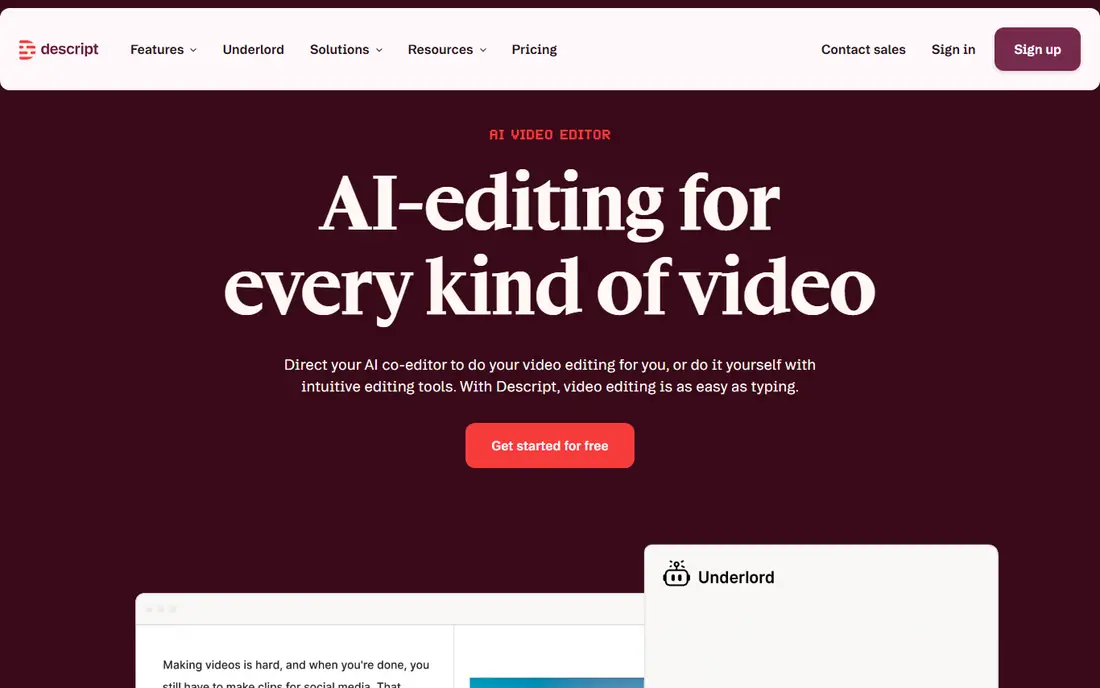
Descript changes how editing feels, since you cut video and audio by deleting words in a transcript. That method is fast for interview shows, where most cuts are ums, repeats, or off topic sections. Remote recording, now built in after the SquadCast link, means you can record guests and edit in the same tool, with AI cleanup for filler words and background noise.
The catch is metering. Plans charge per person, and media hours plus AI credits are limited, so a team with many editors or long episodes should check those caps. Descript suits creators who spend more time editing than recording, and who want a finished episode, clips, and captions from one workflow.
- Text based editing
- Remote recording built in
- AI tools for cleanup and clips
- Paid plans are per person
- Media hours and AI credits are metered
Restream suits creators whose main goal is reach, since one broadcast can go to many platforms at once. Its browser studio lets hosts bring guests on, show chat from several platforms in one place, and keep production simple. That unified chat is a real plus for live shows with active audiences on more than one site.
The limit is production depth and quality tiers. Free and entry plans cap resolution, and recording storage varies by plan, so check those limits for your show length. Restream fits multistream creators, gaming and talk shows, and brands that want reach first and polish second. Pair it with OBS or Ecamm if you need deeper scene control.
- Free plan for multistream
- Unified chat
- Browser studio option
- Higher resolution and longer storage need paid plans
- Production tools are light
OBS Studio is free, open source, and gives you control over scenes, sources, audio mixing, and streaming that paid browser tools cannot match. It suits creators who already know production basics, want custom layouts, and want to stream to a platform of their choice without a monthly fee. The plugin community adds features for captions, audio filters, and remote control.
The catch is guests and ease. OBS has no simple guest studio link like Riverside or StreamYard, so remote guests need a separate video call or a guest tool. It also needs a capable computer and time to learn. OBS suits solo streamers, tech savvy teams, and creators who want full control and zero subscription cost.
- Free and open source
- Deep scene and source control
- Large plugin community
- No built in guest studio
- Setup takes time
- No official support team
Podcastle suits a solo creator who wants to record, edit, and publish without juggling three tools. It offers remote recording, AI audio cleanup, text based editing options, and publishing help, with a free tier to test the workflow. The entry paid price is lower than many rivals, which helps new shows with tight budgets.
The limit is depth for video heavy teams. Podcastle is strong for podcast first creators, but a team that needs complex scenes or broadcast grade video may want Descript or Ecamm alongside it. It fits new podcasters, solo interviewers, and creators who want a fast path from recording to published episode.
- Recording, editing, and AI tools in one place
- Easy entry price
- Web based workflow
- Advanced video control is limited
- AI features vary by plan
Ecamm Live is the pick for Mac users who want a polished live show without a browser studio limit. It offers scene control, guest interviews, overlays, camera support, and multistream options in a desktop app built for macOS. That depth suits creators who run a regular live show and want a consistent, professional look each week.
The clear limit is platform. There is no Windows version, so Windows teams should look at StreamYard, Restream, or OBS instead. Ecamm also has no free plan, only a trial, so test it during the trial with a real show. For Mac creators, it is one of the strongest Riverside alternatives for live production.
- Strong Mac production tools
- Guest interviews
- Multistream and scene control
- Mac only
- No free plan, only a trial
Cleanfeed suits audio professionals, radio producers, journalists, and podcasters who care most about sound quality and live conversation feel. Guests join from a browser without creating an account, and producers can control latency, routing, and live repair during a session. Separate tracks make post production clean, even for live shows.
The limit is video. Cleanfeed is not a video podcast tool, and it does not offer a full editor or hosting service. It fits audio only shows, remote interviews for broadcast, and voice direction work, where clean sound and low delay matter more than video features. Pair it with a video tool if you also publish video.
- Low latency audio
- Guests join without an account
- Separate track recording
- Audio only focus
- No full video editor or hosting service
Alitu suits new podcasters who want guidance, not just tools. It walks you through recording, cleanup, editing, and publishing, with audio processing that helps a home recording sound cleaner. Hosting and distribution support means a solo creator can go from raw audio to a published show without learning several platforms.
The catch is price and video scope. Alitu costs more at entry than Podcastle or Zencastr, and it is audio focused rather than video first. It fits solo audio podcasters who want a guided path and are willing to pay for that help, rather than creators who want the lowest cost or deepest video editing.
- Guided workflow
- Audio cleanup
- Hosting and publishing help
- Higher entry price than some rivals
- Video features are limited
How we picked these
We compared official feature pages, pricing pages, and product documentation, and we kept only tools that work in October 2026 and truly fit remote recording, live streaming, or podcast production. We excluded Riverside itself, since this list is for alternatives, and we kept a mix of free, browser, desktop, and all in one options. Where pricing varied by billing term, we wrote See website rather than guessing a single rate.
How to choose the right recording setup
Start with your show format. A remote interview show needs local recording and separate tracks above all else, since internet glitches should not ruin audio quality. A live show needs guest ease, chat handling, and multistream reach, while a solo show needs editing speed and publishing help. Rank those three needs before you compare prices, since the cheapest tool that misses your main need is not a saving.
Next, test with a real guest, not just a solo test. Check how the guest joins, how audio sounds on their track, how the file downloads, and how long editing takes. Check storage, download limits, and resolution on your intended plan, since those limits often appear only after a series is underway. Finally, keep a backup. Record a local backup on your own machine when you can, and download finished recordings promptly, so a plan change never risks your archive.
A simple setup for most interview shows
For most interview shows, a browser recorder with separate tracks plus a text based editor covers the core work. Add a multistream tool only if you actually go live to more than one platform each week. Add a desktop production tool only if your live show needs scenes, cameras, and overlays that a browser studio cannot handle well.
Frequently asked questions
What is the best alternative to Riverside.fm?
Zencastr is a strong free leaning pick for remote recording, Descript is best for text based editing, and StreamYard is best for easy live shows. The best pick depends on if you record, edit, or go live most. For local studio quality recording, Zencastr and Descript are the closest matches.
Are there free Riverside alternatives?
Yes. Zencastr, Restream, OBS Studio, and Cleanfeed all offer free tiers or free access, and Descript and Podcastle offer free plans with limits. Free tiers often cap hours, resolution, or storage, so check those limits for a full series.
Is StreamYard better than Riverside?
StreamYard is better for simple live shows with guests, since it is browser based and easy for guests. Riverside is stronger for local studio quality recording and separate high quality tracks. Choose StreamYard for live ease, and a local recorder for the highest quality remote files.
Can I use OBS Studio instead of Riverside?
Yes, if you are comfortable with setup and you handle guests another way. OBS gives free, deep production control, but it has no built in guest studio and no simple guest link. Many creators pair OBS with a guest tool, or use OBS for solo live shows only.
Do I need separate tracks for a podcast?
Yes, for interview shows. Separate tracks let you fix one voice without harming another, remove crosstalk, and balance levels in editing. A single mixed file makes those fixes much harder, so treat separate tracks as a must have for remote guests.
Sources
See where you really rank - block by block
ProMapRanker scans Google Maps across a grid of your service area. Simple monthly plans from $19, white-label on every plan.
Start freeKeep reading
 zscaler alternatives
Best Zscaler Alternatives in 2026
Looking for zscaler alternatives? We compare 9 SASE and zero trust platforms on architecture, data protection, pricing, and fit for your network and team.
Read → zapier alternatives free
Best Zapier Alternatives Free in 2026
Nine automation tools for zapier alternatives free in 2026, all with genuinely free tiers, plus free plan limits, starting prices and upgrade paths explained.
Read → which platform is best for online reputation
Which Platform Is Best for Online Reputation in 2026
Wondering which platform is best for online reputation? We compare 8 review, listing, and response tools for small and multi-location businesses and agencies.
Read →