 ProMapRanker
Best RG System Alternatives in 2026

Key takeaways
- Our reading of RG System is the SaaS IT management platform for MSPs and IT professionals that combines remote monitoring, backup and endpoint security in one portal.
- Alternatives split into per endpoint RMM tools, per technician RMM plus PSA tools, and patch focused tools, so pricing model matters as much as features.
- NinjaOne suits larger endpoint counts, while Atera and Syncro suit smaller teams that want predictable per technician pricing.
- Check endpoint counts, PSA needs, backup coverage and security tools before you switch, since bundling changes the real monthly cost.
Quick comparison
| Pick | Great for | Pricing starts at | Free tier | |
|---|---|---|---|---|
 NinjaOne | Large endpoint RMM | See website | Free trial | Visit |
 Atera | Per technician RMM plus PSA | $129 per technician per month | Free trial | Visit |
 Syncro | RMM plus PSA in one | $129 per user per month | Free trial | Visit |
 Datto RMM | MSPs on Datto backup | See website | Free trial | Visit |
 N-able N-central | Complex MSP automation | See website | Free trial | Visit |
 ConnectWise Automate | Large MSP automation | See website | Free trial | Visit |
 Kaseya VSA | Kaseya ecosystem MSPs | See website | Free trial | Visit |
 Pulseway | Mobile first IT management | See website | Free trial | Visit |
The best rg system alternatives
We compared official pricing and feature pages for remote monitoring and management tools for MSPs and internal IT teams. Our reading is stated plainly in the introduction: RG System, as described in public software listings, is a SaaS IT management platform for MSPs that combines RMM, data backup and endpoint security in one portal. RG System itself is not listed, since this guide is about replacements.
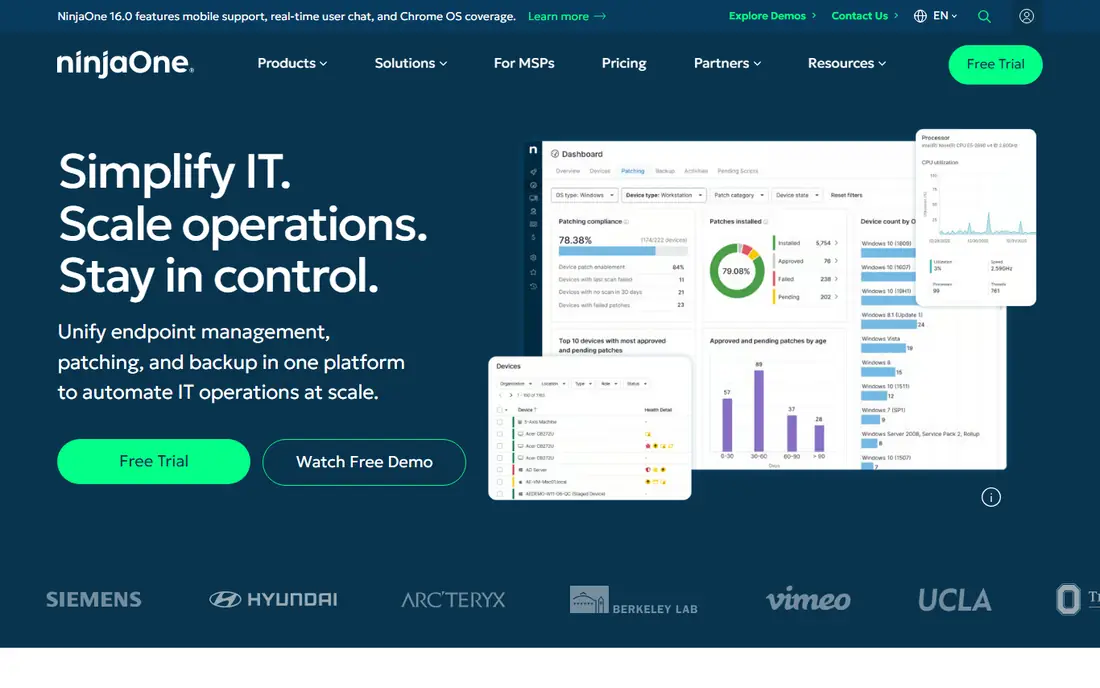
NinjaOne is the most common modern RMM replacement for an MSP platform, because it covers patch management, software deployment, scripting, remote access and monitoring from a clean cloud console. It suits teams that manage many endpoints and want fast onboarding without a heavy on premises install. Public comparisons cite volume tiered per endpoint pricing, with lower per endpoint rates at higher counts.
The catch is PSA scope. NinjaOne is primarily an RMM, so professional services automation for ticketing, billing and contracts usually comes through an integration with a separate PSA. That adds a second system to manage. For endpoint heavy teams that value ease of use, NinjaOne is our pick for most people.
- Modern cloud RMM with patching, scripting and remote access
- Broad integration list
- Volume tiered per endpoint pricing
- No native PSA, so ticketing needs an integration
- Per endpoint costs rise with endpoint counts
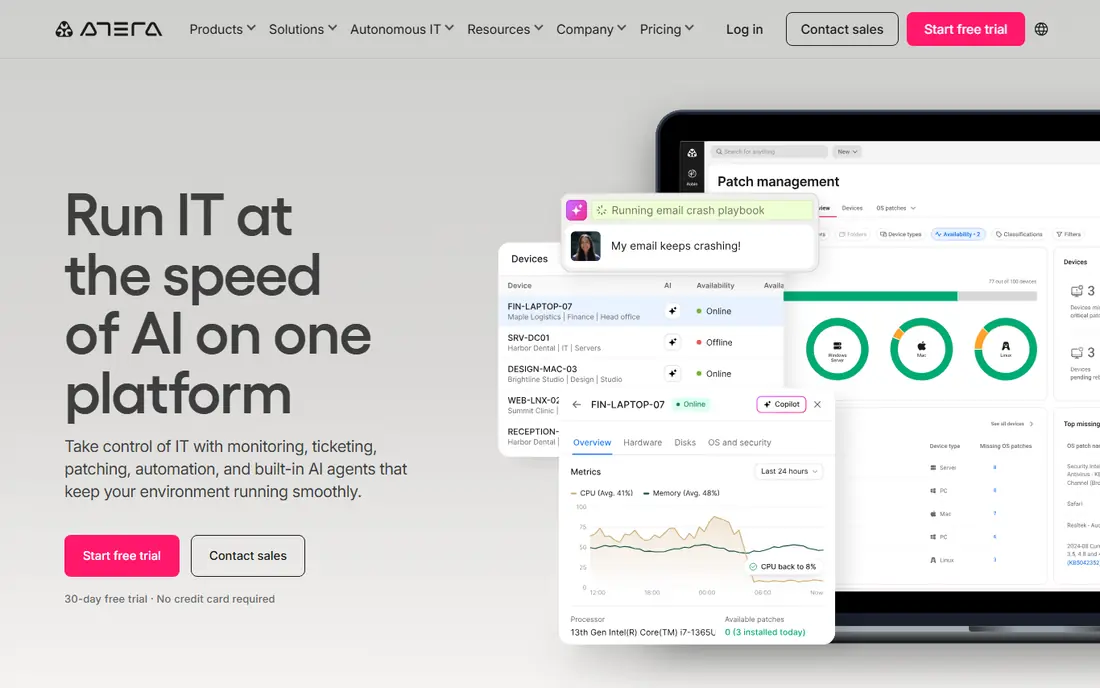
Atera suits smaller MSPs and internal IT teams that manage many endpoints with few technicians, because pricing is per technician rather than per endpoint. One technician managing 500 devices costs the same as one managing 50 on that model, and the platform includes RMM, ticketing and AI assistance tools. Published pricing in 2026 comparisons starts at $129 per technician per month on annual billing for its professional tier.
The weakness is scale and depth. Very large teams may find scripting and reporting thinner than enterprise RMM platforms, and Mac coverage has drawn criticism in reviews. For teams under about 20 technicians that want predictable costs, Atera is a strong and simple replacement.
- Per technician pricing with unlimited endpoints
- RMM, ticketing and AI tools in one platform
- Fast setup for smaller teams
- Depth can strain at very large technician counts
- Mac support lags Windows in some reviews

Syncro combines RMM with a native PSA, billing and a client portal, which helps small MSPs run operations without buying a separate PSA. Per user pricing with unlimited endpoints keeps costs predictable as endpoint counts grow, and scripting, remote access and patching cover core RMM work. Public comparisons cite Core pricing at $129 per user per month on annual billing.
The trade-off is polish and scale. The interface is functional rather than modern, and very large MSPs may need deeper automation than Syncro offers. For small MSPs that want one system for RMM and PSA, Syncro is a practical all in one replacement.
- Unified RMM, PSA and billing
- Per user pricing with unlimited endpoints
- Client portal for MSP customers
- Interface feels basic next to newer rivals
- Scalability for very large MSPs needs testing
Datto RMM is built for MSPs that already use Datto backup or Autotask PSA, because the shared ecosystem keeps monitoring, backup and ticketing closer together. It covers patching, remote access, scripting and Microsoft 365 management from a cloud console, with security features aimed at MSP operations. That ecosystem fit is its main advantage over a standalone RMM.
The downside is quote based pricing and ecosystem dependence. Teams outside Datto will pay for integrations they may not use, and budgeting needs a sales process. For Datto aligned MSPs, Datto RMM is a natural replacement. For independent MSPs, compare it against NinjaOne or Atera first.
- Cloud RMM with strong Microsoft 365 management
- Pairs well with Datto backup and Autotask PSA
- Security focused design
- Pricing is quote based
- Value drops outside the Datto ecosystem
N-able N-central suits larger MSPs with complex automation needs, because it offers deep policy, scripting and monitoring tools for varied device estates. It covers servers, workstations and network devices, with automation rules that help teams standardise patching and maintenance across many clients. That depth is why larger MSPs choose it despite a steeper learning curve.
The catch is effort. Implementation and ongoing admin need skilled staff, and pricing requires a quote. Smaller teams may find the platform heavy for their needs. For complex MSPs that will use the automation depth every day, N-central is a credible enterprise replacement.
- Deep automation and policy management for complex estates
- Broad device and network monitoring
- Mature MSP feature set
- Pricing is quote based
- Setup and admin effort are higher than simpler rivals
ConnectWise Automate is aimed at large MSPs that want to systematise almost any IT workflow, with deep scripting, automation and policy tools. Its native integration with ConnectWise PSA keeps tickets, time and billing close to RMM work, and its community library offers many ready made scripts. That ceiling is unmatched by simpler RMM tools.
The weakness is ownership. Large Automate deployments benefit from a dedicated admin, and implementation can add significant cost before the first device is managed. Smaller teams may find it overkill. For large MSPs already in the ConnectWise ecosystem, Automate is a powerful replacement.
- Very high automation ceiling
- Native ConnectWise PSA integration
- Large script and community library
- Needs a dedicated admin at scale
- Implementation costs can be significant
Kaseya VSA is a multi tenant RMM that fits MSPs standardising on the Kaseya IT Complete stack, including IT Glue for documentation and Datto backup tools. It covers patching, remote access, scripting and monitoring across many clients from one console. That stack integration helps MSPs that want one vendor for many IT operations tools.
The trade-off is bundling and polish. Pricing is often quote based and bundled, which makes direct comparison harder, and the interface can feel dated next to NinjaOne or SuperOps. For Kaseya aligned MSPs, VSA is a natural replacement. For independent MSPs, a standalone RMM may be simpler to buy and run.
- Multi tenant RMM with IT documentation through IT Glue
- Broad Kaseya stack integration
- Mature MSP tooling
- Pricing is quote based and often bundled
- Interface feels dated next to newer rivals
Pulseway stands out for mobile first work, because its app lets technicians receive alerts, run remote commands and manage systems from a phone without a laptop. That speed helps on call staff and small teams that respond from the field. It also includes light PSA features for ticketing and billing, so small MSPs can run core operations in one place.
The limit is depth. Automation, reporting and enterprise policy tools are thinner than in N-central or Automate, and pricing requires a direct check. For mobile heavy teams and smaller MSPs, Pulseway is a useful replacement. For large automation heavy MSPs, start with a deeper platform.
- Strong mobile app for alerts and remote actions
- RMM plus light PSA features
- Fast response for on call technicians
- Pricing is quote based on vendor pages
- Automation depth lags larger RMM platforms
How we picked these
We compared official product and pricing pages and public RMM comparisons, and we favoured tools still offered in October 2026. We looked for a mix of per endpoint and per technician pricing, plus RMM only and RMM plus PSA options, so readers can match the tool to team size and billing model. We did not claim hands-on testing, and we used See website where pricing was quote based.
What to check before you switch
Count endpoints, technicians and clients before you compare prices. A per endpoint tool can be cheap for a small estate and expensive for a large one, while a per technician tool reverses that pattern. Check whether backup and endpoint security are included, since RG System bundles those areas, and a replacement that omits them will need extra products and extra cost.
Test migration on a small client group first. Check agent deployment, patch policies, scripting, remote access, alerting and PSA integration, and confirm how historical tickets and device data migrate. Ask about contract terms, onboarding support and data export, since switching RMM tools again later is painful. A pilot with one technician and a handful of endpoints will reveal admin effort before a full cutover.
Frequently asked questions
What is RG System, in plain terms?
Public software listings describe RG System as a SaaS IT management platform for MSPs and IT professionals that combines RMM, data backup and restore, and endpoint security in one portal. It also lists remote access, patch management, ticketing and reporting. This article uses that documented reading, since the name alone is ambiguous.
Is per technician or per endpoint pricing better?
It depends on your ratio of endpoints to technicians. Per technician pricing suits teams with many endpoints per technician, while per endpoint pricing suits teams with few endpoints or large technician counts. Model both with your real numbers before you sign.
Do I need a separate PSA with an RMM?
Not always. Atera and Syncro include PSA features, while NinjaOne, Datto RMM and N-central usually pair with a separate PSA. If you need ticketing, contracts and billing in one system, favour a combined platform or budget for the integration.
Can I migrate agents without visiting every machine?
Usually yes, through remote deployment, scripting or group policy, but the method depends on your current tool and device access. Test deployment on a small group first, and keep the old agent live until the new agent reports correctly.
Does an RMM replace endpoint security?
No, although some platforms bundle security tools. An RMM manages and monitors devices, while endpoint security detects and responds to threats. Check whether security is included, integrated or separate for each product on your shortlist.
Sources
See where you really rank - block by block
ProMapRanker scans Google Maps across a grid of your service area. Simple monthly plans from $19, white-label on every plan.
Start freeKeep reading
 zyte alternatives
Best Zyte Alternatives in 2026
These zyte alternatives cover managed scraping APIs, proxy networks and no code tools for lawful collection from your own or consented sources only in 2026.
Read → zerto alternatives
Best Zerto Alternatives in 2026
Compare the best zerto alternatives for disaster recovery and replication, with recovery targets, cloud options and honest trade-offs for teams in 2026.
Read → zerofox alternatives
Best ZeroFox Alternatives in 2026
We compared 9 zerofox alternatives for brand protection, phishing takedowns, dark web monitoring, and social impersonation, with clear coverage notes.
Read →