 ProMapRanker
Best Revolut Alternatives in 2026

Key takeaways
- Wise is the strongest pick for frequent currency conversion, with a free account and pay-as-you-go transfer fees.
- Monzo and Starling suit UK residents who want a full current account with budgeting tools and no monthly fee on the basic plan.
- N26 and bunq suit people based in Europe who want a mobile account with several paid tiers and travel extras.
- Chime and SoFi suit US users who want a domestic account with early direct deposit features and no monthly maintenance fee in the basic offer.
Quick comparison
| Pick | Great for | Pricing starts at | Free tier | |
|---|---|---|---|---|
 Wise | Frequent currency transfers | Free | Yes | Visit |
 Monzo | UK everyday banking | Free | Yes | Visit |
 Starling Bank | UK banking with free overseas spending | Free | Yes | Visit |
 N26 | European mobile banking | Free | Yes | Visit |
 Chime | US everyday banking without monthly fees | Free | Yes | Visit |
 bunq | European accounts with sub-accounts | See website | Free trial | Visit |
 Curve | One card for several bank cards | Free | Yes | Visit |
 SoFi | US banking plus investing and loans | Free | Yes | Visit |
The best Revolut alternatives
Compare official pricing, check deposit protection for your country, and confirm that the account is available where you live before you apply.
If you like the idea of an app-first account but want a different mix of fees, travel perks, or business tools, there are strong substitutes for Revolut. Some focus on low-cost currency exchange, some work as full banks with deposit protection, and some suit freelancers who get paid across borders. The right choice depends less on the brand name and more on where you live, how often you change currency, and how you want to hold money. This is not financial advice. Account availability, fees, and protections vary by country and by account type, so check the provider terms for your location before you move money or close another account. We compared personal accounts first, with business notes where they change the decision.
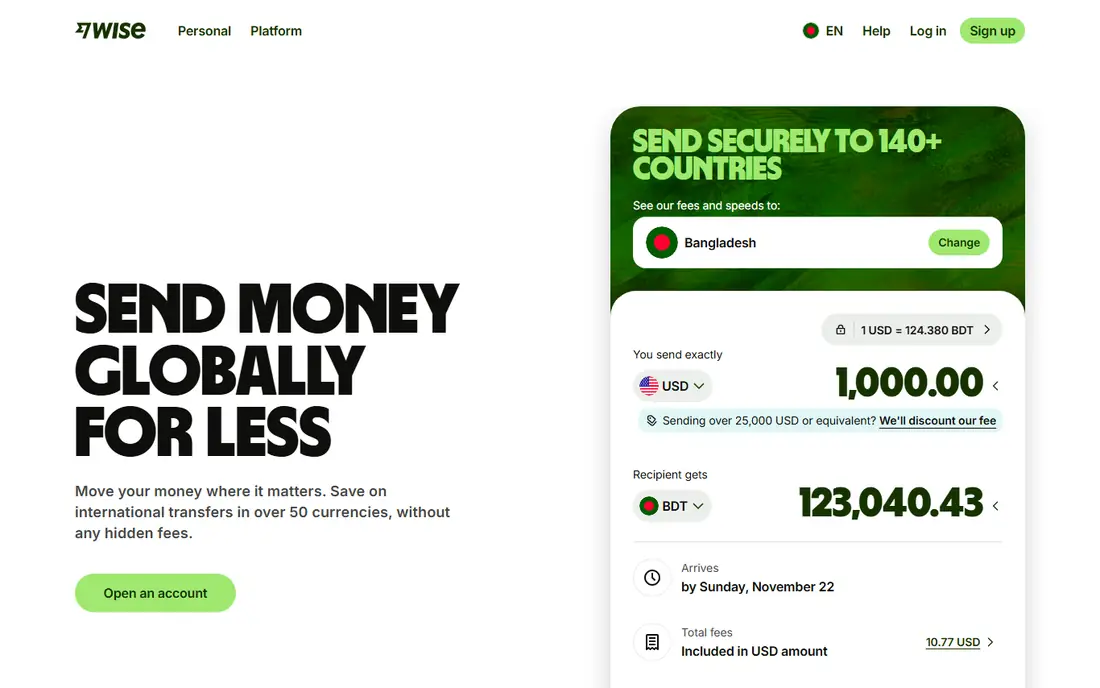
Wise works best when your main job is moving money between currencies rather than keeping all of your banking in one app. You can open an account without a monthly fee, hold balances in many currencies, and get local account details in several countries so a payer can send money as if it were local. Transfer fees are shown before you confirm, which makes it easier to compare one route with another and to spot a costly currency pair before you commit.
Wise is less complete as a replacement for a traditional bank. It does not offer the same lending, overdraft, or branch options in many markets, and a debit card order or an ATM withdrawal can carry its own fee. If you mainly spend in one currency and rarely send money abroad, a local bank account may be simpler and cheaper. For cross-border freelancers and regular travellers, the clarity on exchange costs is the main reason to choose it.
- Free account
- Mid-market rate shown before transfer
- Local details in several currencies
- No full bank lending in many markets
- Card and ATM fees can apply
- Some transfers need extra verification

Monzo gives UK residents a full current account in an app, with instant spending alerts, Pots for setting money aside, and tools that sort salary into bills and spending. The free account covers everyday payments and transfers, while paid tiers add items such as higher overseas ATM allowances, phone insurance, and airport lounge access in the higher plans. That split makes it easy to start free and pay only if a specific extra matters to you.
The catch is geography and limits. Monzo personal accounts are built for UK residents, so they are not a direct substitute for someone outside the UK. Free-plan ATM withdrawals abroad are capped, and some budgeting and insurance features require a paid plan. If you travel often and withdraw cash abroad, check those caps against Starling before you decide, because the free plans differ on that point.
- Free UK current account
- Pots and budgeting tools
- Paid tiers add travel and insurance extras
- UK personal accounts only for most users
- Overseas ATM limits on the free plan
- Some features sit behind paid tiers
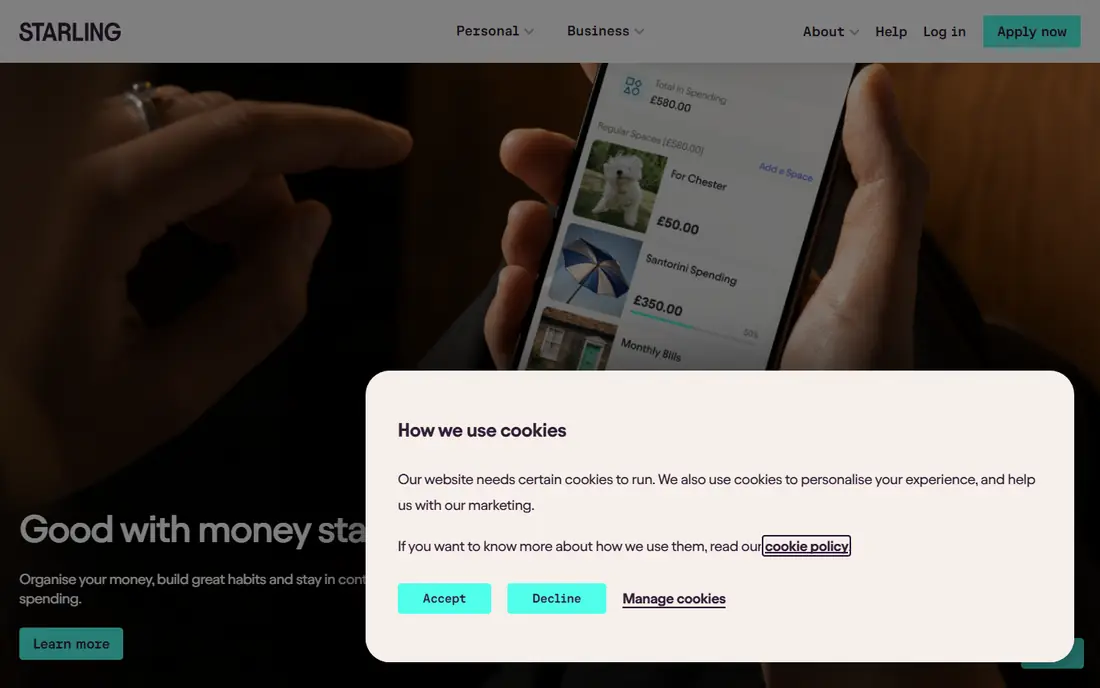
Starling stands out for UK users because its personal account has no monthly fee and it does not add a fee of its own when you spend or withdraw abroad, although ATM owners may still charge. Spaces let you separate money for bills, holidays, or a shared goal without opening another account, and virtual cards can be tied to a Space. The account also includes a UK sort code and account number, so it works as a main account rather than a side wallet.
Starling does not chase the paid-tier perk race, so travellers who want lounge access or bundled insurance will need another product for those extras. Its focus is on clean everyday banking, business accounts, and cards for children, rather than a long list of premium add-ons. That simplicity is a strength if you want predictable costs, and a limit if you valued bundled travel benefits in a paid plan.
- Free personal account
- No fee from Starling on overseas card spending
- Spaces for saving goals
- No paid personal tier with extra perks
- Business tools are separate
- Availability is mainly UK focused
N26 offers a mobile bank account for residents of supported European countries, with a free Standard plan and paid Smart, Go, and Metal tiers. The app includes Spaces for sub-accounts, instant card controls, and spending insights that suit people who manage money mainly on a phone. Paid tiers add travel insurance, higher withdrawal allowances, and extras such as partner offers, which can suit frequent travellers who live in Europe.
The main limits are place and cash. N26 is not a like-for-like US bank account, and its free plan charges a foreign-currency fee on cash withdrawals in some cases, so card spending and ATM use need separate checks. Features and card designs also vary by market, so two users in different countries may not see the same plan. Check eligibility for your country first, then compare the paid tier only if you will use its insurance and limits often enough.
- Free Standard account in supported European markets
- Spaces and card controls
- Paid tiers add insurance and higher limits
- Not available as a US personal bank in the same form
- Free plan has foreign-currency ATM fees
- Some features vary by country
Chime suits US users who want a simple checking and savings setup without a monthly maintenance fee. Its partner banks provide the accounts, and features include early access to direct deposits when the payer sends funds early, a network of fee-free ATMs, and round-up savings tools. The app is clear about fees for out-of-network ATMs and other services, which helps if you want to avoid surprise charges on everyday banking.
Chime is a financial technology company rather than a bank, so the account terms come from its partner banks and some services differ from a traditional bank. Cash deposits are handled through retail partners and can carry limits, and credit-building products have their own terms. If you need branch service, business banking, or international account details, Chime is a weaker fit than Wise or a local bank, but for domestic US spending it is a clean low-cost option.
- No monthly fee on the basic account
- Early direct deposit feature
- Large fee-free ATM network through partners
- Not a bank itself, accounts are provided by partner banks
- Cash deposits and some services have limits
- No joint accounts in the basic offer
bunq is built around sub-accounts, so you can keep money for rent, travel, groceries, and a shared household budget in separate pockets inside one account. That structure suits couples, housemates, and freelancers who want clear separation without opening several bank accounts. The app also offers joint accounts, card controls, and budgeting views that make it easier to see where money goes across those pockets.
The trade-off is cost. bunq leans on paid plans for its fuller feature set, so it is not the best pick if you want a free account with only basic tools. Pricing and availability vary by European market, and US users will not find the same offer. If you live in a supported country and you value sub-accounts more than a free tier, bunq deserves a close look, but compare the monthly plan against Monzo or N26 before you commit.
- Multiple sub-accounts and shared accounts
- Trees planted with some plans
- Strong card and budgeting controls
- Paid plans are the main route to full features
- Availability is Europe focused
- Pricing varies by plan and country
Curve takes a different approach from the banks on this list. It does not replace your bank account. Instead, it lets you link several debit and credit cards to one Curve card and choose which underlying card pays. Go Back in Time lets you move a recent payment to a different linked card, which can help when you paid from the wrong account. For people who already like their bank but want simpler card management, that is a useful extra layer.
Curve is not a place to hold a salary or receive local account details in the same way as Wise or Monzo, so it works best alongside a bank account rather than instead of one. Some cashback, travel, and insurance features sit behind paid plans, and card support varies by issuer and country. If your goal is fewer cards in a wallet and more control over which card pays, Curve fits. If your goal is a new main account, pick a bank from this list first.
- Combines cards into one Curve card
- Go Back in Time to move a payment
- Free plan covers basic use
- Not a bank account
- Some features need a paid plan
- Availability and card support vary by market
SoFi combines checking and savings with investing, loans, and financial planning tools in one US app. The basic checking and savings offer has no account maintenance fee, and savings can earn a competitive annual percentage yield when direct deposit conditions are met. That mix suits US users who want banking and investing in one place and who already use direct deposit for pay.
SoFi is US focused, so it is not a substitute for a UK or European account or for multi-currency local details. Investment products carry risk, and the value of an investment can fall, which is separate from the safety of a bank deposit. Some of the best savings rates and bonuses need direct deposit or other conditions, so read the current terms. For a US user who wants one app for banking and long-term investing, SoFi is a strong alternative, with the usual caution that investing is not the same as saving.
- No account maintenance fee on checking and savings in the basic offer
- High-yield savings features
- Investing and lending in the same app
- US focused
- Some benefits need direct deposit
- Investing carries risk and is separate from banking
How we picked these
We compared official feature pages, pricing pages, app store listings, and public help pages for each product, and we checked that each one is still offered in October 2026. We gave weight to fit for the stated use, clear pricing, and limits that a new user would meet in the first month. We left out products that had closed, changed into a different kind of tool, or did not match the topic closely enough, even when they were well known in another category. We did not claim hands-on testing. Our notes come from what vendors publish and what their public documentation says about plans, features, and restrictions. Prices change often, so we used the vendor page or app store listing as the source and wrote See website where a current price was not published clearly.
How to choose a Revolut alternative
Start with location. UK residents have the widest choice among full current accounts, European residents have N26 and bunq, and US residents have Chime and SoFi for domestic banking. Wise works across many countries for transfers, but it is not a full bank in every market. A short list that respects where you live will save more time than a long list of global brands you cannot open. Next, list the three transactions you do most often. If those are currency conversions, Wise and Curve deserve the top spots. If they are everyday card spending and ATM withdrawals abroad, Starling and Monzo deserve a closer look. If they are direct deposit, savings, and investing in the US, SoFi and Chime fit better. Price the plan on those transactions, not on the headline monthly fee alone. Check limits and fees that sit outside the monthly price. Look at ATM caps, foreign-currency fees, card order fees, and fees for receiving money by wire or SWIFT. Also check deposit protection, customer support hours, and how you freeze a card or dispute a payment. A free account with a low ATM cap can cost more on a two-week trip than a paid plan with a higher cap. Finally, test the app before you move your main money. Open the account, link a card, try a small transfer, and confirm that salary or regular payments arrive as expected. Keep your old account open until the new one has handled a full pay cycle. That pause avoids missed bills and gives you time to spot a limit that only appears in real use.
Frequently asked questions
What is the best alternative to Revolut?
There is no single best pick for every reader. Wise is our pick for currency transfers, Starling and Monzo are strong for UK everyday banking, and Chime and SoFi are strong for US domestic banking. Choose by location first, then by the transactions you do most often.
Are Revolut alternatives free?
Many have a free basic account, including Wise, Monzo, Starling, Chime, and SoFi in their home markets. Free usually means no monthly fee, not no fees at all. Transfers, ATM withdrawals, card orders, and currency conversion can still carry charges, so read the fee schedule for your country.
Do these alternatives offer deposit protection?
It depends on the provider and the country. UK banks such as Monzo and Starling are covered by the UK Financial Services Compensation Scheme up to the published limit, while US partner-bank accounts have their own federal insurance terms. Wise is not a bank in many markets, so its safeguarding rules differ. Check the provider page for your account type before you hold a large balance.
Can I use a Revolut alternative for business?
Some providers offer separate business accounts, but the personal plans in this guide are not a substitute for business terms, tax records, or multi-user controls. If you run a business, compare the business plans directly and check invoicing, accounting links, and team permissions before you switch.
Is it safe to switch banks through an app?
App banks use identity checks, card freezes, and alerts, and regulated banks add deposit protection in their home market. Keep your old account open during the switch, move direct debits one at a time, and keep a record of each change. If a provider asks for a password or code by phone or message, do not share it and contact the provider through its official app or site.
Sources
See where you really rank - block by block
ProMapRanker scans Google Maps across a grid of your service area. Simple monthly plans from $19, white-label on every plan.
Start freeKeep reading
 zscaler alternatives
Best Zscaler Alternatives in 2026
Looking for zscaler alternatives? We compare 9 SASE and zero trust platforms on architecture, data protection, pricing, and fit for your network and team.
Read → zapier alternatives free
Best Zapier Alternatives Free in 2026
Nine automation tools for zapier alternatives free in 2026, all with genuinely free tiers, plus free plan limits, starting prices and upgrade paths explained.
Read → which platform is best for online reputation
Which Platform Is Best for Online Reputation in 2026
Wondering which platform is best for online reputation? We compare 8 review, listing, and response tools for small and multi-location businesses and agencies.
Read →