 ProMapRanker
Best Restream Alternatives in 2026

Key takeaways
- StreamYard is the strongest browser studio for guest shows, while OBS Studio costs nothing and suits creators who like full control.
- OneStream Live, Castr and Switchboard Live focus on distribution and scheduling rather than on hosting guests.
- vMix and Streamlabs suit Windows based production setups, with very different pricing models.
- Free plans are real but capped, so check destinations, resolution and monthly hours before you rely on one.
- We did not list Restream itself here, since this article covers alternatives to it.
Quick comparison
| Pick | Great for | Pricing starts at | Free tier | |
|---|---|---|---|---|
 StreamYard | Browser guest shows | $35.99 per month | Yes | Visit |
 OBS Studio | Free open production software | Free | Yes | Visit |
 Streamlabs | Creator production suite | $15.75 per month | Yes | Visit |
 vMix | Windows live production | $60 one-time | Free trial | Visit |
 OneStream Live | Scheduled and pre-recorded streams | $15 per month | Yes | Visit |
 Switchboard Live | Encoder based multistreaming | $35 per month | Free trial | Visit |
 Castr | Always on and scheduled playout | $16.67 per month | Free trial | Visit |
 Riverside | Podcast recording plus live streaming | $34 per month | Yes | Visit |
The best Restream alternatives
Restream is known for sending one live stream to many platforms at once, with a browser studio for guests. The alternatives below split into two groups: studios that host guests and production tools, and relays that distribute a feed from an encoder or a pre-recorded file. We compared official feature pages, pricing pages and app listings, not hands-on streams.
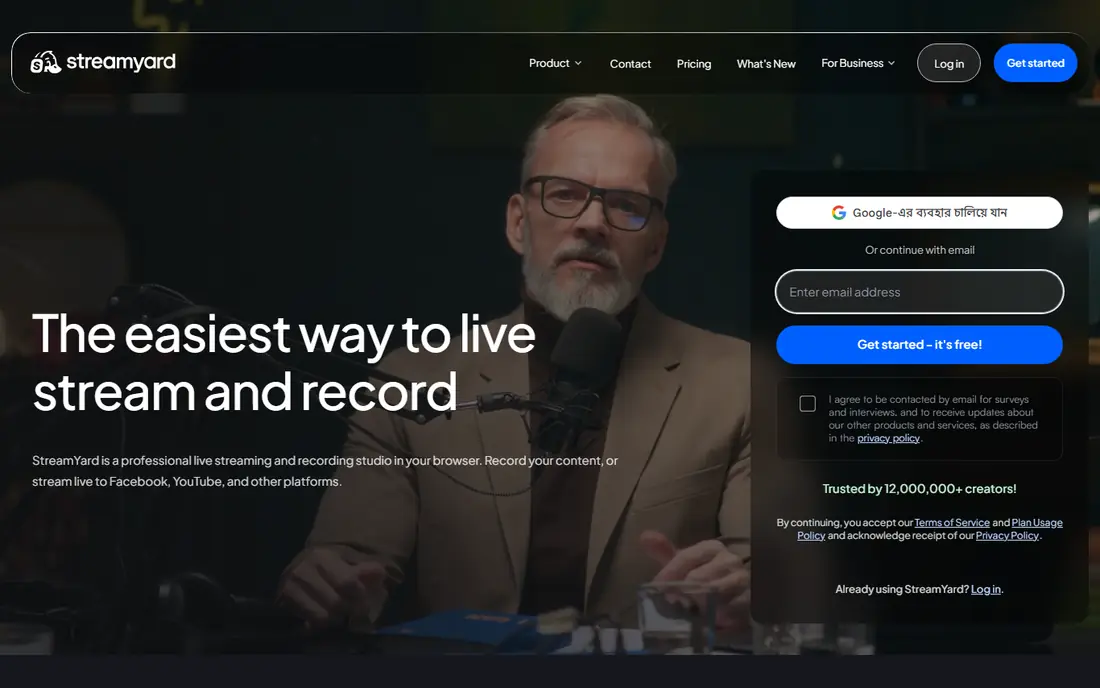
StreamYard is the easiest choice for interview shows and panels. Guests join from a browser link, the host controls who appears on screen, and branded frames, banners and comments keep the show looking tidy without extra software. Paid plans add more destinations, higher resolution and local recordings, which help when you also publish an edited version later.
The cost is the main drawback. The entry paid plan is 35.99 dollars per month when billed annually, which is more than a relay-only service. The free plan is useful for testing, but it limits destinations and adds a logo to the output. Choose StreamYard when guests and presentation matter most, not when you only need to copy one feed to many places.
- No software install for guests
- Branded overlays and layouts
- Local recordings on paid plans
- Paid plans cost more than a simple relay
- Free plan is limited to one destination with a logo
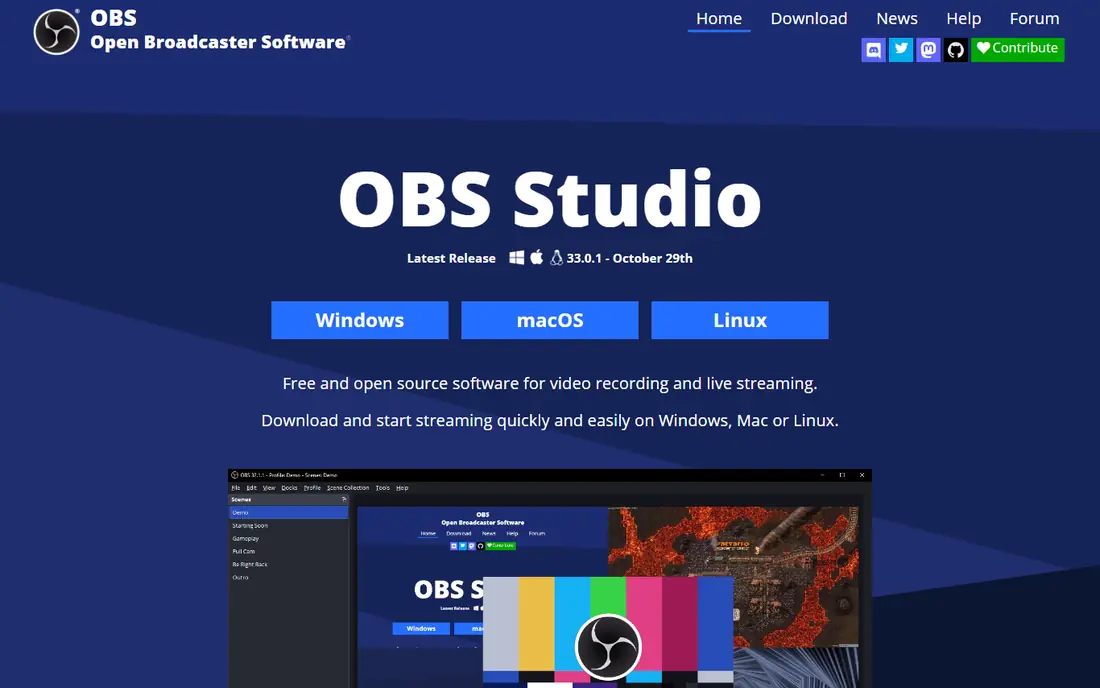
OBS Studio is free production software that many creators pair with a relay service. You can build scenes, mix cameras and screen shares, add text and images, and send the result to a streaming service or to a relay. The plugin community adds tools for chat, audio filters and remote guests, but those pieces need setup and testing.
OBS Studio on its own does not send your stream to many platforms at once, so it is not a direct replacement for the relay part of Restream. Its strength is control at zero cost, on Windows, Mac and Linux. Pick it if you enjoy building your own setup, and pair it with a relay from this list when you need multistreaming.
- Free and open source
- Scenes, sources and filters
- Large plugin community
- No built in multistreaming
- Setup takes time
- No hosted guest studio

Streamlabs builds on a similar production base to OBS Studio, then adds creator tools such as alerts, chat boxes, overlays and tip widgets. The paid Ultra plan adds multistreaming, including dual output to one horizontal and one vertical platform, plus extra themes and apps. That bundle suits game streamers and solo creators who want a polished show without assembling many separate tools.
The free version covers basic streaming, but the fuller multistreaming and premium theme features sit behind Ultra, priced at 15.75 dollars per month when billed annually. Streamlabs also feels heavier than plain OBS Studio, so creators with modest computers should test performance before a live show. Choose it when the alert and overlay bundle saves you real setup time.
- Alerts, overlays and widgets in one suite
- Multistreaming on paid plans
- Strong for game streaming
- Some features need the paid Ultra plan
- Heavier than OBS Studio for simple streams
vMix is professional live production software for Windows. It handles multiple cameras, instant replay, graphics, audio mixing and streaming, and higher editions add ISO recording of separate inputs. Many churches, schools, sports producers and event teams use it as the centre of a full production setup rather than as a simple relay.
Pricing is different from most tools here. Basic HD costs 60 dollars as a one-time licence, while HD, 4K and Pro editions cost 350, 700 and 1,200 dollars respectively, plus a monthly MAX option. That one-time model can be good value over time, but it is Windows only and it rewards a strong computer and some production skill. Choose vMix when production quality is the priority and you already run Windows hardware.
- Professional switching and mixing
- ISO recording on higher editions
- One-time licences available
- Windows only
- Higher editions cost much more
- Needs a capable computer
OneStream Live is built for creators who plan ahead. You can upload a pre-recorded video, schedule it, build a playlist and send it to several platforms, which suits webinars, product launches and repurposed content. The built in studio supports guests, branding, screen sharing and chat, so it can also host a live show when needed.
The free plan covers a small number of destinations at lower resolution, and the Basic paid plan costs 15 dollars per month. More destinations, longer scheduling and always on features need higher plans, so check the destination count for the plan you need. Pick OneStream Live when scheduled and pre-recorded distribution is a core part of your publishing plan.
- Pre-recorded and scheduled streaming
- Studio with guests
- Free plan available
- Higher plans needed for many destinations
- 24/7 features sit on higher tiers
Switchboard Live is a cloud relay for creators who already produce a feed in OBS Studio, vMix, Wirecast or a hardware encoder. You send one stream to Switchboard Live, and it copies that feed to your chosen platforms, with scheduling and monitoring in the browser. That model keeps production in the tool you already trust, while distribution stays in the cloud.
The Indie plan costs 35 dollars per month and covers a set number of destinations, team members and monthly hours at 720p. Higher plans add destinations, hours and 1080p output. There is no guest studio of the StreamYard kind, so interview shows still need a separate studio tool. Choose Switchboard Live when you already have a production setup and just need reliable distribution.
- Sends one encoder feed to many destinations
- Scheduling and monitoring
- Simple cloud workflow
- No built in guest studio
- Entry plan caps hours and resolution
Castr suits channels that need to stay live around the clock or follow a schedule without a person at a desk. You can run a looping playlist, schedule pre-recorded content and send the output to several platforms, which works for music channels, TV style streams, shop streams and event replays. Cloud playout means the stream keeps running even if your local computer goes offline.
Castr is a distribution tool first, so it does not host guest interviews in the way StreamYard does. Paid plans start at 16.67 dollars per month when billed annually, with a trial rather than a free plan. Pick Castr when uptime, scheduling and continuous playout matter more than a studio interface.
- 24/7 and scheduled streams
- Cloud playout
- Broad destination support
- No guest studio
- Trial only rather than a lasting free plan
Riverside is best known for recording podcasts with a separate track for each guest, recorded locally for higher quality. The Grow plan adds live streaming to several platforms, so a podcast team can record and go live in the same session, then edit clips from the same project. That combined workflow saves time for shows that publish both a live stream and an edited episode.
The catch is plan level. Live multistreaming sits on the Grow plan, priced at 34 dollars per month when billed annually, rather than on the entry plan. Creators who only go live and never edit a podcast may find a simpler relay cheaper. Choose Riverside when recording quality and post show editing are just as important as the live broadcast itself.
- Separate high quality tracks per guest
- Live streaming on Grow plans
- Editing tools included
- Multistreaming needs a paid Grow plan
- Recording focus may be more than live-only creators need
How we picked these
We compared official feature pages, pricing pages and public documentation for tools that stream live, distribute to several platforms, host guests or produce a live show. We kept only tools that are live in October 2026 and that cover at least one core Restream job: multistreaming, guest studio work or live production. We left Restream itself off the list, since this article is about alternatives to it. Prices are starting paid prices from vendor pages and roundups checked in October 2026, and they can change, so confirm the current plan before you buy.
What to check before you switch
Studio or relay first
Decide if you need a guest studio, a relay, or both. StreamYard and Riverside host guests well, while Switchboard Live and Castr distribute a feed you already produce. OBS Studio and vMix produce the show but do not distribute it to many platforms on their own. Buying a studio when you need a relay, or the reverse, is the most common mistake in this category.
Destinations, resolution and hours
Free and entry plans cap the number of destinations, the output resolution and the monthly streaming hours. List the platforms you must reach, the resolution your audience expects and how many hours you stream each month, then match those numbers to a plan. Also check each platform's rules on simulcasting, since some platforms restrict streaming the same content elsewhere at the same time.
Guests, chat and recordings
Check how guests join, how chat from several platforms appears in one place and how recordings are stored. Local recordings help podcast teams, while unified chat helps hosts who answer viewers live. Storage limits and expiry rules matter too, since some plans delete recordings after a short period.
Test before a real show
Run a private test stream to every destination you plan to use, with the same computer, internet connection and guest setup as a real show. Watch for audio delay, dropped frames and chat problems, and test what happens if a guest drops out. A short test saves a difficult live show, and it shows if your computer can handle the production tool you chose.
Frequently asked questions
What is the best free alternative to Restream?
OBS Studio is free for production, but it does not multistream on its own, so pair it with a relay that offers a free plan. OneStream Live and StreamYard both offer free tiers with limits, and Streamlabs offers free dual output in its free tier. For a truly free relay with several destinations, check the current free plan limits carefully, since they change often.
Are there good alternatives to Restream for beginners?
StreamYard is the easiest starting point for guest shows, since guests join from a browser and the host controls the layout. OneStream Live is also friendly for scheduled and pre-recorded streams. Beginners who want full control at no cost can learn OBS Studio, but they should expect a longer setup time.
Which Restream alternative is best for gaming?
Streamlabs suits many game streamers because alerts, overlays and widgets sit in the same suite as the stream. OBS Studio is the free alternative with the most flexibility, and vMix suits larger Windows based productions. The right pick depends on your computer, your overlay needs and how many platforms you stream to at once.
Can I stream pre-recorded videos as if they were live?
Yes. OneStream Live and Castr both support scheduled and pre-recorded streaming, with playlists and looping on higher plans. Check the destination count and scheduling limits on the plan you choose, and make sure the platforms you use allow pre-recorded content presented as a live stream under their current rules.
Do I need an encoder with these alternatives?
Browser studios such as StreamYard and Riverside do not need a separate encoder, since the browser handles the stream. Relays such as Switchboard Live and Castr expect a feed from OBS Studio, vMix, Wirecast or a hardware encoder. Production tools such as OBS Studio and vMix act as the encoder themselves.
What is the cheapest paid alternative to Restream?
OneStream Live and Castr offer low entry paid plans, and Streamlabs Ultra is also priced below many studio plans. The cheapest option for your setup depends on destinations, hours and resolution, so compare the plan that covers your actual use rather than the lowest headline price.
Sources
See where you really rank - block by block
ProMapRanker scans Google Maps across a grid of your service area. Simple monthly plans from $19, white-label on every plan.
Start freeKeep reading
 zscaler alternatives
Best Zscaler Alternatives in 2026
Looking for zscaler alternatives? We compare 9 SASE and zero trust platforms on architecture, data protection, pricing, and fit for your network and team.
Read → zapier alternatives free
Best Zapier Alternatives Free in 2026
Nine automation tools for zapier alternatives free in 2026, all with genuinely free tiers, plus free plan limits, starting prices and upgrade paths explained.
Read → which platform is best for online reputation
Which Platform Is Best for Online Reputation in 2026
Wondering which platform is best for online reputation? We compare 8 review, listing, and response tools for small and multi-location businesses and agencies.
Read →