 ProMapRanker
Remove.bg Alternatives in 2026

Key takeaways
- Adobe Express is the best free starting point for single images, with background removal included in its free tier.
- PhotoRoom is the strongest choice for online sellers who need batch work and listing ready images.
- Canva suits teams that already design in Canva and want removal inside a larger design workflow.
- Slazzer and Removal.AI suit developers and high volume users who think in credits rather than monthly seats.
- Free tiers often limit resolution, add watermarks, or limit commercial use, so check export terms before you build a workflow on one.
Quick comparison
| Pick | Great for | Pricing starts at | Free tier | |
|---|---|---|---|---|
 Adobe Express | Free single image removal | Free | Yes | Visit |
 PhotoRoom | Ecommerce product photos | $12.99 per month | Yes | Visit |
 Canva | Removal inside design work | Free | Yes | Visit |
 Slazzer | API and bulk removal | See website | Free trial | Visit |
 Removal.AI | Low cost credit removal | See website | Yes | Visit |
 Fotor | Removal plus general editing | Free | Yes | Visit |
 Pixlr | Browser photo editing | Free | Yes | Visit |
 Clipping Magic | Precise manual touch ups | See website | Free trial | Visit |
The best remove.bg alternatives
Remove.bg became popular for one click background removal, and these alternatives cover the same job for different users. Some focus on single images in a browser, others on batch product photos, and a few on developer APIs. We compared them on removal quality for hair and edges, batch support, export resolution, and pricing terms.

Adobe Express offers background removal as part of a broader design tool, and its free tier makes it an easy first test for anyone who only removes backgrounds now and then. You upload an image, remove the background, and place the cutout into a social post, flyer, or presentation without switching apps. That workflow suits small businesses and creators who already make graphics in Express.
The main limit is scale. Express is not built as a high volume batch engine in the same way as PhotoRoom or Slazzer, so sellers with hundreds of product photos may find a specialist tool faster. For single images and light design work, though, Express is hard to beat on price and simplicity.
- Background removal in the free tier
- No watermark on many exports
- Design tools included
- Batch work is more limited than specialist tools
- Premium features need a paid plan
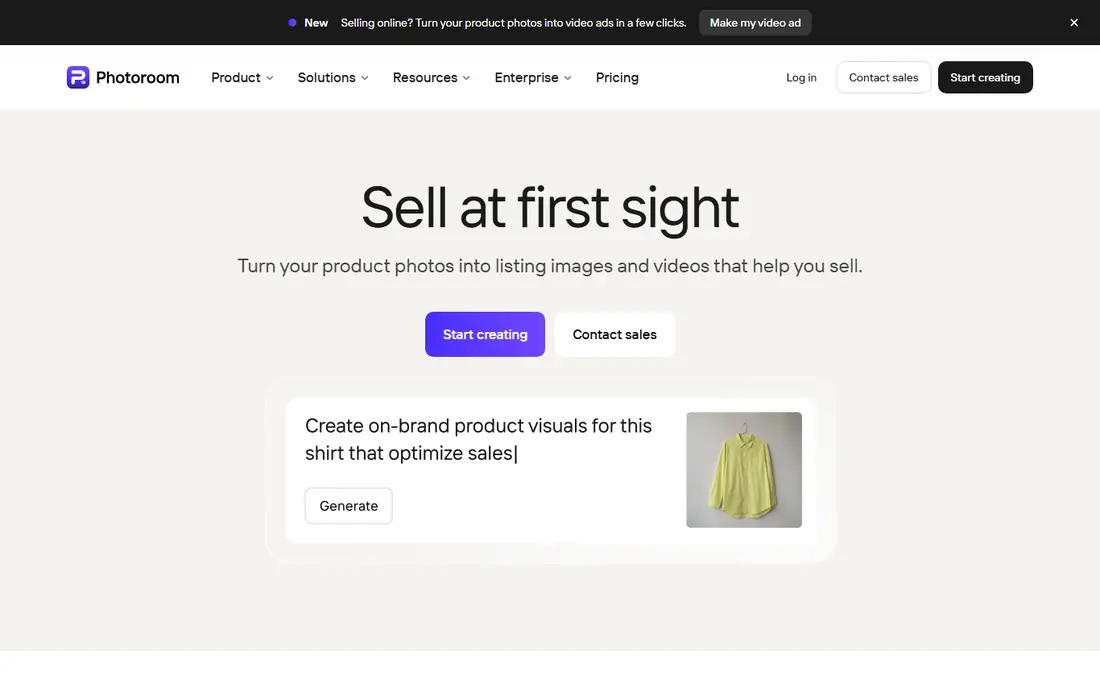
PhotoRoom is built for online sellers. You can remove backgrounds in batches, add studio style backgrounds, adjust shadows, and export images sized for marketplaces. That end to end flow is why many sellers choose PhotoRoom over a single image remover, because the time saved on staging and resizing adds up across a catalog.
The free tier is useful for testing, but free exports carry limits that matter for commercial listings, so sellers should check the paid plan terms. If you process product photos every week, the monthly price is easier to justify than if you remove one image a month.
- Batch processing
- Product staging and backgrounds
- Listing ready exports
- Free exports carry limits
- Monthly price is higher than credit tools for occasional use

Canva is a good choice when background removal is one step inside a larger design job. You remove the background, drop the cutout into a template, add text, and export a finished post or ad in the same place. Teams that already use Canva for social posts, presentations, and print will find this workflow faster than moving images between separate tools.
The catch is that the background remover itself is a Pro feature, even though Canva has a free tier. If you only need removal and you do not use Canva templates, a free tool such as Adobe Express may be cheaper. If you already pay for Canva Pro, removal is a useful included extra.
- Removal inside a full design suite
- Large template library
- Easy team sharing
- Background remover needs a Pro plan
- Free tier alone does not include it
Slazzer suits teams that need to automate background removal rather than edit one image at a time. Its API lets developers send images and receive cutouts in a pipeline, and its web tool supports bulk uploads for catalog work. Previews help you check quality before you spend credits on a full resolution export.
Credit systems reward careful planning. If you only remove a few images a month, a monthly subscription elsewhere may be simpler. If you run a pipeline with variable volume, Slazzer credit model can be easier to scale than a fixed seat price.
- API for automation
- Bulk upload support
- Preview before spending credits
- Credit pricing needs careful tracking
- Design tools are thinner than Canva
Removal.AI keeps the focus narrow: upload an image, get a cutout, download it. That simplicity suits occasional users and small sellers who do not want a full design suite. Its credit pricing can also work out cheaper than a monthly plan for people who remove images in bursts rather than every week.
The trade off is breadth. You will not get the staging, templates, or marketplace export tools that PhotoRoom offers. If your main need is clean cutouts at a low cost, Removal.AI is a practical alternative, but check the current credit price and free tier limits before you commit.
- Low cost credit options
- Simple web tool
- Preview resolution downloads for testing
- Fewer design features than PhotoRoom
- High resolution exports use credits
Fotor combines background removal with general photo editing, filters, and design templates. That mix suits marketers and small business owners who want to remove a background, adjust brightness, and add text without learning a complex editor. Paid plans add batch work and higher resolution exports.
Free use is workable for testing, but export limits and watermarks can affect commercial work, so check the plan terms for the images you plan to publish. If you want one tool for light editing plus removal, Fotor is a reasonable middle ground.
- Background removal plus photo editing
- Batch options on paid plans
- Templates included
- Free exports carry limits
- Interface includes many upsell prompts
Pixlr is a browser based photo editor with AI background removal built in. It suits users who want more control than a one click tool, because you can refine edges, adjust layers, and edit the image after removal. No install is needed, which helps on shared or low storage computers.
The free tier is ad supported and includes limits on AI credits and exports, so heavy users will need a paid plan. If you already edit photos in a browser and you want removal as part of that workflow, Pixlr gives you more editing room than a single purpose remover.
- Full browser editor
- AI cutout tools
- No install needed
- Free tier includes ads and limits
- AI credits can run out on heavy use
Clipping Magic is different from most tools here because it gives you manual control over edges. You can mark foreground and background areas and refine tricky parts such as hair, fur, and transparent objects. That control suits product photos, portraits, and catalog images where an automatic cutout leaves rough edges.
It is slower for large batches, because manual refinement takes time per image. For high volume work, an automatic tool plus a manual pass on problem images is often faster. For images where quality matters more than speed, Clipping Magic is worth trying.
- Manual edge refinement
- Good for hair and complex edges
- Preview before purchase
- Slower than one click tools for large batches
- Credit based pricing
How we picked these
We compared official pricing pages, product documentation, and public reviews to check that each tool is still available in October 2026. We favored tools that offer a working web remover, clear export terms, and a real free tier or trial, and we avoided listing remove.bg itself in its own alternatives guide. Where a vendor uses credit pricing that changes by pack size, we wrote See website rather than quoting a single figure that could mislead.
Choosing the right background remover
Start with volume. A single image a week calls for a free tool such as Adobe Express. A catalog of product photos calls for batch tools such as PhotoRoom or Slazzer. A developer pipeline calls for an API tool with clear per image pricing and preview support.
Check edges on your own images
Automatic removal quality varies by image type. Hair, glass, shadows, and busy backgrounds are harder than a plain product shot on white. Test each shortlisted tool on five of your own hardest images before you pay, and check the edges at full size, not just in a small preview.
Read the export and commercial terms
Free tiers often limit resolution, add watermarks, or restrict commercial use. If you plan to publish images on a store, ad, or client project, confirm that your plan allows commercial use at the resolution you need. That check avoids a costly rework later.
Frequently asked questions
Which remove.bg alternative is free?
Adobe Express offers background removal in its free tier, and Canva, Fotor, and Pixlr also offer free tiers, though some features and exports are limited. Always check the current free tier terms on the vendor site.
Which tool is best for online sellers?
PhotoRoom is built for sellers, with batch processing, staging backgrounds, and marketplace sized exports. Slazzer and Removal.AI also suit sellers who prefer credit pricing or API automation.
Can I remove backgrounds in batches?
Yes, PhotoRoom, Slazzer, and Fotor offer batch options on paid plans, and some other tools support batch work through an API. Check the plan details, because batch limits differ by tool.
How do I fix rough edges around hair?
Use a tool with manual refinement, such as Clipping Magic or Pixlr, and zoom in to check edges at full size. For automatic tools, a clean, well lit original photo gives the best result.
Do these tools keep my images private?
Policies differ, so read the privacy policy for the tool you choose, especially for client or personal photos. Avoid uploading sensitive images to a tool whose retention policy you have not checked.
Sources
See where you really rank - block by block
ProMapRanker scans Google Maps across a grid of your service area. Simple monthly plans from $19, white-label on every plan.
Start freeKeep reading
 zoho inventory alternatives
6 Alternatives to Zoho Inventory, Compared on Price and Fit
Zoho Inventory alternatives: 6 tools compared on price, free plans and fit. Katana leads the list for manufacturers. Fit and flaws are laid out for each entry.
Read → zoho crm alternatives
Best Zoho CRM Alternatives (2026)
Need Zoho CRM alternatives? We compare 7 tools on cost, free access and who each suits. Every pick gets a straight assessment. Built for quick decisions.
Read → zelle alternatives
Best Zelle Alternatives in 2026
Compare the best Zelle alternatives for sending money to friends, paying sellers and moving funds abroad, with honest notes on fees, speed and safety in 2026.
Read →