 ProMapRanker
Best RemotePC Alternatives in 2026

Key takeaways
- Chrome Remote Desktop and RustDesk are the free routes, with Chrome Remote Desktop the simplest and RustDesk the self-hosted option for technical teams.
- TeamViewer is the best-known all-rounder, but its business pricing is high, and its free tier is for personal use only.
- AnyDesk wins on speed for demanding sessions, while Splashtop and Zoho Assist offer strong value for support teams.
- ScreenConnect, RealVNC, and LogMeIn suit teams that need technician controls, cross-platform access, or a simple premium product.
Quick comparison
| Pick | Great for | Pricing starts at | Free tier | |
|---|---|---|---|---|
 TeamViewer | General remote access | $24.90 per month | Yes | Visit |
 AnyDesk | Fast low-latency sessions | $28.90 per month | Yes | Visit |
 Splashtop | Affordable team access | $5 per month | Free trial | Visit |
 Zoho Assist | Small support teams | $12 per month | Yes | Visit |
 ConnectWise ScreenConnect | MSPs and IT departments | See website | Yes | Visit |
 Chrome Remote Desktop | Free personal access | Free | Yes | Visit |
 RustDesk | Self-hosted open source access | Free | Yes | Visit |
 RealVNC Connect | Cross-platform VNC access | $8.25 per month | Free trial | Visit |
 LogMeIn Pro | Simple premium access | $30 per month | Free trial | Visit |
The best RemotePC alternatives
RemotePC is known for cheap always-on access to your own computers. These nine tools cover the same job, from free personal access to full support-team platforms.
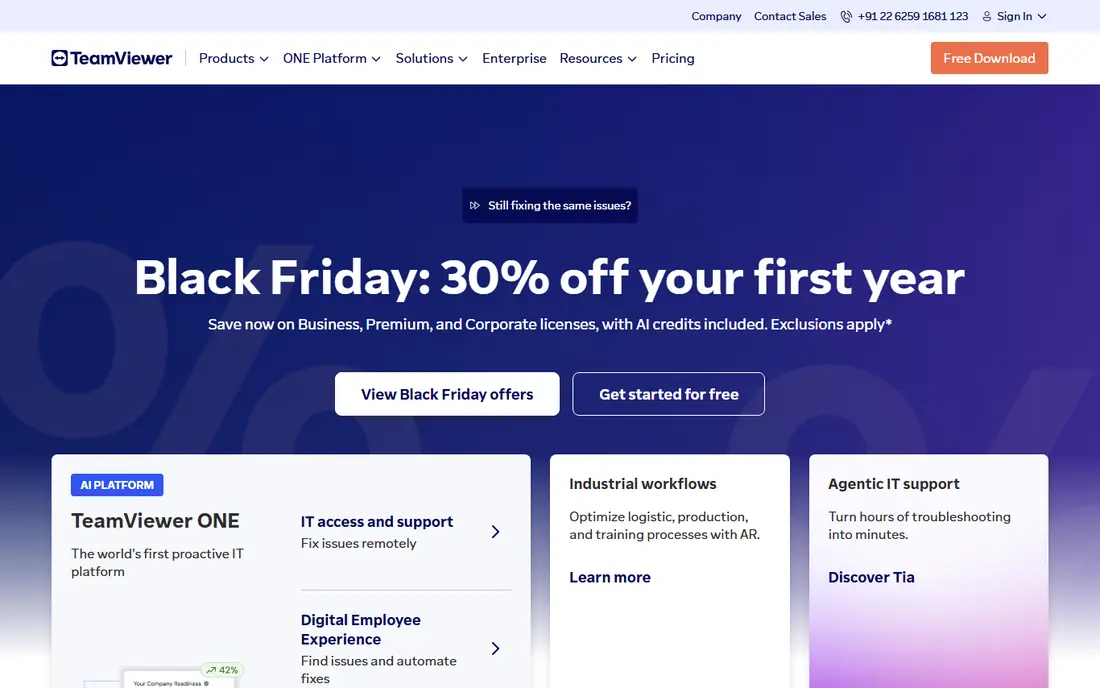
TeamViewer is the tool most people already know, and that familiarity is a practical advantage. It runs on Windows, Mac, Linux, iOS, and Android, and its management console covers unattended access, file transfer, and session controls in one place. When you need to help a colleague or a client who has never used remote software, the chance they already have TeamViewer, or can install it quickly, saves time.
The price is the main drawback. Business plans cost far more than a personal remote tool, and the free personal tier is not for business use and can be flagged if it looks commercial. We would pick TeamViewer for a business that needs broad compatibility and a mature console, and we would price the exact business plan before assuming the free tier will work.
- Widely supported across platforms
- Strong management console
- Free for personal use
- Business pricing rises fast
- Free tier can flag suspected commercial use

AnyDesk is built for speed. Its DeskRT codec keeps sessions responsive even on slower connections, which matters for design work, video, or a remote session where lag makes the job painful. The client is small and quick to install, and it runs across desktop and mobile platforms. For a user who connects every day, that responsiveness is easy to feel.
The plan structure needs attention. The Solo plan covers one connection and one licensed user, so a team needs a higher plan for concurrent work. Business pricing is also higher than Splashtop or Zoho Assist. We would pick AnyDesk for a user or team where session speed is the top priority, and we would check connection limits against real daily use.
- Low-latency performance with its DeskRT codec
- Small download
- Cross-platform
- Solo plan limits connections
- Business pricing is higher than budget tools
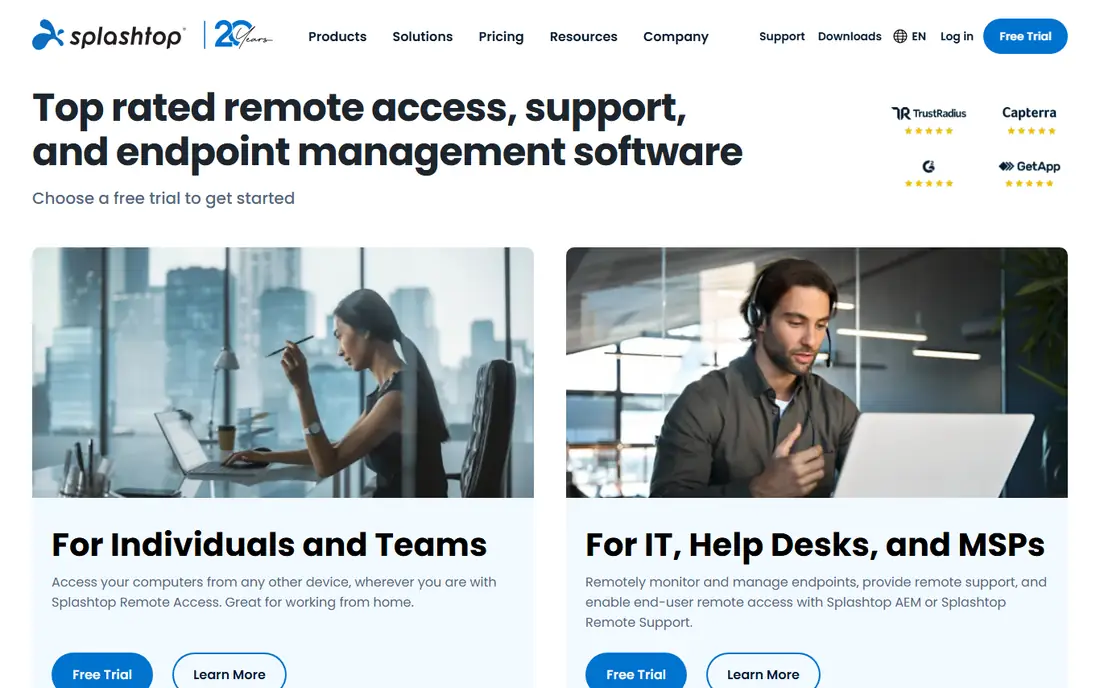
Splashtop is the value pick for a team that needs remote access without TeamViewer pricing. Its Business Access plans start at a low per-user price, and its support plans cover attended sessions for help desks. Streaming quality is strong for everyday work and for media-heavy sessions, and setup is simple for both the host and the person connecting. Small businesses and schools use it for that mix of price and quality.
The catch is plan choice. Splashtop sells separate access and support products, and features such as multi-monitor, file transfer, and remote printing vary by plan. A buyer should match the plan to the exact job, access to your own machines or support for other people, before paying. We would pick Splashtop for a small team that wants good value and does not need enterprise compliance features.
- Low per-user price for business access
- Good streaming quality
- Support and access plans
- Plan differences can confuse
- Some features need higher tiers
Zoho Assist suits a small support team that wants a clean, low-cost tool. It covers both attended sessions, where a user joins and approves, and unattended access to machines you manage, with file transfer and multi-monitor support on paid plans. The free plan lets a tiny team test the flow, and the per-technician price stays low as the team grows slowly. If you already use Zoho products, the shared login and billing are a bonus.
The limit is depth. Zoho Assist does not match the enterprise management, compliance, or reporting depth of larger platforms, and its interface is plain rather than rich. For a help desk with a handful of technicians, that plainness is fine. We would pick Zoho Assist for a small team or a freelancer doing support, and we would look elsewhere for a large MSP platform.
- Low per-technician price
- Free plan for light use
- Unattended and attended sessions
- Interface is simpler than enterprise tools
- Advanced reporting is limited
ScreenConnect, from ConnectWise, is built for support teams and MSPs. Its per-concurrent-technician model means you pay for technicians working at the same time, not for every staff member, which can save money for a team with staggered shifts. It includes session tools, file transfer, chat, and remote commands that a help desk uses daily, and it integrates with ConnectWise management products.
Pricing varies by plan, and the exact monthly cost depends on the tier and billing term you choose, so a team should get a current quote. Setup also needs more care than a personal remote tool, because it is a support platform, not just a viewer. We would pick ScreenConnect for an MSP or IT department that runs support as a core job, and we would use the free single-technician option to test it first.
- Per-technician pricing for concurrent sessions
- Strong support tools
- Free single-technician option
- Pricing varies by plan and term
- Setup takes more care than a personal tool
Chrome Remote Desktop is the simplest free option on this list. You install it from a browser, link it to a Google account, and access your own computers from another desktop or a phone. There is no subscription, no per-computer fee, and no complex console to learn. For a person who just needs to reach a home computer from a laptop, it does the job with minimal fuss.
The feature set is basic. It lacks the technician controls, session reporting, and management depth of a paid support tool, and it is best for personal use rather than a business support desk. Security depends on your Google account, so strong passwords and two-factor authentication matter. We would pick Chrome Remote Desktop for free personal access, and we would not try to run a support business on it.
- Completely free
- Browser-based setup
- Works across desktop and mobile
- Basic feature set
- No advanced support-team tools
RustDesk is an open source remote desktop tool that a technical team can run on its own server. That self-hosted option gives control over data routing and infrastructure, which matters for teams with strict privacy or compliance needs. The client is free, it runs across platforms, and it includes file transfer, chat, and multi-monitor support for everyday sessions. A paid hosted option exists for teams that do not want to run a server.
The cost is effort. Self-hosting needs a server, updates, and troubleshooting skill, and support comes from the community rather than a vendor help desk. A non-technical user will find Chrome Remote Desktop or a paid tool easier. We would pick RustDesk for a technical team that wants open source control and is happy to run its own relay server.
- Free and open source
- Self-hosted server option
- End-to-end encryption
- Self-hosting needs technical skill
- Support is community-based
RealVNC Connect is the modern form of the classic VNC remote access standard. It runs on Windows, Mac, Linux, and Raspberry Pi, as well as mobile, which makes it useful for mixed estates and for devices that other tools cover less well. Unattended access, file transfer, and multi-factor authentication are included on paid plans, and the per-device pricing model is easy to understand for a small fleet.
The interface is plain compared with TeamViewer or Splashtop, and some advanced features sit on higher plans. It is also less of a full support platform than ScreenConnect. We would pick RealVNC Connect for a cross-platform team, a Raspberry Pi setup, or a small fleet that wants a stable, standards-based tool at a modest price.
- Long-standing VNC standard
- Cross-platform clients
- Unattended access and file transfer
- Interface feels plain
- Some features need higher plans
LogMeIn Pro is a straightforward premium remote access product for individuals and small teams. It covers unattended access to your own computers, multi-monitor viewing, file transfer, and remote printing, with a simple console that does not need IT skill to run. Security options include two-factor authentication, which matters for always-on access to a home or office machine.
The price is the main weakness. At $30 per month for an individual plan, it costs far more than Chrome Remote Desktop, RustDesk, or Splashtop for a similar personal job. It also lacks the technician and MSP depth of ScreenConnect. We would pick LogMeIn Pro for a user who wants a simple, supported premium product and is willing to pay for that simplicity.
- Simple setup for personal and small-team access
- Multi-monitor and file transfer
- Strong security options
- Higher price than budget rivals
- Less support-team depth than MSP tools
How we picked these
We compared official pricing pages, feature pages, and public documentation for remote desktop tools that are live in October 2026, and we checked each tool against the core RemotePC job: reliable unattended access, attended support sessions, file transfer, and cross-platform clients. We favoured tools with published prices, active maintenance, and a clear fit for personal, team, or MSP use. We did not run live remote sessions on production machines for this guide, and we did not claim hands-on testing that did not happen.
What to check before you switch
Start with the job type. Access to your own computers, support for other people, and MSP work need different tools, and a tool that is perfect for personal access may lack the technician controls a help desk needs. Count computers, technicians, and concurrent sessions separately, because vendors price by different units and the cheapest headline price can change once you count correctly.
Next, check security. Always-on access needs strong passwords, two-factor authentication, and a clear list of who can connect to each machine. Review the vendor security page, turn on session logging if it is available, and remove old devices and accounts promptly. A cheap tool with weak access control is a poor bargain for a business machine.
Finally, test performance on your real connection. Run a session on the slowest link you use, check multi-monitor behaviour, file transfer speed, and audio if you need it, and confirm mobile access works if you connect from a phone. A short trial on your actual machines tells you more than a feature list.
Frequently asked questions
What are RemotePC alternatives?
RemotePC alternatives are remote desktop tools that give you access to your own computers or let you support other people, in place of RemotePC. TeamViewer, AnyDesk, Splashtop, Zoho Assist, and Chrome Remote Desktop are common options. The best fit depends on if you need personal access, team access, or a full support platform.
Which RemotePC alternative is free?
Chrome Remote Desktop is free for personal use, and RustDesk is free and open source with a self-hosted option. TeamViewer and AnyDesk also offer free personal tiers, but those tiers are not for business use. For a business, Splashtop and Zoho Assist offer the lowest paid starting prices on this list.
Is RemotePC cheaper than TeamViewer?
RemotePC is known for low per-computer pricing for always-on access, while TeamViewer business plans cost more per user. The comparison depends on how many computers and users you have, because RemotePC prices by computer and TeamViewer prices by user or seat. Count both sides for your exact setup before you decide.
What is the fastest remote desktop tool?
AnyDesk is often cited for low-latency performance, thanks to its DeskRT codec, and Splashtop also performs well for media-heavy sessions. Real speed depends on your connection, the remote machine, and the workload, so test both on your own network if speed is the deciding factor.
Can I use these tools on a phone?
Yes. TeamViewer, AnyDesk, Splashtop, Chrome Remote Desktop, RustDesk, and RealVNC all offer mobile apps for viewing and controlling a remote computer. Mobile control works best for quick checks and simple tasks, while long work sessions are easier from a desktop with a full keyboard and screen.
Are remote desktop tools safe?
They are safe when set up well, with strong passwords, two-factor authentication, and access limited to trusted accounts. Risk rises when always-on access is left open with a weak password or an old account. Turn on two-factor authentication, review connected devices regularly, and remove access you no longer need.
Sources
See where you really rank - block by block
ProMapRanker scans Google Maps across a grid of your service area. Simple monthly plans from $19, white-label on every plan.
Start freeKeep reading
 zscaler alternatives
Best Zscaler Alternatives in 2026
Looking for zscaler alternatives? We compare 9 SASE and zero trust platforms on architecture, data protection, pricing, and fit for your network and team.
Read → zapier alternatives free
Best Zapier Alternatives Free in 2026
Nine automation tools for zapier alternatives free in 2026, all with genuinely free tiers, plus free plan limits, starting prices and upgrade paths explained.
Read → which platform is best for online reputation
Which Platform Is Best for Online Reputation in 2026
Wondering which platform is best for online reputation? We compare 8 review, listing, and response tools for small and multi-location businesses and agencies.
Read →