 ProMapRanker
Best Remember the Milk Alternatives in 2026

Key takeaways
- Todoist is the closest modern replacement, with fast natural-language input and a clean list structure.
- TickTick offers the best value for most people, adding a calendar, habit tracker, and focus timer to the same app.
- Microsoft To Do and Google Tasks are free and simple, and they suit anyone already inside those ecosystems.
- Things 3 and OmniFocus suit Apple-focused power users, but both lock you into Apple devices or a higher price.
Quick comparison
| Pick | Great for | Pricing starts at | Free tier | |
|---|---|---|---|---|
 Todoist | Fast task capture | $4 per month | Yes | Visit |
 TickTick | Tasks plus calendar and habits | $3 per month | Yes | Visit |
 Microsoft To Do | Free simple lists | Free | Yes | Visit |
 Any.do | Everyday lists and calendar | $2.99 per month | Yes | Visit |
 Things 3 | Calm Apple task manager | $9.99 one-time | No | Visit |
 Google Tasks | Free Google lists | Free | Yes | Visit |
 OmniFocus | Deep Apple task control | $9.99 per month | Free trial | Visit |
 ClickUp | Tasks inside team projects | $7 per user per month | Yes | Visit |
 Trello | Visual task boards | $5 per user per month | Yes | Visit |
The best Remember the Milk alternatives
Remember the Milk built its name on simple lists, smart lists, reminders, and repeat tasks. The apps below cover the same core job, from minimal lists to fuller productivity suites, so the right pick depends on how much extra structure you want around your tasks.
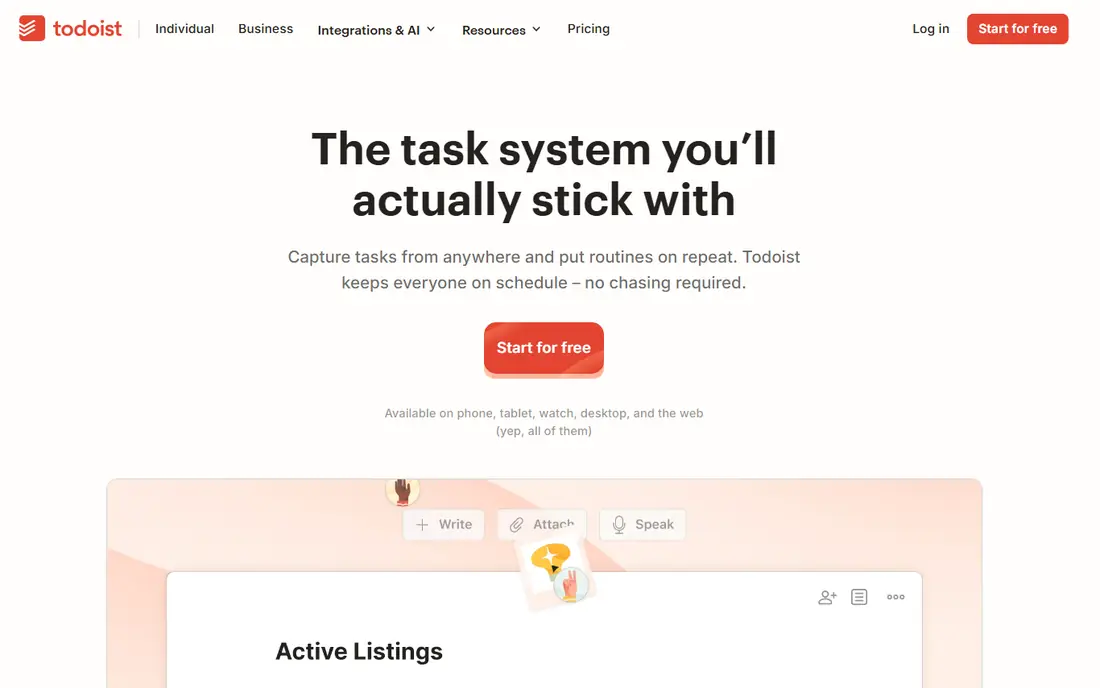
Todoist wins on capture speed, which is the feature that decides whether a task app survives daily use. Type a task with a date, time, and project in plain language, and Todoist sorts it correctly. Projects, labels, and filters then let you slice the same list by person, context, or deadline without rebuilding it.
The free plan is usable but limited, with reminders and fuller filtering behind Pro. At four dollars a month billed annually, Pro is still modest, and it adds the AI task assistant and larger file uploads. For most people moving from Remember the Milk, Todoist feels familiar and faster.
- Excellent natural-language input
- Clean cross-platform apps
- Projects, labels, and filters
- Reminders and labels require Pro
- Free plan limits projects and filters
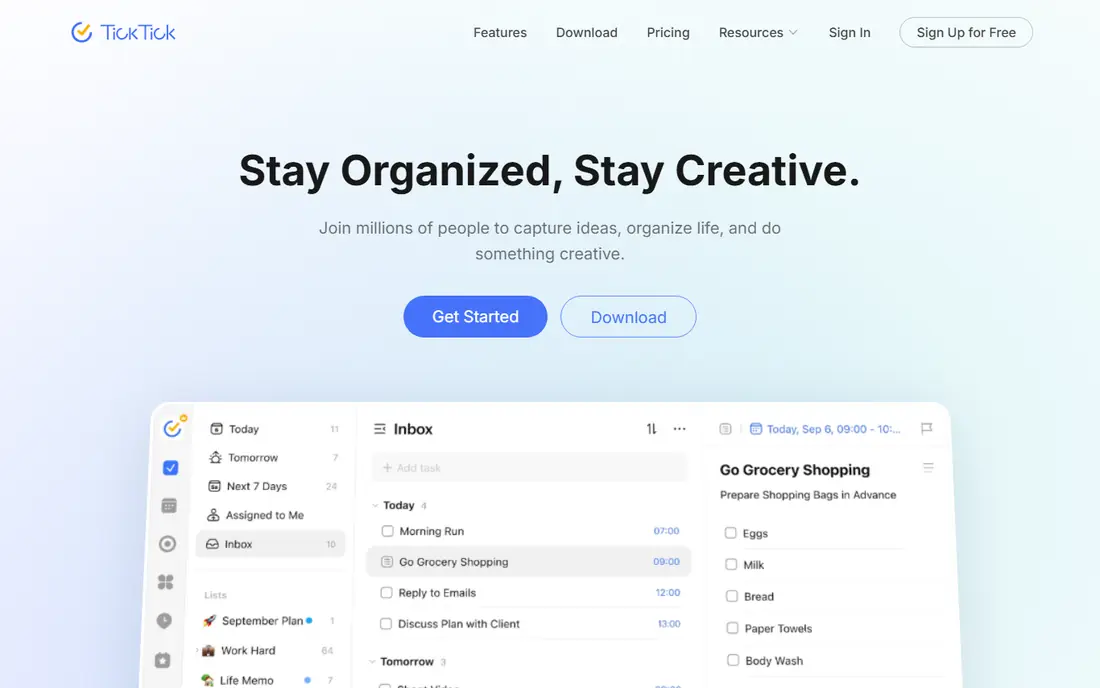
TickTick is the value pick because it replaces three apps at once. Tasks sit next to your calendar, habits get their own tracker, and a Pomodoro timer helps with focused work, all inside one subscription. The free tier covers nine lists and basic habits, which is enough for many users without paying.
The cost of that breadth is a busier interface. If you want a calm, minimal list, Todoist or Things 3 will feel cleaner. If you want one app for tasks, habits, and your day, TickTick is hard to beat at about three dollars a month billed annually.
- Calendar view, habit tracker, and Pomodoro timer included
- Generous free tier
- Low annual price
- Interface is busier than Todoist
- No strong team plan
Microsoft To Do is the simplest free replacement, and it is already available to anyone with a Microsoft account. Lists, steps, reminders, and a My Day view cover daily planning, and Outlook integration means tasks and email live close together. There is no subscription to manage.
Power users will notice gaps, especially around recurring tasks and natural-language dates, which are weaker here than in Todoist or TickTick. If your needs are simple and you already use Microsoft tools, those gaps may not matter, and the price is unbeatable.
- Completely free
- Simple lists and reminders
- Integrates with Outlook and Microsoft 365
- Weaker recurring tasks and natural-language input
- Fewer power features than Todoist
Any.do appeals to people who want a pleasant everyday list rather than a power tool. Its calendar view, voice entry, and clean design make daily planning feel light, and family plans let households share lists without separate subscriptions. The free plan covers basic lists well.
Filtering and project depth are lighter than Todoist, so heavy task managers may feel constrained. For personal and household use, Any.do strikes a good balance between simplicity and polish.
- Friendly design and calendar view
- Voice task entry
- Family and team plans available
- Premium features are spread across tiers
- Less powerful filtering than Todoist
Things 3 is the calm classic for Apple users. Its Today, Upcoming, Anytime, and Someday structure helps you separate what matters today from what can wait, and the design stays out of the way. Pricing is a one-time purchase per device, starting with the iPhone app, which avoids another subscription.
The limits are clear: there is no Android, Windows, or web version, and no sharing or collaboration. If you live entirely on Apple devices and want a beautiful personal list, Things 3 is a joy. If you need cross-platform access, look elsewhere.
- Beautiful, calm design
- One-time purchase per device
- Today, Upcoming, and Someday views
- Apple only, with no Android or web version
- No collaboration or habits
Google Tasks is the lightest option here, and that is its strength. It lives inside Gmail and Google Calendar, so tasks appear where you already work, and it syncs across devices without a separate account. For simple shopping lists, follow-ups, and daily chores, it is enough.
It lacks the smart lists, tagging depth, and reminder flexibility that Remember the Milk users may miss. Pair it with Google Calendar for dates, or choose a fuller app if your task system needs more structure.
- Free and built into Gmail and Google Calendar
- Very simple to use
- Syncs across devices
- Few power features
- No smart lists or advanced reminders on its own
OmniFocus is the power-user choice for Apple fans who run a full getting-things-done system. Custom perspectives, forecasting views, and review cycles let you manage hundreds of tasks across projects and contexts without losing track. It is the most capable personal task manager on this list for complex lives.
That power comes with cost and complexity. The subscription is higher than Todoist or TickTick, and new users face a learning curve before the system clicks. For a complex personal workload on Apple devices, it earns the price. For simple lists, it is overkill.
- Deep perspectives, forecasting, and review tools
- Powerful for GTD-style systems
- Apple platform polish
- Higher price
- Apple-focused, with a learning curve for new users
ClickUp suits people whose tasks live inside team projects rather than alone. Tasks connect to docs, goals, timelines, and automations, so a personal list can grow into a team workspace without switching tools. The free tier is generous for solo use.
For a simple personal replacement, ClickUp is heavier than needed, and its breadth can distract from the daily list. If you already use it at work, or you want tasks plus project tools in one place, it is a strong choice.
- Tasks, docs, goals, and automations in one workspace
- Free tier for personal use
- Many views
- Can feel heavy for personal lists
- Setup takes time
Trello turns tasks into cards on boards, which suits visual planners. Move a card from To Do to Doing to Done, add checklists and due dates, and the state of a project is clear at a glance. The free tier covers basic boards, and setup takes minutes.
Long, detailed lists fit less naturally on boards than in Todoist or TickTick, and deeper automation requires paid plans. For household projects, trips, and team boards, Trello remains an easy, visual alternative.
- Visual boards that are easy to scan
- Simple drag-and-drop
- Free tier for basic boards
- Less suited to long text-heavy lists
- Advanced automation sits on higher tiers
How we picked these
We compared official feature pages, pricing pages, app store listings, and public reviews for each app, and we checked that each one was actively offered as a task manager in October 2026. We favoured apps with recurring tasks, reminders, and cross-device sync, and we included free, one-time, and subscription options so readers can match price to habit. Where a price could not be pinned down we wrote See website rather than guessing.
What to check before you switch
Start with capture, not features. Add ten real tasks to a trial app, including repeats and reminders, and see how fast that feels on your phone. If capture is slow, you will stop using the app no matter how good its other features look.
Next, check sync and reminders on every device you use, especially if you switch between phone and computer. Finally, export your Remember the Milk lists before closing the old account, and check that dates and repeats survive the import, since that step is where migrations usually lose detail.
Frequently asked questions
What is the closest Remember the Milk alternative?
Todoist is the closest modern match, with fast input, projects, labels, and reminders. TickTick is close too, with extra calendar and habit features for a similar price.
Which task app is completely free?
Microsoft To Do and Google Tasks are free with no paid tier required for core lists. Todoist, TickTick, Any.do, ClickUp, and Trello all offer free tiers with paid upgrades for extra features.
Can I import my Remember the Milk tasks?
Most apps accept CSV or third-party imports, but the quality varies by app. Export first, import into a trial, and check that due dates, repeats, and tags survived before you rely on the new list.
Is Things 3 worth paying for?
If you use only Apple devices and value calm design and one-time pricing, yes. If you need Android, web access, or sharing, a cross-platform subscription app is a better fit.
Do these apps work offline?
Most of them offer offline access on mobile and desktop, with sync when you reconnect. Check the exact app and plan, since offline behaviour can differ between free and paid tiers.
Sources
- https://www.todoist.com
- https://www.ticktick.com
- https://to-do.microsoft.com
- https://www.any.do
- https://culturedcode.com/things/
- https://tasks.google.com
- https://www.omnigroup.com/omnifocus
- https://www.clickup.com
- https://www.trello.com
- https://www.taskade.com/blog/best-todoist-alternatives
- https://theplainmanual.com/best-simple-todo-app/
See where you really rank - block by block
ProMapRanker scans Google Maps across a grid of your service area. Simple monthly plans from $19, white-label on every plan.
Start freeKeep reading
 zyte alternatives
Best Zyte Alternatives in 2026
These zyte alternatives cover managed scraping APIs, proxy networks and no code tools for lawful collection from your own or consented sources only in 2026.
Read → zerto alternatives
Best Zerto Alternatives in 2026
Compare the best zerto alternatives for disaster recovery and replication, with recovery targets, cloud options and honest trade-offs for teams in 2026.
Read → zerofox alternatives
Best ZeroFox Alternatives in 2026
We compared 9 zerofox alternatives for brand protection, phishing takedowns, dark web monitoring, and social impersonation, with clear coverage notes.
Read →